If you’re playing Free Fire on a Redmi phone and feel like your aim is off—too slow to track enemies or too jittery to hit shots—you’re probably using default sensitivity settings. Redmi devices have responsive touchscreens, but without the right sensitivity values, you’ll struggle with recoil control and target acquisition. This guide is for Redmi users who want to dial in their sensitivity settings for Free Fire. By the end, you’ll have a solid baseline to work from and know exactly how to tweak each scope for your playstyle.
After following these steps, you’ll notice smoother movement, easier spray control, and faster reaction times. We’ll walk you through accessing the sensitivity menu, recommended starting values, and how to test and adjust in the Training Ground. No complicated jargon—just practical, tested settings that work on Redmi phones running MIUI.
What You’ll Need
- A Redmi phone with Free Fire installed (any model, but settings may need minor tweaks per screen size)
- Stable internet connection (to avoid lag while testing)
- A quiet place to concentrate (Training Ground is best for initial calibration)
Step 1: Open Free Fire and Go to Settings
Launch Free Fire on your Redmi. On the main lobby screen, look for the gear icon in the top-right corner. Tap it to open the Settings menu. This is where all the gameplay tweaks live. If you have a Redmi with a notch or punch-hole camera, don’t worry—the settings interface scales properly.
Step 2: Navigate to the Sensitivity Tab
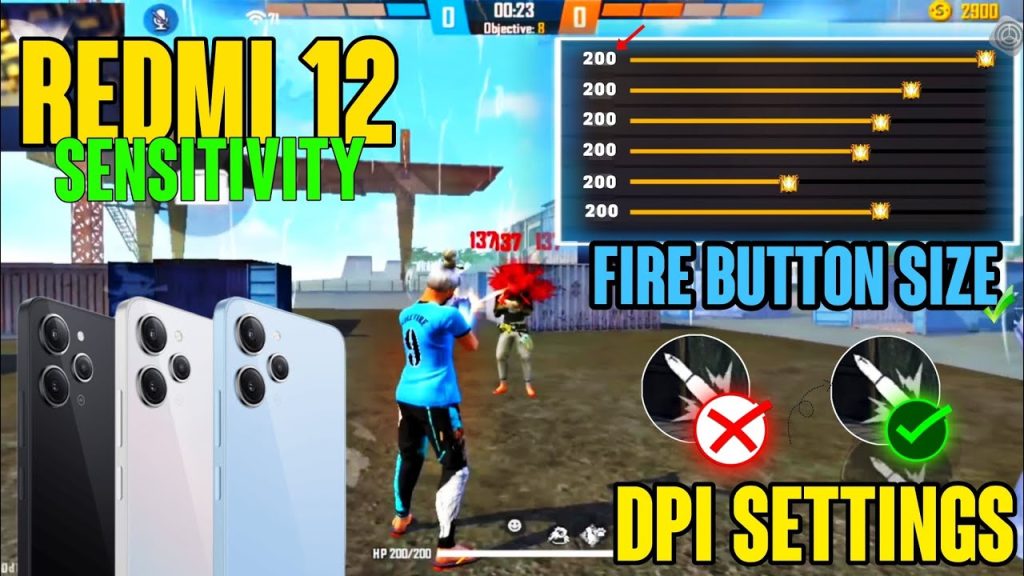
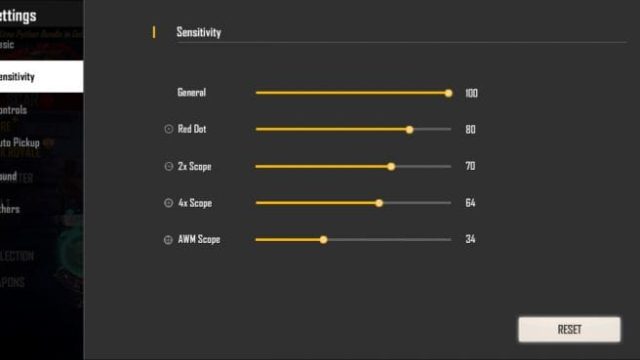
Inside Settings, you’ll see tabs like Controls, Sensitivity, Graphics, etc. Tap on the ‘Sensitivity’ tab (it’s usually the second tab). Here you’ll find sliders for General, Red Dot, 2x Scope, 4x Scope, Sniper Scope, and Free Look. These are the settings we’ll adjust.
Step 3: Apply Recommended Sensitivity Values
Now it’s time to input some tested values. These work well on most Redmi models with 60-90 FPS. Start with these and later fine-tune based on your preference. Note: All values are on a scale of 0-100.
- General (hip fire): 95
- Red Dot / Holographic: 90
- 2x Scope: 85
- 4x Scope: 80
- Sniper Scope: 70
- Free Look: 50
Why these numbers? Redmi touchscreens are highly responsive; starting with high General and Red Dot helps with quick 360° turns and close-range fights, while lower scope sensitivities prevent over-aiming at distance.
Step 4: Test in Training Ground
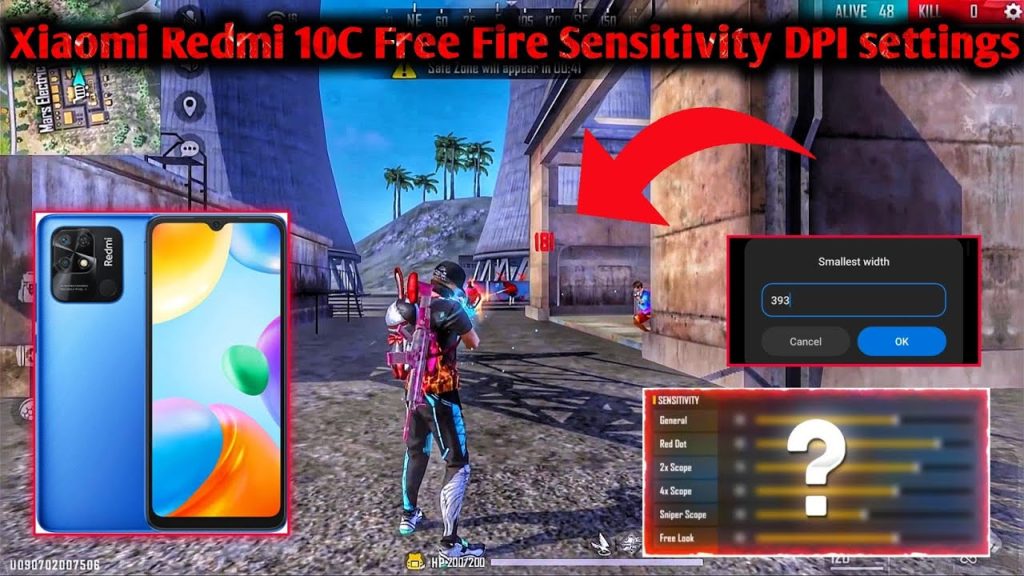
After applying the values, don’t jump into a ranked match yet. Go to the Training Ground from the lobby. Pick up a variety of guns—M4A1, AK, MP40, and a sniper. Practice spraying at the moving targets and tracking dummy enemies. Pay attention to how much you need to drag to aim. If you overshoot, lower the General or scope sensitivity by 5 points. If you can’t turn fast enough, increase by 5.
Step 5: Fine-Tune Each Scope
Now that you have a baseline, adjust each scope individually. For example, if you struggle with the 4x scope wobble, reduce it to 75. If the 2x feels sluggish, bump it to 88. The goal is to achieve a balance where you can track a moving target smoothly without the crosshair jumping. Redmi’s touch sampling rate is decent; you don’t need to max out everything.
Pro tip: Use the ‘Sensitivity’ training mode in the Training Ground to check your aim on different ranges. Adjust until you can land consistent headshots on the stationary target from 50m.
Sensitivity Tuning Guide
Common Pitfalls
- Setting sensitivities too high: Drastically high values (e.g., 100 on everything) cause over-aiming and make fine adjustments nearly impossible. Redmi screens are sensitive enough; keep values above 70 only for General and Red Dot.
- Ignoring Redmi’s touch settings: Your phone’s built-in touch sensitivity (in MIUI Settings > Additional Settings > Touch Sensitivity) can interfere. If your swipes feel sluggish, enable ‘Increase touch sensitivity’ in MIUI. But don’t turn on ‘Show touches’—that’s just for screen recording.
- Not testing in real matches: Training Ground is great, but actual in-game pressure changes your muscle memory. Play a few Classic matches after calibration and adjust further based on your performance under stress.
Where to Next
Now that your sensitivity is dialed in, check out our guides on gyroscope settings for Redmi (if your phone supports it) and crosshair placement drills. Consistent practice with these settings will take your Free Fire game to the next level. Happy headshots!