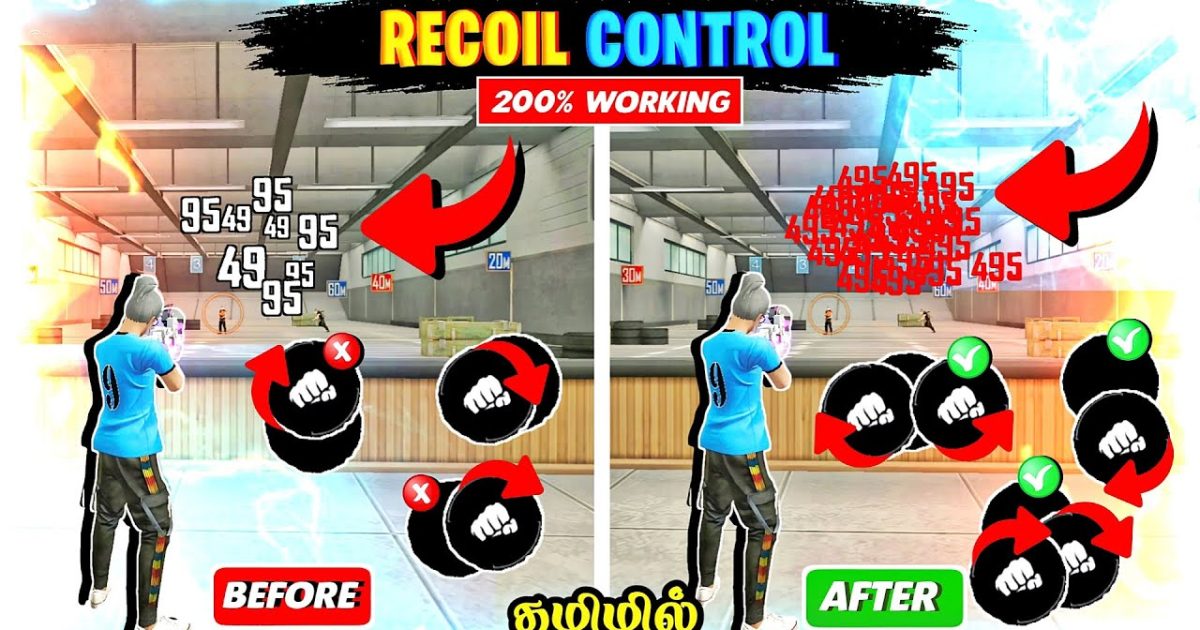
Are you tired of your shots going everywhere except the enemy? Recoil spray is the #1 thing holding back Free Fire players from ranking up. This guide is for everyone who wants to beam enemies from mid-to-long range without praying to the RNG gods. By the end, you’ll have a set of sensitivity values and muscle-memory drills that will transform your spray into a laser beam.
We’ll cover everything: understanding recoil patterns, step-by-step sensitivity adjustments for ARs and SMGs, and common mistakes that ruin your spray. Plus, I’ll link to other proven guides like the competitive sensitivity settings and the balanced sensitivity setup so you can tweak further.
What You’ll Need
- Free Fire installed on your device (obviously)
- A device that can run the game smoothly – check the no lag sensitivity guide if you have frame drops
- Access to the training ground (go to the ‘Practice’ option from the main menu)
- Patience – don’t change everything at once
- A notepad or a second device to note your current settings before you change them
Step 1: Understand the Recoil Pattern
Before you touch any sliders, you need to know how recoil works in Free Fire. Each weapon has a vertical and horizontal kick. For example, the M4A1 pulls up and slightly to the right. The AK47 is more aggressive and unpredictable. Hop into training ground, empty a full magazine on a wall without controlling the recoil, and observe the pattern. This will be your baseline.
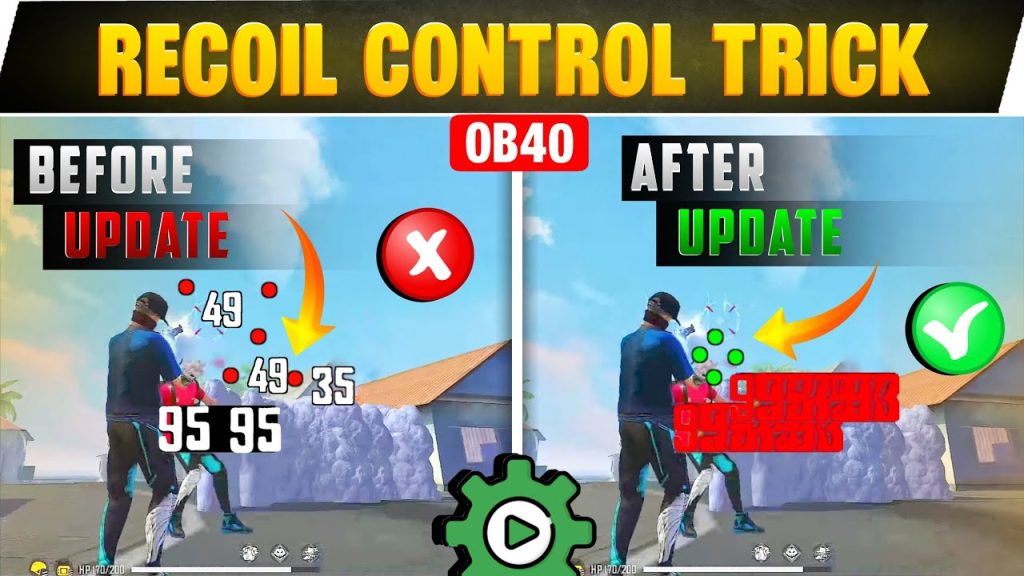
Notice the shape? For most ARs, you’ll see a vertical line with a slight curve. Your goal is to counteract that by dragging your aim down and opposite to the horizontal drift. That’s the core of spray control.
Step 2: Set the Right General Sensitivity
Your base sensitivity determines how fast your crosshair moves when you drag. Start with these global values (most players use them – they’re also part of the trusted settings): General: 90, Red Dot: 85, 2x Scope: 75, 4x Scope: 60, Sniper: 40. If you use a 3 finger claw setup, you might want slightly higher – check the 3 finger claw sensitivity guide for that. Apply these, then head to training ground with an M4A1 (no attachments).
Step 3: Fine-Tune for ARs and SMGs
Now we’ll adjust per weapon. In training ground, pick your main AR (say, M4A1) and fire a full magazine at a wall while trying to keep the shots in a tight circle. If your crosshair jumps too high, you need more vertical sensitivity to drag down faster. If you overcompensate and go below the target, lower the vertical sensitivity. For horizontal sway, adjust the ‘Horizontal Sensitivity’ (separate slider in advanced settings). A good starting point is 60 for horizontal. If your spray wobbles left-right, slightly increase horizontal to correct it – but not too much or you’ll become twitchy.
Repeat for your main SMG (like MP40 or UMP). SMGs have less vertical recoil but faster fire rate, so you might need lower vertical sensitivity. Spend at least 15 minutes per weapon until you can consistently land 80% of a magazine in a head-sized area.
Step 4: Practice Drills in Training Ground
Drills build muscle memory. Try this: stand 20 meters from a target and fire a 5-round burst while pulling down. Then increase to 10 rounds. Then full mag. Do this for each weapon. Next, strafe left and right while spraying – this is crucial for real fights. Record your spray patterns after each session and compare. If you’re still all over the place, go back to Step 3 and tweak by 5 points at a time. Consistency is key.
Step 5: Apply in Real Matches
Once you feel confident, jump into Clash Squad (it’s lower stakes than ranked). Use the Clash Squad tested settings as a benchmark. Focus on medium-range engagements. Don’t change your sensitivity mid-match; stick with it for at least 10 matches. After that, assess. If you’re still spraying too high, increase vertical slightly. If you’re missing horizontally, adjust horizontal. Remember, small changes make a big difference. And if you experience lag, revisit the no lag sensitivity guide to reduce input delay.
Common Pitfalls
- Too High Sensitivity: Cranking up sensitivity might feel snappy, but it makes micro-adjustments impossible. You’ll overcorrect and miss. Stick to the recommended ranges and increase by 5 at a time.
- Ignoring Horizontal Recoil: Many players only adjust vertical, but horizontal sway is what makes your spray unpredictable. Always fine-tune horizontal sensitivity and practice dragging against it.
- Not Adjusting Per Weapon: Using the same settings for every gun is a mistake. An AK needs different drag than an M4. Spend time with each weapon you use in ranked.
Where to Next
Great job! You now have a solid foundation for controlling recoil spray. To keep improving, check out the competitive sensitivity settings for more aggressive builds, or the balanced sensitivity setup if you want a midpoint. Also, look into the 3 finger claw sensitivity guide if you haven’t already – it opens up more control. Happy tapping, and see you on the battlefield!



