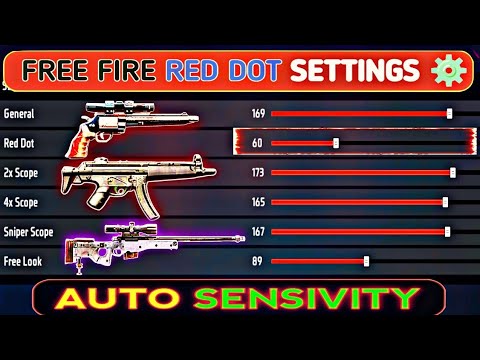
If you’re tired of missing shots with the red dot in Free Fire, you’re not alone. The red dot sight is one of the most popular attachments, but without the right sensitivity, it’s useless. This guide is for players who want to improve their close-to-medium range accuracy. By the end, you’ll have a custom sensitivity setting that feels natural and helps you land more headshots.
We’ll walk you through finding your perfect red dot sensitivity, from understanding the in-game settings to testing in the training ground. No more guessing or copying pro players blindly — you’ll learn how to dial in settings that match your playstyle. Let’s get started.
What You’ll Need
- Free Fire app installed on your mobile device (latest version recommended)
- Access to the Training Ground (available in the main menu)
- A consistent playstyle or weapon preference (e.g., AR with red dot)
- 15-20 minutes of uninterrupted time for testing
Step 1: Access the Sensitivity Settings
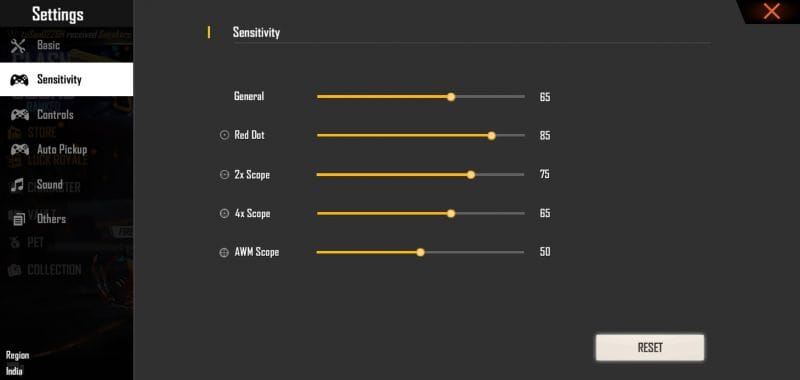
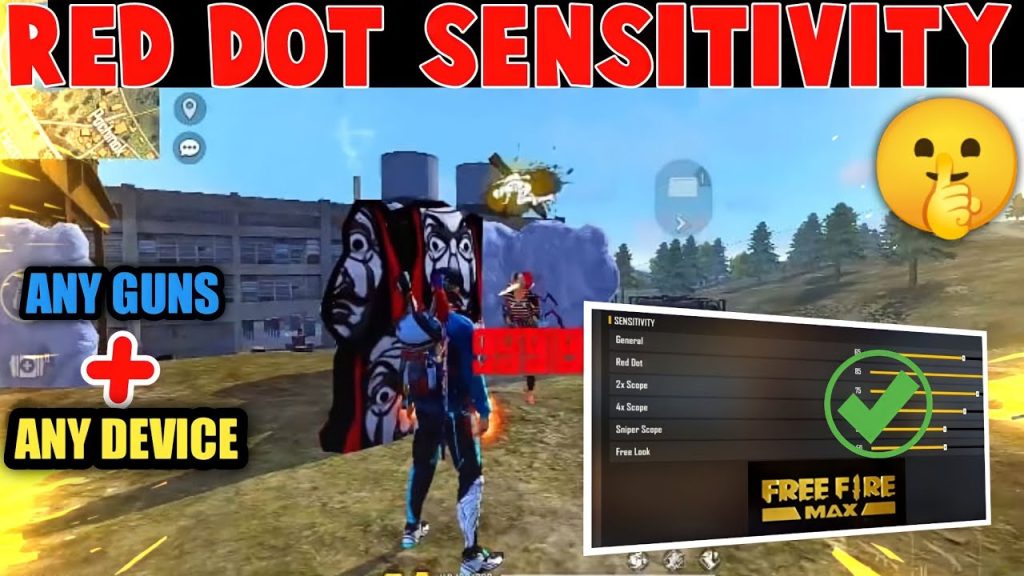
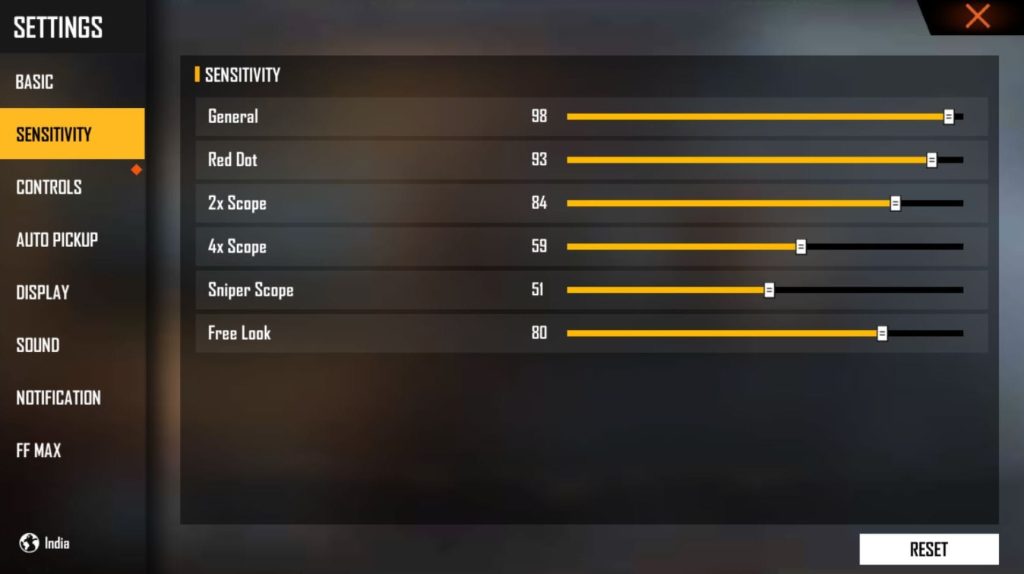
Open Free Fire and go to the main lobby. Tap on the gear icon (Settings) at the top right. Then select the “Sensitivity” tab. This is where all your aiming and camera controls live. You’ll see several sliders: General, Red Dot, 2x Scope, 4x Scope, etc. We’re focusing on Red Dot sensitivity.
Step 2: Understand Red Dot Sensitivity
The Red Dot sensitivity controls how fast your crosshair moves when you aim down sights with a red dot scope. It’s separate from general sensitivity. A higher number means faster movement, which helps tracking but can make micro-adjustments harder. For most players, a value between 60-85 works well. Start at 70 as a baseline.
Step 3: Set Your Base Sensitivity
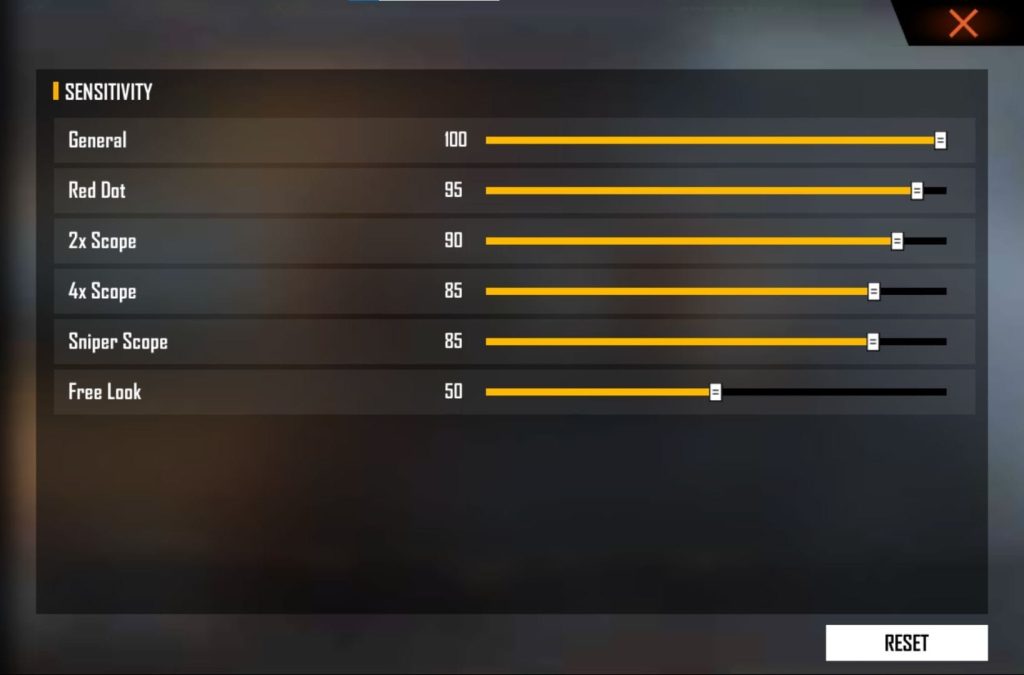
Before fine-tuning red dot, set your General sensitivity to something you’re comfortable with (e.g., 80-90 for high mobility). Your Red Dot sensitivity should be slightly lower than General, around 70-80% of your General value. For example, if General is 90, set Red Dot to 70.
Step 4: Test in Training Ground
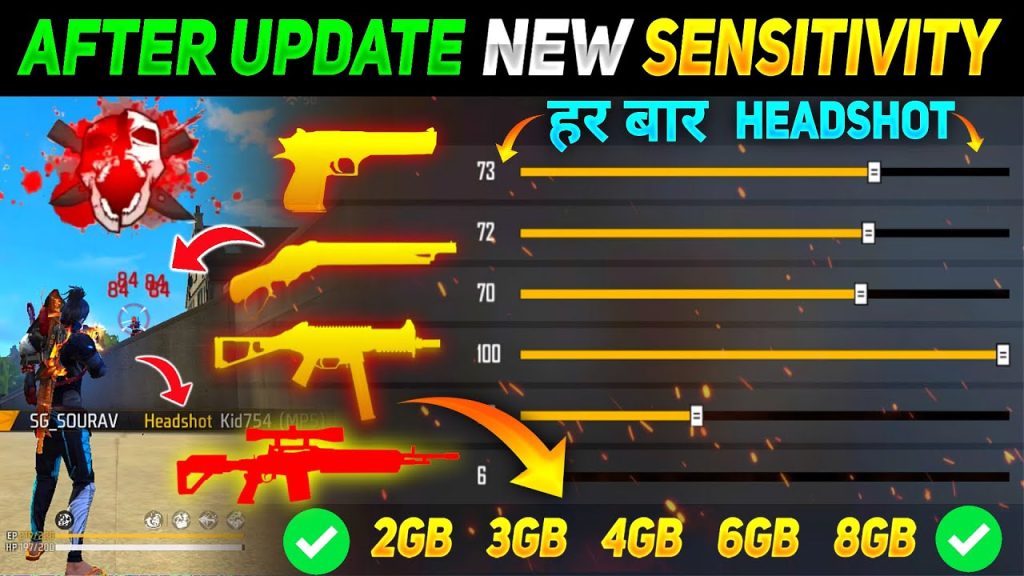
Enter the Training Ground from the main menu. Pick an AR like M4 or AK and attach a red dot sight. Practice shooting at the static targets from various distances (10m, 30m, 50m). Pay attention to how much you overshoot or undershoot when snapping to a target.
Step 5: Adjust Based on Your Aim
If you consistently overshoot (move past the target), decrease your Red Dot sensitivity by 5 points. If you undershoot (can’t reach the target in time), increase by 5. Repeat the process: fire a few rounds, adjust, and retest. Aim for a setting where you can quickly place the dot on a target with minimal correction.
Step 6: Test with Moving Targets
Once static targets feel good, practice on moving targets (the bots that run around). Track them while shooting. If you lose the target easily, try lowering sensitivity a bit. If you can keep the dot on them without jerking, you’re close. Also test drag shots (flick and shoot) to ensure the dot lands where you expect.
Step 7: Finalize and Save
When you’re satisfied with your red dot sensitivity, exit the Training Ground. Go back to Settings and double-check your value. Take a screenshot or note it down. Now play a few Classic matches to confirm it feels good in real combat. Remember, sensitivity is personal — stick with your setting for at least 10 games before tweaking again.
Common Pitfalls
- Copying pro players’ settings blindly: Pros have different devices, grips, and playstyles. Their sensitivity might not work for you. Always start from baseline and adjust to your own feel.
- Changing sensitivity too often: After every death, some players tweak their settings. This prevents muscle memory from developing. Stick with one setting for at least a few days before making changes.
- Ignoring device performance: Low frame rate or touch lag can affect aim. Ensure your device runs Free Fire smoothly (60 FPS recommended) before blaming sensitivity.
Where to Next?
Now that you’ve dialed in your red dot sensitivity, you might want to explore other scope settings (2x, 4x) using the same method. Or practice advanced techniques like jump shotting and crouch shooting. Mastery comes with time — keep training and you’ll see improvement. Happy hunting in Free Fire!

