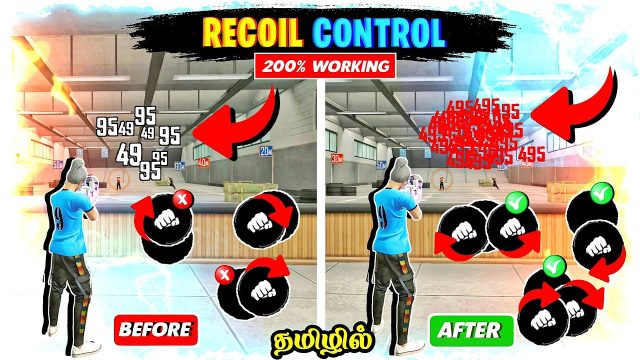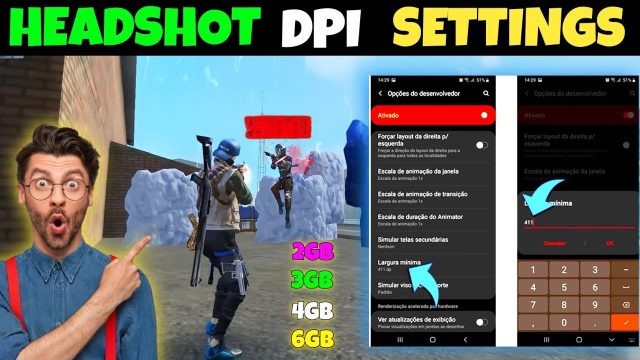
If you’re tired of spraying bullets but never landing headshots in Free Fire, you’re in the right place. This guide is for players who are solid at the game but want to take their aim to the next level—specifically for those satisfying one‑tap headshots. By the end of this article, you’ll have a custom sensitivity setting that works for your playstyle, plus the knowledge to fine‑tune it yourself. No pro level required, just a few minutes in training mode.
Sensitivity settings are personal, but there are solid starting points that work for most players. I’ve tested dozens of combinations and broken down the key numbers for general aim, scopes, and gyroscope. You’ll also learn why certain settings help you snap onto heads and how to avoid common pitfalls that ruin your accuracy. Let’s dial it in.
What You’ll Need
- Free Fire installed on your phone (version up to date)
- A stable internet connection (ping under 100ms)
- At least 30 minutes of free time to test settings
- Optional: a phone with gyroscope support (most modern phones have it)
- Patience – don’t change settings after every death
Step 1: Understand Sensitivity Categories
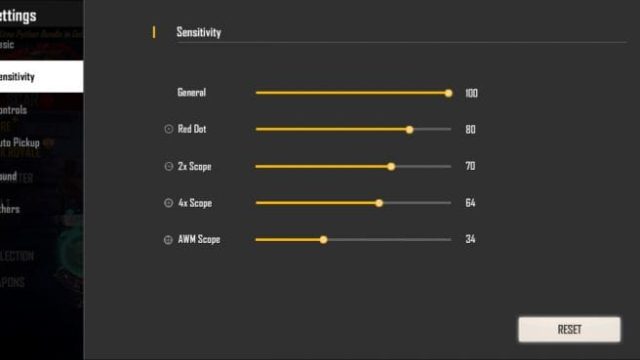
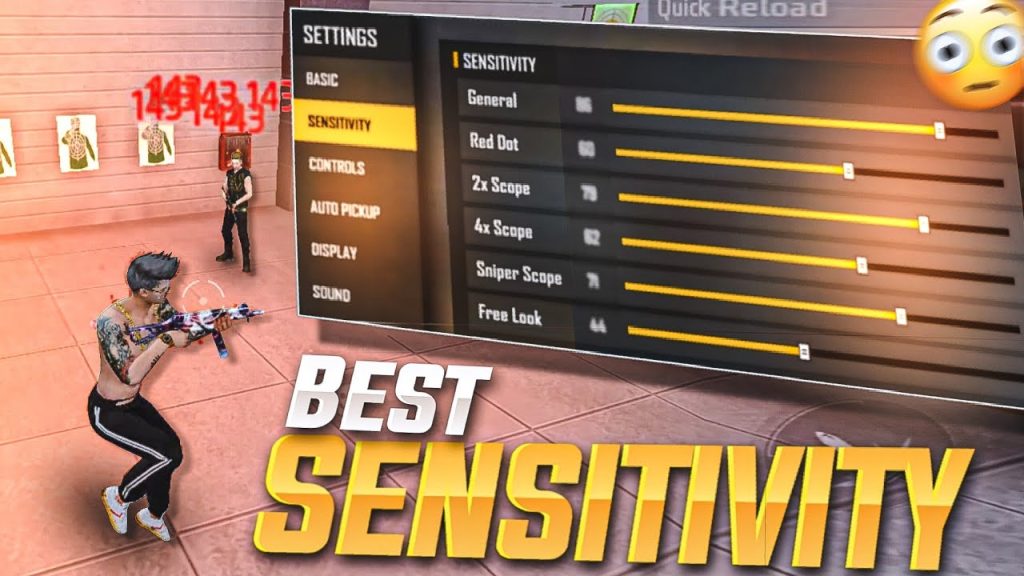
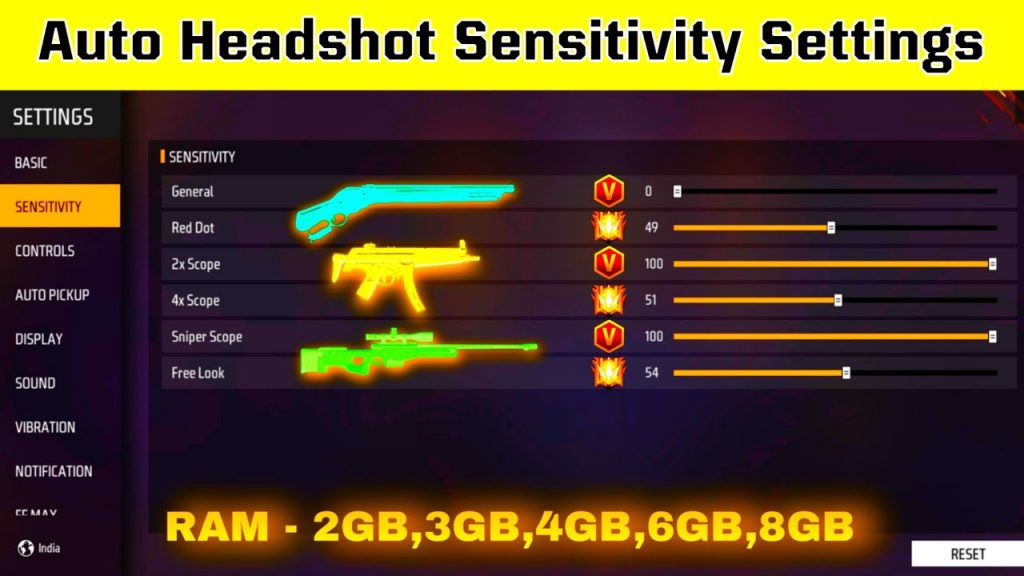
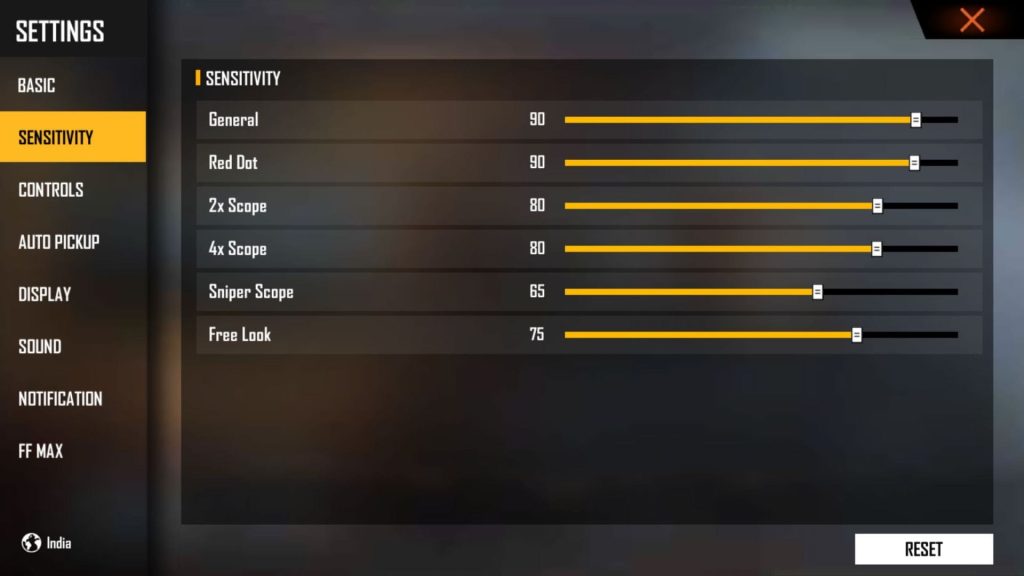
Free Fire divides sensitivity into General (free look and hip fire), Red Dot, 2x Scope, 4x Scope, Sniper Scope, and Aim Down Sights (ADS) sensitivity. For headshots, the most important are General, Red Dot, 2x, and ADS. Get into the Settings menu (gear icon) and tap on ‘Sensitivity’.
Step 2: Set General and Red Dot Sensitivity
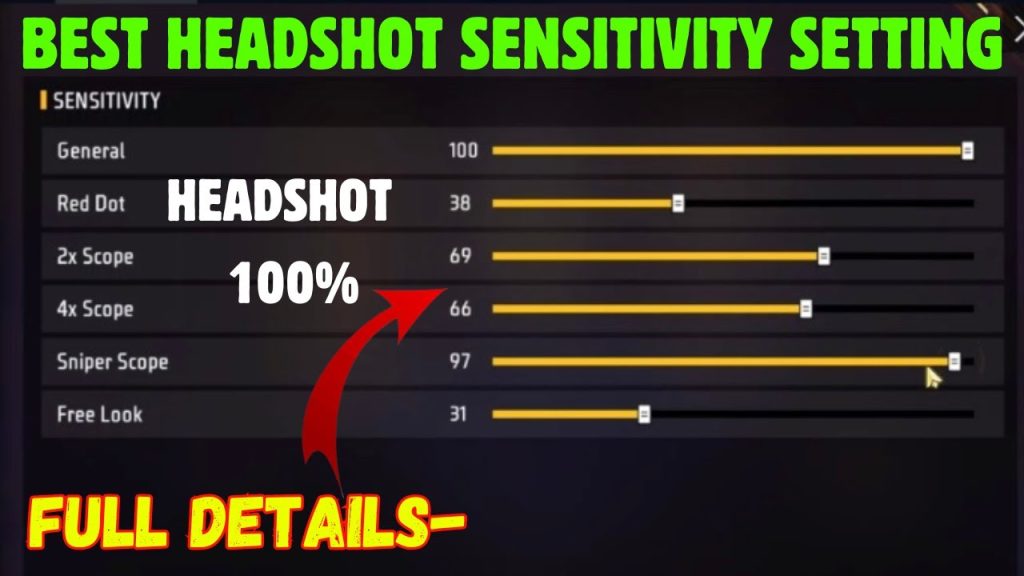
Your General sensitivity controls how fast your view turns when not scoped. For headshots, you want it high enough to flick quickly but low enough to control recoil. Start at 80–90 for General. Red Dot is used when you equip a red dot scope (common on ARs). Set it to 70–80. This gives you speed for tracking heads without overshooting.
Step 3: Set 2x and 4x Scope Sensitivity
Scopes magnify, so you need lower sensitivity. For 2x scope, set 60–70. For 4x scope, set 40–50. These values let you micro‑adjust onto an enemy’s head without the crosshair flying away. If you use a 6x scope, treat it like 4x or even lower (30–40). Remember: the more zoom, the less sensitivity you need.
Step 4: Adjust Aim Down Sights (ADS) Sensitivity
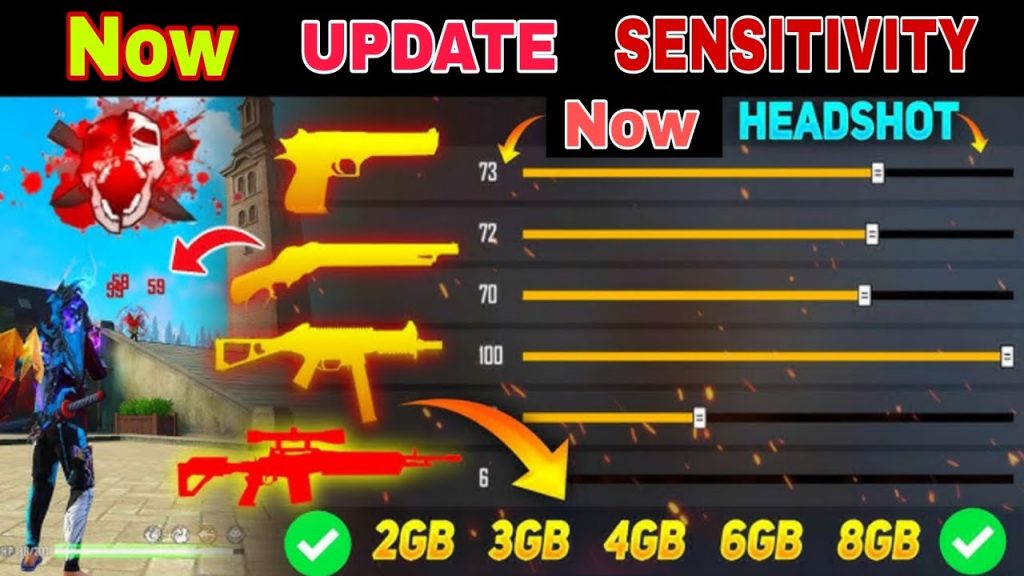
ADS sensitivity kicks in when you tap the scope button. This is crucial for headshots because you’re already zoomed in. Set ADS to 80–85 for close range, 70–75 for medium. The higher value helps with quick flicks, but keep it consistent with your General to avoid disorientation. Test both tap‑and‑hold and toggle scope modes.
Step 5: Fine‑tune with Gyroscope (Optional)
If your phone has gyroscope, enable it. Gyro lets you aim by tilting your phone. Set Gyro sensitivity to 30–40 for general and 50–60 for scopes. This gives you micro‑adjustments that are harder with thumbs alone. Many pro headshot hunters rely on gyro for that final pixel‑perfect alignment.
Step 6: Practice in Training Mode
Don’t jump into a ranked match yet. Go to Training mode and practice against moving targets. Test your headshot aim from different distances. If you’re missing too many shots to the left or right, adjust General or ADS by 5 points. Spend at least 10 minutes here. Record a quick video to see where your crosshair ends up after a flick.
Common Pitfalls
- Setting sensitivity too high – you’ll over‑flick and miss heads entirely. If your crosshair zigzags, lower General and ADS by 10 points.
- Ignoring ADS sensitivity – people often set General high but leave ADS at default, creating a jarring jump when scoping. Always match them closely.
- Skipping gyroscope – if your phone supports it, not using gyro is leaving headshots on the table. Even a low gyro setting helps with precise aim.
The best sensitivity isn’t copied – it’s discovered by testing. Start with these numbers, then tweak until headshots feel automatic.
Pro Free Fire player advice
Now that you have a solid baseline, head into Clash Squad or classic mode and put it to work. Remember to stick with a setting for a few games before changing. Good luck, and see you on the leaderboard!
Where to Next
Mastering sensitivity is just the start. Check out our guides on aim training routines, recoil control patterns, and crosshair placement. Subscribe to the newsletter for weekly tips sent straight to your inbox.