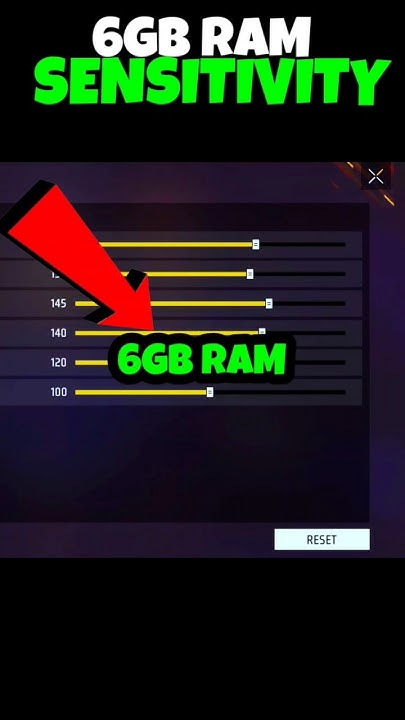
If you’re rocking a phone with 6GB of RAM, you’ve already got a solid advantage in Free Fire – smoother frame rates and less lag. But even the best hardware won’t save you if your sensitivity settings are off. That twitchy aim or sluggish scope movement? It’s probably your sensitivity. This guide is for players who want to dial in their settings to match their playstyle, without copying pro configs that might feel weird on your device. By the end, you’ll have a tested set of sensitivity values that make aiming feel natural and consistent.
We’re going to walk through each sensitivity category – general, red dot, 2x scope, 4x scope, sniper, and free look – and explain how to adjust them based on your preferred role (rusher, support, or camper). You’ll also learn how to test your settings in the training ground so you can fine-tune without burning rank points. No fluff, just actionable steps that work on 6GB RAM phones like Poco X3, Realme 8, or Samsung A52.
What You’ll Need
- A smartphone with at least 6GB RAM (obviously)
- Free Fire installed and updated to the latest version
- A stable internet connection (ping under 100ms ideal)
- At least 10 minutes of free time to test settings in the training ground
- Optional: a friend to help test in a custom room
Step 1: Reset to Default Sensitivity
Before we start tweaking, let’s clear the slate. Open Free Fire and head to Settings (the gear icon on the lobby screen). Tap on ‘Sensitivity’ and then tap ‘Reset’ at the bottom. This wipes any old settings you might have and gives you a clean baseline. Don’t skip this – old settings can interfere with our new values.
Step 2: Set General Sensitivity (Your Base)
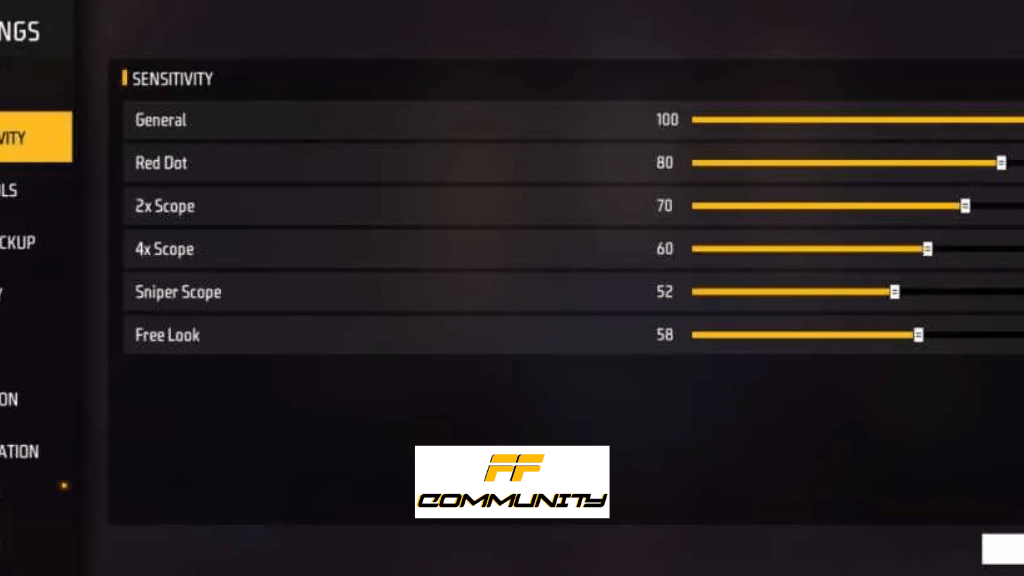
General sensitivity controls how fast your screen turns when you swipe. For a 6GB RAM device, you can push it a bit higher without frame drops. Start at 85 – this is a sweet spot for most players. If you’re a rusher who loves close-range sprays, try 90. For snipers or campers, 80 might be smoother. Go to the training ground, move around, and see if you can quickly flick 180 degrees. Adjust by 5 until it feels snappy but not overshooting.

Step 3: Red Dot and 2x Scope Sensitivity
These are your most-used scopes for mid-range fights. Set red dot to 75 and 2x scope to 68. Why? Red dot requires quick tracking, so a bit higher helps. 2x is for more precise sprays, so slightly lower prevents over-aiming. In training, practice spraying an AR with each scope at 20-30 meters. If your crosshair dances too much, lower by 5. If it feels sluggish, raise by 5.
Step 4: 4x Scope and Sniper Sensitivity
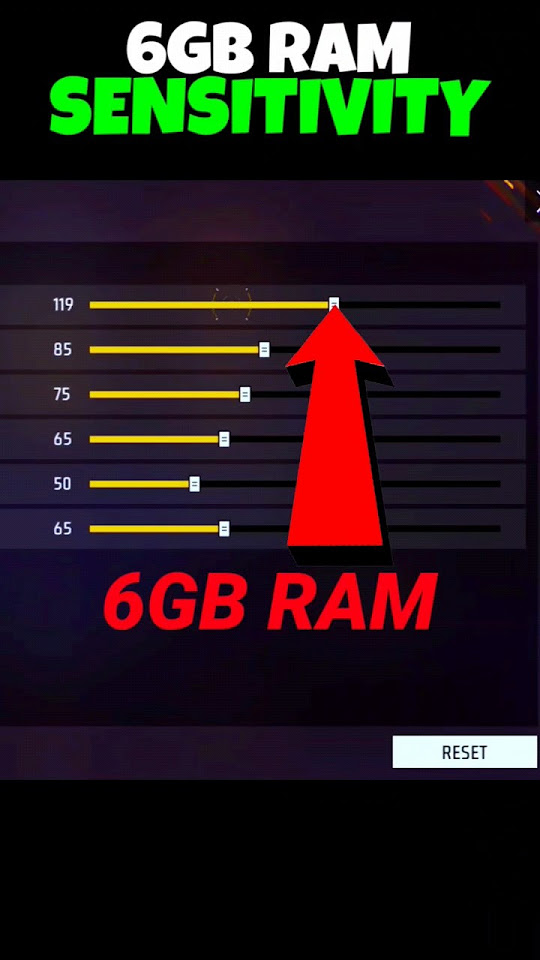
For long-range engagements, lower sensitivity is key. Set 4x scope to 45 and sniper scope to 30. This gives you fine control for holding angles and making small adjustments. If you use the AWM or Kar98k, keep sniper low – you don’t want to overshoot headshots. In training, aim at stationary targets at 50+ meters and drag your scope to a moving dummy. Adjust until you can smoothly follow without jitter.
Step 5: Free Look Sensitivity
Free look is used when parachuting or running around to check surroundings. Set it to 70 – high enough to scan quickly, but not so high that you get dizzy. You can test this in the lobby or during a casual match. If you find yourself overshooting when looking around, drop it to 60.

Step 6: Fine-Tune with Your Favorite Gun
Now that your base settings are in, it’s time to personalize. Pick your most-used gun (like M4A1, AK, or MP40) and take it to the training ground. Spray at a wall from different ranges. Watch the bullet spread – if it’s erratic, your sensitivity might be too high for that gun’s recoil pattern. Adjust general sensitivity by 2-3 points until you can control the spray. Also, play with the ‘aim down sight’ sensitivity if you use gyroscope. Repeat until the gun feels like an extension of your thumb.
Common Pitfalls
- **Copying pro settings blindly** – Their sensitivity is tuned for their specific device and playstyle. Your 6GB RAM phone might react differently. Always test and adjust.
- **Ignoring DPI or phone screen size** – A smaller screen needs lower sensitivity because swipes cover more relative area. If your phone has a 6.5-inch display, our values work well – if it’s a 6.9-inch, consider lowering general by 5-10.
- **Skipping the training ground** – Jumping straight into ranked with new settings guarantees a panic revert. Spend 10 minutes in training to build muscle memory before taking it to real matches.
Where to Next
Now that your sensitivity is dialed in, the next step is mastering movement and crosshair placement. Check out our guide on Free Fire strafing and peek shooting to combine your new aim with advanced techniques. Remember, sensitivity is personal – keep tweaking as you evolve. Happy headshots!



