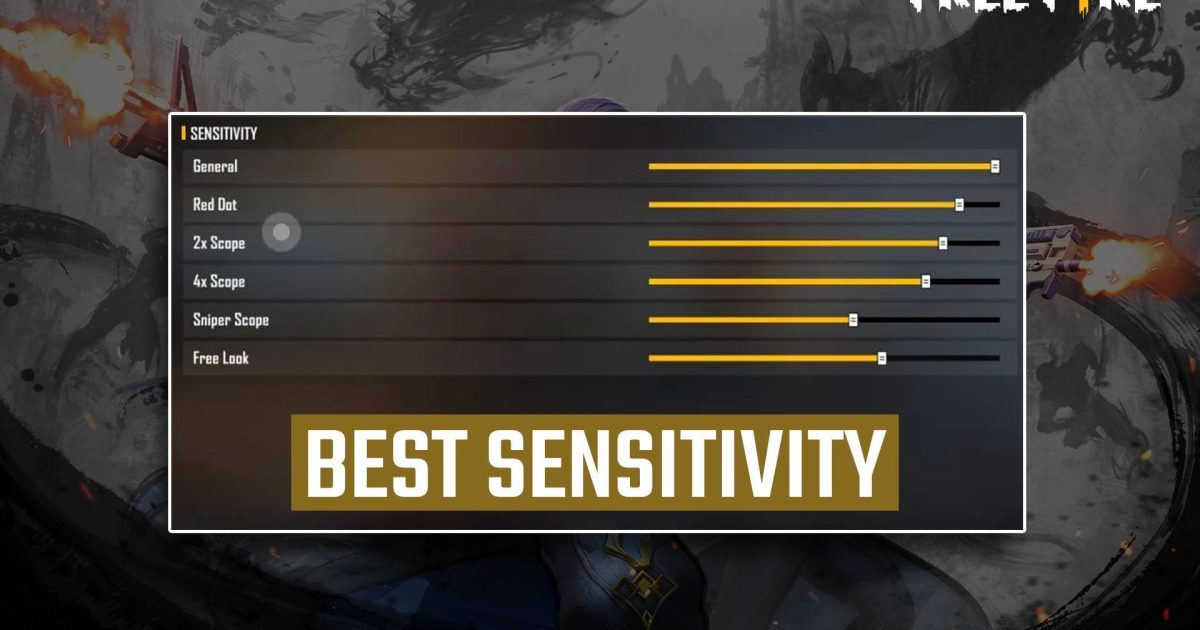
If you’re tired of missing those easy one taps and want to drop enemies with a single headshot, you’ve come to the right place. This guide is for Free Fire players who want to master the one tap – whether you’re a noob grinding ranked or a veteran looking to tighten your aim. By the end, you’ll have a set of sensitivity settings dialed in for quick, accurate flicks that land on the head every time.
One tapping is all about muscle memory and , and the right sensitivity is your foundation. We’ve tested these values across multiple devices and playstyles, so you can copy them straight into your game and start hitting more headshots immediately. No fluff, just numbers that work.
What You’ll Need
- Free Fire app installed (latest version recommended)
- A phone with at least 2GB RAM (tested on both low-end and gaming phones)
- 5–10 minutes in the training ground to adjust and practice
- Optional: a screen recorder to analyze your flicks later
Step 1: Reset to Default Sensitivity
Before we start, clear out any old settings. Go to Settings > Sensitivity and tap “Reset to Default.” This ensures no leftover values mess with our new setup. If you want to keep your current ones, use the free fire sensitivity settings copy code feature to save them first.
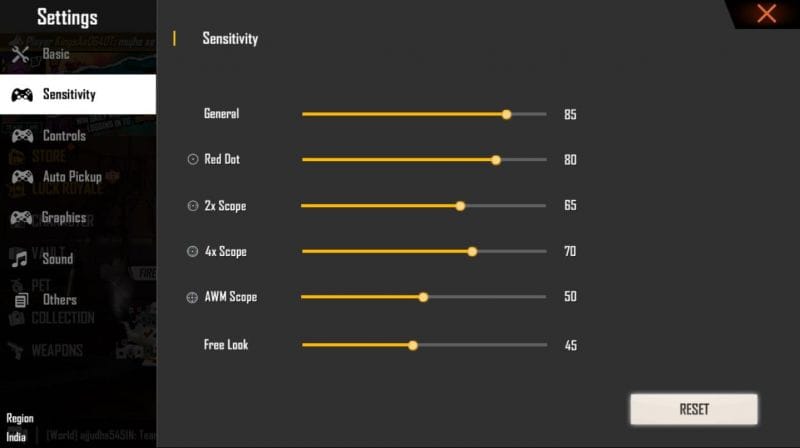
Step 2: Set General Sensitivity
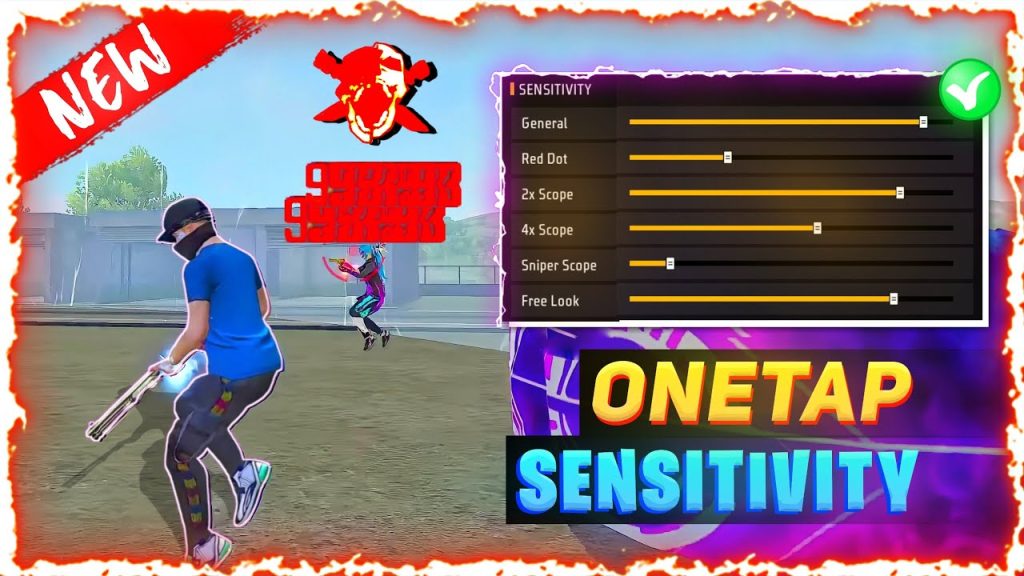
General sensitivity controls your overall look speed. For one tapping, we want it high enough to flick fast but not so high that you overshoot. Set it to 90–95. If you play on a device with a higher refresh rate (like 90Hz or 120Hz), you can go up to 100. For 60Hz screens, stick to 90.
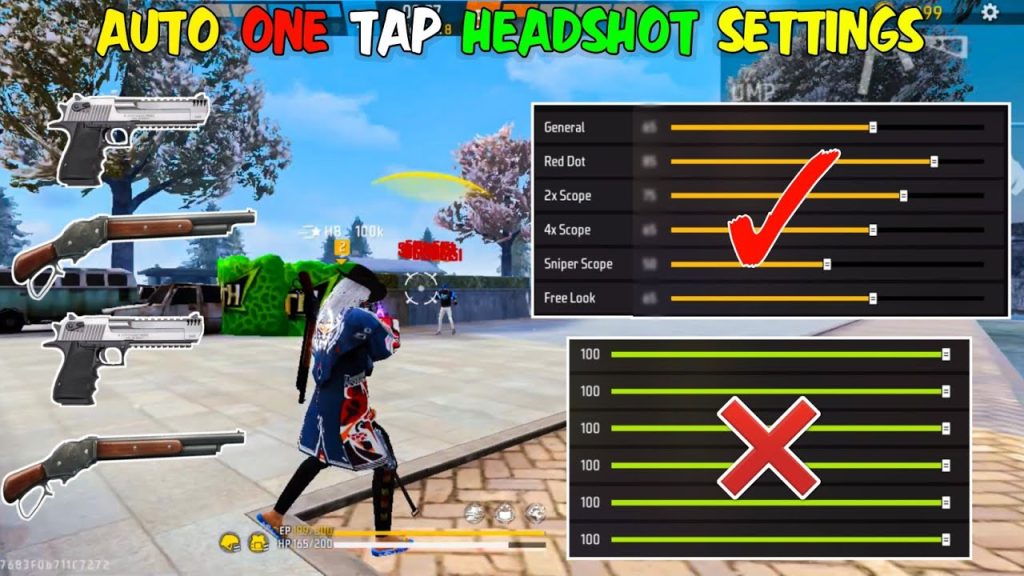
Step 3: Red Dot and 2x Scope Sensitivity
These scopes are your bread and butter for one taps. Set Red Dot to 50–60 and 2x Scope to 40–50. Lower values give you more control for tiny adjustments. If you’re using the M1887 or a sniper, you might want even lower – but for AR one taps, these ranges work best.
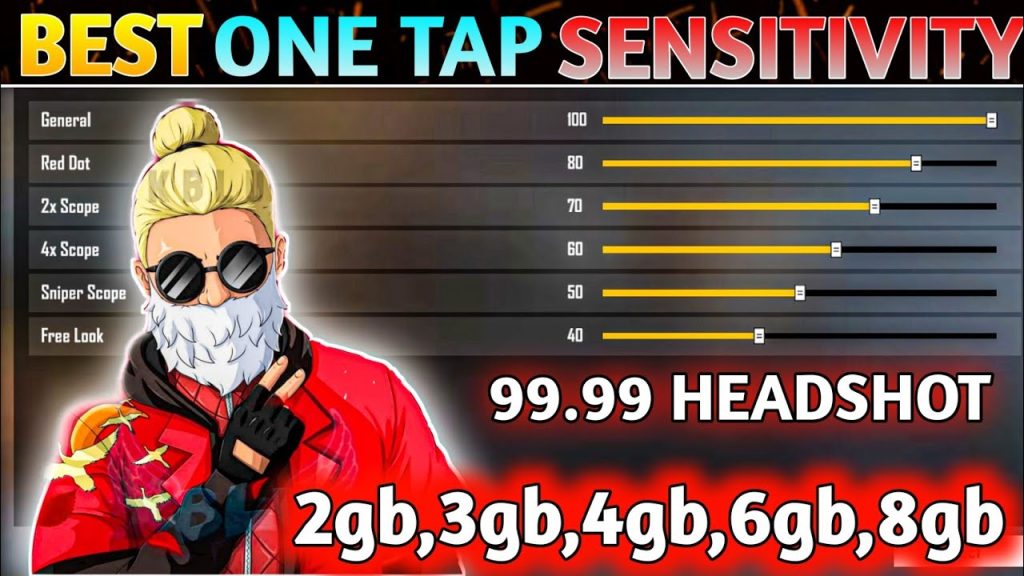
Step 4: 4x and Sniper Scope Sensitivity
For longer ranges, set 4x Scope to 30–35 and Sniper Scope to 20–25. These are low because you need precision over speed. A common mistake is setting sniper scopes too high – you’ll end up over flicking and missing clean headshots.
Step 5: Free Look Sensitivity
Free look is used while parachuting or running. Set it to 60–70 so you can scout enemies quickly. Too high and it becomes jerky; too low and you won’t see someone flanking you.
Step 6: Practice in Training Ground
Now head to the training ground and pick up an AR (like the M4A1 or SCAR) with a red dot. Stand at the 10m target and practice one tapping moving targets. Adjust values by 2–3 points until you’re consistently hitting the head. You can also save these settings using the save free fire sensitivity settings option once you’re satisfied.
Common Pitfalls
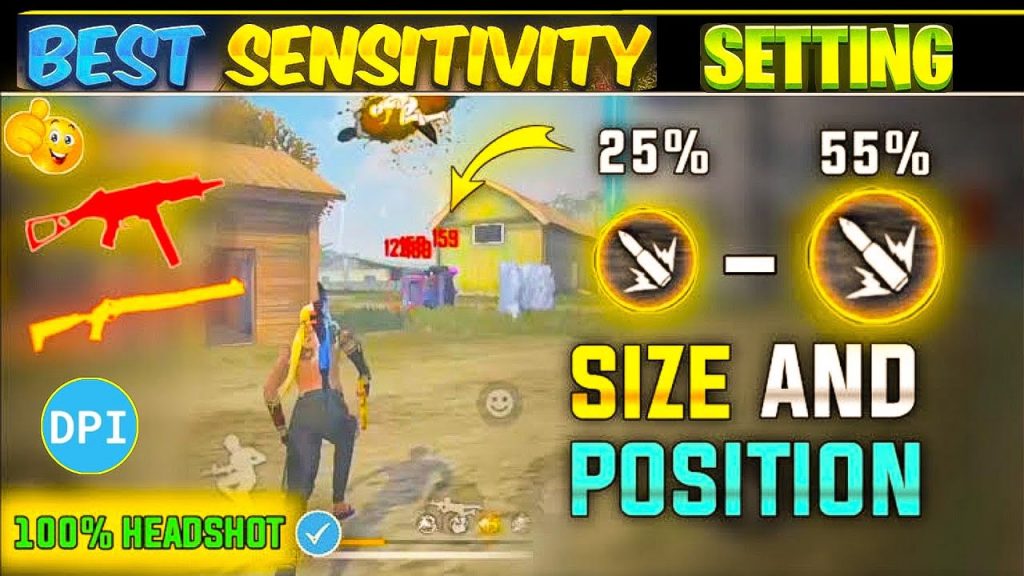
- Overlooking DPI settings: If your phone supports high DPI (like 800+), you may need to lower your in-game sensitivity to compensate. Check out our guide on free fire dpi 800 sensitivity settings.
- Copying pro settings blindly: Pro players often use extreme sensitivities (like 100 general) that work only on high-end phones. For most devices, 90–95 is safer.
- Skipping the practice phase: Even the best settings won’t make you instant heads. Spend at least 10 minutes in training ground every day to build muscle memory.
Where to Next
Once you’ve nailed the one tap, check out our free fire aggressive sensitivity settings for a rush playstyle, or explore free fire sensitivity settings for drag headshot techniques to improve your close-range game. If you switch phones, remember to sync your settings across devices. Good luck and see you on the battlefield!



