So you want to play Free Fire like a relentless rusher? Aggressive sensitivity is all about speed—fast flicks, quick scopes, and instant reaction when an enemy pops up close. Whether you’re pushing buildings in Bermuda or rushing on Kalahari, having the right sensitivity can be the difference between a clutch victory and a trip to the lobby. This guide walks you through the exact settings and tweaks to get you snapping onto targets like a pro.
By the end of this guide, you’ll have a high-sensitivity setup that lets you do 180-degree turns instantly, land headshots in the heat of battle, and keep your crosshair steady even when you’re sprinting and jumping. We’ll cover general sensitivity, ADS speed, scope settings, and even some fire button tweaks. We’ll also show you how to test your settings so you don’t overshoot. Ready to rank up? Let’s dive in.
What You’ll Need
- A device that runs Free Fire smoothly (lag ruins sensitivity muscle memory)
- 10-15 minutes of free time to tweak and test
- A training ground or Clash Squad mode (to practice without pressure)
- Patience – high sensitivity feels weird at first, but it’s worth it
Step 1: Open Sensitivity Settings
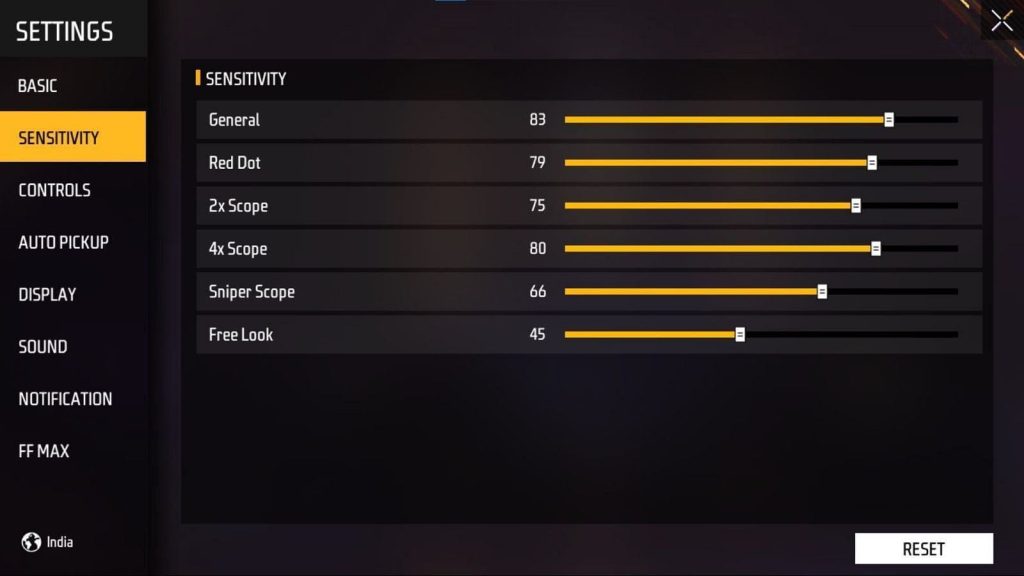
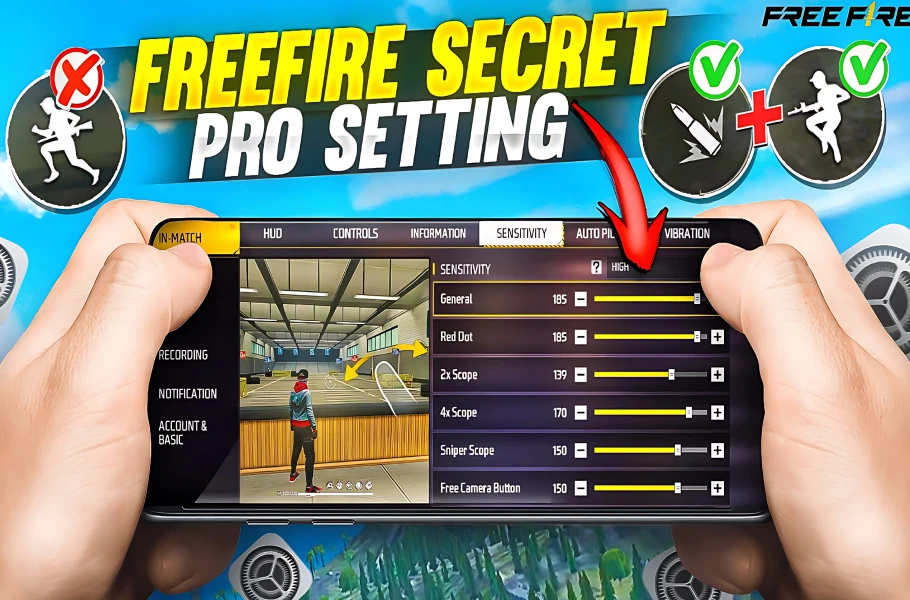
Launch Free Fire and head to the Settings menu (the gear icon on the main screen). Navigate to the Sensitivity tab. You’ll see sliders for General, Red Dot, 2x Scope, 4x Scope, Sniper Scope, and Free Look. For aggressive play, we want most of these high, but we’ll adjust individually.
Step 2: Set General Sensitivity to 90–100
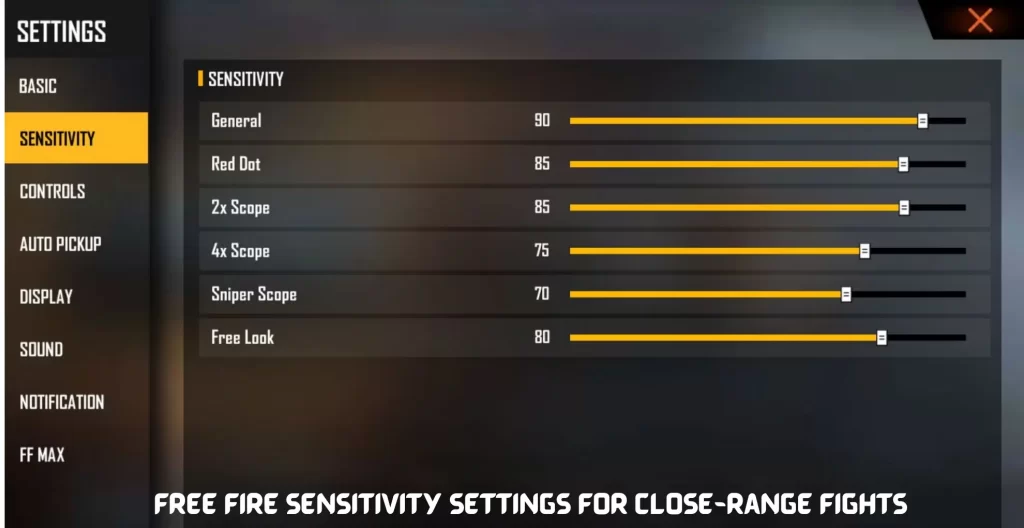
General sensitivity controls your camera movement when not aiming down sights. For aggressive rushing, set this between 90 and 100. This lets you spin around fast to check corners and react to enemies behind you. If 100 feels too twitchy, lower to 95 or 90. This is your base speed.
Step 3: Crank Up Red Dot and 2x Scope
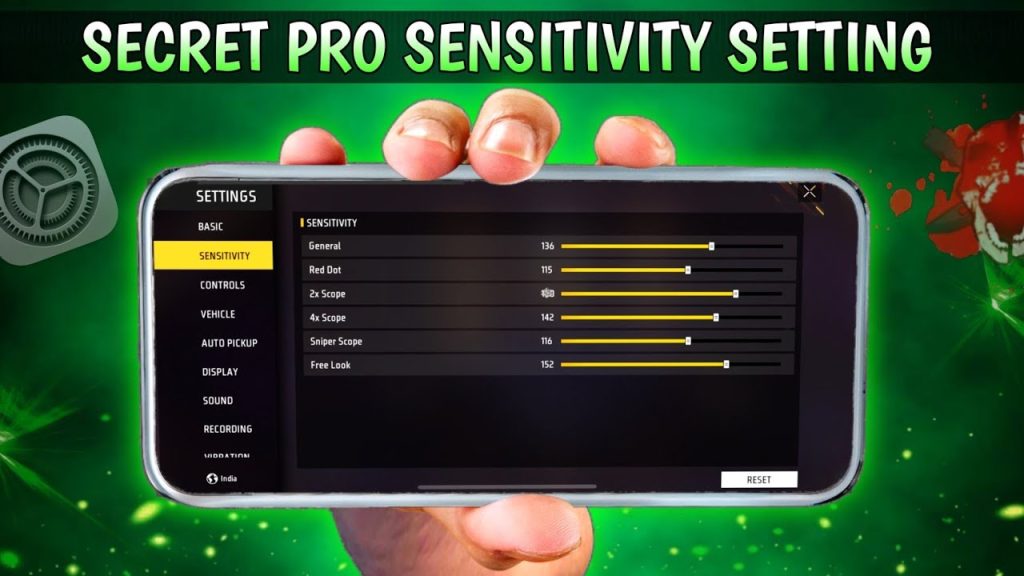
Close-range scopes need high sensitivity for fast flicks. Set Red Dot sensitivity to 90–100 and 2x Scope to 85–95. These are your go-to scopes for rushing. If you struggle with precision, check our dedicated red dot sensitivity guide for fine-tuning.
Step 4: Medium Sensitivity for 4x and Sniper
Even aggressive players need occasional mid-range picks. Set 4x Scope to 70–80 and Sniper Scope to 60–70. This keeps your reticle steady enough to hit moving targets but still fast enough to drag scope. For more precision sniping, see our best headshot sensitivity guide.

Step 5: Adjust ADS Sensitivity and Fire Button
ADS sensitivity controls how fast you aim while scoped. Keep it around 80–90 for aggressive play. Also, increase your fire button size to at least 60% and place it where your thumb naturally rests. A bigger button reduces missed taps. You can also enable the separate prone and crouch buttons for better movement.
Step 6: Test and Fine-Tune in Training Ground
Jump into the Training Ground. Practice flick shots on moving targets, 180-degree turns, and close-range sprays. If you’re overshooting, lower your general or red dot sensitivity by 5. If you’re too slow, bump it up. Spend at least 10 minutes. For a proper method, check out our guide on testing sensitivity.
Common Pitfalls
- Going too high too fast: Jumping straight to 100 makes you jittery and miss easy shots. Dial down if you can’t control the crosshair.
- Ignoring scope differences: Using the same sensitivity for all scopes ruins your aim. Treat each scope separately.
- Forgetting to practice: High sensitivity requires muscle memory. Without practice, you’ll panic and overshoot. Spend 5 minutes daily in training.
Where to Next
Now that you’ve got your aggressive sensitivity dialed in, you can improve other aspects of your game. Check out our tracking enemy settings to stay on target during sprays, or see influencer sensitivity settings for ideas from top players. If you prefer a balanced approach, our hybrid style sensitivity guide might suit you. Keep practicing and see you in the top 10!



