
If you’re using the 2x scope in Free Fire, you know it’s the sweet spot for medium range — not as zoomed as a 4x, but way better than red dot for targets 50–100 meters out. But that sweet spot turns sour if your sensitivity is off. This guide is for anyone who wants to stop missing shots with the 2x scope and start landing laser beams. By the end, you’ll have a tested sensitivity that works for your playstyle, plus you’ll know how to fine-tune it yourself.
The 2x scope magnifies just enough to see head glitches and movement, but it also amplifies every tiny swipe on your screen. Too high, and you’ll overflick past enemies. Too low, and you’ll struggle to lead a running target. That’s why we’re breaking down exactly how to set your 2x scope sensitivity — from the initial number to real-world testing. These steps work whether you’re a claw player or a thumbs player, on Android or iOS.
What You’ll Need
- Free Fire installed and updated (obviously).
- A phone you’re comfortable with — no stylus or external controller.
- Access to the Training Ground (practice mode).
- At least 15 minutes of uninterrupted time to test and tweak.
- Patience — finding YOUR perfect sensitivity takes a few rounds.
Step 1: Open Your Sensitivity Settings
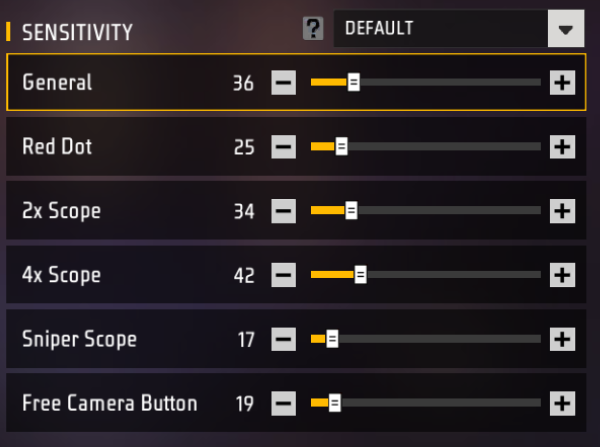
First, launch Free Fire and head to the main lobby. Tap the gear icon (Settings) in the top-right corner, then select ‘Sensitivity’ from the menu. Scroll down until you see the section labeled ‘Scope Sensitivity’. That’s where the 2x scope slider lives — it’s usually the third option after Red Dot and 1.5x scope. If you’re on an older version, it might be called ‘2x Scope’ or ‘Medium Scope’.
Step 2: Adjust the 2x Scope Sensitivity
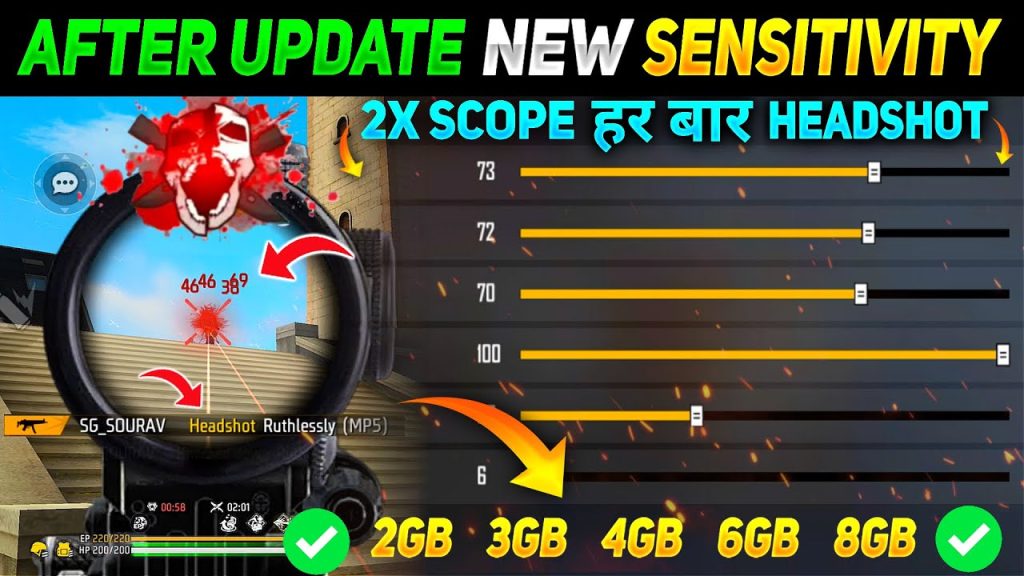
Now for the magic number. Start with a value between 35 and 45. This range works for most players on 6GB RAM phones and standard screens. If you’re on a lower-end device or higher DPI, lean toward 35–40. For flagship phones with ultra-smooth screens, 40–45 is a safe bet. Drag the slider to your chosen starting point, then back out of settings and head to the Training Ground.
Step 3: Test in Training Ground
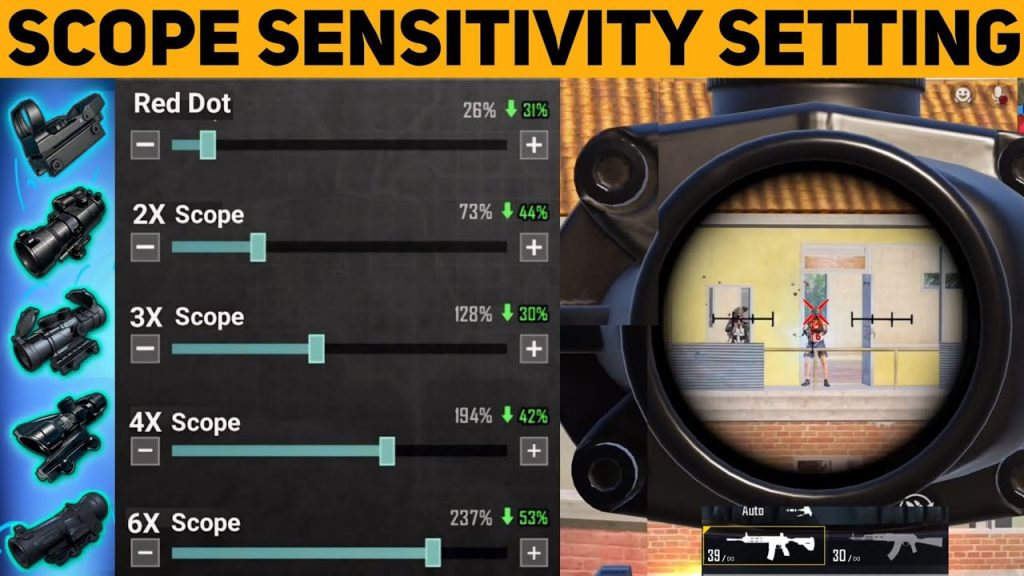
In Training Ground, grab any AR (like the M4A1 or AK) and equip a 2x scope. Find the moving targets at medium range (the ones on rails about 80 meters away). Aim at one and track it as it moves left and right — your crosshair should stay on the target without jerky overcorrection. Then try flicking to a stationary target (the dummy head). If you overshoot, lower sensitivity by 2 points. If you undershoot, increase by 2. Repeat until it feels natural.
Step 4: Fine-Tune Based on Your Playstyle
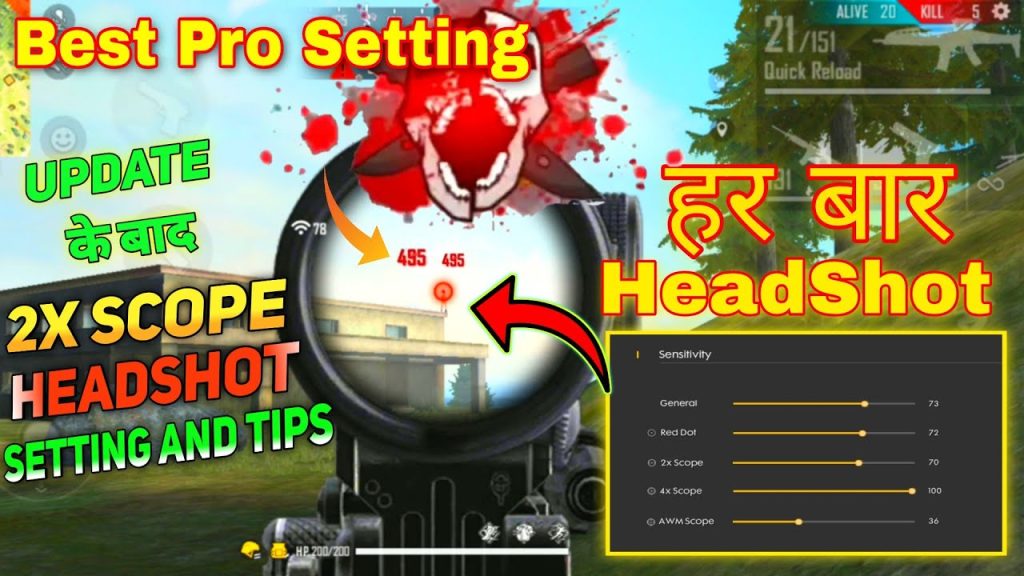
Once you have a baseline, consider how you engage fights. If you’re a rusher who quick-peeks and one-taps, you might want a slightly higher sensitivity (add 2–3) for faster flicks. If you’re a passive player who holds angles and tracks, stick to the lower end for steadier aim. Don’t forget to test your sensitivity with different weapons — SMGs like the MP40 have higher recoil and may need a tweak. If you’re still struggling, check our guide on tracking enemies for more tips.
Common Pitfalls
- Setting sensitivity too high: You’ll overflick past enemies and miss crucial shots. Stick to 35–45 as a starting range and only increase if you consistently undershoot.
- Not testing at different ranges: The 2x scope is for 50–100 meters. If you only test at 30 meters, your settings will feel off in real matches. Use the Training Ground’s variable distance targets.
- Copying pro settings blindly: Pros often use very high sensitivity (50–60) because they have insane muscle memory. That’ll make you worse as a beginner. Start low and work your way up only if needed.
Where to Next
Now that your 2x scope sensitivity is dialed in, it’s time to master other aspects of your aim. Check out our complete guide to free fire sensitivity settings for a holistic approach, or learn how to test your sensitivity systematically. If you want to improve your headshot accuracy, our headshot sensitivity guide has you covered. And don’t forget to fine-tune your general sensitivity for tracking enemies. The 2x scope is just one piece of the puzzle — keep practicing, and you’ll be dropping 15-kill games in no time.



