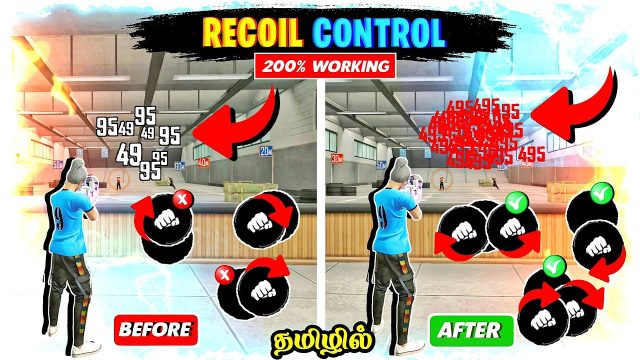
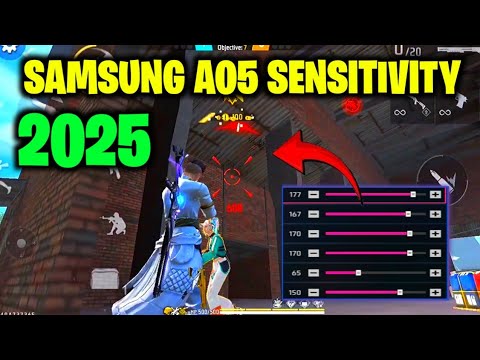
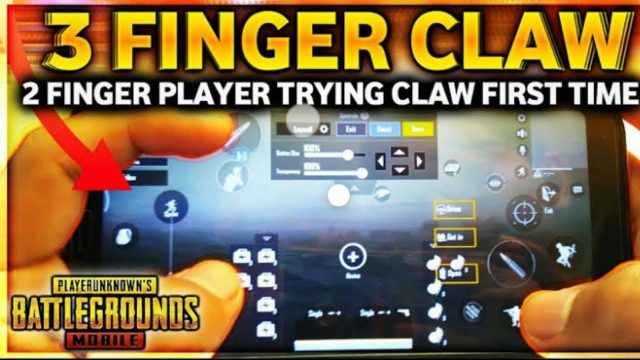
If you’ve ever unloaded a full mag into a wall while your enemy casually walks away, you’re in the right place. This guide is for every Free Fire player who wants to stop relying on luck and start controlling their recoil like a pro. By the end, you’ll have a personalized sensitivity setup that matches your device, your playstyle, and your reaction speed. No more copying random streamer codes—you’ll know exactly why each slider matters and how to tweak it.
We’re going to take it step by step, from understanding what each sensitivity setting actually does, to testing your current values, adjusting, and fine-tuning in real matches. I’ll keep the jargon to a minimum and the practicality high. Grab your phone, open up Free Fire, and let’s turn that potato aim into laser beams.
What You’ll Need
- A device with Free Fire installed (iOS or Android)
- At least 30 minutes of uninterrupted time
- Access to the in-game Training Ground or a Custom Room
- Your current sensitivity settings written down or screenshot
- Patience – small changes make big differences
Step 1: Understand the Sensitivity Sliders
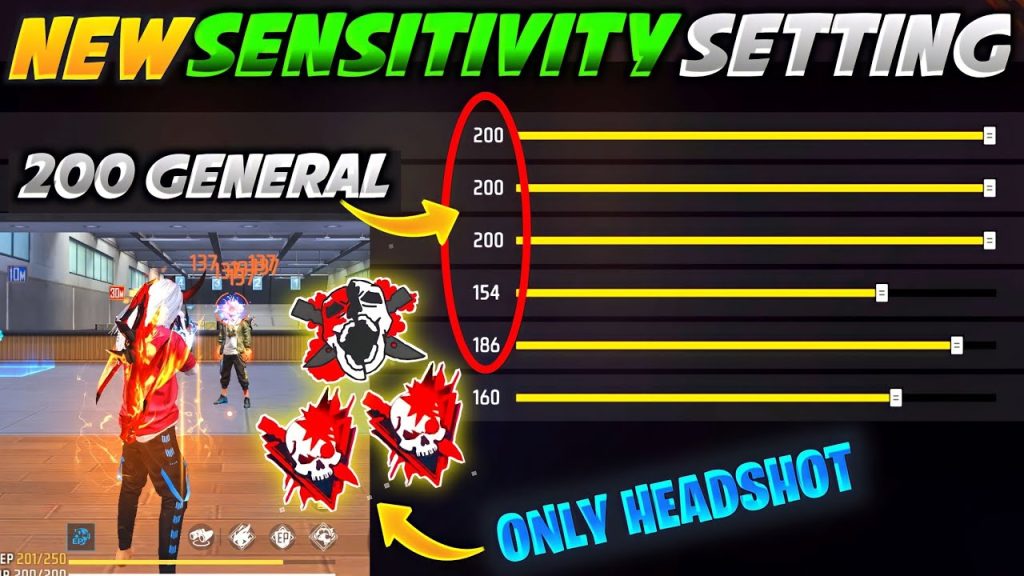
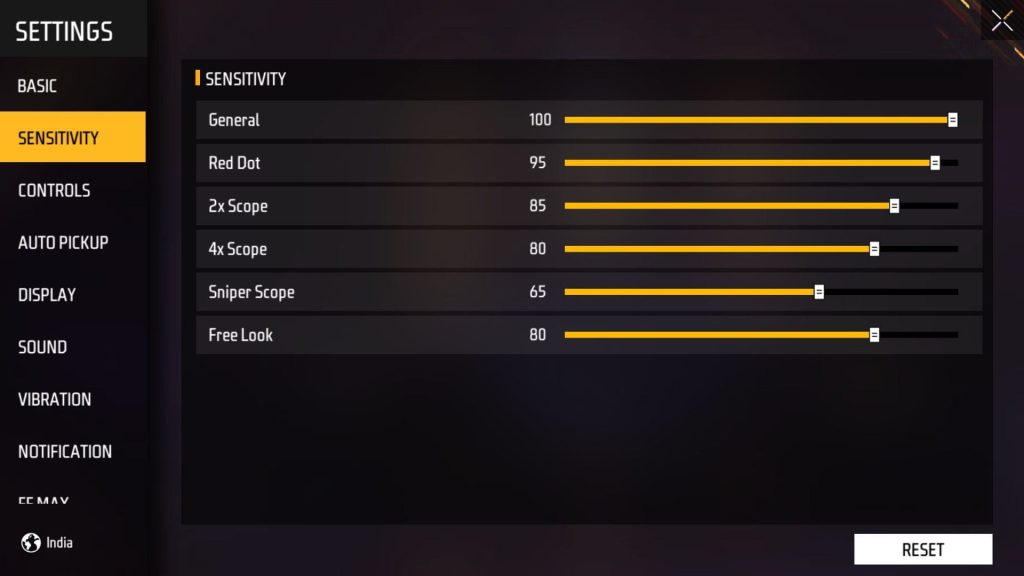
Before you touch anything, open your Free Fire settings (the gear icon in the lobby) and go to the Sensitivity tab. You’ll see sliders for General, Red Dot, 2x Scope, 4x Scope, Sniper Scope, and Free Look. Each one controls how fast your view moves when you drag your finger while aiming down sights (ADS) or hip-firing. General sensitivity applies when you’re not aiming; the scope sliders apply when you’re zoomed in. Higher numbers = faster rotation, lower = slower but more precise.
Step 2: Find Your Current Sensitivity Values
Note down your current numbers or take a screenshot. Most players start with the default (around 75-100 General, 60-80 for scopes). If you’ve never changed them, you’re on default. That’s fine – we’ll use that as a baseline. If your accuracy is already decent for close range but you struggle at long distance, you might already have good general sense but need lower scope settings.

Step 3: Test in Training Ground
Head to the Training Ground (Mode Select > Training). Pick an AR like M4A1 or AK47. Shoot at the moving targets from different distances. Notice how much your crosshair jumps when you try to track a running target. If you overshoot (your aim goes past the target), your sensitivity is too high. If you can’t keep up, it’s too low. Spend 5 minutes just spraying at the 30-meter target and note how many bullets hit.

Step 4: Adjust in Small Increments
Change only one slider at a time. Start with General sensitivity: increase or decrease by 5-10 points. Then repeat the training session. Keep adjusting until you can smoothly track a running target without jerking. Next, do the same for Red Dot (close-mid fights) and 2x Scope (mid range). For 4x and Sniper, lower is usually better – try 30-50. A good rule: your general should be faster than your scopes. Write down your new numbers.
Step 5: Fine-Tune in Custom Room Deathmatch
Create a Custom Room (Mode > Custom) with a few friends or randoms. Set it to Deathmatch or Clash Squad mode – real combat is the best test. Play a few rounds with your new settings. Pay attention to flick shots, tracking, and recoil control. If you feel sluggish, bump up the scope that’s giving you trouble. If you feel shaky, dial it down. Repeat until your aim feels natural and you’re winning more gunfights.
Common Pitfalls
- Copying pro settings without understanding them – what works for a streamer’s device and DPI might ruin your aim. Always test yourself.
- Changing too many sliders at once – you’ll never know which adjustment helped or hurt. Make one change, test, then change the next.
- Ignoring device DPI – on phones, DPI can affect sensitivity. Check your phone’s display settings (some allow DPI adjustment). Lower DPI = slower cursor speed, which might make high sensitivity feel okay.
Where to Next
Now that you have a personal sensitivity setup, jump into ranked matches and commit to it for at least a week. Muscle memory takes time. If you still miss shots, revisit the Training Ground and tweak a little more. You can also experiment with different fire button layouts (claw grip, 4-finger) to gain even more control. Keep grinding, and soon those headshots will feel automatic.