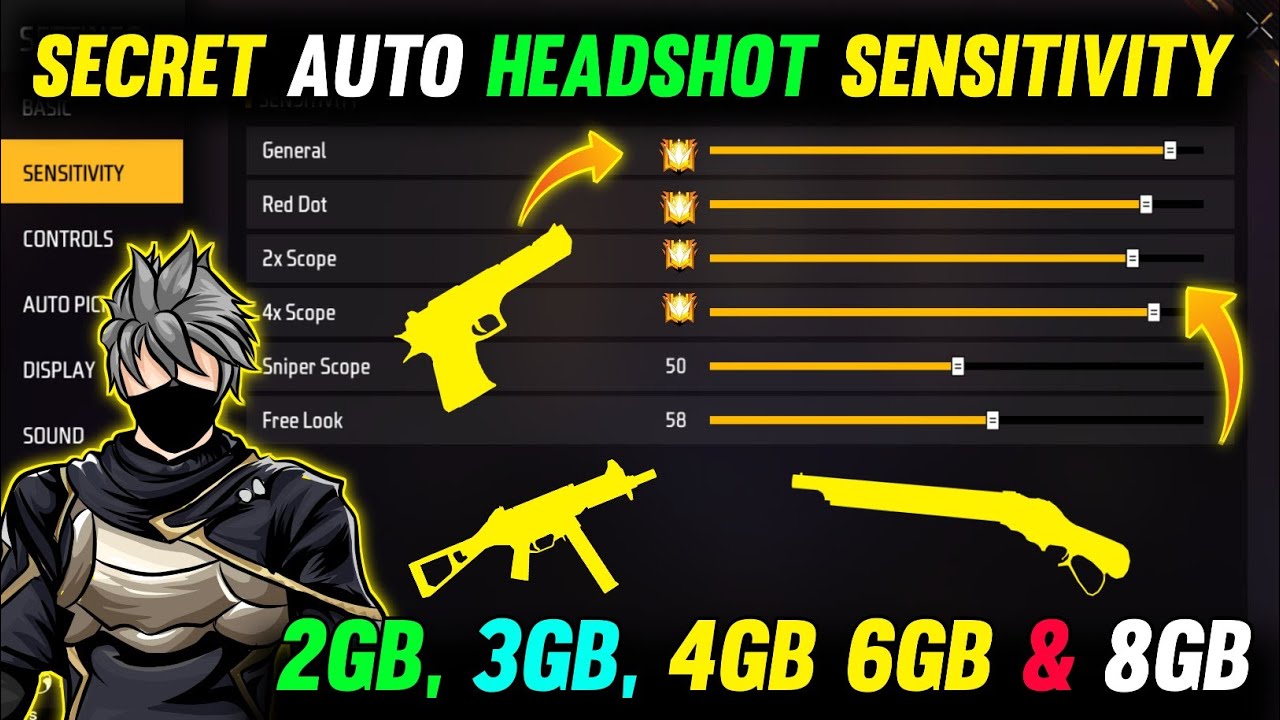
If you’re tired of getting destroyed at close range but also want to beam enemies from across the map, you’re probably looking for that sweet spot between high and low sensitivity. That’s where the hybrid style comes in. It’s for players who want to be flexible — able to flick onto a rusher and still track a distant target. By the end of this guide, you’ll have a sensitivity setup that balances speed and control, plus a routine to dial it in perfectly for your playstyle.
This guide assumes you already know the basics of Free Fire and have access to the sensitivity settings menu. We’ll walk through each slider, explain why hybrid settings are different, and give you concrete numbers to start with. No fluff, just tested values that work for most hybrid players. Let’s get your settings locked in.
What You’ll Need
- A device running Free Fire (Android or iOS).
- Access to the game’s sensitivity settings (Settings > Sensitivity).
- At least 10 minutes in the Training Ground to test your settings.
- Optional: Gyroscope enabled if you want extra fine control.
Step 1: Understand the Hybrid Style Sensitivity Goal
Hybrid means you need two things: high enough general sensitivity to spin around quickly when someone rushes you, but moderate ADS sensitivity so your scope doesn’t fly off target at long range. Many players crank everything up and lose all control. In this setup, we’ll keep General high, ADS medium, and use the gyroscope for fine-tuning.
Step 2: Set Your General Sensitivity
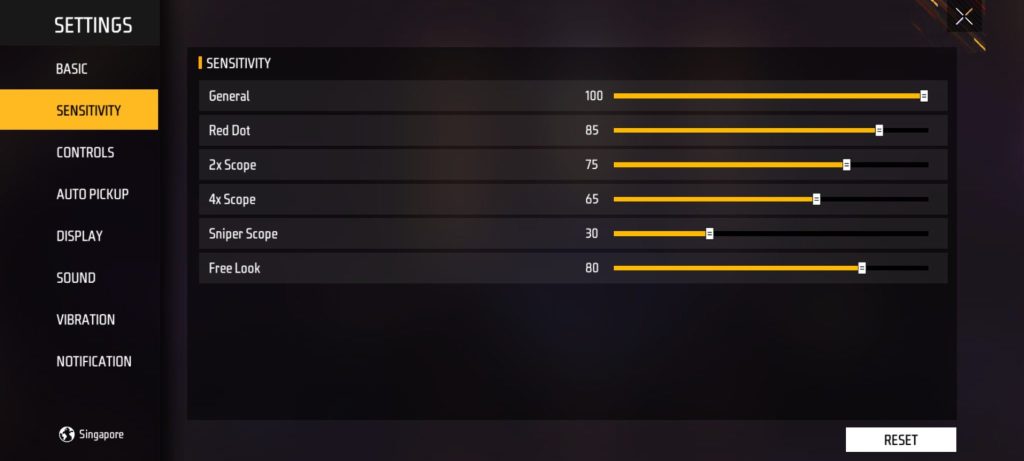
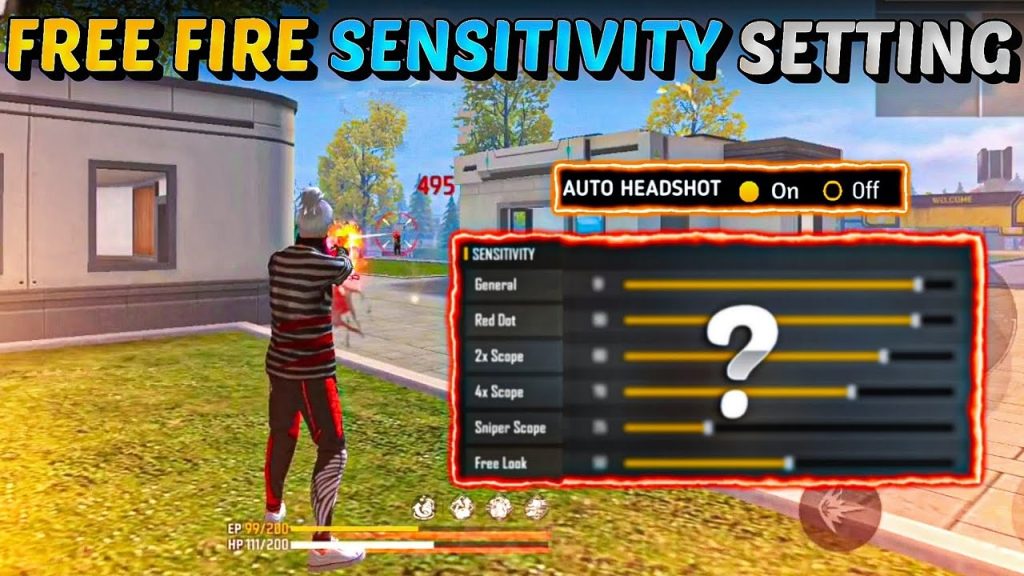
General sensitivity controls how fast your view moves when not aiming down sights. For hybrid, set this between 90 and 100. Start at 95. This makes it easy to react to close-range enemies. Go to Settings > Sensitivity and drag the General slider to 95.
Step 3: Fine-Tune Red Dot and 2x Scope Sensitivity
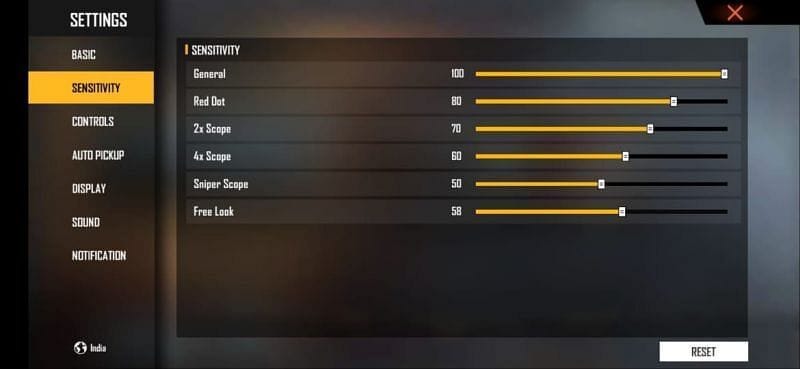
Hybrid players often use ARs with red dot or 2x scope. Set red dot sensitivity to 70-80 and 2x to 50-60. These values give you decent speed without overcorrecting. Adjust based on your preference: if you overshoot targets, lower it; if you feel sluggish, raise it by 5.
Step 4: Configure ADS and Gyroscope
ADS (aim down sights) sensitivity for 4x and above scopes should stay low (30-40) to avoid jitter. For gyroscope, enable it and set to 50-60 for both general and ADS. Gyroscope is key for hybrid — it lets you make micro-adjustments while keeping your thumb movements broad.
Step 5: Test and Adjust in Training Ground
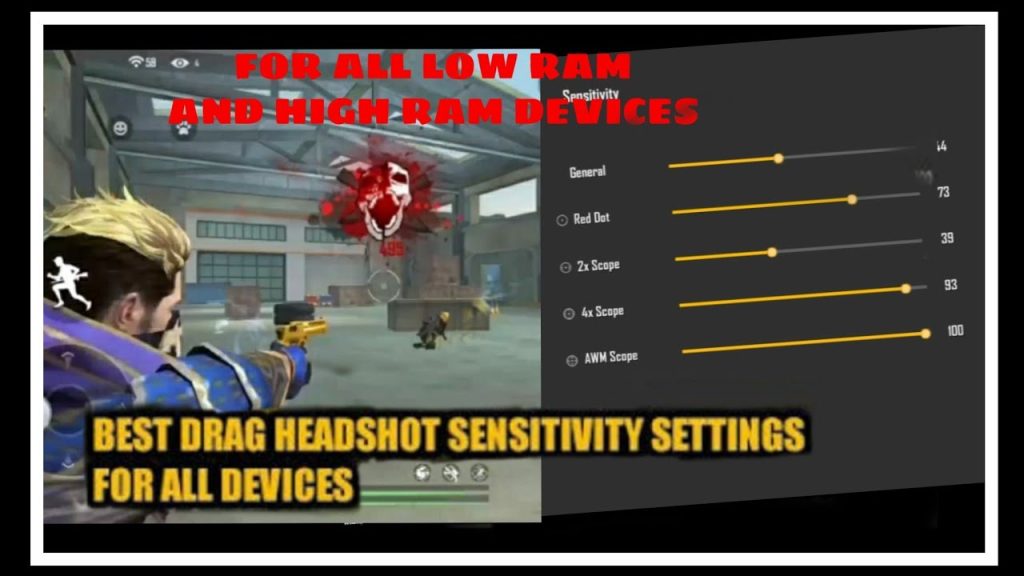
Now go to Training Ground. Practice flicking to moving targets at close range (5-10 meters) and then quickly switching to a target far away (50+ meters). If your crosshair overshoots at long range, lower ADS sensitivity by 5. If you can’t track a close enemy, raise general sensitivity slightly. Spend at least 5 minutes doing this.
Common Pitfalls
- Pitfall 1: Setting everything too high. High general + high ADS = uncontrollable aim. Remember, ADS should be lower than general.
- Pitfall 2: Ignoring the gyroscope. Without it, you lose the fine control that makes hybrid style shine. Enable it and start low (40) if you’re new.
- Pitfall 3: Not testing with different weapons. A sensitivity that works with an AR might be terrible with an SMG. Test with your main loadout.
Where to Next
Now that your sensitivity is dialed in, practice in Clash Squad or ranked matches. Don’t change settings too often — give yourself a few days to adapt. Next, you might want to work on movement (like strafing and peek shooting) to complement your new aim. Good luck, and see you in the next safe zone!



