Ever been in a close-range fight where you needed just one tap to take down your enemy, but your aim was off? If you’re a casual Free Fire player looking to up your game, one-tap kills are the way to go. In this guide, I’ll walk you through the perfect sensitivity settings for one-tap accuracy. By the end, you’ll have a setup that lets you snap onto targets quickly and win those clutch duels.
This tutorial is for anyone who wants to improve their aim without spending hours tweaking sliders. Whether you’re using a budget phone or a gaming device, these settings will give you a solid foundation. I’ll even include a quick training method so you can test and adjust on the fly. Let’s get that laser aim!
What You’ll Need
- A device with Free Fire installed (any RAM, but 2GB+ recommended for smooth gameplay – check free fire sensitivity settings for 2gb ram if needed).
- 5–10 minutes of free time to tweak and test.
- A training ground access (you can hop into a custom room or the in-game training area).
- Optional: a sensitivity finder tool to fine-tune later.
Step 1: Open Settings and Sensitivity Menu
Launch Free Fire and head to the main lobby. Tap the gear icon (Settings) in the top-right corner, then select the ‘Sensitivity’ tab. Here you’ll see a bunch of sliders for camera, red dot, 2x scope, and more. For one-tap, we’re mostly concerned with camera sensitivity and red dot (or 1x scope) sensitivity.
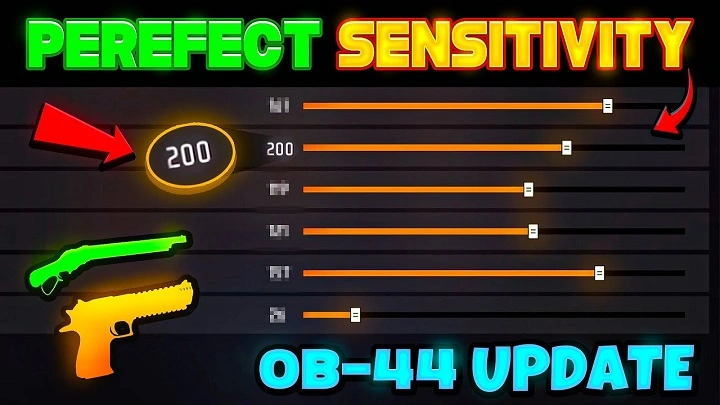
Step 2: Adjust General and Red Dot Sensitivity
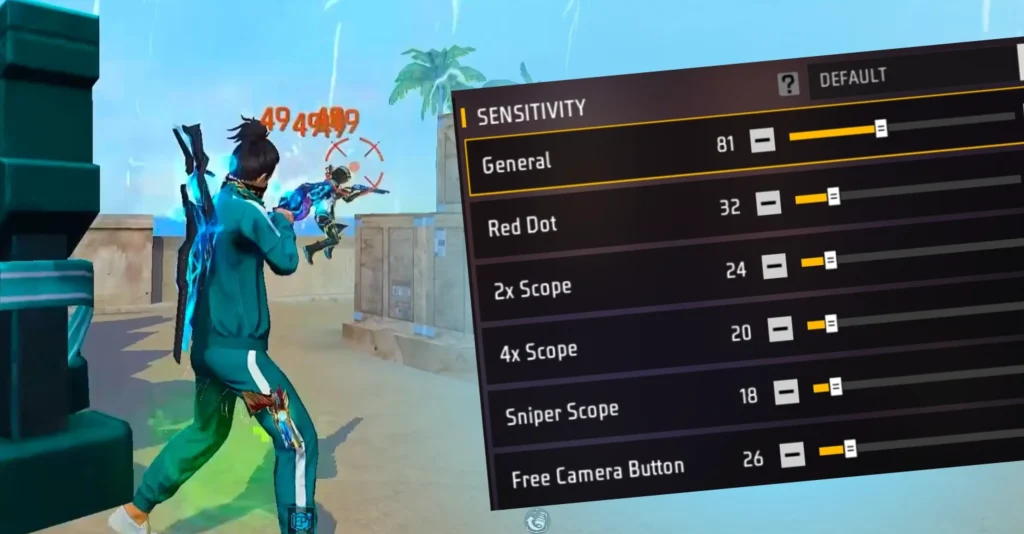
Set your ‘Camera Sensitivity’ (general) to between 85 and 95. This controls how fast your view moves when you swipe. For one-tap, you want it high enough to flick quickly but not so high that you overshoot. Next, set ‘Red Dot Sensitivity’ (or 1x scope) to 80–85. This is your bread-and-butter for close fights. If you also use a 2x scope, check our free fire 2x scope sensitivity settings for a dedicated guide.
Step 3: Fine-Tune Camera and ADS Sensitivity
Now go to the ‘Advanced’ section. Set ‘Camera Sensitivity’ for third-person to 85, for first-person to 90. For ADS (aim down sights), keep it around 80 for red dot and 75 for 2x scope. These numbers give you a good balance for quick tapping. If you want a more rush-heavy style, try the aggressive sensitivity settings from our other post. Remember, you can also sync your sensitivity settings across devices if you play on multiple phones.
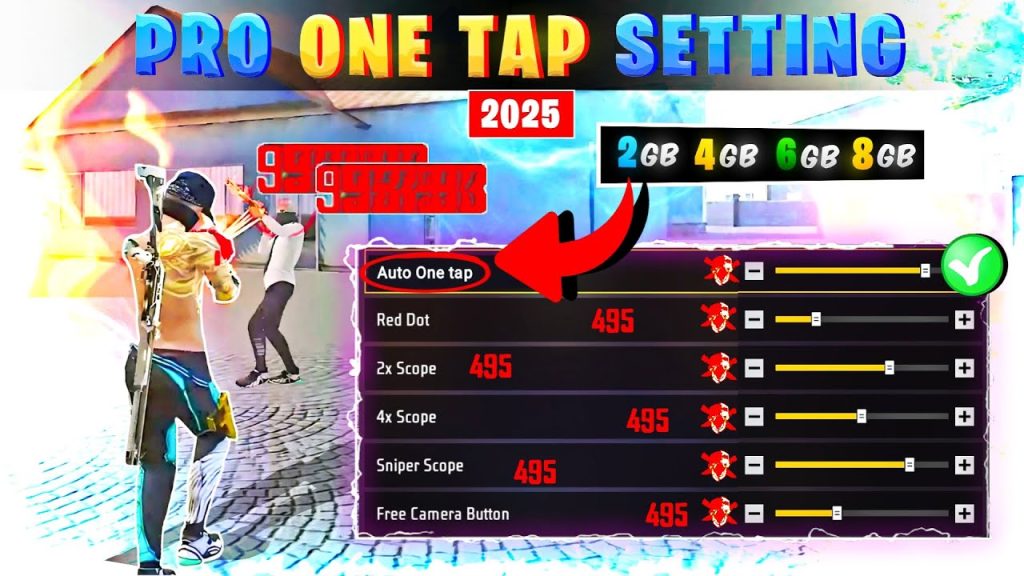
Step 4: Practice in Training Grounds
Jump into the training grounds and aim at the stationary targets. Try flicking to them quickly – you should be able to land one tap without much adjustment. If you’re over- or under-aiming, tweak the camera sensitivity slightly. For more precise drills, practice with moving targets. You can also use a sensitivity finder tool online to compute your ideal values based on your swipe length. Once you’re happy, don’t forget to export your settings or save them using the save free fire sensitivity settings feature.
Common Pitfalls
- Over-sensitivity: Setting camera too high (above 95) makes you spin wildly. Stick to 85–95 range for general. If you still feel shaky, lower it by 5 points.
- Ignoring touch combo: Your fire button placement matters. Adjust your HUD so the fire button is where your thumb naturally rests. Check out our touch combo settings for ideas.
- Skipping testing: Don’t just copy numbers and jump into a match. Always test in training or a custom room. Small adjustments can make a big difference.
Where to Next
Now that you’ve got your one-tap sensitivity dialed in, you can explore more advanced techniques. The drag headshot sensitivity guide will help you master that flick shot. And if you’re playing on Asia server, check out our dedicated settings for better performance. Keep practicing, and soon you’ll be landing one taps without even thinking about it!