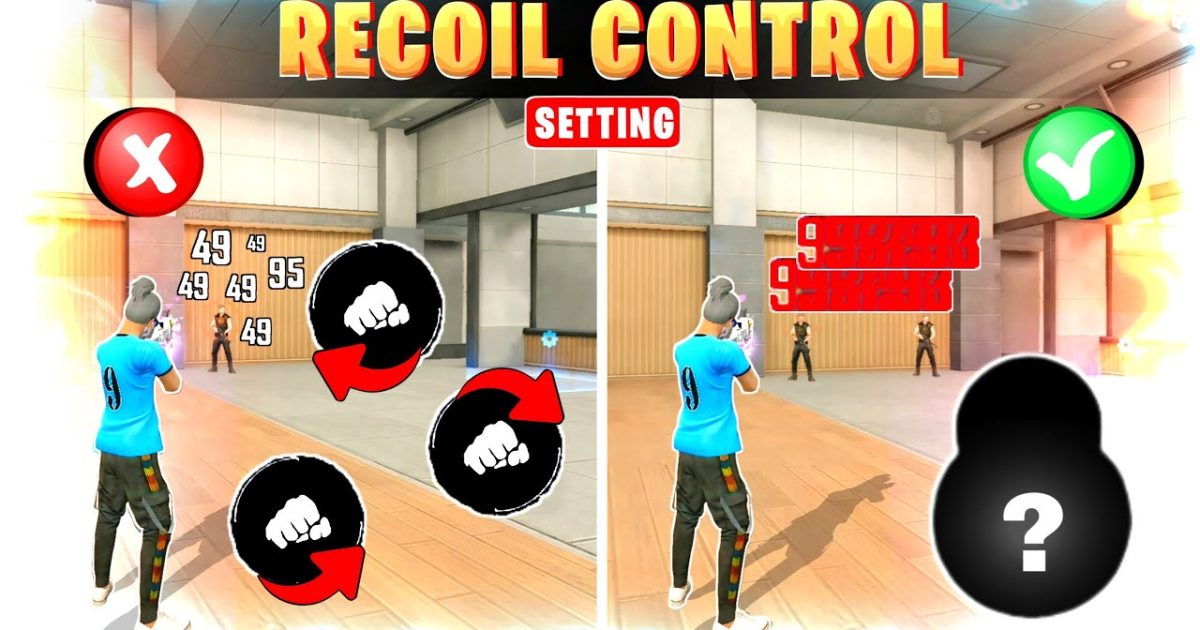
If you’re tired of your crosshair jumping all over the place when you fire, you’ve come to the right place. This guide is for every Free Fire player who struggles with recoil—whether you’re a beginner or someone stuck in Heroic. By the end, you’ll have a sensitivity setup that tames the spray and lets you beam enemies from mid to long range without missing a shot.
Recoil control isn’t magic; it’s all about finding the right balance between sensitivity and your muscle memory. We’ll walk you through a proven step-by-step process, from resetting your current settings to fine-tuning with the gyro. No guesswork, just tested values you can tweak for your playstyle.
What You’ll Need
- A Free Fire account (any level)
- A smartphone (Android or iOS) with the game installed
- Access to the Practice Range (unlocked at level 5)
- About 30 minutes of uninterrupted time
Before we dive in, make sure your phone isn’t in power-saving mode—it can throttle performance and mess with your sensitivity. Also, clean your screen and remove any screen protector if it causes input lag.
Step 1: Understand Recoil Patterns
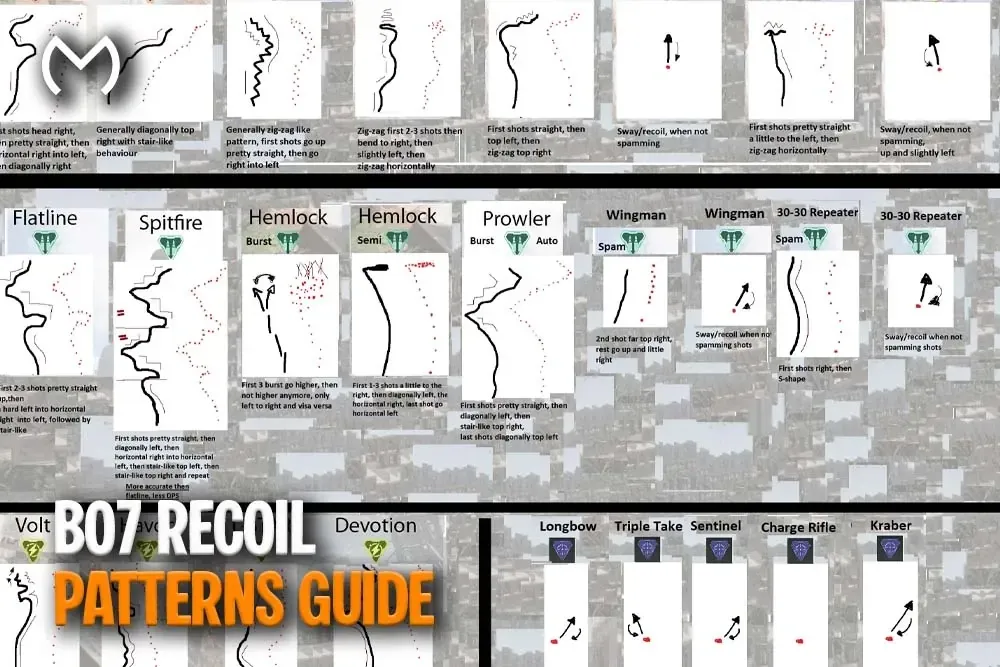
Every gun in Free Fire has a unique recoil pattern. Open the Practice Range and pick the weapon you use most (like the M1887, AK, or M4A1). Fire a full magazine without moving your finger and watch the bullet spread. You’ll see the crosshair climb up and to the right or left. This pattern is what we’ll counteract with sensitivity settings.
Step 2: Reset Your Current Settings
Go to Settings > Sensitivity. Take a screenshot of your current values (so you can revert if needed), then tap “Reset.” This removes any sensitivity settings that might be blocking a clean start. We’ll build from default values.
Step 3: Set General Sensitivity
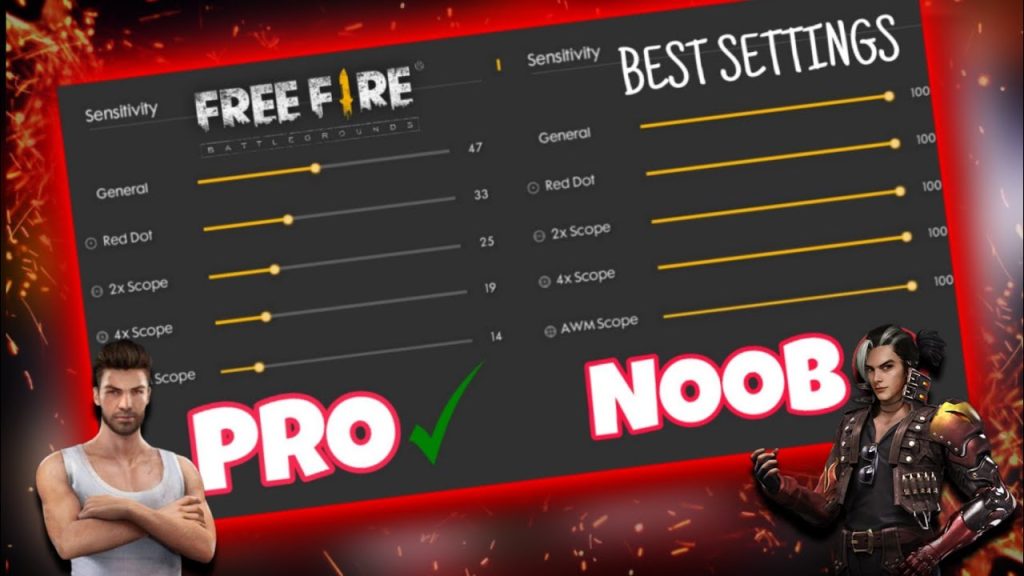
General sensitivity controls your ADS and hip-fire look speed. For recoil control, start with these base values and adjust from there:
- General Sensitivity: 80-90 (higher for faster target tracking)
- Red Dot: 65-75 (good for medium range)
- 2x Scope: 55-65
- 4x Scope: 45-55
- Sniper Scope: 10-20 (keep low for stable aim)
Go to the Practice Range and fire controlled bursts. If your crosshair drifts too much, lower the value. If you can’t keep up with the recoil, increase it slightly. The goal is to have the crosshair stay roughly on the same spot after 10-15 bullets.
Step 4: Adjust Red Dot and Scope Sensitivities
These settings affect how much you need to drag your finger to counter recoil when using scopes. A good rule of thumb: lower scope sensitivities make recoil control harder because you need larger finger movements. Try these starting points:
- Red Dot: 70 (fine-tune in 5-point increments)
- 2x Scope: 60
- 4x Scope: 50
Fire at a wall from 30 meters. If your shots climb vertically, that’s normal—just pull down smoothly. If they veer sideways, adjust sensitivity to compensate. You can also check out our recommended Free Fire sensitivity settings for a tested baseline.
Step 5: Enable and Tweak Gyroscope (Optional)
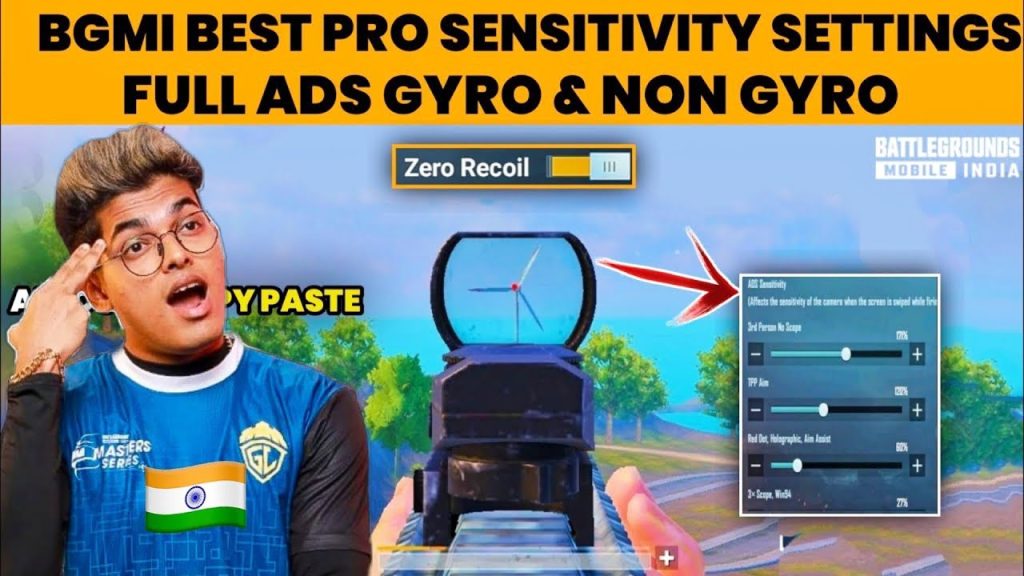
Gyro uses your phone’s tilt to aim, making recoil control more intuitive. In Settings > Sensitivity, turn on Gyroscope and set it to 50% for your guns. Then in the Practice Range, tilt your phone forward slightly while firing to counter the upward recoil. If you’re new to gyro, start with lower values (30%) and increase gradually. For a deeper dive, see our guide on how to use gyro in Free Fire sensitivity settings.
Step 6: Test and Iterate
Now it’s time to put everything together. Play a few Clash Squad matches or classic Battle Royale. Pay attention to your spray control—if you’re still losing gunfights, spend 10 minutes in the Practice Range again. Use the in-game stats to see your accuracy percentage. For a systematic approach, learn how to test Free Fire sensitivity settings with our dedicated guide.
Don’t be afraid to make small changes (2-3 points at a time). Your muscle memory will adapt quickly. And remember, sensitivity settings vary based on your device. If you have a gaming phone, check out our Free Fire sensitivity settings for gaming phones for optimized values. For more advanced tweaks, the advanced Free Fire sensitivity settings guide covers everything from DPI to aim assist.
Common Pitfalls
- Copying pro settings blindly: Pro players often use high sensitivity that works with their muscle memory but may feel uncontrollable for you. Always start from a baseline and adjust to your comfort.
- Ignoring device performance: If your phone lags, high sensitivity will feel jittery and make recoil worse. Try lowering graphics or activating Game Booster. For 3GB RAM phones, see our recommended settings.
- Skipping the Practice Range: Jumping straight into matches with new settings is a recipe for bad habits. Spend at least 15 minutes testing each change in the range before taking it live.
Where to Next?
You’ve got a solid foundation for recoil control. Next, consider exploring custom Free Fire sensitivity settings tailored to specific weapons, or master advanced techniques like jitter aiming. Keep practicing and tweaking—your perfect sensitivity is just a few adjustments away.



