
If you’ve been using default Free Fire settings and wondering why your aim feels off, you’re not alone. Every player has a unique grip, phone size, and playstyle — so one-size-fits-all sensitivity just doesn’t cut it. Whether you’re a rusher, a sniper, or a support player, dialing in custom sensitivity can instantly improve your accuracy and reaction time. By the end of this guide, you’ll have a personalized sensitivity profile that feels natural and helps you win more gunfights.
This guide is for beginners who have never tweaked their settings and for intermediate players who want to fine-tune. We’ll start from a clean slate, make incremental adjustments, and test everything in the practice range. No confusing jargon — just actionable steps. Let’s get your aim on point.
What You’ll Need
- A phone with Free Fire installed and up-to-date
- Stable internet connection (to avoid lag while testing)
- Access to the in-game Practice Range (available from the lobby)
- A few minutes of uninterrupted time (about 15–20 minutes)
Step 1: Reset to Default Settings
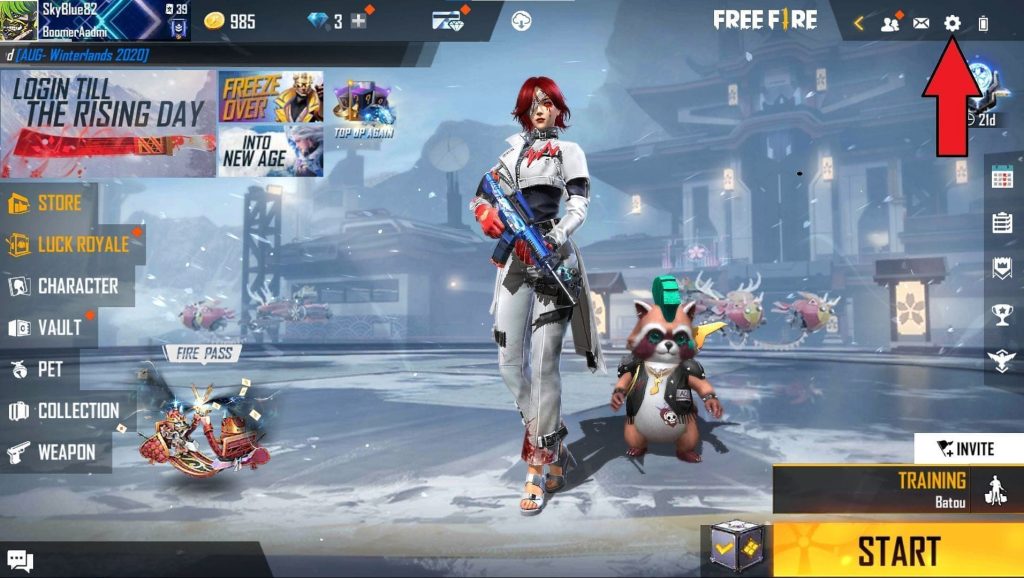
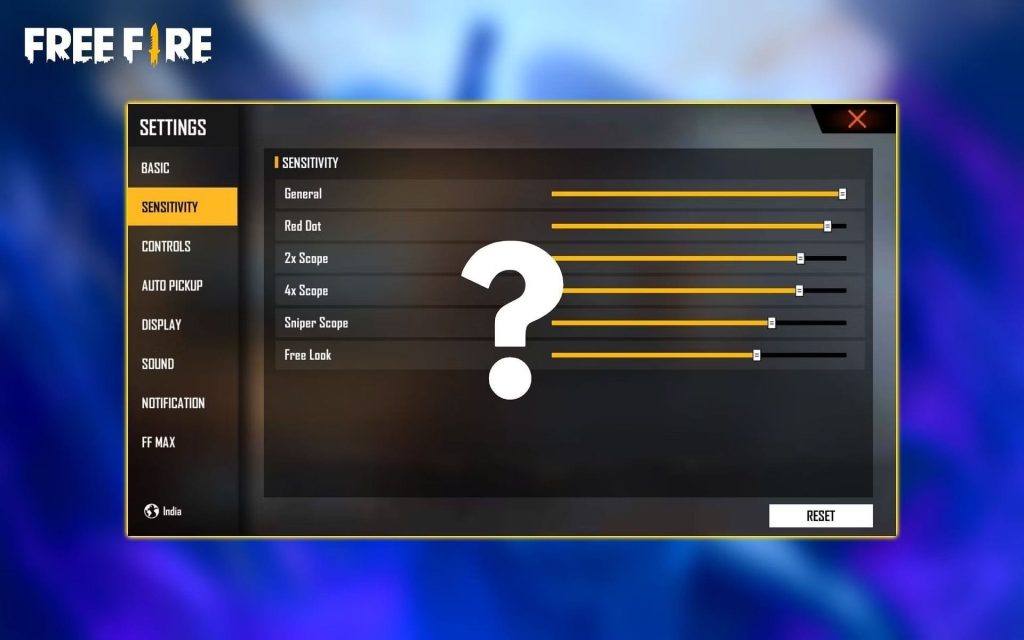
Before we start customizing, remove any previous tweaks. Go to Settings > Sensitivity and tap ‘Reset to Default’. This gives us a clean baseline. Write down your current values if you ever want to go back.
Step 2: Adjust General Sensitivity
General sensitivity controls your free-look speed when not aiming down sights. Start at 70% and adjust up or down by 5% based on how fast you want to turn. If you overshoot when looking around, lower it. If you feel sluggish, raise it. Test by quickly looking left and right in the practice range.
Step 3: Fine-Tune Scope Sensitivities
Each scope (Red Dot, 2x, 4x, AWM) has its own sensitivity. Start with the Red Dot at 60% and the 4x at 30%, then adjust each by 5% after testing with that scope. The goal is to be able to track a moving target without jitter. For close-range weapons, lower scope sensitivity helps with flick shots.
Step 4: Gyroscope Sensitivity (Optional)
If you use gyroscope (tilting the phone), enable it in Settings and set the gyro sensitivity to about 50% initially. Tilt your phone to aim — if it feels too fast, lower it. Gyro helps with micro-adjustments for headshots. For a deeper dive, check out our guide on free fire gyroscope sensitivity settings.
Step 5: Test in Practice Range
Head to the Practice Range and choose a target dummy. Try moving while shooting — if your crosshair jumps too much, lower the general sensitivity. Try long-range shots with a 4x scope — if you can’t stay on target, reduce scope sensitivity by 5%. Repeat until you can consistently land shots.

Step 6: Fine-Tune in Real Matches
Your Practice Range settings might feel different in a live match due to adrenaline. Play a few Clash Squad or BR matches and adjust by 2–3% as needed. Keep a small notebook of your values. Remember, your perfect free fire sensitivity settings will evolve as you improve.
Common Pitfalls
- Setting sensitivity too high: High numbers cause over-aiming and missed shots. Start low and increase gradually.
- Ignoring gyroscope: Gyro can massively improve precision, especially for long-range and headshots. Don’t skip it.
- Not testing in BR: Practice Range doesn’t replicate real match pressure. Always fine-tune after a few games.
Where to Next
Now that you have a custom sensitivity setup, keep practicing. Every scope change or new weapon may need small tweaks. For more tailored advice, check out our guides for free fire sensitivity settings for kids, free fire sensitivity settings for fast players, and free fire sensitivity settings for midrange phones. Also, if you want almost no recoil, our free fire sensitivity settings no recoil guide will help you further refine your values.



