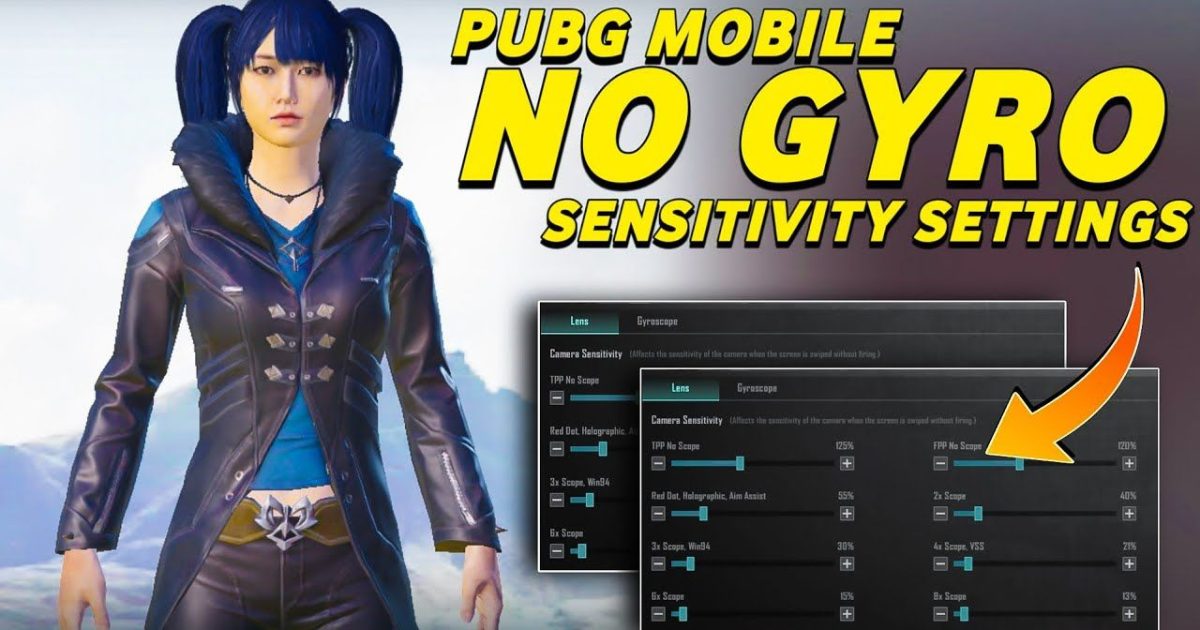
If you’ve recently switched to gyroscope aiming in Free Fire, you know it’s a game-changer. But getting the sensitivity right can be frustrating – too high and you’ll overshoot, too low and you’ll drag. This guide is for gyro users who want a practical, step-by-step method to dial in their settings without wasting hours. Whether you’re a beginner or an intermediate player, you’ll end up with a profile that feels natural and helps you track enemies smoothly.
By the end of this guide, you’ll have a customized gyroscope sensitivity setup that balances speed and precision. You’ll learn how to adjust for different scopes, test in real combat, and avoid common mistakes. Plus, we’ll link to other proven sensitivity presets like no recoil sensitivity and close range sensitivity so you can fine-tune even further. Let’s get your gyro dialed in!
What You’ll Need
- A device with a working gyroscope (most modern phones and tablets).
- Free Fire installed and updated to the latest version.
- Access to the Training Ground (use the in-game practice mode).
- Patience: plan to spend 15–20 minutes testing and iterating.
Step 1: Enable Gyroscope and Set Defaults
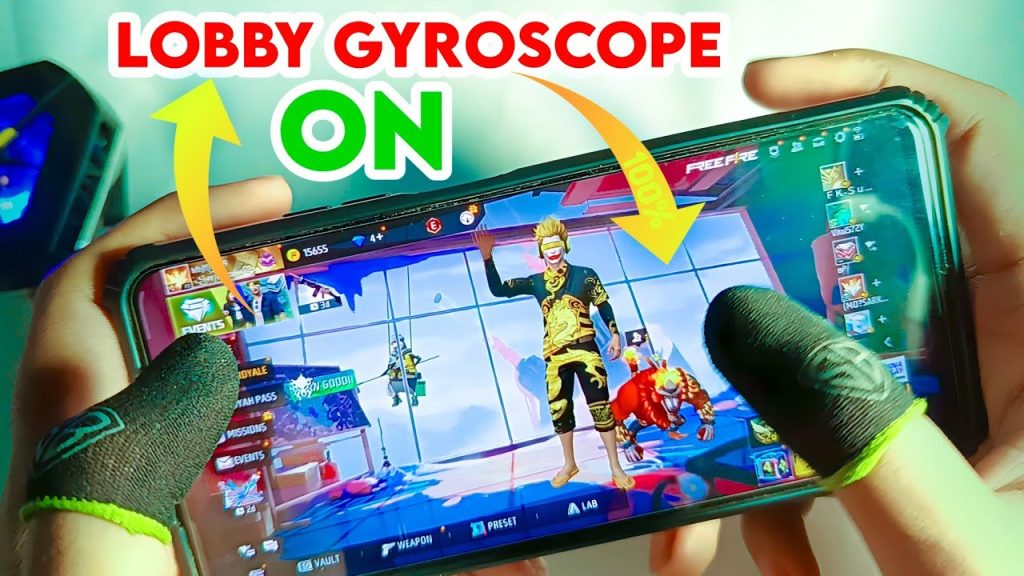
First, make sure gyroscope is turned on in your Free Fire settings. Go to Settings > Sensitivity > Gyroscope and select ‘Always On’ (or ‘Scope Only’ if you prefer, but ‘Always On’ gives you full control). Then, set your general sensitivity to a moderate baseline – somewhere between 20 and 40 is a good starting point for most gyro users. This will be the foundation you tweak later.
Step 2: Calibrate Red Dot and 2x Scope
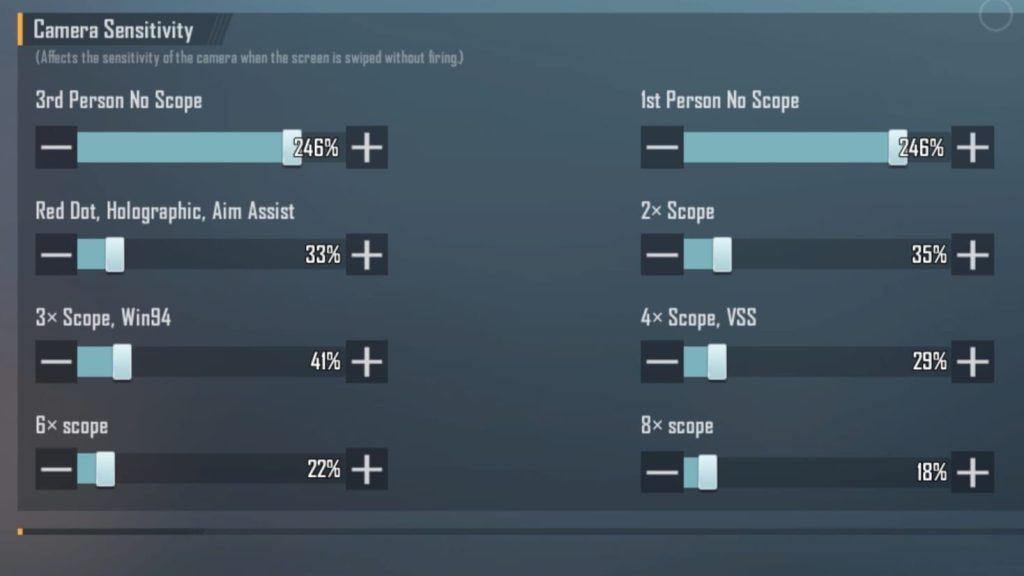
Head to the Training Ground and equip a gun with a Red Dot or 2x scope. Stand still and aim at a stationary target. Slowly move your device left and right – your crosshair should follow smoothly without jerking. If you overshoot, lower your gyro sensitivity for that scope (start at 10–15). If you feel like you’re fighting the movement, increase it. Keep adjusting until you can track a target across the screen effortlessly. This is your baseline for low-zoom optics.
Step 3: Fine-Tune 4x and Sniper Scopes
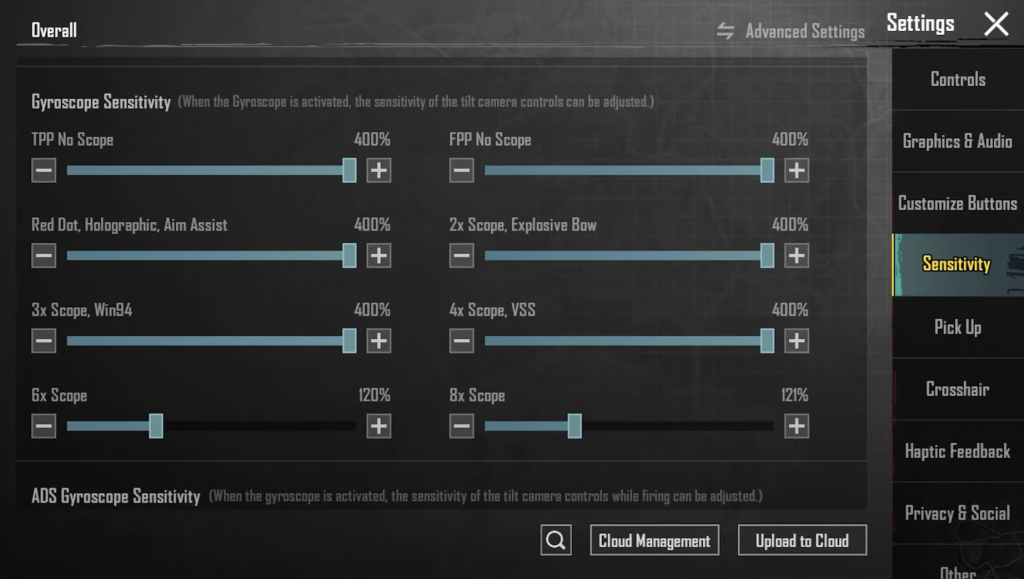
High-zoom scopes need lower gyro sensitivity because small device tilts translate to huge crosshair movements. For a 4x scope, start with a gyro value of 5–10. For sniper scopes (like the 6x), go even lower – 3–5 is typical. Practice flicking between enemies at long range; you want to be able to land shots without over-correcting. If you’re shaky, reduce the sensitivity further. This step is crucial for consistent long-range fights.
Step 4: Adjust ADS Sensitivity for Different Ranges
Your overall ADS sensitivity should vary based on engagement distance. For close quarters, you want higher sensitivity to snap onto enemies quickly – check our close range sensitivity guide for reference. For medium ranges, use a moderate setting (around 15–25 gyro). For long ranges, lower is better to maintain precision; our medium range sensitivity article has more details. Remember, these are starting points – test each with real bots or in Clash Squad.
Step 5: Test in Real Matches and Iterate
No amount of training ground tweaking beats real combat. Jump into a Classic or Clash Squad match and pay attention to your aim. Are you consistently overshooting? Lower your gyro sensitivity by 2–3 points. Can’t track a running enemy? Raise it a notch. Keep a mental note of which scopes give you trouble, then go back and adjust them individually. Over a few games you’ll land on a sweet spot. And don’t forget to check our sensitivity settings after update – patches sometimes reset or change sensitivity behavior.
Common Pitfalls
- Setting gyro too high: This makes your aim shaky, especially with high-zoom scopes. Always start low and increase gradually.
- Forgetting to adjust per scope: Using the same sensitivity for all scopes leads to inconsistency. Always set separate values for red dot, 2x, 4x, and snipers.
- Ignoring updates: Game patches can change sensitivity feel. After every update, revisit your settings and use our stable sensitivity settings as a reference to recalibrate.
Where to Next
Once you’ve found your baseline, you can dive deeper into specialized setups. Our custom sensitivity settings guide walks you through creating a profile tailored to your playstyle. If you prefer a more aggressive style, try our no recoil sensitivity for laser-like control. And remember, gyro sensitivity is personal – don’t copy someone else’s numbers blindly. Use this guide as a framework, then adjust until it feels like an extension of your hand. Happy gaming!



