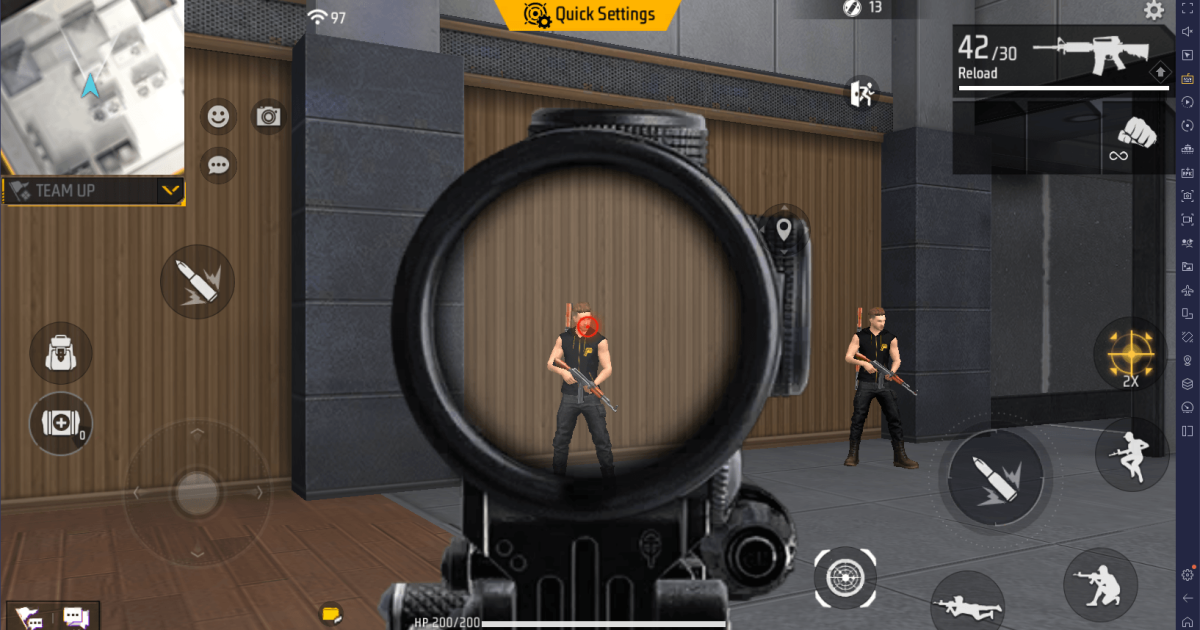
If you’re tired of missing shots at that awkward 30–50 meter range, you’re in the right place. Medium-range fights are the bread and butter of Free Fire – too close for a scope, too far for hipfire. This guide is for players who want to consistently land headshots and control recoil on ARs like M4A1, SCAR, and AUG. By the end, you’ll have a set of custom sensitivity values that work for your device and playstyle, plus a training routine to lock them in.
We’ll start with the basic theory, then give you exact numbers to try, and finally show you how to test them in training mode. Whether you’re a casual or aspiring pro, these settings will tighten your spray and improve your accuracy. Ready? Let’s dial in.
What You’ll Need
- Free Fire or Free Fire Max installed (latest update).
- A device with stable frame rate (30+ FPS recommended).
- 15 minutes of uninterrupted time in Training Grounds.
- A notepad or screenshot tool to save your settings.
- (Optional) If you need a starting point, check out our tactical sensitivity settings for precision builds.
Before you tweak anything, make sure you’re in a comfortable environment – no distractions, good lighting, and your phone on a flat surface. Let’s get to the steps.
Step 1: Understand the Sensitivity Sliders
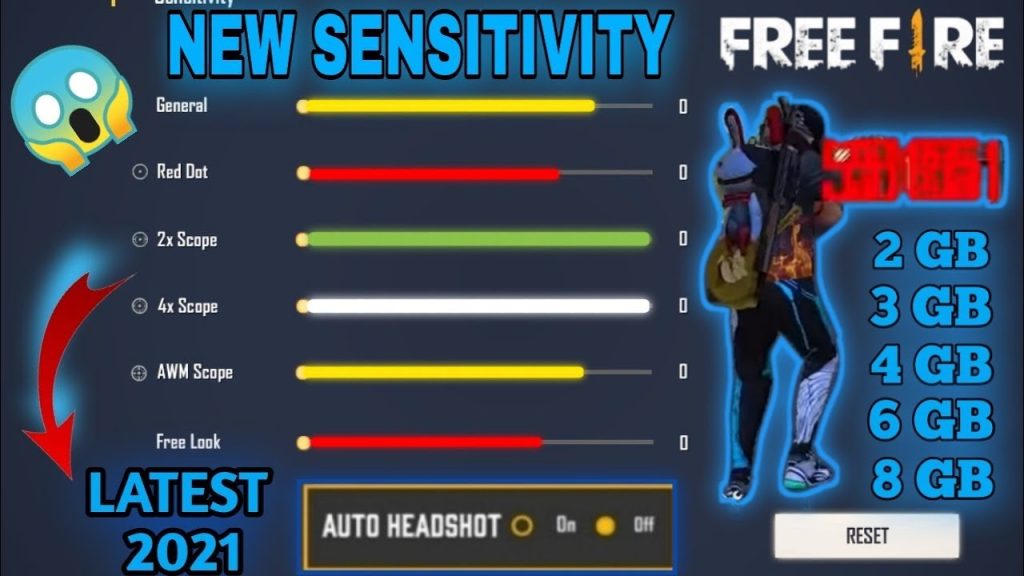
Free Fire’s sensitivity menu has three main sections: General, Red Dot, and Scope. For medium range, you’ll mostly use General (hipfire and shoulder aim) and Red Dot (for 1x and 2x sights). Avoid touching the Scope section unless you’re sniping. The key is balance – too high and your crosshair jumps, too low and you can’t track enemies.
Your goal is to find a value where you can smoothly drag your aim from one target to another without overshooting. Start with our stable sensitivity settings as a baseline – they’re designed for consistent aim across all ranges.
Step 2: Set Your General and Red Dot Sensitivity
For medium range (30–50m), I recommend starting with these numbers and adjusting ±5 based on your device size and preference:
- General Sensitivity: 90–100 (4GB+ RAM devices) or 80–90 (2–3GB RAM).
- Red Dot Sensitivity: 85–95 (keeps recoil controllable).
- TPA (Third-Person Aim): Same as General.
- Gyroscope: If you use gyro, set it to 50–60 for fine tuning.
Why these numbers? Medium range requires fast enough tracking to follow a strafing enemy but not so fast that you lose control. If you’re on a budget Android phone, check our best Android sensitivity settings for optimized values.
Step 3: Fine-Tune in Training Grounds
Open Training Grounds and pick an AR (M4A1 is perfect). Shoot at the 30m and 50m targets without attachments. Observe your crosshair climb – you want it to rise smoothly, not jerk. If it jumps, lower your sensitivity by 2 points. If you can’t keep the red dot on the target, increase it.
Do three things: 1) Practice a single burst of 5–7 rounds at center mass. 2) Drag down to control recoil. 3) Switch between two targets quickly. Adjust until you can hit 8 out of 10 shots on the 40m target.
Step 4: Test with Attachments and in Custom Room
Add a foregrip and suppressor to the M4 – this changes recoil pattern. Your sensitivity might need a small tweak. Also, try the SCAR and FAMAS to see if the same values work. For a final test, jump into a custom room with a friend or just bots to get real combat feel.
If you find the recoil hard to control, try our smooth recoil settings – they’re tuned for consistent sprays. And remember, sensitivity is personal; what works for the pros might not work for you. Trust your muscle memory.
Common Pitfalls
- High sensitivity jitter: Many players crank up General to 100 and then wonder why they can’t aim. If your crosshair shakes, reduce by 5 until it steadies.
- Ignoring device performance: A low-end phone with high sensitivity causes frame drops. Try our smooth gameplay settings for a lag-free experience.
- Not practicing with the final setup: Changing settings every day prevents muscle memory. Stick with one set for at least a week.
Also, don’t blindly copy settings from top players – they often use specific gyro or grip styles. Instead, use our competitive sensitivity settings as a guide and adjust from there.
Where to Next
You’ve got your medium-range sensitivity dialed in. Next, work on your close-range game with our close-range settings, or master the long shot with sniper sensitivity guides. Practice consistently and you’ll climb the ranks.



