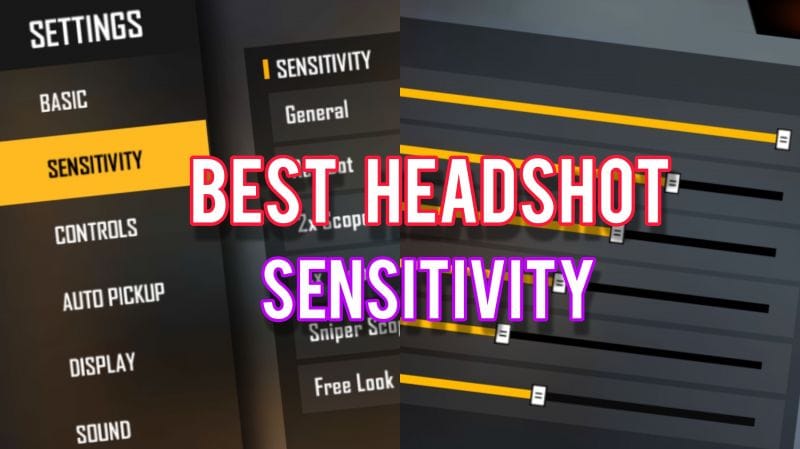
If you’re serious about climbing the ranks in Free Fire, your sensitivity settings can make or break your gameplay. This guide is for competitive players — whether you use two thumbs or a claw grip — who want to optimize their aim, recoil control, and reaction time. By the end, you’ll have a custom sensitivity profile tailored to your device and playstyle, backed by pro-level tweaks.
We’ll start from the basics: understanding DPI, camera sensitivity, aim sensitivity, and gyroscope. Then we’ll walk through step-by-step adjustments using the in-game training ground. Whether you prefer claw sensitivity or official tournament settings, this guide covers it all. Let’s dive in.
What You’ll Need
- Free Fire or Free Fire Max installed on your device
- A device with at least 4GB RAM (recommended)
- Stable internet connection (Wi-Fi or 4G)
- 15 minutes of uninterrupted time
- Optional: gyroscope-enabled device if you want to use gyro
Step 1: Understand Sensitivity Basics
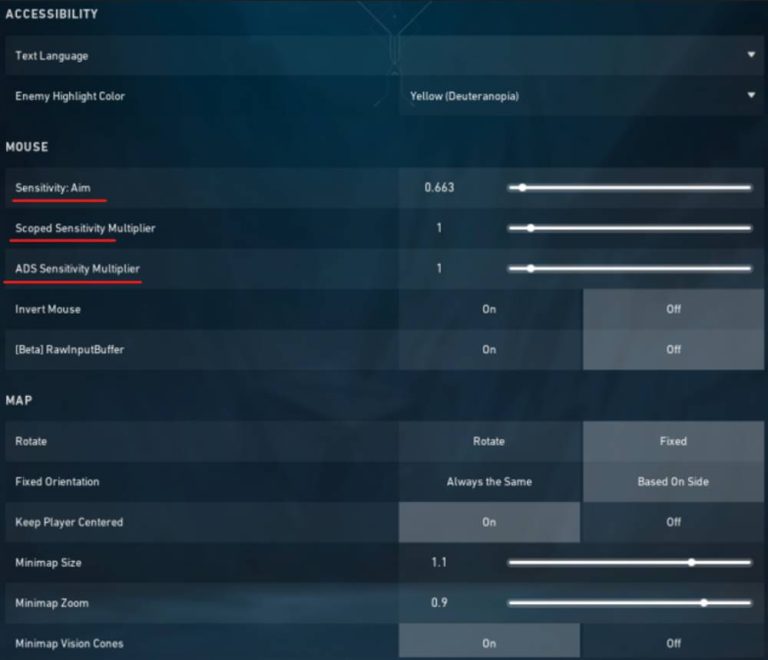
Free Fire sensitivity is divided into two main categories: camera sensitivity (how fast your view moves when you swipe) and aim sensitivity (how fast your aim moves when scoped). Most pros use a combination of high camera sensitivity for quick turns and lower aim sensitivity for precise shots. Your DPI setting in the game’s settings also affects overall smoothness. For competitive play, start with a DPI of 300-400 on Android or 400-500 on iOS.
Step 2: Reset to Default Settings
Before customizing, reset your sensitivity to default. Go to Settings > Sensitivity > Reset. This gives you a clean slate. Note your current settings if you want to revert later.
Step 3: Set Camera Sensitivity (General)
Camera sensitivity controls how fast you look around without aiming. For competitive play, use moderate-high values: General: 80-90, Red Dot: 70-80, 2x Scope: 60-70, 4x Scope: 50-60, Sniper Scope: 40-50, Free Look: 70-80. These allow quick rotations without overshooting.
Step 4: Set Aim Sensitivity (Scoped)
Aim sensitivity kicks in when you tap the aim button. For better tracking, use lower values than camera sensitivity: General: 70-80, Red Dot: 65-75, 2x: 55-65, 4x: 45-55, Sniper: 35-45. This helps with headshots and recoil control. Start with the lower end and increase gradually.
Step 5: Configure Gyroscope Sensitivity (Optional)
Gyro lets you aim by tilting your device. Enable it in settings and set sensitivity: Camera: 50-60, Aim: 40-50. Gyro is especially useful for fine-tuning headshots. For more details, check out our dedicated gyro settings guide.
Step 6: Test and Tweak in Training Ground
Head to the training ground. Practice tracking moving targets and flick shots. Adjust sensitivity by 5 points at a time until you feel comfortable. Pay attention to your tracking sensitivity — if you over-aim, lower it; if you drag behind, increase it. Spend at least 5 minutes here.
Step 7: Save and Apply in Ranked
Once satisfied, save your settings. Play a few ranked matches to test in real combat. Don’t change settings mid-match; instead, note what feels off and adjust later. Remember, muscle memory takes time. For more refined profiles, refer to this season’s sensitivity settings or best Android sensitivity for device-specific tweaks.
Common Pitfalls
- Copying pro settings blindly without adapting to your device’s refresh rate and touch response.
- Setting sensitivity too high, causing shaky aim and difficulty in micro-adjustments.
- Ignoring gyro calibration or having gyro sensitivity too high, leading to accidental movements.
Where to Next
Now that your sensitivity is dialed in, consider optimizing your HUD layout for claw grip or improving your headshot accuracy. Check out our guides on claw sensitivity and tracking sensitivity for advanced techniques. Keep practicing and dominate the battlefield!



