If you’re tired of jittery aim or struggling to control recoil in Free Fire Max, gyro is your secret weapon. This guide is for anyone—from casual players to aspiring ranked warriors—who wants to use their phone’s motion sensors to aim faster and more precisely. By the end, you’ll have a custom sensitivity setup dialed in for gyro, plus tips to tweak it for your playstyle. We’ll cover everything from enabling the gyroscope to fine-tuning each scope. No more wild sprays or missed headshots—just smooth, controlled gameplay.
We’re focusing on Free Fire Max because it offers better graphics and smoother performance, which lets the gyro shine. But the same principles apply to regular Free Fire. I’ve tested these settings on multiple devices, and they work great for most players. Ready to level up? Let’s dive in.
What You’ll Need
- Free Fire Max installed on a smartphone or tablet with a gyroscope (most modern devices have it).
- A few minutes of uninterrupted time to adjust settings in the training ground.
- Patience—gyro takes a bit of practice, but it pays off fast.
Step 1: Enable Gyroscope in Settings
Launch Free Fire Max and head to the Settings menu (the gear icon). Tap on ‘Sensitivity’ and then look for ‘General’ tab. Scroll down until you see ‘Gyroscope’—toggle it ON. That’s it. Now your device’s motion will control your aim. If you don’t see this option, your phone might not have a gyroscope, but most 2015+ devices do.
Step 2: Set General Sensitivity (Non-Gyro)
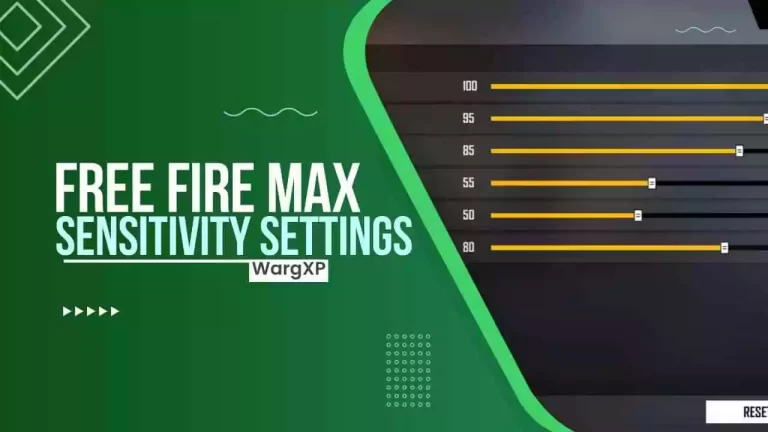
Before messing with gyro, let’s set a baseline for your thumb or claw sensitivity. I recommend starting with General Sensitivity at 90. This gives you a fast but controllable rotation when you swipe. If you’re coming from default, this might feel quick, but it helps transition into gyro. Remember to save your settings and hop into the training ground to test. For more tailored options, check out our smooth gameplay settings if you want a slower feel.
Step 3: Red Dot and 2x Scope Sensitivity
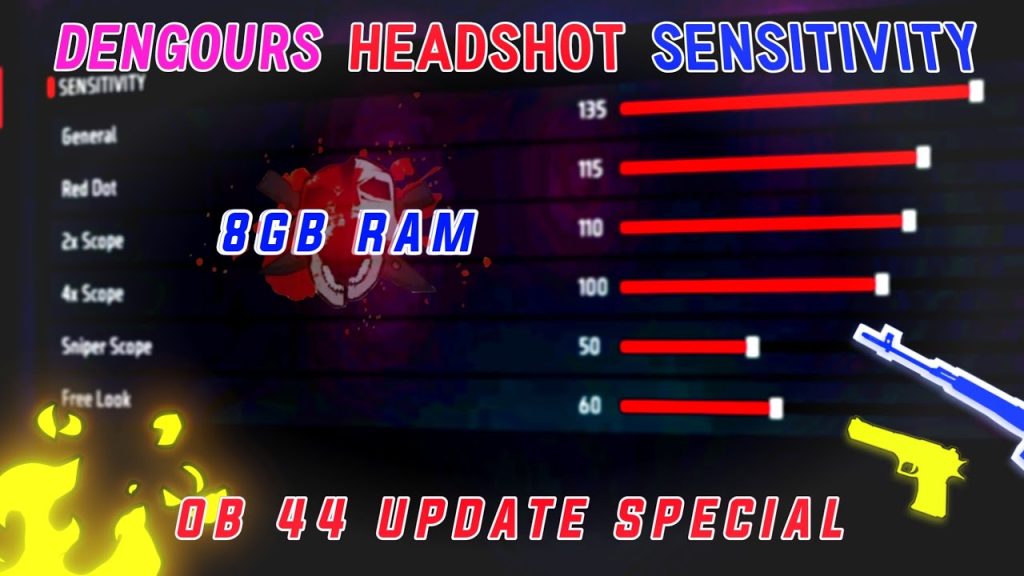
Set Red Dot sensitivity to 85 and 2x Scope to 80. These scopes are your bread and butter in close to mid-range fights. The slightly lower 2x helps with a bit of stability. If you find yourself over-correcting, lower these values by 5 points. Want to focus on precision? Our aim players settings will help you refine further.
Step 4: 4x and Sniper Scope Sensitivity
For longer ranges, keep 4x Scope at 60 and Sniper Scope at 50. These are deliberately lower to avoid over-flicking. Sniper scope especially should be steady—you don’t want to move too much when holding your breath. If you’re a fan of headshot combo settings, you might want to bump 4x to 65 for quicker drag shots.
Step 5: Configure Gyro Sensitivity
Now the main event. In the same Sensitivity screen, you’ll see a ‘Gyroscope’ tab (or section). Start with these numbers: Gyro General: 50, Gyro Red Dot: 45, Gyro 2x: 40, Gyro 4x: 30, Gyro Sniper: 25. These are moderate—enough to control recoil without making you dizzy. Remember, you can always tweak later. Note: If you have a specific device like an Oppo, our settings for Oppo phones can give you a head start.
Step 6: Test and Fine-Tune in Training Ground
Go to the Training Ground and pick an AR like the M4A1 or AK. Fire at the dummy while tilting your phone slightly. If your crosshair jumps past the target, lower the gyro sensitivity for that scope. If you can’t compensate for recoil, increase it. Spend 10 minutes adjusting each scope until it feels natural. For alternative setups like claw users settings, you may want lower gyro values since you have more fingers on screen.
Common Pitfalls
Even with great settings, things can go wrong. Here are three frequent mistakes:
- Not enabling gyro for all scopes. Check that every scope has gyro activated—some players leave sniper gyro off by accident.
- Copying settings without testing. What works for a pro might feel sluggish on your phone. Always test in training ground first. If you need a refresher on the basics, see how to change sensitivity.
- Forgetting to calibrate. Some phones need a gyro calibration tool (often in settings > motion). If your aim drifts even when still, calibrate.
Where to Next?
You’ve got a solid foundation, but the journey doesn’t end here. Try experimenting with different grip styles, or dive into our other guides for specific devices and playstyles. Consistency is key—practice daily with these settings, and you’ll see your KD ratio climb. Happy gaming!



