If you’re tired of spraying and praying, it’s time to dial in your sensitivity and learn the headshot combo. This guide is for anyone who wants to land more headshots and climb the ranked ladder. By the end, you’ll have a custom sensitivity setup and a reliable burst technique that makes those one-tap kills feel effortless.
We’ll keep it simple—no confusing terms, just practical steps you can follow right now. Whether you’re a two-finger player or using claw sensitivity settings, this guide adapts to your style. Let’s get those headshots rolling!
What You’ll Need
- Free Fire or Free Fire Max installed on your phone
- A stable internet connection (ping matters for headshots)
- 10–15 minutes of free time in the Training Ground
- A notepad or screenshot tool to save your settings
Step 1: Reset Your Sensitivity to Default
Before we tweak anything, reset your sensitivity to the default values. This gives you a clean slate. Go to Settings > Sensitivity and tap ‘Reset’. Don’t worry, we’ll customize everything next.
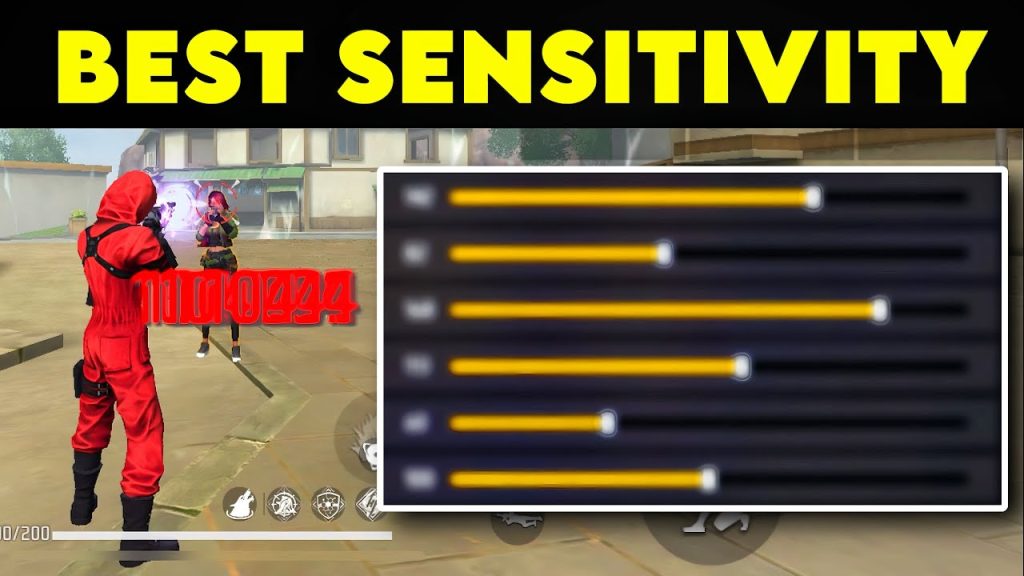
Most players skip this step and end up with weird numbers. Trust me—starting fresh is faster than adjusting broken settings.
Step 2: Set Your General Sensitivity
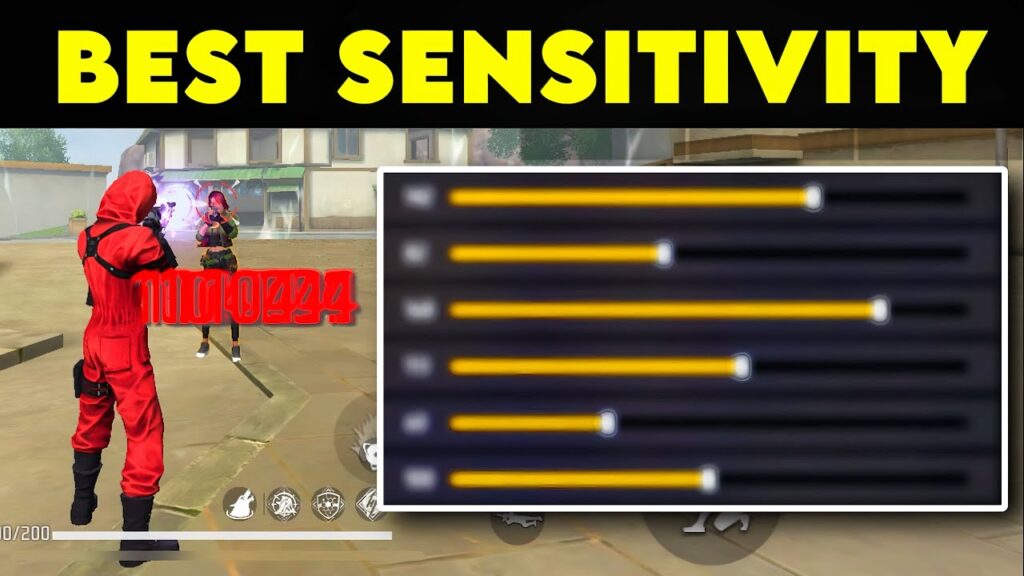
General sensitivity controls how fast your screen moves when you drag. For headshots, you want a balance: not too high (you’ll overshoot), not too low (you’ll be slow). Start at 90–95 if you’re a claw user, or 85–90 for two fingers. Test it in the training ground by flicking at a stationary target. If you over flick, lower it. If you under flick, raise it.
For more precise adjustments, check out our tracking sensitivity guide—it’s perfect for fine-tuning your aim.
Step 3: Adjust Scope Sensitivity
Scope settings matter a lot for headshots. Here’s a solid base: Red Dot: 75–85, 2x Scope: 65–75, 4x Scope: 50–60, Sniper Scope: 30–40. These keep your crosshair steady while allowing quick flicks. If you’re using a sniper, lower the sniper sensitivity to avoid jitter. For long-range fights, the long range settings from our pro player sensitivity guide can help.
Step 4: Master the Headshot Combo
The headshot combo is simple: aim at the upper chest/neck, then do a controlled burst of 2–3 shots while dragging your aim slightly upward. In close range, aim at the neck and spray. For medium range, tap fire 2 shots and reset. Practice this on moving bots in the training ground. Remember to keep your crosshair at head height when moving around corners.
If you’re new to changing your sensitivity, start with the defaults we gave and then tweak based on your feel. The goal is to make the crosshair land on the head naturally.
Step 5: Test and Tweak in Real Matches
After training, jump into a ranked match (or classic if you’re nervous). Play 3–5 matches with your new settings. Pay attention to close, medium, and long-range fights. If you’re missing headshots often, tweak your general or scope sensitivity in small increments of 2–3. Don’t change too many things at once.
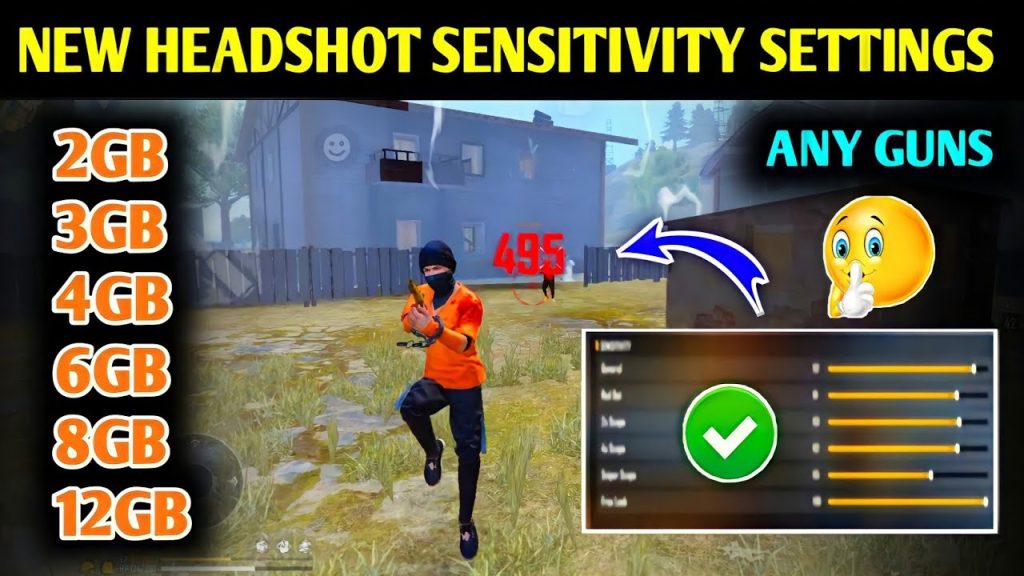
For a complete breakdown of the latest values, check our max sensitivity settings 2026 guide—we update it every season.
Common Pitfalls
- Having sensitivity too high – You’ll jitter and miss easy headshots. Lower it if you can’t keep the crosshair steady.
- Ignoring scope settings – Many players leave all scopes at the same value. Each scope needs a different sweet spot.
- Not practicing the combo – The headshot combo isn’t magic; you need muscle memory. Spend at least 10 minutes daily in training.
Where to Next?
Now that your sensitivity and headshot combo are set, practice makes perfect. Check out our claw sensitivity settings if you want to upgrade your grip, or the pro player sensitivity guide for advanced tips. For snipers, our sniper sensitivity guide will help you hit those long-range headshots. Happy hunting!



