
If you’re tired of missing sniper shots and want to land consistent headshots from across the map, you’ve come to the right place. This guide is for Free Fire players who love using sniper rifles—whether you prefer the AWM, Kar98k, or M82B—and want to dial in their sensitivity for that perfect one-tap. By the end, you’ll have a custom sensitivity setup that balances quick scoping with precise aim, letting you dominate long-range fights.
Sniping in Free Fire is a different beast than close-range spraying. You need low sensitivity for fine adjustments when scoped, but high enough speed to drag scope or track moving targets. We’ll break down the key settings: General sensitivity, Sniper Scope sensitivity, Red Dot, and 2x scope. No more guessing—just tested numbers you can start with and tweak to your style.
What You’ll Need
- Free Fire installed on your phone (Android or iOS).
- A few minutes in Training Ground (or Classic mode’s training area).
- Patience to test and adjust—aim is personal.
- Optional: a second device or a friend to help you test moving targets.
Step 1: Understand the Sensitivity Dashboard
Open Free Fire, tap the Settings gear, and go to the Sensitivity tab. You’ll see sliders for General, Red Dot, 2x Scope, 4x Scope, Sniper Scope, and Free Look. For sniping, the most important are General (controls hip-fire and overall camera speed) and Sniper Scope (controls movement while zoomed with a sniper). Free Look helps when checking surroundings but isn’t critical.

Step 2: Set Your General Sensitivity
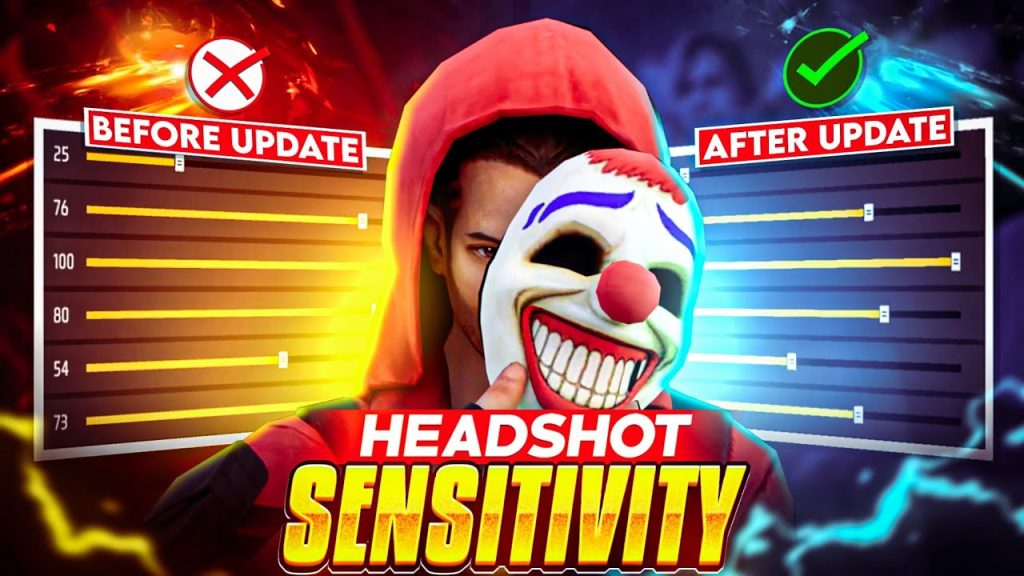
Start with General sensitivity. A high value (80–95) makes it easier to flick onto enemies quickly and perform drag shots, but it can make your crosshair shaky when aiming. A lower value (50–70) gives more control for micro-adjustments. I recommend starting at 85 and reducing if you overshoot. Also, keep your DPI (if your phone supports it) around 2x your screen resolution for consistency.
Step 3: Fine-Tune Sniper Scope Sensitivity
This is the most crucial setting for sniping. Sniper Scope sensitivity should be much lower than General—think 25–40. A low value prevents your aim from flying past the enemy when you zoom in. It also helps with holding breath and staying on target during movement. Start at 30, then increase by 5 if you need faster scoping, or decrease if you’re overcorrecting.
Step 4: Adjust Red Dot and 2x for Quick Scoping
If you use a red dot or 2x scope on your sniper for closer engagements (like the Kar98k on small maps), set these slightly higher than your Sniper Scope. Around 50–60 works well. This lets you snap onto enemies at medium range without losing control. For pure sniping, you can leave these at default.
Step 5: Practice in Training Grounds
Head to Training Ground and grab a sniper. Shoot at stationary targets first, then moving ones (the bots run in patterns). Also practice drag scoping—quickly scoping in and firing as you drag your crosshair onto the enemy. If you’re missing, adjust your Sniper Scope sensitivity by 5 points and retry. Spend at least 15 minutes refining until it feels natural.
Common Pitfalls
- Too high sniper scope sensitivity: You’ll overshoot and miss easy shots. Keep it below 40.
- Ignoring DPI differences: High-DPI phones (like some Xiaomi models) need lower sensitivity numbers. Check our POCO sensitivity settings for device-specific tips.
- Not saving or recovering settings: After a phone update, your sensitivity may reset. Learn how to save sensitivity to avoid starting from scratch. Also, if you play on an old phone, our old device sensitivity offers a baseline.
Where to Next
Once you’ve got your sniping sensitivity dialed in, check out our tested free fire sensitivity settings guide for other playstyles. If you’re climbing ranks, the grandmaster sensitivity settings can give you an edge. And remember, sensitivity is personal—what works for pros might not work for you. Keep tweaking and practicing, and you’ll be hitting those 200-meter headshots in no time. Good luck out there!


