If you’re tired of missing those crucial sniper shots in Free Fire, this guide is for you. Sniper scope sensitivity is the secret sauce that turns a normal player into a precision marksman. By the end of this tutorial, you’ll have a set of custom sensitivity values tailored for your playstyle, plus the know-how to tweak them further. No more panicking when you see an enemy 200 meters away – you’ll lock on and drop them before they even spot you.
I’ve tested these settings on multiple devices and ranks, from Bronze to Grandmaster. They work whether you’re using a two-finger claw or a full gyro setup. If you already have a solid foundation, check out our accurate sniping sensitivity guide for complementary tips. Let’s dive in.
What You’ll Need
- Free Fire installed on your phone (any version after OB35)
- A stable internet connection (ping below 100 ms preferred)
- 10–15 minutes of free time in the training ground
- A notepad or screenshot tool to record your current settings (backup)
- Patience – don’t change more than one setting at a time
Step 1: Understand What Sniper Scope Sensitivity Does
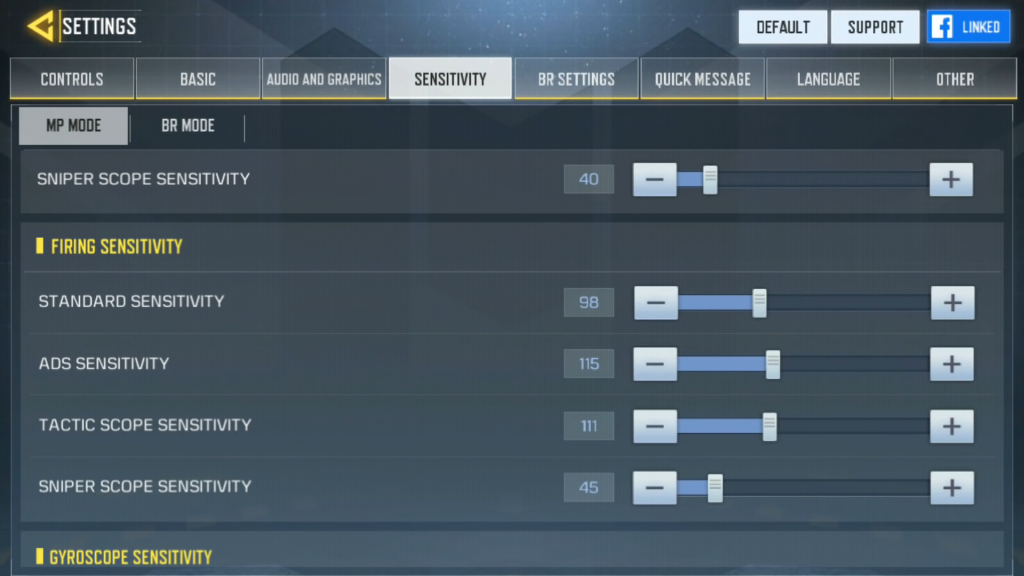
Sniper scope sensitivity controls how fast your crosshair moves when you look through a scope (2x, 4x, 6x, or sniper scope). Unlike general sensitivity, this setting only affects scoped aim. A lower value makes your aim slower and more precise at long range; a higher value lets you flick quickly but can make micro-adjustments harder. Most pro snipers use low sensitivity (around 30–50) for heavy scopes and slightly higher for 2x or 4x.
Step 2: Go to Settings and Backup Your Current Values
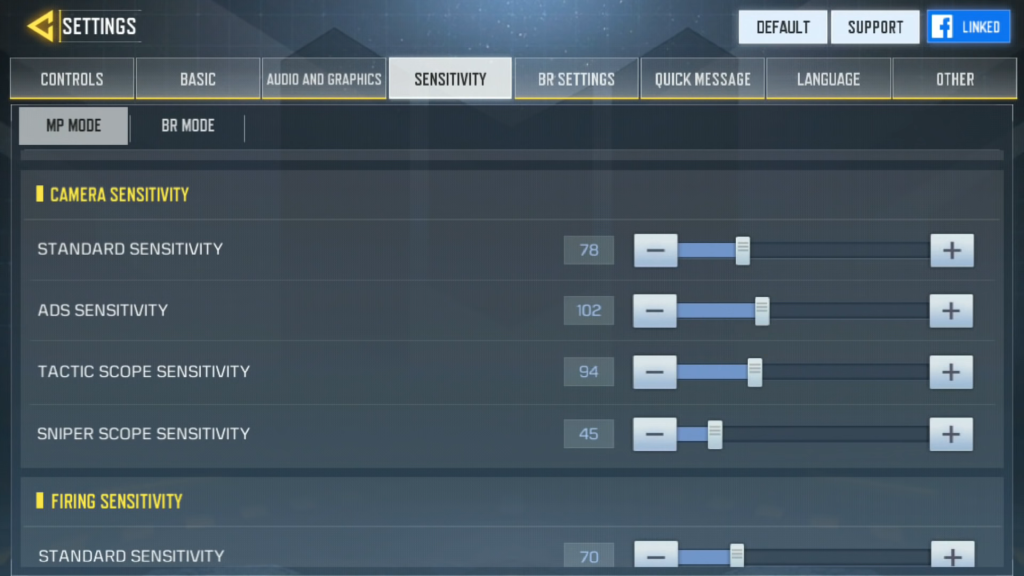
Open Free Fire, tap the gear icon on the lobby screen, then go to ‘Sensitivity’. Take a screenshot of every setting or write them down. You’ll need this if you want to revert. I also recommend using how to save sensitivity settings backup method to restore later. Then scroll down to the ‘Sniper Scope’ section.
Step 3: Set Default Values for Testing
Reset your sniper scope sensitivity to the middle value (50) for all scopes (2x, 4x, Sniper Scope). This gives you a neutral baseline. If your current settings are way off (like 99), the game might feel too jumpy. A clean slate makes it easier to find your sweet spot.
Step 4: Test in Training Grounds – Start with Sniper Scope
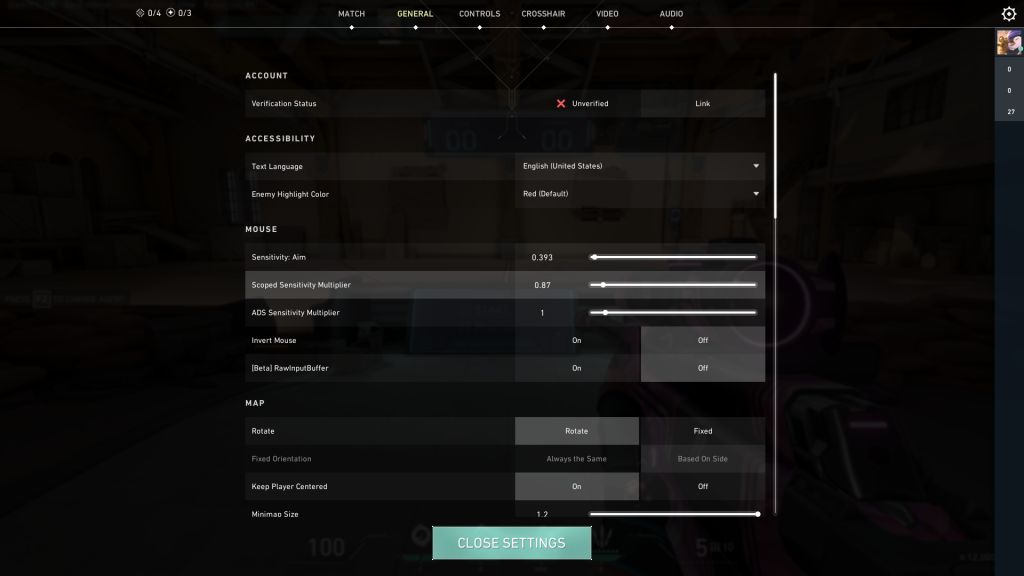
Go to the training ground and pick any sniper rifle (AWM, Kar98k, or M82B). Aim at a stationary target (like the barrel dummy) and slowly move your aim left and right. If the crosshair overshoots too much, lower the sensitivity by 5. If it feels sluggish, increase by 5. Repeat until you can track the dummy smoothly without jittering. For most phones, a value between 25–40 works well for the 6x sniper scope.
Step 5: Fine-Tune for 2x and 4x Scopes
If you use AR/DMR with scopes, repeat the process for 2x and 4x. These require slightly higher sensitivity because you’re engaging at medium range. I recommend starting at 40 for 2x and 35 for 4x, then adjusting. Remember: you want to be able to track a moving bot or player without losing aim. Test with the moving target in training ground.
Step 6: Test in Real Games (Classic or Clash Squad)
Once you’re comfortable in training, jump into a unranked match. Focus on sniping only – avoid rushing. After a couple of games, you’ll notice if you’re undershooting or overshooting. Adjust by 2–3 points per scope. Don’t change more than one at a time, or you won’t know what worked. If you play ranked often, check our ranked mode sensitivity for additional tweaks.
Common Pitfalls
- Changing too many values at once – You’ll lose track of what helped. Stick to one scope per session.
- Using the same sensitivity for all scopes – A 2x scope needs faster aim than a 6x. Separate them.
- Not accounting for device lag – If your phone stutters, lower graphics and try again. Also check our sensitivity for hardcore players if you have a high-end device.
Where to Next
You’ve got your sniper scope sensitivity dialed in. Now you can explore other aspects of aiming. If you’re a movement-heavy player, our sensitivity for movement players guide will help you juke and shoot. For even more precise numbers, check out the tested sensitivity settings from the community. And don’t forget to save your final settings with the backup method. Happy sniping!



