
If you’re playing Free Fire Max in 2026 and feel like your aim is off, you’re not alone. This guide is for players who want to dial in their sensitivity settings to match their playstyle and device. By the end, you’ll have a solid baseline and a method to fine-tune for that perfect shot.
Sensitivity is personal—what works for a pro may not work for you. This guide gives you a starting point and steps to adjust until it feels right. We’ll cover global sensitivity, scopes, ADS, and testing in training mode.
What you’ll need
- Free Fire Max installed (updated to latest 2026 version)
- A smartphone with decent performance (even settings for older devices can work with tweaks)
- 15 minutes of uninterrupted time
- Access to training mode (from the lobby)
Step 1: Access and Reset Your Settings
Open Free Fire Max, go to the lobby, and tap the gear icon to enter Settings. Navigate to the Sensitivity tab. If you’ve messed around before, hit ‘Reset to Default’ to start fresh. This ensures you’re not building on bad numbers.
Step 2: Set Global Sensitivity
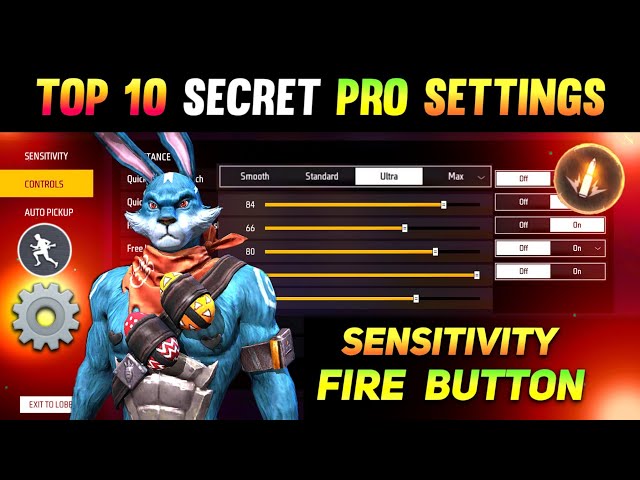
The global sensitivity slider controls your overall look speed. For 2026, a value between 75 and 90 is a safe starting point. If you’re a flickshot lover, go higher; for controlled sprays, stick to the lower end. Drag the slider and tap ‘Apply’.

Step 3: Adjust Scope Sensitivities
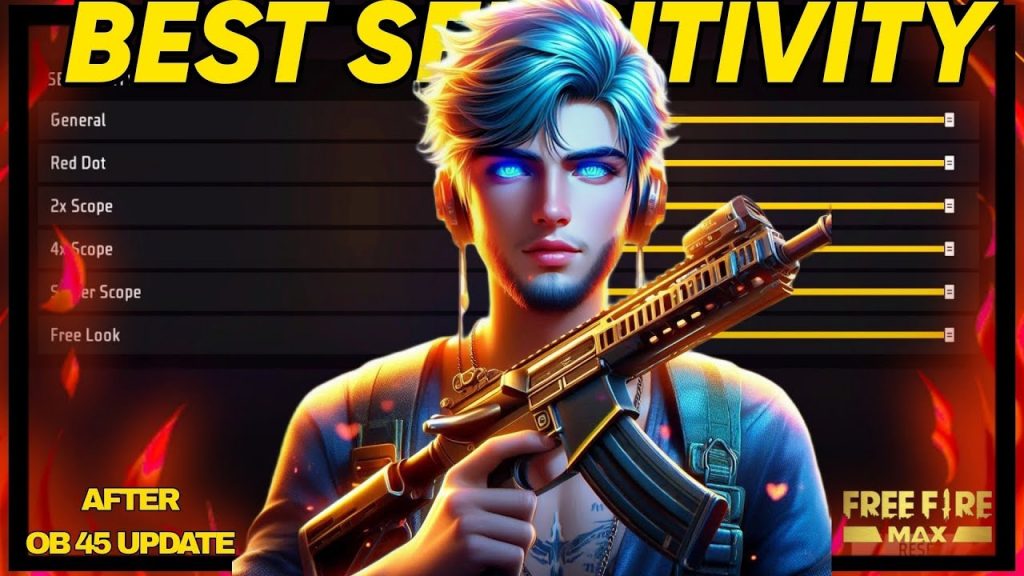
Now fine-tune each scope. For close range (red dot, 2x), keep sensitivity high—around 75–85. For mid-range (4x), drop to 60–70. For snipers, go low (40–50) to avoid over-aiming. The tested sensitivity settings guide recommends starting conservative and moving up.
Step 4: Camera Sensitivity and ADS Sensitivity
Camera sensitivity affects how fast you look around without aiming. Set it slightly lower than global—around 75. ADS sensitivity is for when you’re scoped in; match it to global or 5 points lower for stability. Movement players often prefer higher camera for jukes.
Step 5: Test and Tweak in Training Mode
Hit Training Mode and try moving targets. If you overflick, lower global or scope sensitivity. If you can’t track, increase it. Make small changes (5 points) and test again. Once it feels right, backup your sensitivity settings so you never lose your perfect config.
Common pitfalls
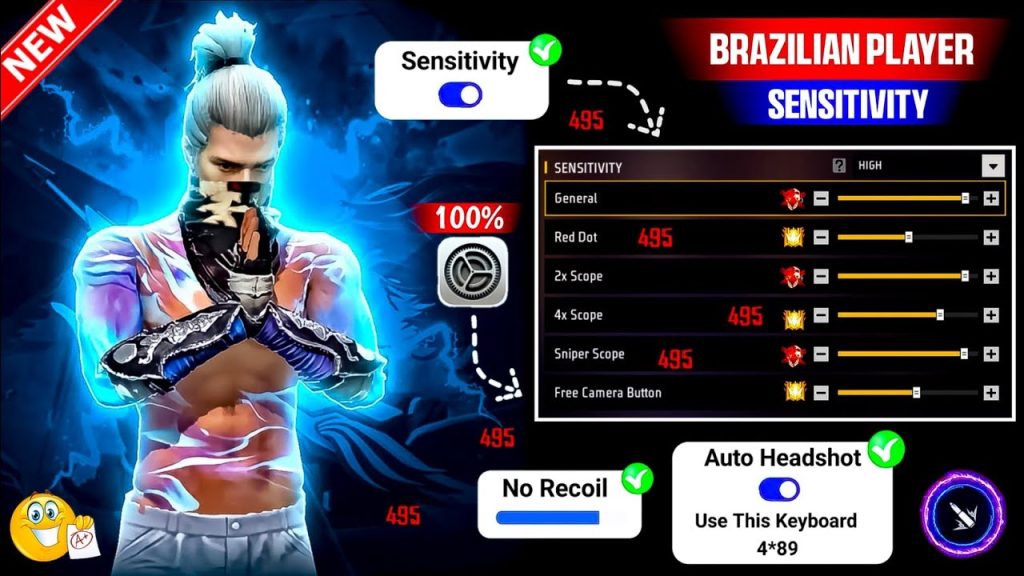
- Copying pro settings blindly: What works for a streamer with a high-end device may be too sensitive for your phone. Always adjust to your own feel.
- Changing too many settings at once: Adjust one slider at a time. If you tweak global, scope, and ADS together, you won’t know what caused the problem.
- Ignoring device performance: Low FPS can make sensitivity feel sluggish. If your phone lags, try settings for older devices and lower graphics.
Where to next
Now that you have a baseline, explore ranked mode settings if you’re pushing rank, or check out movement players tips for better agility. For absolute precision, the grandmaster rank settings might be your next stop. Keep tweaking and dominate in 2026!



