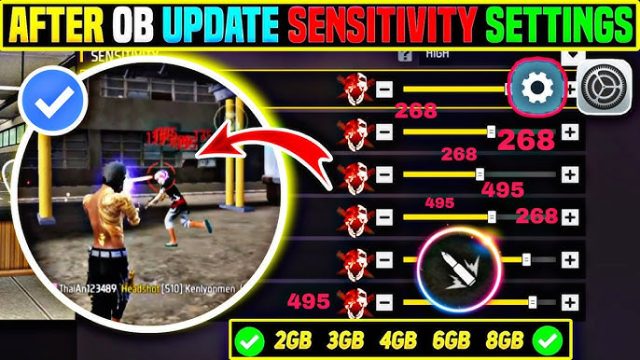
If you’ve ever wondered why some players snap onto heads like they’re using aimbot while you’re still spraying the air, it’s not magic – it’s sensitivity settings. The most searched Free Fire sensitivity settings aren’t random numbers; they’re finely tuned values that pros use to balance speed and control. Whether you’re a new player frustrated with shaky aim or a seasoned grinder looking to climb ranked, this guide will give you a tested starting point that you can adjust to your own style.
By the end of this tutorial, you’ll have a solid baseline for general sensitivity, red dot, scope, and aim precision that works on most devices. You’ll also learn how to fine-tune each setting based on your phone’s performance and your grip (claw or thumbs). Plus, we’ll link you to more specific guides like the latest free fire sensitivity settings for ranked and sensitivity settings for low FPS. Let’s dive in.
What You’ll Need
- A phone running Free Fire or Free Fire Max (any Android/iOS device)
- The game installed and updated to the latest version
- A stable internet connection (ping under 100ms preferred)
- At least 30 minutes of uninterrupted practice time in the training grounds
- Optional: a friend to 1v1 for real-world testing
Step 1: Open the Sensitivity Settings Menu
Launch Free Fire and head to the main lobby. Tap your avatar icon in the top-left corner, then select ‘Settings’ from the drop-down menu. Navigate to the ‘Sensitivity’ tab. This is where you’ll find all the sliders that control your aim. If you’re using Free Fire Max, the menu is identical.
Step 2: Set General Sensitivity (Camera & ADS)
General sensitivity controls how fast your camera moves when you’re not aiming down sights (free look) and when you’re in ADS. Many pros use a value around 85-95 for general and 75-85 for ADS. Start with General: 90, Red Dot: 85, 2x Scope: 78, 4x Scope: 50, Sniper Scope: 30. These are the most searched Free Fire sensitivity settings because they offer a balanced mix of speed and control. Remember, these are starting points – you can fine-tune later.
If you’re using a claw grip, you might want slightly lower values for better micro-adjustments. Check out our dedicated free fire sensitivity settings for claw users guide for specific numbers.
Step 3: Adjust Red Dot and Scope Sensitivities
Red dot and scope sensitivities are the most crucial for winning mid-range fights. For red dot, a value between 85 and 90 works well because it allows quick flicks while still being controllable. For 2x scope, dial it back to around 75-80. For higher zoom scopes (4x, sniper), keep it low (40-50) to avoid overshooting. The best sensitivity for headshots often comes from having a slightly higher red dot sensitivity – around 88-92 – so you can snap to the head quickly.
Step 4: Tweak Aim Precision (Fire Button & Gyroscope)
Aim precision settings control how the game interprets your touch when firing. Under the ‘Sensitivity’ tab, look for ‘Aim Precision’ (sometimes labeled ‘Fire Button Sensitivity’). Set it between 80 and 90. A higher value means smaller touches register as movement, which helps with micro-corrections. If you use gyroscope, enable it and set gyro sensitivity to 70-80 for vertical aim. This pairs perfectly with how to optimize free fire sensitivity settings for better tracking.
Step 5: Test and Fine-Tune in Training Grounds
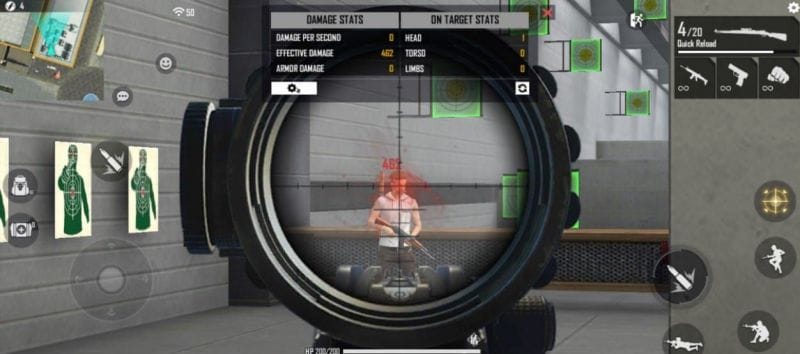
Now the real work begins. Head to the training grounds and practice moving between dummy targets. If your crosshair overshoots, lower the corresponding sensitivity. If it feels sluggish, increase it by 2-3 points. Pay attention to how your phone performs – if you experience frame drops, you may need sensitivity settings for low FPS (lower values reduce input lag). Spend at least 15 minutes here. Record your settings so you can revert if needed.
Common Pitfalls
- Copying settings blindly: Just because a pro uses a certain number doesn’t mean it will work for your phone or playstyle. Always start from a baseline and adjust.
- Ignoring device performance: If your phone lags on high sensitivity, you’ll miss shots. Lower your general sensitivity until the game feels smooth. The latest free fire sensitivity settings for ranked prioritize consistency over flashy flicks.
- Not practicing enough: Sensitivity changes need muscle memory. Don’t change them every match – stick with one set for at least a week before tweaking.
Where to Next
Now that you have the most searched Free Fire sensitivity settings dialed in, it’s time to put them to use. Try out our sensitivity settings for pro players if you want to push further. For players with older devices, our sensitivity settings for low FPS guide will help you maintain performance. And if you’re grinding ranked, check out the best sensitivity for headshots and latest free fire sensitivity settings for ranked to climb faster. Happy hunting!