Hey, Free Fire player! If you’ve been struggling to land those headshots or feel like your aim is too jittery or too slow, you’re in the right place. This guide is for motivated beginners who want to optimize their sensitivity settings without wasting hours on trial and error. By the end of this tutorial, you’ll have a customized sensitivity preset that matches your playstyle – whether you’re a two-finger casual or a claw pro. We’ll walk through each slider, explain what it does, and give you a proven starting point that you can tweak further.
Let’s be real: there’s no one-size-fits-all sensitivity. But with the right methodology, you can find your sweet spot fast. We’ll cover the basics, then move to advanced tips for long-range sniping and movement. Plus, I’ll share common mistakes that ruin your aim. Ready? Let’s dive in.
What You’ll Need
- A device running Free Fire (Android or iOS) – lag-free connection helps.
- 15–20 minutes of uninterrupted practice in the training ground.
- Patience – don’t change everything at once.
- Optional: screen recording to review your crosshair placement.
Step 1: Reset to Default and Understand the Sliders
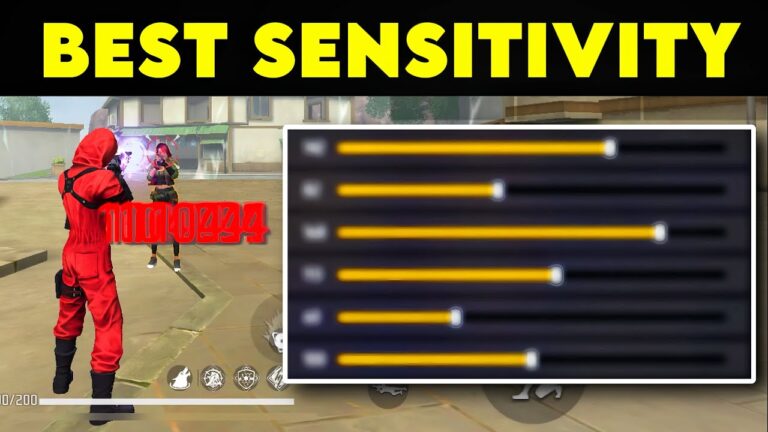
Before you tweak anything, go to Settings > Sensitivity and tap ‘Reset to Default’. This clears any weird settings you may have picked up. Free Fire has five main sliders: General, Red Dot, 2x Scope, 4x Scope, and Sniper Scope. General affects your non-scoped aim (hip fire and when using no sight). Red Dot is for 1x scopes. The others are self-explanatory. Higher numbers mean faster crosshair movement when you swipe.
Step 2: Set a Baseline for General Sensitivity
Start with General sensitivity at 90. Yes, 90 is high, but it’s a great starting point for mobile because you need to swipe fast to do a 180-degree turn. Jump into training mode and try to track a running bot. If your crosshair overshoots (jerky), lower it by 5. If it lags behind, increase by 5. Keep adjusting until you can smoothly follow the bot without overcorrecting. This is your base.
Step 3: Fine-Tune Red Dot and Scope Sensitivities
Your red dot (1x scope) sensitivity should be slightly lower than your general – try 85. For 2x scope, 75 works well. 4x scope can be around 70, and sniper scope (8x) at 55. These numbers give a nice balance: you can snap quickly at close range but stay steady at long range. Test each scope in training with the appropriate weapon. For example, equip an AWM and practice quick-scoping – if you often miss, lower the sniper sensitivity by 5.
Step 4: Adjust Fire Button and Aim Precision
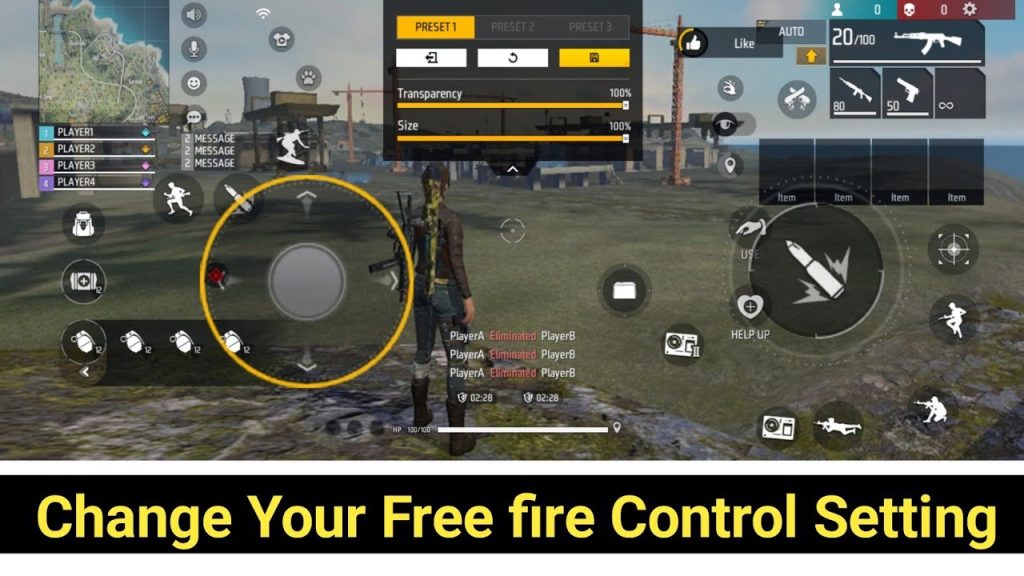
Sensitivity isn’t just about sliders. Go to Controls and make sure your fire button is large enough (size 70-80%) and placed where your thumb naturally rests. Enable ‘Auto-Aim’ but set it to ‘High’ only for close range – for long range, switch to ‘Medium’ or ‘Off’ to avoid crosshair pull. Also, turn on ‘Aim Assist’ to ‘Long’ for easier tracking. These settings complement your sensitivity.

Step 5: Test in Real Battles and Iterate
Now jump into a Clash Squad or ranked match. Play a few games focusing on your aim. Notice if you often overshoot or undershoot. Overshooting means your sensitivity is too high; undershooting means too low. Make small adjustments (3-5 points) after each match. Keep a note of your changes. It usually takes 5-10 matches to settle into your optimal settings.

Common Pitfalls
- Copying pro settings blindly – pros use different devices and screen sizes. Use their settings as a reference, but always adjust to your own feel.
- Changing too many things at once – you won’t know which slider helped. Change one slider per session.
- Ignoring device performance – if your phone lags, even the best sensitivity feels off. Close background apps and enable performance mode.
Where to Next
Now that you’ve optimized your general sensitivity, you can dive deeper into specialized setups. Check out our detailed guides on free fire sensitivity settings for aim players if you want to focus on headshots, or free fire sensitivity settings for claw users if you’re using a five-finger claw. For those who love movement, our free fire sensitivity settings for movement players guide will help you glide like a pro. And if you ever need to reset, here’s how to change free fire sensitivity settings. Remember, the best sensitivity is the one that feels natural. Good luck out there!



