If you’re an adult Free Fire player, you probably don’t have the lightning-fast reflexes of a teenager—but that doesn’t mean you can’t dominate. The key is dialing in sensitivity settings that give you smooth, precise aim without overcorrecting. This guide is for mature players who want consistent headshots and better control, not twitchy jitters. By the end, you’ll have a custom sensitivity profile that feels natural and boosts your K/D ratio.
We’ll start with a baseline template, then fine-tune each slider during live matches. No complicated math—just real-world testing. Whether you’re a 2-finger player or an aspiring claw user, these steps work on any device. You’ll also learn how to avoid common traps like oversensitivity or screen tearing.
What You’ll Need
- A smartphone with Free Fire installed
- A stable internet connection (ping under 100 ms)
- At least 15 minutes of uninterrupted playtime in Training Ground
- Notepad or phone memo app to record your settings
- Optional: a stylus or triggers for better grip
Step 1: Understand the Sensitivity Sliders
Before changing anything, open your Free Fire settings and go to the Sensitivity tab. You’ll see four main sliders: General, Red Dot, 2x Scope, and 4x Scope. General controls overall look speed, while the others affect specific sights. For adults, lower sensitivities (70-80) give better control—you can always increase later. Refer to our complete sensitivity settings guide for detailed explanations.
Step 2: Start with a Base Template
Use these starter numbers suitable for most adults. Write them down before editing: General: 75, Red Dot: 70, 2x Scope: 60, 4x Scope: 50. Enter them exactly in Free Fire. This base minimizes over-shooting while letting you turn fast enough to react. Many pro players use similar values—check our pro player settings for comparison.
Step 3: Adjust General Sensitivity in Training Ground
Head to Training Ground and pick an AR like the M4A1. Stand 20 meters from a target. Move your aim left and right—if you overshoot (crosshair passes the target), lower General by 5. If you struggle to reach the target quickly, increase by 5. Repeat until you can snap to a stationary head in one flick. Record your final value.
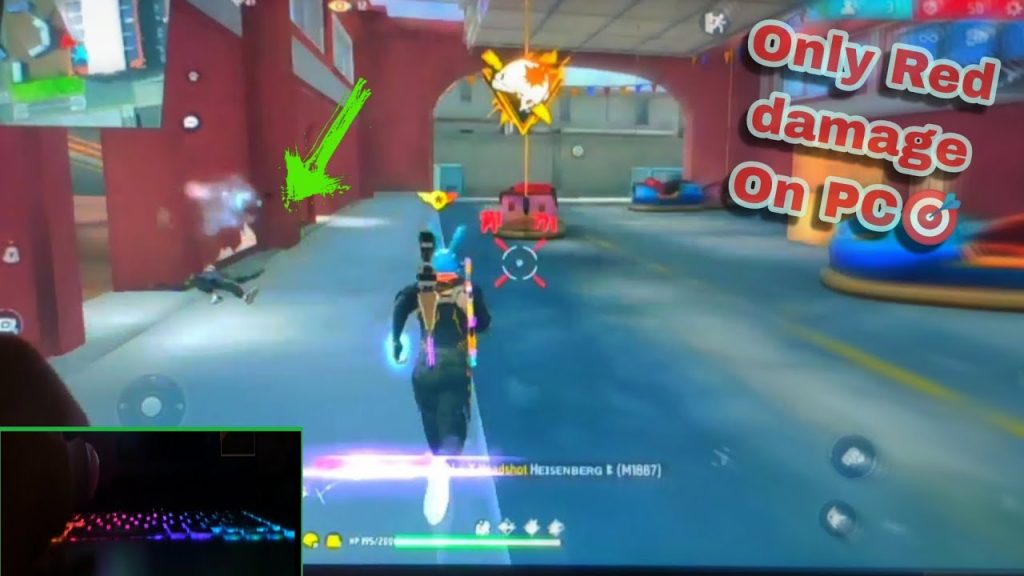
Step 4: Fine-Tune Red Dot and Scope
Now equip a Red Dot sight and repeat the exercise. The goal is to keep the dot steady when tracking a moving enemy. If your aim wobbles, lower Red Dot by 5. If you feel laggy, increase a bit. For scopes (2x/4x), do the same at longer ranges. Adults often prefer slightly lower scope sensitivities to avoid jitter when sniping. Our better tracking settings can help you dial in perfectly.
Step 5: Test in a Real Match (Classic or Ranked)
Take your refined settings into a classic match. Focus on close-range fights to test response and long-range spray control. Don’t get discouraged if you die—note what felt wrong. If enemies seem to teleport past your crosshair, your sensitivity might be too low. If you overshoot wildly, it’s too high. Make small adjustments (2-3 points) between matches. Many adult players find success with FPS combo settings that sync sensitivity with frame rate.
Step 6: Final Tweaks for Your Playstyle
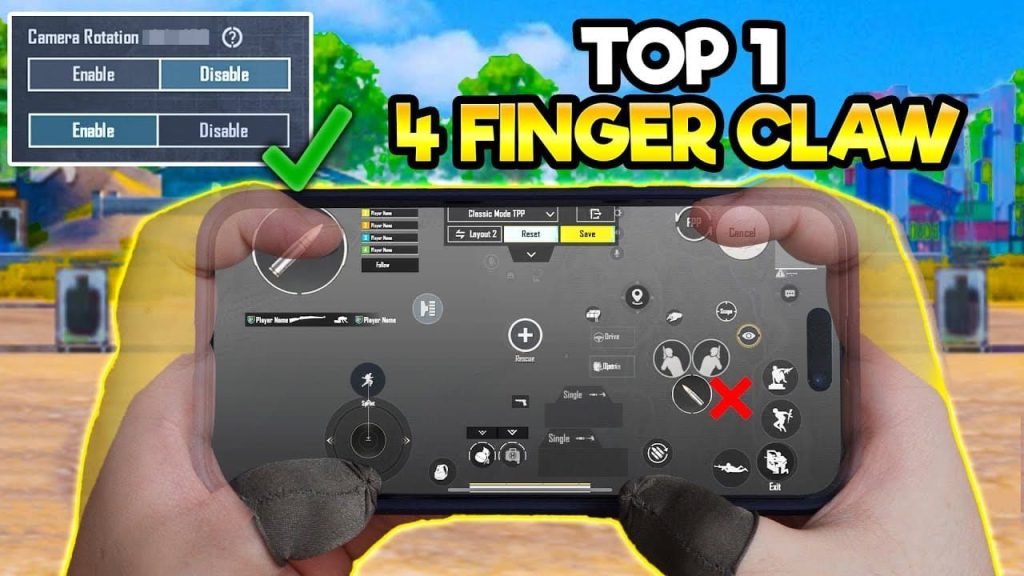
After a few matches, you’ll notice patterns. If you prefer using two thumbs, stick with the base but lower scope sensitivities. If you play claw (2- or 3-finger), you’ll want higher General for quicker movements—check our claw user settings for exact numbers. For aim-heavy styles like sniping, prioritize Red Dot and scope. Our aim player settings offer a great starting point.
Common Pitfalls
- Cranking sensitivity too high – leads to shaky aim and missed headshots. Adults often overestimate their speed; lower is smoother.
- Ignoring device performance – low FPS makes high sensitivity feel laggy. Enable Ultra Smooth mode or reduce graphics.
- Skipping Training Ground – jumping straight into ranked before muscle memory forms will cause frustration. Spend at least 10 minutes warming up.
Where to Next
Now that you have a solid sensitivity profile, keep tweaking as you improve. Check our other guides for advanced strategies like headshot combos or high-FPS optimization. Remember, consistency beats speed every time. Happy gaming, and see you on the battlefield!



