Yo, pro grinder! If you’re reading this, you already know that sensitivity settings can make or break your game in Free Fire. You might have the best gun skins and a cracked device, but if your sensitivity is off, you’ll miss easy shots and lose close-range fights. This guide is for players who want to take their aim to the next level—whether you’re pushing for Grandmaster or just want to dominate in Clash Squad. By the end, you’ll have a set of optimized sensitivity values that pros actually use, plus a custom workflow to fine-tune them for your own fingers.
We’re not gonna throw random numbers at you. Instead, we’ll break down each category (general, red dot, 2x scope, 4x scope, sniper scope, and free look) and explain why you’d want certain values. Then we’ll give you a starting point that works for most pro players. You’ll also learn how to test and adjust on the fly. Ready to lock in your aim? Let’s go.
What You’ll Need
- A phone or tablet running Free Fire Max (recommended for smoother performance)
- At least 10 minutes of uninterrupted practice time (go to the training ground)
- A recording app or in-game replay to review your crosshair placement
- Patience – you won’t get it perfect on the first try
Before we start, make sure you’ve bookmarked the tested sensitivity settings guide on our site—that’s a great reference for default values if you ever mess up.
Step 1: Understand the Sensitivity Categories
Free Fire’s sensitivity settings are divided into several types: General (for hip fire and overall camera movement), Red Dot (1x scope), 2x Scope, 4x Scope, Sniper Scope, and Free Look (when you peek). Pros usually keep General high for quick 180s, but lower scope sensitivities for precision. The key is finding the balance between speed and control. For example, movement sensitivity settings are crucial for agility—check out our guide on that if you’re a rusher.
Step 2: Set Your Base Values
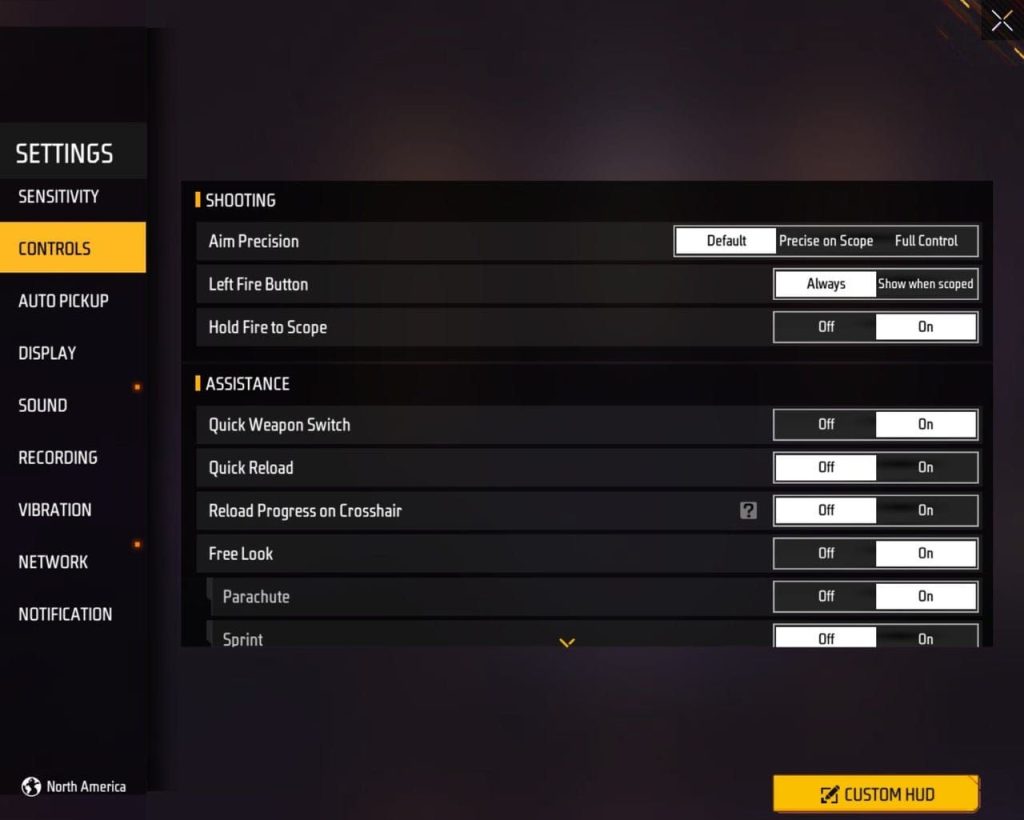
Start with these pro-tested numbers as your base. Remember, these are starting points—tweak them based on your playstyle. I recommend writing them down or taking a screenshot.
- General: 90-100 (high for quick flicks)
- Red Dot: 75-85
- 2x Scope: 65-75
- 4x Scope: 45-55
- Sniper Scope: 30-40
- Free Look: 50-60
If you have a 120Hz screen, you can push these a bit higher—check out our 120Hz screen sensitivity guide for tailored values. For snipers, the sniper scope sensitivity should be low to avoid over-aiming. Our accurate sniping sensitivity post goes deep into that.
Step 3: Test in Training Ground
Head to the training ground and practice flick shots on the moving dummies. Start with your General sensitivity: try to snap between targets quickly. If you overshoot, lower it; if you undershoot, raise it. Then do the same with each scope. Spend at least 5 minutes per scope. Focus on smooth tracking, not just speed. Use the replay feature to see if your crosshair drags or stutters.
Step 4: Fine-Tune with Real Matches
After training, jump into a ranked match. Don’t worry about wins—focus on your aim. Pay attention to how your settings feel in different scenarios: long-range sprays, quick peeks, and sniping. If you find yourself lacking control, drop your scope sensitivities by 5 points. For aggressive players, keep General high but consider lowering Red Dot slightly for headshots. Many pros use a General of 95 with Red Dot at 80. Our grandmaster rank sensitivity guide has more advanced tweaks.
Step 5: Lock It In and Practice

Once you’re comfortable, save your settings as a preset. Use the same sensitivity for at least a week so muscle memory kicks in. Avoid changing too often—consistency is key. If you switch devices or update the game, re-test. Our guide on free fire sensitivity settings after phone update can help you recover your settings fast.
Common Pitfalls
- Copying a pro’s settings blindly without adjusting for your device’s touch response. Different screens and refresh rates need different values.
- Having a huge difference between General and scope sensitivities (e.g., General 100 and Sniper 10). This makes transitions feel jarring—keep the gap reasonable, maybe 20-30 points max.
- Not testing in real matches. Training ground stats aren’t everything. A setting that feels great against dummies can fail under pressure. Always verify in BR or CS.
Where to Next
You’ve got your sensitivity dialed in—now dominate the battlefield. Next, work on your movement mechanics or check out our other guides like the free fire max sensitivity settings 2026 for the latest updates. Remember, aim is just one piece of the puzzle. Combine your new settings with good positioning and game sense, and you’ll climb ranks fast. See you in the top 10!



