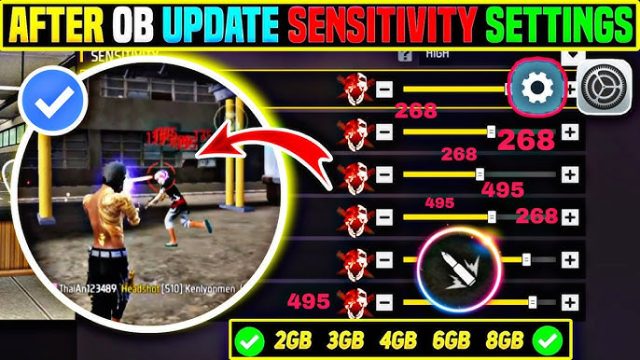
If you’re grinding Free Fire esports tournaments (or just prepping for that next scrim with your squad), you already know that sensitivity settings can make or break your game. This guide is for competitive players who want consistency—the kind that lets you hit headshots, track moving targets, and snipe across the map without second-guessing your aim. By the end, you’ll have a personalized sensitivity setup tuned for esports events, plus the know-how to tweak it whenever you switch devices or update the game.
We’ll walk through the exact steps used by pro players and scrim veterans, from general sensitivity to scope adjustments. You’ll learn how to test your settings in training grounds, avoid common traps like copying pro settings blindly, and finally lock in a config that feels like second nature. Ready to level up? Let’s dive in.
What You’ll Need
- A device running Free Fire or Free Fire Max (Android/iOS) – preferably with a stable 60+ fps
- A clean installation of the game (no third-party mods)
- Access to the Training Grounds (in-game practice mode)
- Patience – expect to spend at least 30 minutes fine-tuning
- Optional: a second device or screen to record your settings for backup
Step 1: Understand Sensitivity Basics
Before touching any sliders, know what each one controls. General sensitivity affects overall camera rotation speed. Red dot and scope sensitivities are multipliers for specific sights – red dot is close-range fast aim, scope (4x/6x) is for mid to long range. Fire button sensitivity influences how quickly your weapon moves while shooting (but not recoil pattern). In esports, you want a balance: high enough to react fast, low enough to stay accurate.
Step 2: Set Your General Sensitivity
Start with a baseline. Most pro players use a general sensitivity between 70-90 (on a scale of 100). If you’re new to competitive settings, try 80. Head to Settings > Sensitivity and drag the General slider to 80. Then go into the Training Grounds and practice flicking to a stationary target. If you overshoot, lower it by 2-3 points. If you undershoot, increase it. Keep adjusting until you can snap to a target’s chest every time.
Step 3: Fine-Tune Red Dot & Scope Sensitivity
Red dot sensitivity is crucial for close-quarters combat in esports. Set it between 30-50. If you rely on headshots, keep it lower (around 35) for precision. For scope (e.g., 4x), start at 20-30. Go into Training Grounds and test with a red dot weapon: aim at a moving bot. If your crosshair lags behind, increase red dot by 2. If it jitters, decrease. Repeat for scope with a sniper rifle – you need a smooth drag to land accurate snipes. For dedicated sniper builds, check our accurate sniping sensitivity guide.
Step 4: Test Fire Button Sensitivity & Scope Multiplier
Fire button sensitivity (labeled ‘Fire’ in the sensitivity menu) controls how much your view moves while shooting. For spray control, keep it between 60-80. A higher value helps you track enemies during full auto, but can make you unstable. Test with an AK or M4 in Training Grounds: empty a mag at a wall and see the pattern. Adjust until the bullet spread is tight. The scope multiplier (if available) should match your general sensitivity – set it to 1.00x for consistency.
Step 5: Play Scrims or Ranked to Validate
After tuning in the Training Grounds, take your settings into a real match – preferably a scrim or ranked game. Esports events are intense, and you need to confirm your settings hold up under pressure. Play at least 5-10 matches. Note any instances where you felt your aim was off (too fast or too slow). Return to the Training Grounds and adjust in small increments (2-3 points). Remember, the goal is muscle memory consistency. Many pros stick with one set for months.
Common Pitfalls
- Copying pro settings exactly – Pro players have different devices, grip styles, and fingers. Their settings may feel terrible on your phone. Always start from a baseline and adjust to your own feel.
- Ignoring device specs – A low-end phone with frequent frame drops needs lower sensitivity to compensate for lag. High-end devices can handle higher values. Check our Android-tested sensitivity guide for phone-specific tips.
- Not practicing enough – Even perfect settings won’t work if you don’t build muscle memory. Spend at least 10 minutes in Training Grounds daily before hopping into scrims.
Where to Next
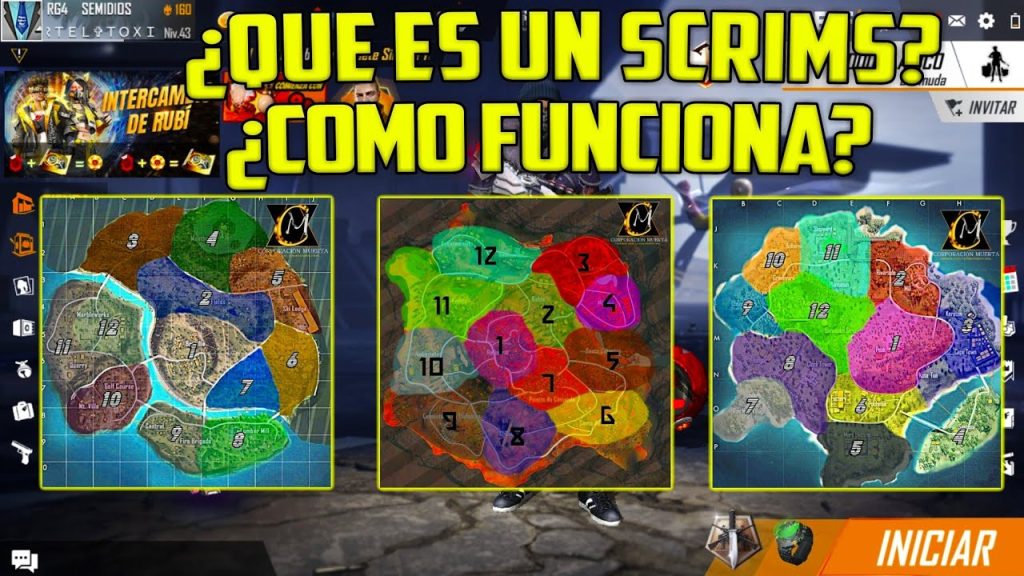
Now that you’ve dialed in your esports-ready sensitivity, consider refining other aspects of your game. Check out our guide on how to optimize your sensitivity settings for deeper tweaks. If you’re using a claw grip, see pro player sensitivity setups tailored for that style. For scrim-specific advice, our scrim sensitivity settings article covers team coordination and angle pre-aim. Snipers should read the sniper scope sensitivity and accurate sniping sensitivity guides for long-range dominance. Consistency is key – keep tuning, keep practicing, and you’ll dominate the esports scene.