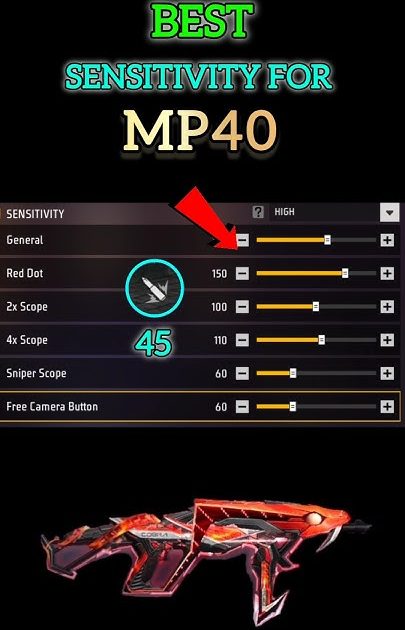
If you’re a Free Fire player who loves using the MP40, you know it’s a beast in close-range fights. But without the right sensitivity settings, that beast can feel like a wild horse — the recoil kicks hard, and your bullets spray everywhere. This guide is for you if you’ve been struggling to control the MP40 or just want to fine-tune your aim. By the end, you’ll have a tested sensitivity setup that lets you beam enemies at close to mid-range, with minimal recoil and fast target tracking.
Whether you’re a beginner looking for a solid starting point or an experienced player wanting to optimize, these settings will give you the edge. We’ll walk through each sensitivity option step by step, explain why each value matters for the MP40, and show you how to practice. Let’s get your MP40 shooting like a laser.
What you’ll need
- Free Fire or Free Fire Max installed on your device
- A stable internet connection (ping under 100ms preferred)
- MP40 unlocked in your loadout
- Access to the in-game sensitivity settings (gear icon → Sensitivity)
- Optional: a friend or training mode to test settings
Step 1: Reset to Default Settings
Before tweaking, start fresh. Go to Settings → Sensitivity and tap “Reset to Default.” This clears any previous customizations that might interfere. Don’t worry, we’ll build from scratch.
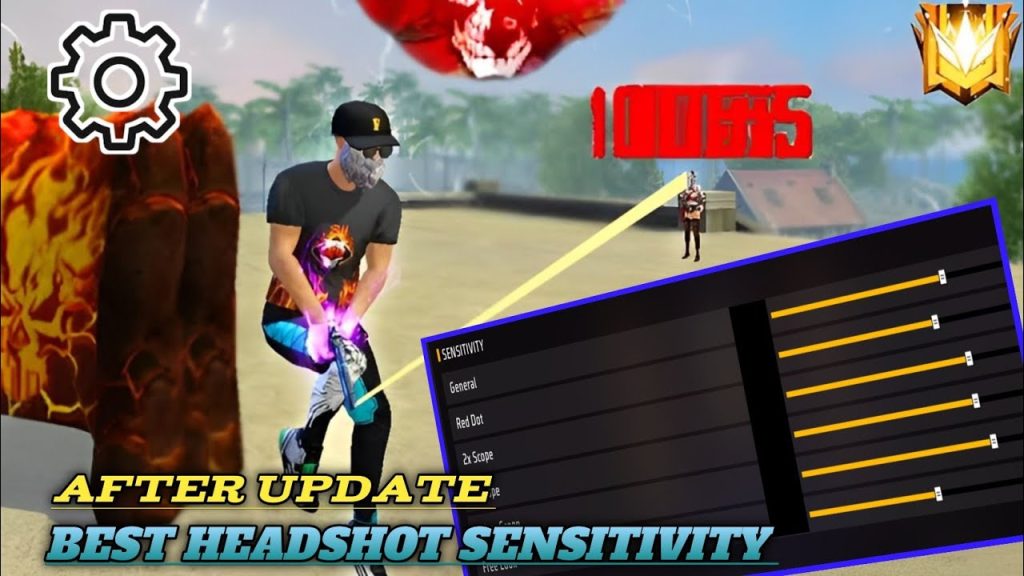
Step 2: Adjust General Sensitivity
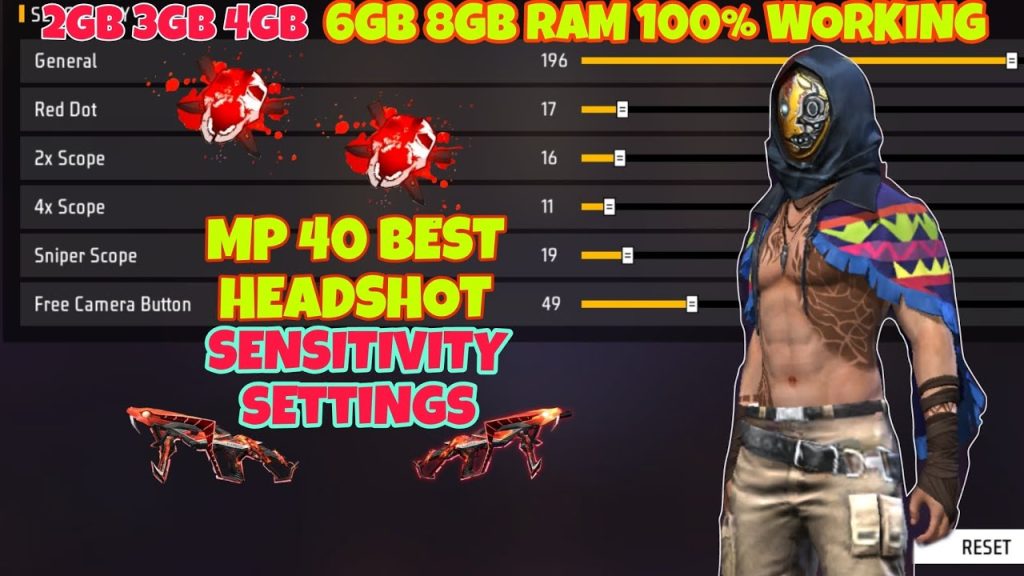
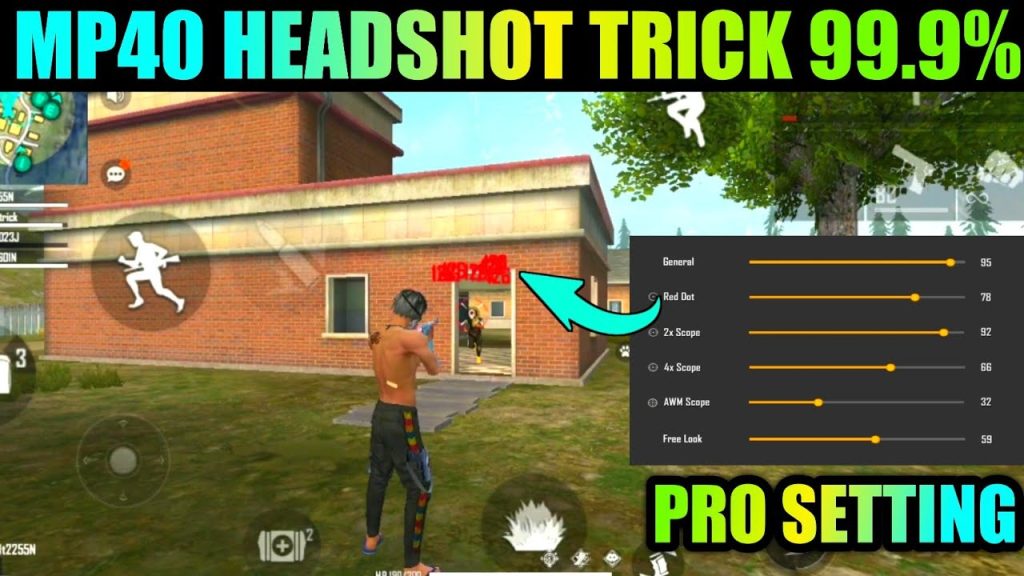
General sensitivity controls your overall camera and aim speed. For MP40, you want it high enough to track fast-moving enemies but not so high that you overshoot. Aim for 85–95. If you’re using a phone with a smaller screen, start at 90. This value works well with MP40’s hip-fire accuracy.
Step 3: Set Red Dot and 2x Scope Sensitivity
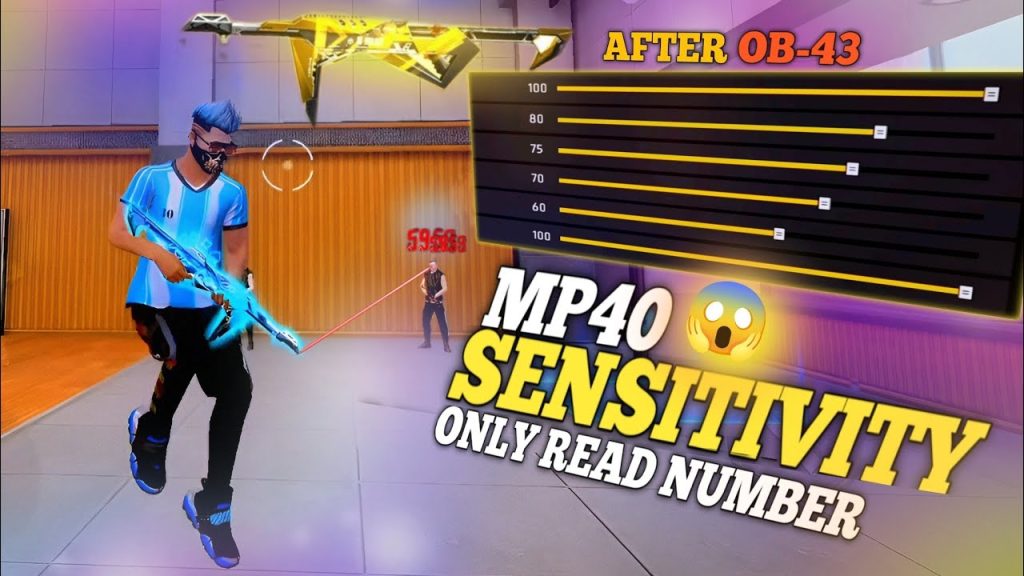
MP40 is often used with a red dot or iron sights, so these sensitivities matter. Set Red Dot to 80–85, and 2x Scope to 75–80. Lower values here help with precise recoil control at mid-range. Remember, MP40’s damage drop-off starts around 20 meters, so you won’t often use higher scopes.
Step 4: Tweak ADS Sensitivity and Fire Button Sensitivity
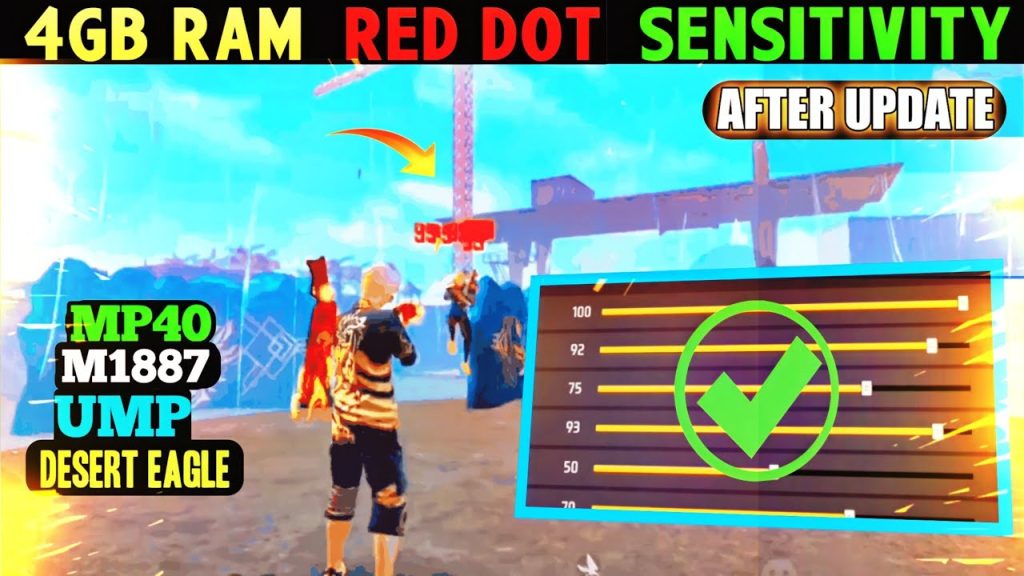
ADS (Aim Down Sight) sensitivity is crucial for MP40. Set it to 85–90. This allows smooth tracking while ADSing. Fire button sensitivity should be 100% — you want instant response when tapping. Also, enable “Sensitivity while firing” and set it to 70–75 to reduce recoil during continuous fire.
Step 5: Calibrate with the MP40 in Training Mode
Now it’s time to test. Jump into Training Mode, equip your MP40, and practice shooting at stationary and moving targets. Fire in short bursts (3-5 bullets) to control recoil. If you’re overshooting targets, lower general and ADS sensitivity by 5 points. If you can’t keep up with enemies, increase by 5. Repeat until it feels natural. For more practice methods, check out how to practice free fire sensitivity settings.
Common pitfalls
- Copying pro settings blindly: Pros often use extreme sensitivities that may not fit your device or playstyle. Always start from a baseline and adjust.
- Ignoring device performance: Lower-end phones may stutter at high sensitivities. Use smooth free fire sensitivity settings if you experience jitter.
- Forgetting to test: Never use new sensitivity in ranked matches immediately. Spend at least 10 minutes in training mode to adapt.
Where to next
You now have a solid MP40 sensitivity setup. To further improve, explore the free fire sensitivity settings community guide for crowd-sourced configs, or the free fire max sensitivity settings if you want a more aggressive style. Also, consider checking beginner free fire sensitivity settings if you’re still new to the game. Remember, consistency is key — practice daily and tweak as needed. Happy hunting!



