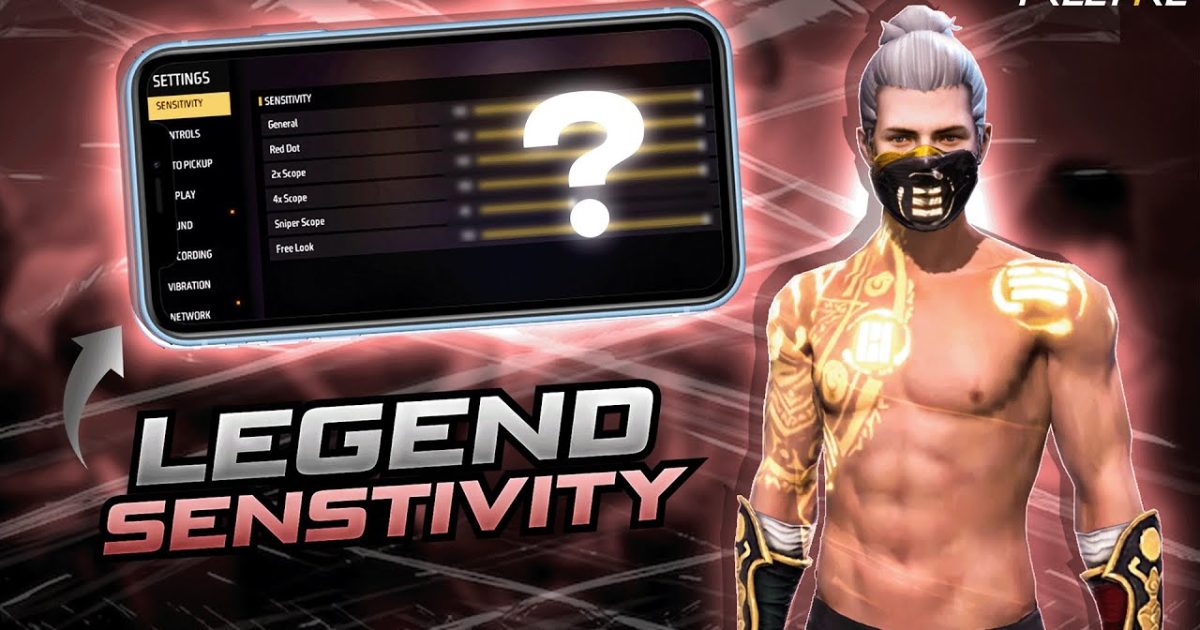
If you’re new to Free Fire and feel like your aim is all over the place, you’re not alone. The default sensitivity settings are terrible for most players, especially beginners. This guide is for you—a total newbie who wants a simple, no-nonsense setup that actually works. By the end of this post, you’ll have a solid sensitivity baseline that gives you smooth aim, better control, and more headshots. No jargon, no overthinking—just copy and play.
I’ll walk you through every slider one by one, show you where to find them, and give you numbers you can literally screenshot and type in. Then I’ll tell you how to test them in the practice range so you can tweak them to your own liking. Ready to stop missing easy kills? Let’s go.
What You’ll Need
- Your phone with Free Fire installed (any device works)
- A stable internet connection (ping matters for sensitivity feel)
- 10–15 minutes of free time to set up and test
- Patience—you won’t become a pro in one day, but this setup gets you close
Step 1: Open the Sensitivity Settings Menu
Get into the game and tap on the little gear icon (Settings) on the top-right of the lobby screen. Then go to the ‘Controls’ tab and select ‘Sensitivity’ at the top. You’ll see a bunch of sliders with weird names. Don’t panic—we’ll sort them out in the next steps.
Step 2: Understand the Sliders – General, Red Dot, 2x, 4x & Sniper Scope
There are five main sections: General, Red Dot, 2x Scope, 4x Scope, and Sniper Scope. ‘General’ is your hip-fire and normal camera sensitivity when you’re not aiming down sights. The scope ones affect your aim when you tap that scope button. Beginners often crank everything up to 100, but that makes you jittery. Keep it moderate for control.
Step 3: Set These Beginner-Friendly Base Values
Start with these numbers. They work great on most phones—whether you’re on a high-end device or a budget phone. If you’re using a specific phone like Poco or Realme, check out those dedicated guides later.
- General: 75–85 (start at 80)
- Red Dot: 70–80 (start at 75)
- 2x Scope: 60–70 (start at 65)
- 4x Scope: 50–60 (start at 55)
- Sniper Scope: 30–40 (start at 35)
Why these numbers? General needs to be high enough to look around quickly, but not so high you can’t control recoil. Scopes get lower with magnification because you need fine control at long range. Your aim won’t be perfect overnight, but this is a proven starting point used by many beginners who later moved to top pro settings.
Step 4: Test in Practice Mode
Go to the main menu and tap ‘Practice’ (the target icon). This is your best friend for tuning. Once inside, grab any weapon—start with an M4A1 or AK—and shoot at the moving targets. Pay attention to how your crosshair behaves. If it overshoots, lower the sensitivity. If it feels too slow, bump it up a few points. Don’t make big jumps; change by 5 at a time.
I highly recommend spending at least 10 minutes in practice mode before jumping into a match. It’s the fastest way to build muscle memory. For a deeper dive, check out our guide on fine-tuning in practice mode.
Step 5: Fine-Tune Based on Your Gameplay
After a few matches, you’ll notice what feels off. Maybe your sprays are too wild, or you can’t track a rushing enemy. Go back to the sensitivity menu and tweak. A common trick: if your crosshair shakes too much when firing, lower your General and Red Dot by 5–10. If you can’t turn fast enough in close range, increase General a bit. For long-range beams, keep scope sensitivities lower. Think of these as your own accurate aim settings—everyone’s thumbs are different.
Common Pitfalls
- Setting all sliders to 100: This makes your aim jerky and impossible to control. Always start low and work up.
- Ignoring the practice mode: Jumping straight into ranked with new settings is a recipe for frustration. Test first.
- Copying a pro’s settings without adjustment: Pros have insane muscle memory. What works for them probably won’t work for you until you’ve practiced for months.
Where to Next
Now that you’ve got a solid baseline, keep improving. Try out our easy sensitivity settings for a more polished version, or dive into stable crosshair settings if you’re still struggling with wobbly aim. If your device is low-end, the smooth fps settings can help you get better performance without changing your feel. Good luck out there—go get those headshots!



