Are you tired of missing shots in Free Fire? Whether you’re a beginner or grinding for Heroic rank, one tweak can change everything: your sensitivity settings. This guide is for players who want to improve aim without copying random pros blindly. By the end of this article, you’ll have a custom sensitivity setup that feels natural and helps you hit headshots consistently.
We’ll walk through adjusting general sensitivity, scope settings (red dot, 2x, 4x, sniper), and free look sensitivity. You’ll learn how to test each change in the training ground and fine-tune for your device. No more wasted bullets – let’s get your aim on point.
What You’ll Need
- Free Fire or Free Fire Max installed (latest version)
- A smartphone with at least 4GB RAM (lower RAM works, but adjust accordingly)
- Patience to test settings for 3–5 matches
- Access to the training ground (practice mode)
- Optional: a friend to spar in custom room
Step 1: Understand the Sensitivity Categories
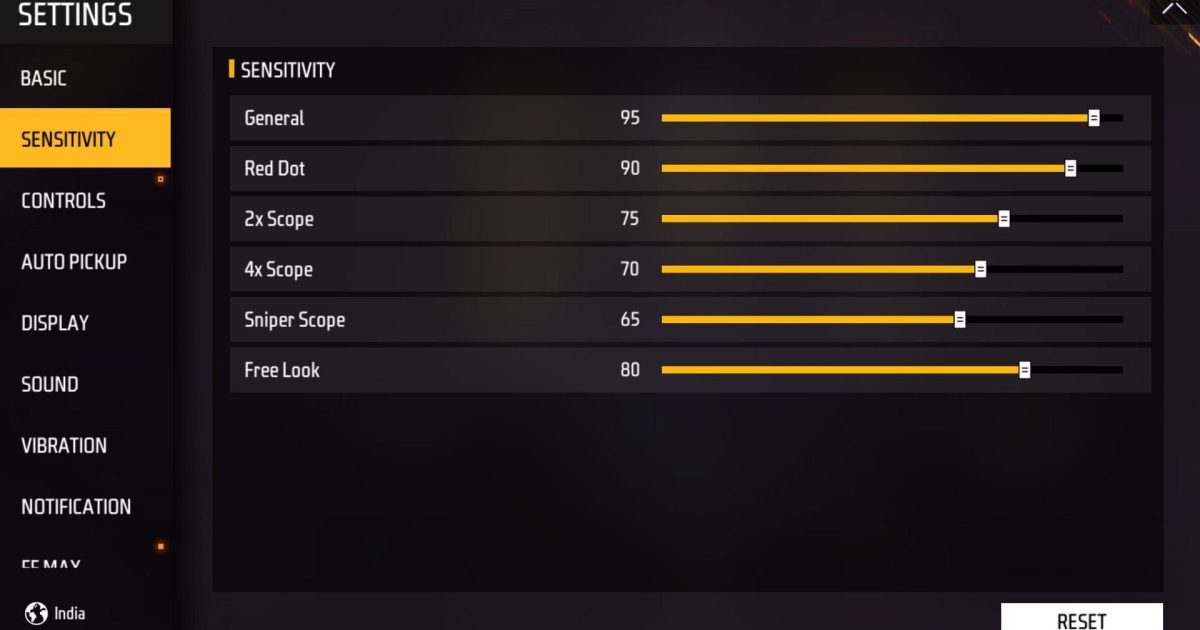
Before tuning numbers, know what each slider does. Free Fire offers separate controls for: General (hip fire and movement), Red Dot, 2x Scope, 4x Scope, Sniper Scope, and Free Look (camera while running). Each affects your aim differently. For example, sniper scope should be low for precise drag shots, while free look needs high speed for scanning.
Step 2: Set Your General Sensitivity First
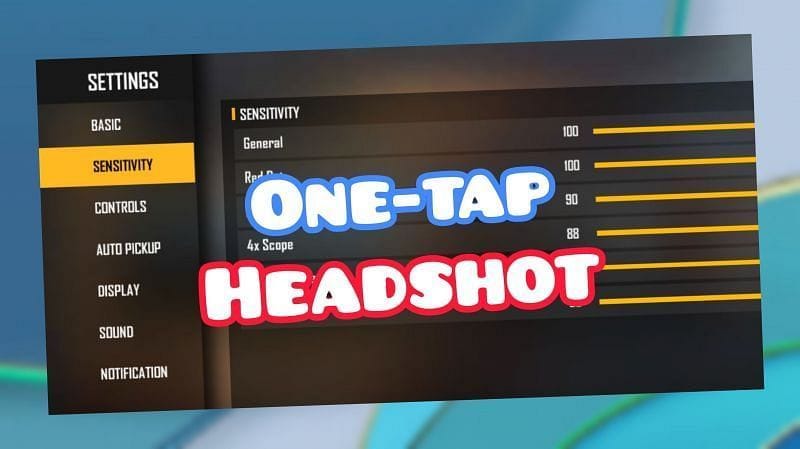
General sensitivity controls your aim when not scoped. Start between 80 and 100 for fast turn speed. If your screen feels jittery, lower to 70. Go to Settings > Sensitivity > General and slide. Then hop into the training ground – run, jump, and do 360 spins. You should be able to track a moving dummy smoothly. Adjust in increments of 5 until comfortable.
Step 3: Tweak Red Dot and 2x Scope
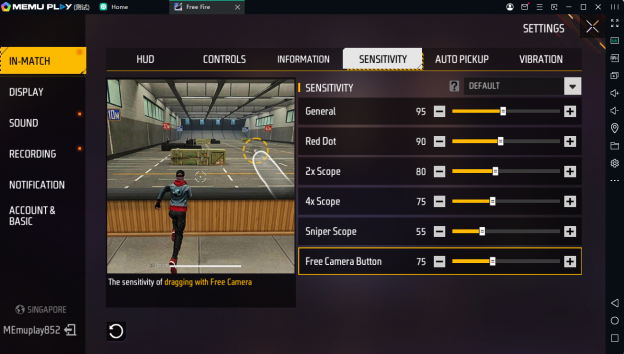
These scopes are used most in mid-range fights. Set red dot to 70–85 and 2x to 65–80. Lower values help control recoil but slow down tracking. Test with an AR like M4 or AK: spray at a wall and see if your crosshair stays on target. Ideally, the bullet spread should be tight without dragging too much. For headshots, keep red dot around 75 – many pros use this range.
If you already have a preference for close combat, consider reviewing our headshot sensitivity settings guide for more specific fine-tuning.
Step 4: Set 4x Scope, Sniper Scope, and Free Look
4x scope is for long-range tapping: keep it between 50 and 65. Sniper scope (for AWM, Kar98k) must be low – 30 to 45 – to allow precise drag shots without overshooting. Free look sensitivity should be high (80–95) so you can scan surroundings while running. Test each in training ground: aim at a still target far away, then try flicking to a moving target.
For snipers, our quick scope sensitivity guide dives deeper into drag shot techniques.
Step 5: Test in Real Matches – One Change at a Time
Now apply your settings in casual or classic matches. Play at least 2 matches after each tweak – don’t change multiple sliders at once. Pay attention to: Am I over-flicking? Is recoil control worse? If aim feels off, adjust only the problematic scope by 5 points. Repeat until you hit consistent headshots. Remember, even pros took time to perfect their setup.
Step 6: Save and Backup Your Settings
Once satisfied, save your settings using the in-game ‘Saved Code’ feature. Go to Sensitivity, tap the folder icon, then ‘Save’. Give it a name. You can later load or share the code. This is useful if you switch devices or want to experiment with other setups. To copy a pro setup, check our saved code page for ready-to-use codes.
Common Pitfalls
- Copying pro settings without adjusting for your device – a high-end phone can handle higher sensitivity, but a budget one may lag. Use our budget phone sensitivity guide if your device is low-end.
- Changing too many sliders at once – you won’t know what worked. Modify one scope per session.
- Ignoring your device’s touch sampling rate – low touch sampling (under 120Hz) requires lower sensitivity. Test with slow swipes first.
Where to Next
Now that your sensitivity is dialed in, check out other resources to dominate Free Fire: viral settings that top streamers use, or Heroic rank settings to climb the ladder. If you prefer a different playstyle, our quick scope sensitivity guide covers close-range aggression. Happy hunting!