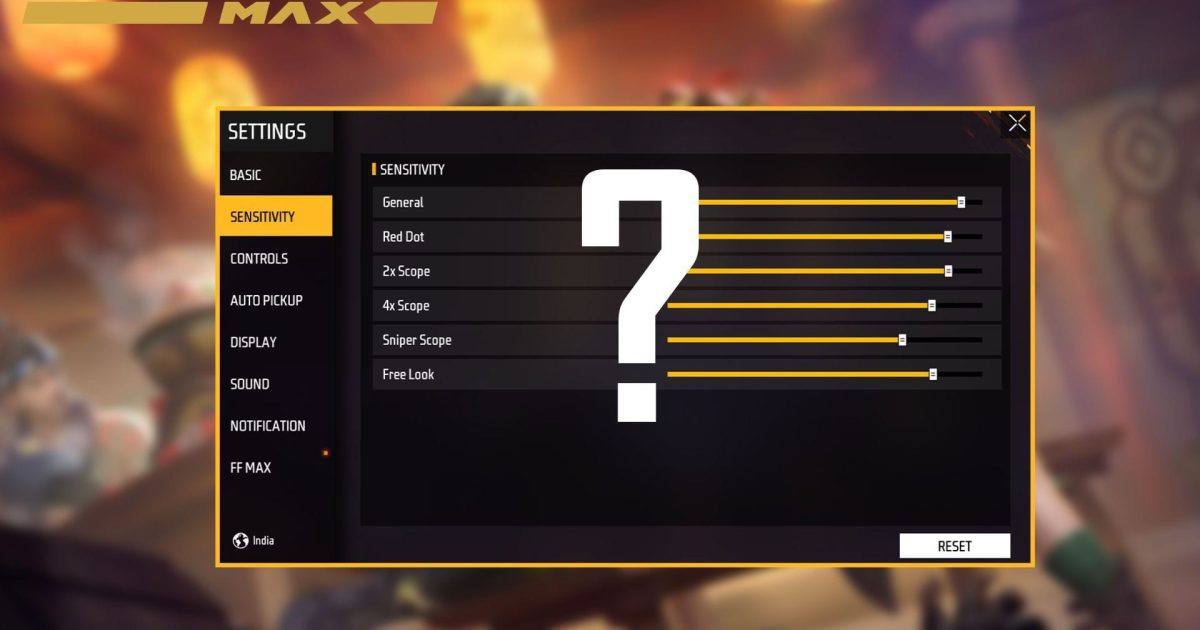
If you’re tired of spraying and praying in Free Fire Max, this guide is for you. Whether you’re a total noob or a seasoned player who can’t seem to find that sweet spot, we’ve got your back. By the end of this post, you’ll have a custom sensitivity setup that feels like it was made for your fingers. No more jittery aim or over-flicking – just clean, consistent kills.
We’ll walk you through every slider from general to scope, share tested values for popular devices, and show you how to fine-tune in practice mode. Plus, we’ll link to our beginner-friendly sensitivity settings if you want a quick start, and smooth sensitivity settings if your aim is too twitchy. Ready? Let’s dial in.
What You’ll Need
- Free Fire Max installed on your phone (duh)
- Stable internet connection (lag kills sensitivity)
- Practice mode unlocked (play a few matches to earn it)
- A few minutes of uninterrupted time
- Pen and paper to note down your current settings (if you want to revert)
Step 1: Reset to Default
Before we go wild, let’s start fresh. Open Free Fire Max, head to Settings > Sensitivity, and tap ‘Reset to Default’. This wipes out any messy changes and gives you a baseline. Trust me, it’s easier to build from scratch than to fix someone else’s Frankenstein setup.
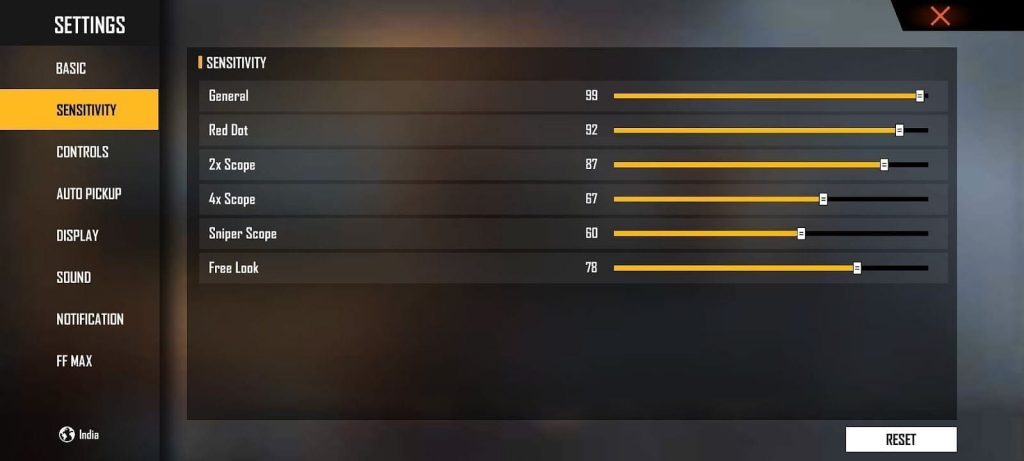
Pro tip: Take a screenshot of your current settings if you ever want to go back. You never know.
Step 2: Set General Sensitivity
General sensitivity controls your camera movement when you’re not aiming down sights. For most players, a value between 70 and 90 works well. Start at 80, then move up or down by 5 until you can do a 180° turn comfortably without overshooting. If you’re on a budget phone, check our budget-friendly sensitivity settings for lower values.
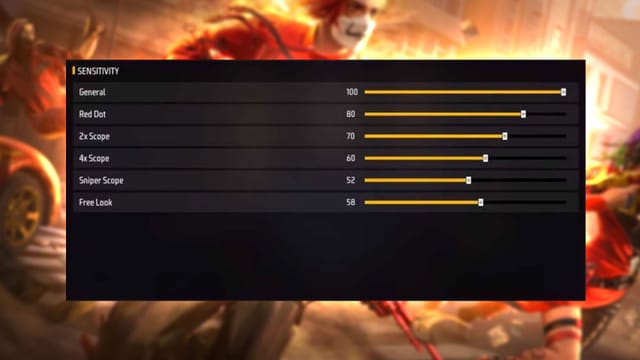
A lower general sensitivity (60-70) gives more control but slower reaction; higher (90-100) is snappy but can be wild. Find your balance.
Step 3: Red Dot Sensitivity
Red dot sight is your go-to for mid-range fights. Set it between 50 and 70. Start at 60 – it’s a safe middle ground. You want to track moving targets without dragging your finger across the whole screen. If you’re into drag shots, our accurate aim sensitivity guide can help fine-tune this.

Test by aiming at a dummy in practice mode. If you keep overshooting, lower it by 5. If you can’t keep up, raise it by 5.
Step 4: Scope Sensitivities (2x, 4x, Sniper)
Each scope needs its own love. Here’s a starting point:
- 2x scope: 40-55 (start at 45)
- 4x scope: 30-45 (start at 35)
- Sniper scope: 15-30 (start at 25)
The higher the magnification, the lower your sensitivity should be. For snipers, you want precise micro-adjustments. Use our practice mode sensitivity tweaks to get these dialed without wasting match time.

Step 5: Advanced Settings – Gyro & ADS
If your phone has a gyroscope, turn it on in Settings > Controls > Gyroscope. Set it to ‘Always On’ with a sensitivity of 10-20 for fine-tuning while scoped. Auto ADS (aim down sight) should be enabled – it speeds up your reaction. Play with the percentage; 50% is a good start.
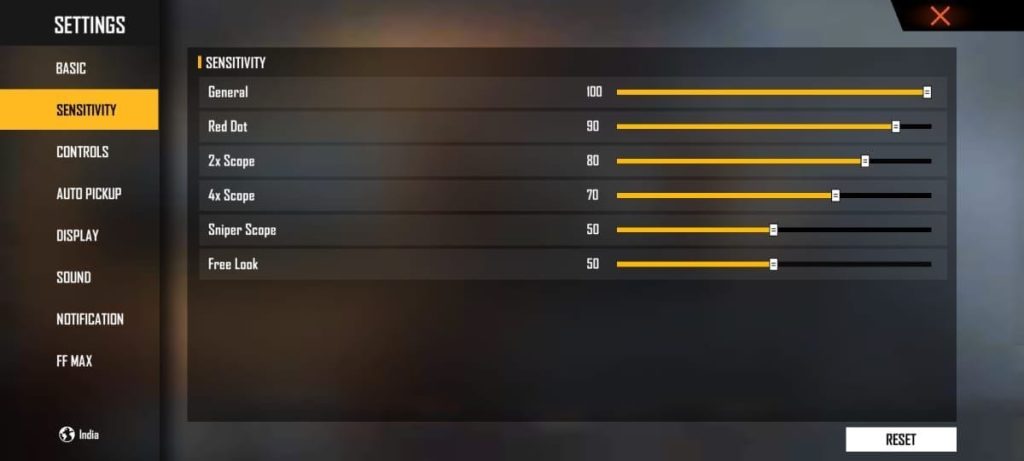
Gyro is a game-changer for close-range spray. It lets you adjust aim by tilting your phone. Practice makes perfect.
Step 6: Test and Tweak in Practice Mode
You’ve got numbers, but numbers mean nothing until you test. Jump into practice mode and try to hit moving targets, do 180° spins, and switch between scopes. Adjust each slider by 2-3 points until it feels buttery. For a full routine, check our top sensitivity presets for more pro setups.
Don’t be afraid to go back and forth. Sensitivity is personal – what works for YouTubers might not work for you.
Common Pitfalls
- Copying other players’ settings blindly – they have different phones, fingers, and playstyles. Always start from default and adjust based on your feel.
- Ignoring device performance – low-end phones can’t handle high sensitivity without lag. Use our budget-friendly sensitivity settings if you experience frame drops.
- Not adjusting per weapon – SMGs need higher sensitivity than snipers. Don’t use the same scope sensitivity for every gun.
Where to Next
Now that you’ve got your sensitivity dialed, keep practicing and watch your rank climb. For more Free Fire Max tips, check out our guides on crosshair placement, movement, and map awareness. Remember, the best setting is the one that lets you enjoy the game. See you on the battlefield!



