So you’ve optimized your Free Fire game settings—turned down graphics, enabled the right booster, and maybe even overclocked your device. But your aim still feels off? That’s because sensitivity settings are the final piece of the puzzle. Once your game runs smooth, you need sensitivity that lets you snap onto enemies without overshooting. This guide is for anyone who’s done the optimization work and now wants to dial in their aim. By the end, you’ll have a sensitivity profile that feels buttery smooth and helps you win more gunfights.
We’ll go step by step, from resetting your current settings to testing in training mode. And don’t worry—you don’t need to be a pro. Just follow along, and you’ll see improvement in your first match. If you haven’t optimized your game yet, check out our other guides first. Otherwise, let’s jump into the best sensitivity settings after optimization.
What You’ll Need
- A device with Free Fire or Free Fire Max installed (game already optimized for performance)
- Stable internet connection (ping under 100ms recommended)
- Training mode unlocked (available in the main menu)
- 5–10 minutes of uninterrupted practice time
- Optional: screen recorder to review your aim
Step 1: Reset Your Sensitivity to Default
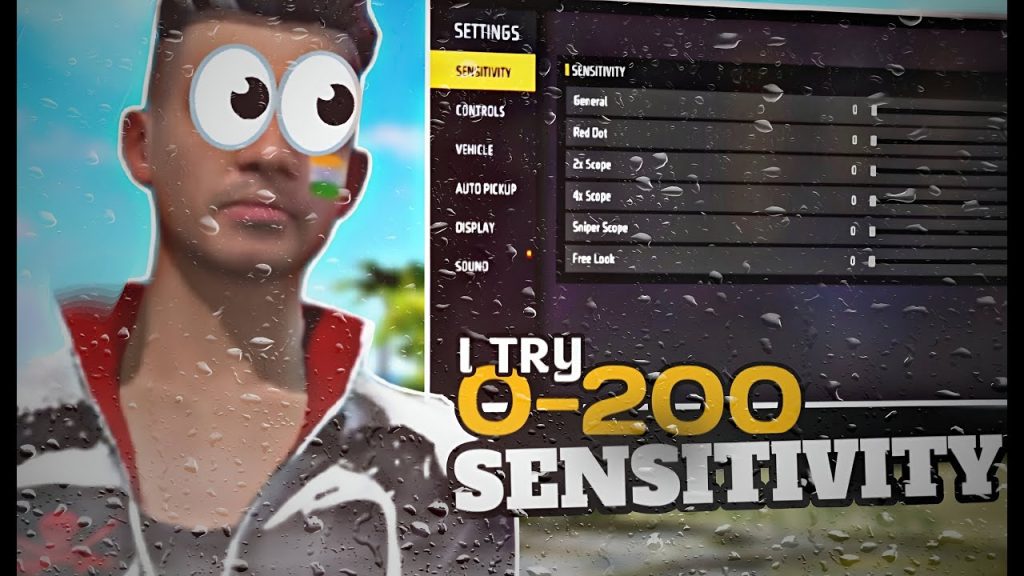
After game optimization, your old sensitivity might feel weird because your frame rate changed. The first thing to do is reset everything. Go to Settings > Sensitivity and tap the “Reset” button (or manually set all sliders to the middle). This gives you a clean slate. Don’t skip this—old settings will mess up your muscle memory.
Step 2: Adjust General Sensitivity
Now start with the main sensitivity sliders—Camera, ADS, and Scope. A good baseline after optimization is: Camera – 85, ADS – 75, Scope – 65. But adjust based on your device. If your game now runs at 60fps, you may want slightly higher. Move each slider up or down by 5, then test in training mode. You want to be able to 180-turn quickly without losing control.
Step 3: Fine-Tune for Specific Weapons
Different weapons need different sensitivity tweaks. For example, SMGs like the MP40 require a faster ADS to track moving targets, while snipers like the AWM need lower scope sensitivity for precise shots. Check out our dedicated guides on free fire sensitivity settings for mp40 and free fire sensitivity settings for awm for weapon-specific values. Apply those tweaks after you’ve set your general sensitivity.
Step 4: Test in Training Mode
Head to training mode and practice peeking, tracking, and flicking. Aim at the moving bots and try to keep your crosshair on their heads as they strafe. If you’re overshooting, lower your sensitivity by 5; if you’re lagging behind, increase it. Repeat until it feels natural. Remember, sensitivity is personal—what works for a streamer might not work for you.
Step 5: Record and Compare
Record a short clip of your training session and watch it back. You’ll spot issues you missed in-game. For example, you might notice your aim jitters when scoped in. That’s a sign to lower your scope sensitivity. Use our guide on how to practice free fire sensitivity settings to track your progress and make incremental changes.
Common Pitfalls
- Copying settings from a pro without testing – their device and gameplay style differ from yours. Always adjust to your own feel.
- Forgetting to adjust scope sensitivity separately – many players set only camera and ADS, then wonder why sniping feels off. Use scope-specific sliders.
- Changing too many settings at once – make one change per play session, then test. Otherwise you won’t know what worked.
Where to Next
You’ve got your baseline sensitivity after optimization. Now take it further. Explore free fire 4x scope sensitivity settings for that mid-range dominance, or check out grandmaster free fire sensitivity settings to see what the top players use. Remember, consistency is key—stick with your settings for a few days before tweaking again. Good luck out there!



