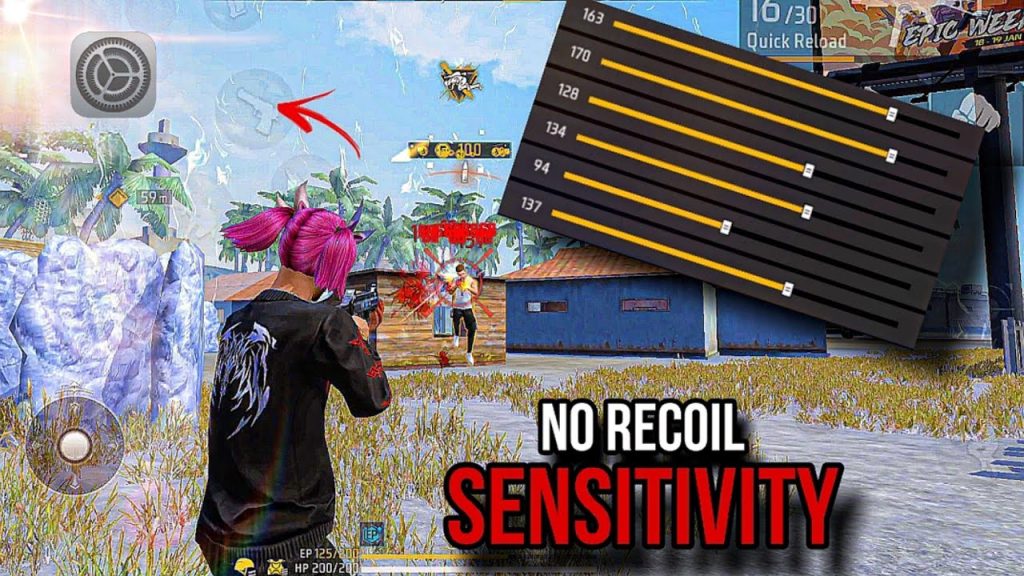
If you’re like me, you’ve pumped an entire magazine into the air while the enemy casually walks away. That’s AR recoil messing with your aim—and it’s the number one reason players rage-quit. This guide is for anyone who wants to tame that spray and actually hit what they’re aiming at. By the end, you’ll have a custom sensitivity setup specifically tuned for ARs like the M4A1, AK, or SCAR, plus a simple drill to lock it in.
We’re not copying a random pro’s settings—because what works for them might feel like mud on your device. Instead, I’ll show you how to adjust sensitivity values step by step, test them in-game, and fine-tune until your crosshair sticks to the target like glue. Whether you’re a total rookie or stuck in Heroic, these steps will cut your recoil in half within an hour.
What You’ll Need
- A phone or tablet with Free Fire installed (any device works, but a higher refresh rate helps).
- 5–10 minutes of uninterrupted practice in the training room.
- Your favorite AR equipped (I recommend starting with the M4A1, since its recoil is predictable).
- A notepad or the Notes app to jot down your sensitivity tweaks.
Step 1: Reset Your Sensitivity to Default
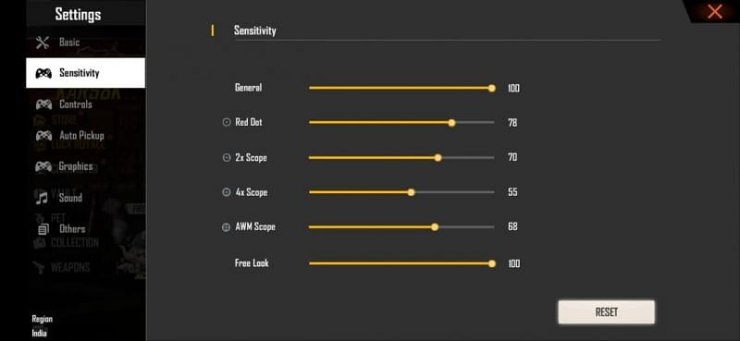
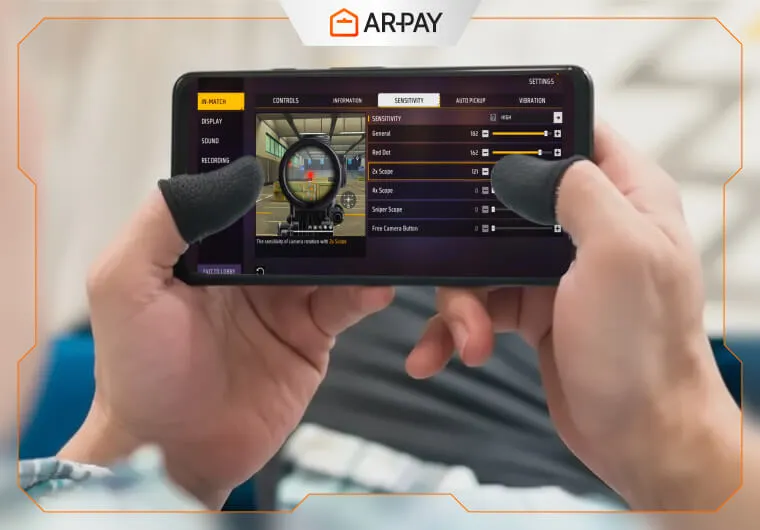
Before we start tuning, wipe the slate clean. Go to Settings > Sensitivity and tap “Reset.” This gets rid of any random adjustments you’ve made over time. Don’t worry—you can always come back to your old setup by taking a screenshot beforehand.
Step 2: Set Your General Sensitivity Base
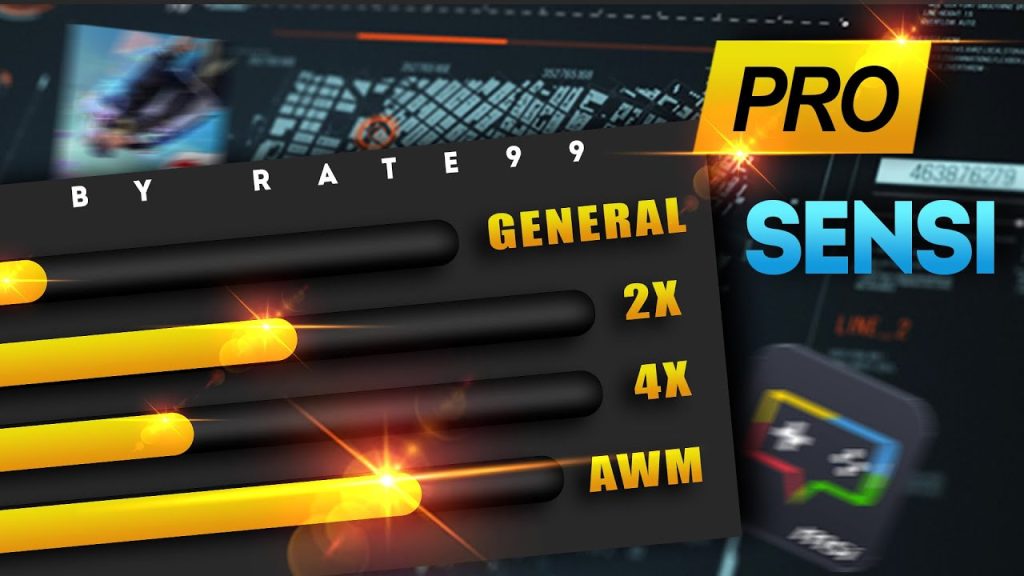
General sensitivity controls how fast your screen turns when you swipe. For AR recoil control, you want it high enough to track targets but not so high that micro-adjustments feel jerky. Start with these values: General: 90–95, Red Dot: 85–90, 2x Scope: 80–85, 4x Scope: 70–75, Sniper Scope: 40–50. Free Fire’s default system rounds to whole numbers, so tweak in increments of 3–5.
Step 3: Fire Your AR in the Training Room
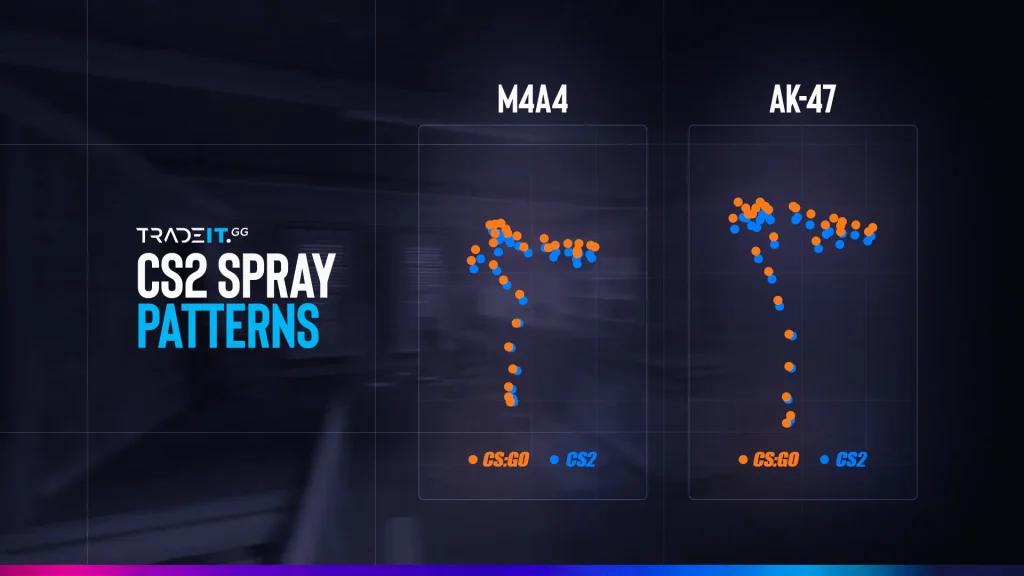
Head to the training room and grab your AR. Stand about 10 meters from a target wall. Fire a full magazine while compensating—pull your thumb straight down at a steady speed. Watch the bullet holes: if they climb too high, your vertical sensitivity is too low; if they zigzag left or right, your horizontal sensitivity needs adjustment.
Step 4: Adjust Vertical Sensitivity for AR Recoil
The vertical sensitivity setting (under General > Vertical) directly controls how much your screen moves down when you drag. If your shots climbed upward despite your drag, increase this value by 5–10. If you over-dragged and aimed at the ground, lower it. The sweet spot is where you can keep the reticle inside a fist-sized circle for the entire magazine. For most players, this lands between 15–25 for ARs.

Step 5: Fine-Tune with Longer Ranges and Movement
Now move back to 30 meters and repeat. Also strafe left and right while firing. If the horizontal recoil throws your aim off, decrease your horizontal sensitivity slightly (or increase if you can’t keep up). Test each change for 2–3 mags. Once you can hold a tight group while moving, you’ve got your AR recoil tamed.
Step 6: Lock In Your Settings and Practice Daily
Save your settings and jump into a real match. Don’t switch guns yet—just use your chosen AR for at least 10 games to build muscle memory. If you notice inconsistency, revisit the training room. The key is repetition: spend 5 minutes each day practicing the recoil control drill. Over time, your brain will automatically adjust your thumb pull.
Common Pitfalls
- Pitfall 1: Copying another player’s settings blindly. Every device’s touch response is different, so generic settings rarely work. Use the testing method above instead.
- Pitfall 2: Changing too many values at once. If you tweak five sliders and then test, you won’t know which one helped. Change one parameter per session.
- Pitfall 3: Ignoring your grip and finger placement. If your thumb slips or you use a claw grip, sensitivity needs may differ. Consider how you hold the phone.
Where to Next
Now that you’ve nailed AR recoil, you can explore other weapons and advanced techniques. Check out our community guide for more tips, or try the fast aim settings to speed up your target acquisition. For a complete overhaul, see the max sensitivity settings recommended by grandmaster players. And if you’re still struggling, revisit the beginner settings to build a solid foundation. Happy shooting!



