You’ve been grinding in Heroic, maybe even getting close to Legendary, but something’s off. Your aim feels slow, you lose close-range fights, or you can’t track enemies while spraying. This guide is for you – the player who wants to finally ditch the sweat and hit Legendary rank consistently. By the end, you’ll have a sensitivity setup that’s been used by players who’ve reached Legendary, plus a step-by-step process to fine-tune it to your own device and playstyle.
Sensitivity is personal, but there’s a reason why most Legendary players use settings within a certain range. We’ll start with a proven baseline and then show you how to adjust it in training mode and Clash Squad. No complicated math – just copy, test, and tweak. Ready to upgrade your aim?
What You’ll Need
- Free Fire installed (any version, but Max recommended for smoother graphics)
- A device with at least 4GB RAM and a 60Hz+ display (90Hz or 120Hz helps)
- At least 30 minutes of uninterrupted practice time
- Knowledge of your grip style – two thumbs? Four-finger claw? We’ll adjust accordingly.
- A calm mindset – don’t change everything at once.
Step 1: Reset to Default Sensitivity
Clear out any old configurations. Go to Settings > Sensitivity and hit ‘Reset’. This ensures you’re starting from a clean slate. Legendary players rarely use default settings, but we need a base to build on.

Once reset, note your device’s default DPI or touch response. If you have a gaming phone, you might want to keep the default general sensitivity higher. For regular phones, we’ll adjust differently.
Step 2: Set Baseline Sensitivity Numbers
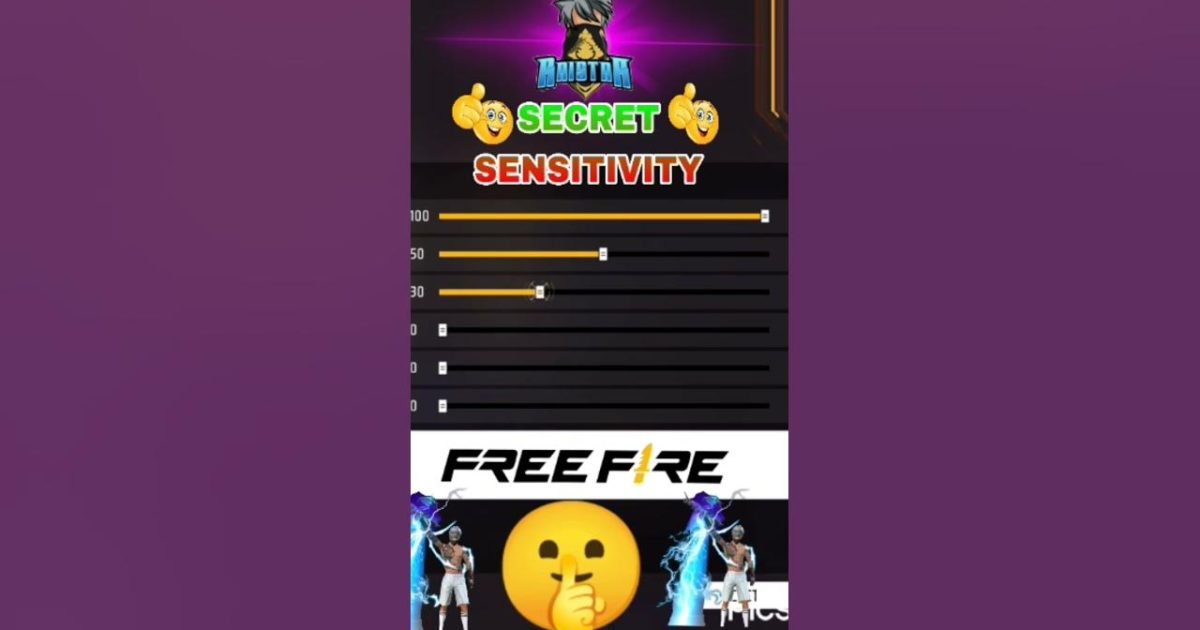
Here’s the baseline used by many Legendary players. Enter these values after reset:
- General Sensitivity: 90
- Red Dot Sight: 85
- 2x Scope: 80
- 4x Scope: 65
- Sniper Scope: 55
- Free Look: 75
- Fire Button: 100 (always max for fast reaction)
These numbers are tested by pros and work well for most devices. If your phone has a high refresh rate (90Hz+), you can increase all by 5-10 points. For older devices, decrease by 5 to avoid jitter.

Step 3: Fine-Tune in Training Mode
Enter training mode with an M1887 and an MP40. Stand at medium range and try to keep your crosshair on a stationary target while moving left and right. If your aim overshoots, lower general sensitivity by 2 points. If it feels sluggish, increase by 2. Repeat until you can track the target smoothly.
Then switch to a sniper (AWM) and practice aiming at the head. If you can’t flick quickly, increase sniper scope sensitivity. This is the key to one-shot kills. Check out our free fire sensitivity settings for awm for more specific tips.
Step 4: Test in Clash Squad
Now take your settings into Clash Squad (ranked). Play at least 3 matches with your current config. Focus on close-range fights with ARs and shotguns. If you’re losing spray battles, go back and lower red dot or general sensitivity by 2-3. If you’re overcorrecting, raise it. This is where you’ll truly feel if it works.
Don’t forget to adjust per weapon. For example, the MP40 needs higher sensitivity for its fast fire rate, while the M1887 needs lower for precise flick shots. Our free fire sensitivity settings for mp40 guide can help you fine-tune.

Common Pitfalls
- Copying a pro’s settings exactly – your device and grip are different. Use theirs as a starting point, not gospel. Our grandmaster settings article gives you a baseline, but you must adjust.
- Changing too many numbers at once – make one change per session, or you won’t know what helped. Stick to the current season configs and tweak gradually.
- Not practicing enough – sensitivity isn’t magic. Spend 15 minutes daily in training mode. Our guide on how to practice sensitivity will show you drills.
Where to Next
Now that you have a solid sensitivity setup, it’s time to master your overall game. Check out our beginner settings if you’re still struggling with basics, or dive into max sensitivity settings for an ultra-fast experience. Remember, patience and practice are your best weapons. See you in Legendary!