If you’re a Free Fire player who loves sniping, you know the AWM is the king of one-shot kills. But even the best gun is useless without the right sensitivity settings. Stiff crosshairs or jerky scopes can make you miss that perfect headshot — and that’s frustrating. This guide is for anyone who wants to dominate with the AWM, whether you’re a beginner learning to drag shot or a veteran looking to fine-tune your aim.
By the end of this guide, you’ll have a set of sensitivity values that work specifically for the AWM. We’ll cover DPI, general sensitivity, scope sensitivity, and even how to adjust for your playstyle. You’ll also learn how to test these settings in the training ground using practice mode free fire sensitivity settings. Let’s get you those crispy one-tap headshots!
What You’ll Need
- A device running Free Fire or Free Fire Max (any OS)
- Access to the Training Ground (free to enter)
- An AWM (you can pick one up from the ground in training mode)
- A notepad or notes app to record your settings
- Patience — finding your perfect sensitivity takes a few rounds of testing
Step 1: Set Your DPI (Mouse or Finger Aim Only)
If you play on a phone or tablet, DPI sensitivity is your finger’s precision. Go to Settings > Sensitivity and find the DPI slider. For AWM sniping, a lower DPI gives you finer control. Start at 55–60 DPI. If you’re using a mouse (emulator), set your mouse DPI to 800–1000 and in-game sensitivity to 25–30. This is the base for all your scope sensitivities.
Step 2: Adjust General Sensitivity
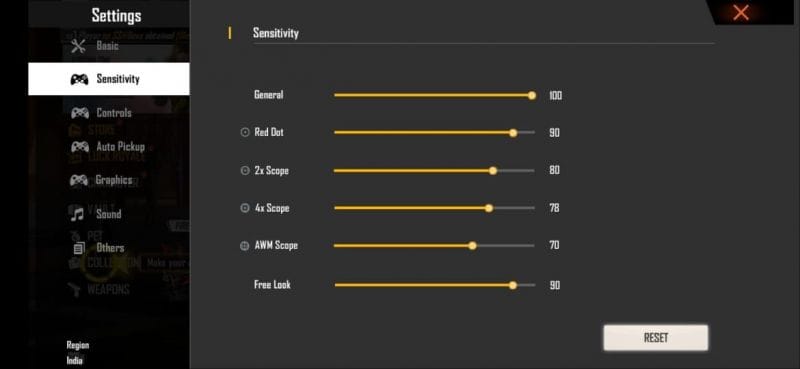
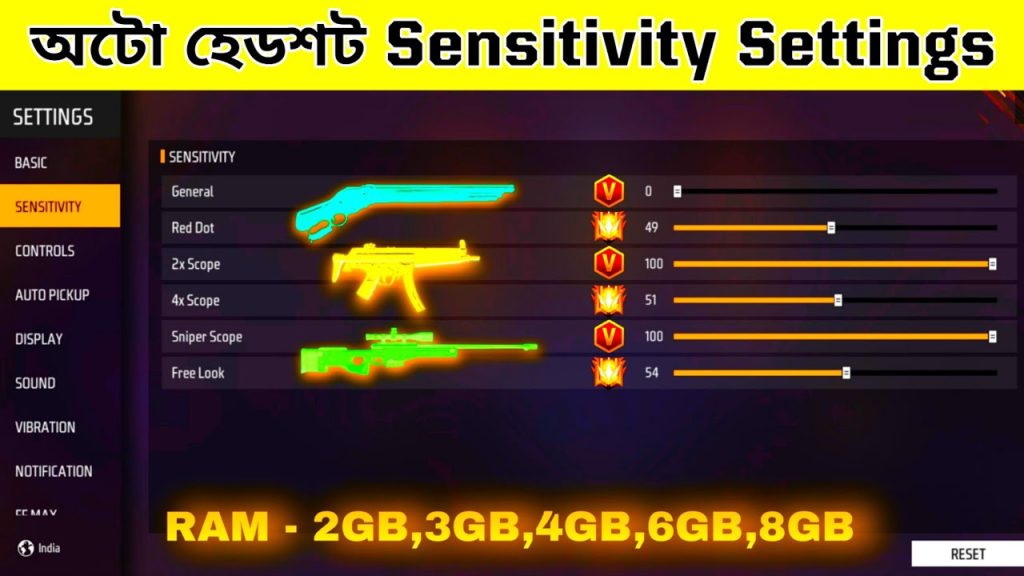
General sensitivity controls how fast your screen moves when you drag without scoping. For AWM, you don’t want it too high or you’ll overshoot. Set general sensitivity between 65–75. If you’re coming from beginner free fire sensitivity settings, you might need to go a bit lower. This keeps your pre-aim smooth.
Step 3: Set Red Dot / Scope Sensitivity (2x, 4x, AWM Scope)
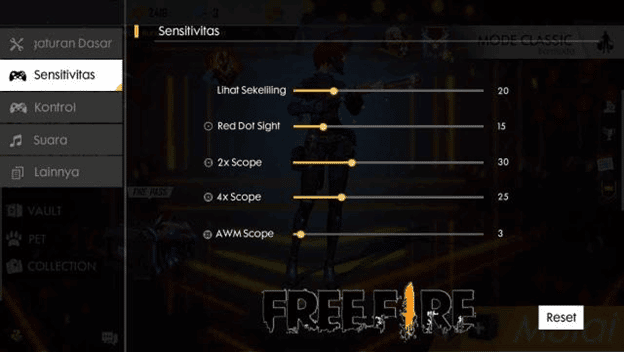
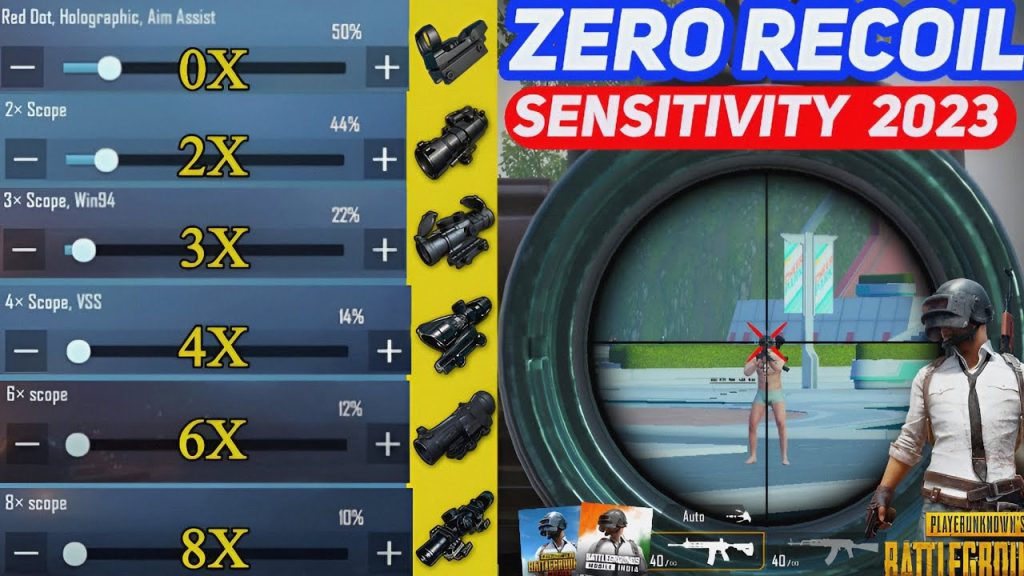
The AWM typically uses a 4x or 6x scope (or the AWM’s built-in scope). In Sensitivity settings, you’ll see individual sliders for each scope. For the 4x scope, set it between 50–60. For 6x, go 45–55. The AWM’s scope sensitivity is the same as 4x for most players. Adjust until you can track a moving target without jitter.
- Red dot: 70–80 (for quick close-quarter flicks)
- 2x scope: 60–70
- 4x scope: 50–60 (this is your main AWM scope range)
- 6x scope: 45–55
Step 4: Enter Training Ground and Test Your Drag Shot
Now it’s time to put your settings to use. Go to the Training Ground, pick up an AWM, and find a moving target (the bot dummies or friend). Practice drag shots: scope in, then swipe your screen upward to drag the crosshair onto the target’s head. If you overshoot, lower your scope sensitivity by 2–3 points. If you undershoot, increase it. Use free fire sensitivity settings for drag shot headshot as a reference.
Step 5: Fine-Tune with Real Gameplay
After you feel comfortable in training, jump into a Clash Squad or Classic match. Play a few rounds and note how the AWM feels. Are you missing stationary targets? Increase scope sensitivity slightly. Are you flicking too far? Decrease general sensitivity. Remember, the goal is consistency. Many pros use grandmaster free fire sensitivity settings as a baseline, but you can tweak from there.
Common Pitfalls
- Setting sensitivity too high: High sensitivity makes the scope jittery. If your crosshair shakes when you aim, lower the scope sensitivity by 5–10 points immediately.
- Ignoring DPI: Your DPI affects all other sensitivities. If you change DPI after setting scope values, you’ll have to re-tune everything.
- Not testing with moving targets: Stationary dummies don’t mimic real enemies. Always test against moving bots or a friend to get real-world feel.
Where to Next
Now you have a solid AWM sensitivity setup. But don’t stop here — check out our guide on smooth free fire sensitivity settings to reduce jitter even more, or read about free fire sensitivity settings for accurate aim for other weapons. If you’re on a low-end device, our latest free fire sensitivity settings for low end devices might help with frame drops. Keep practicing and soon you’ll be landing headshots like a pro!
It took me 3 hours of tweaking in training ground to find my perfect AWM sensitivity. But now I hit headshots 8 out of 10 times.
Garena Free Fire pro player, anonymous



