If you’re grinding for Grandmaster in Free Fire, you already know that aim is everything. But copying some streamer’s code without understanding the ‘why’ is a fast track to inconsistency. This guide breaks down the exact sensitivity settings that pro grandmasters use in the current meta – not just numbers, but the logic behind them. By the end, you’ll have a setup that snaps to heads, tracks smoothly, and feels natural for your device.
These settings work for both Free Fire and Free Fire Max, on mid-range to flagship phones. If you’re on a budget device, check out the latest free fire sensitivity settings for low end devices article for adjusted values. Let’s get your sensitivity right.
What You’ll Need
- A Free Fire or Free Fire Max account (level 30+ recommended for practice mode access)
- A device that can run the game at 60 FPS or higher — lag kills consistency
- 10-15 minutes of undisturbed time in Practice Mode
- A notepad or notes app to record your changes (trust me, you’ll forget)
- Cold fingers? Maybe a finger sleeve for sweaty thumbs
Step 1: Understand the Sensitivity Categories
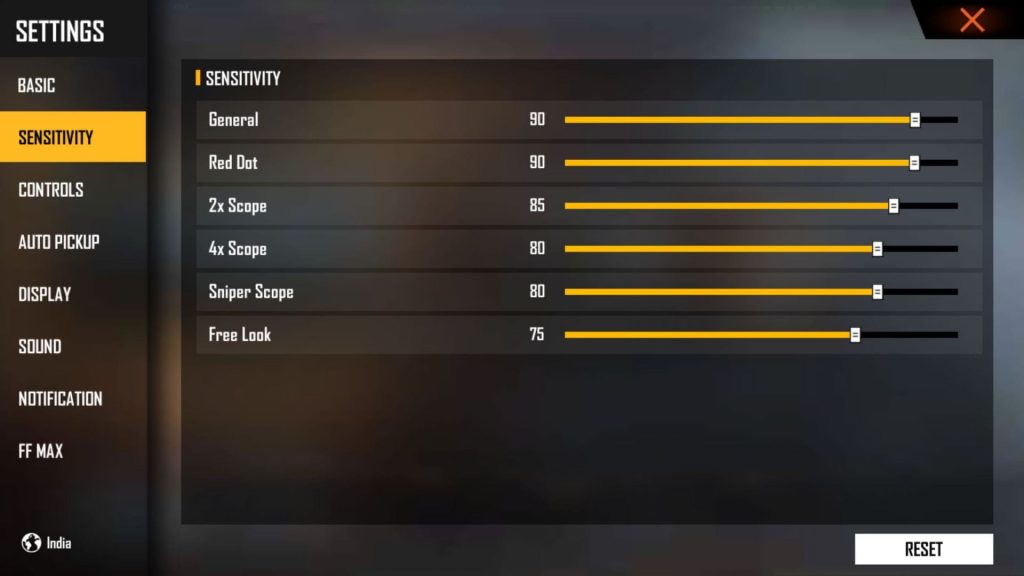
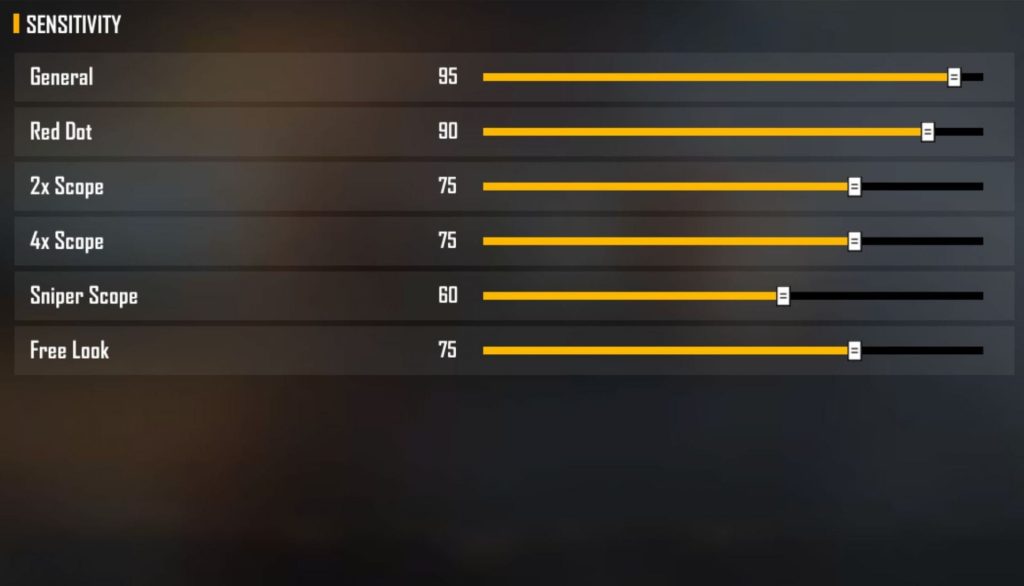
Free Fire splits sensitivity into General, Red Dot, 2x Scope, 4x Scope, Sniper Scope, and Free Look. Grandmasters rarely touch Free Look beyond default. The three that matter most: General (hip fire), Red Dot (close-mid), and 4x Scope (mid-long). Your goal is to make one full thumb swipe cover about 180° of rotation – that’s the sweet spot for fast flicks without over-aiming.
Step 2: Set Your General (Hip Fire) Sensitivity
Hip fire is what you use 90% of the time. Grandmasters run General between 90 and 100. Start at 95 and adjust +/- 5 based on your thumb speed. If you swipe across the screen and your character does a full 360°, it’s too high. If it barely turns 90°, too low. Test this in the lobby by spinning in a circle – one full swipe should rotate about 180°.
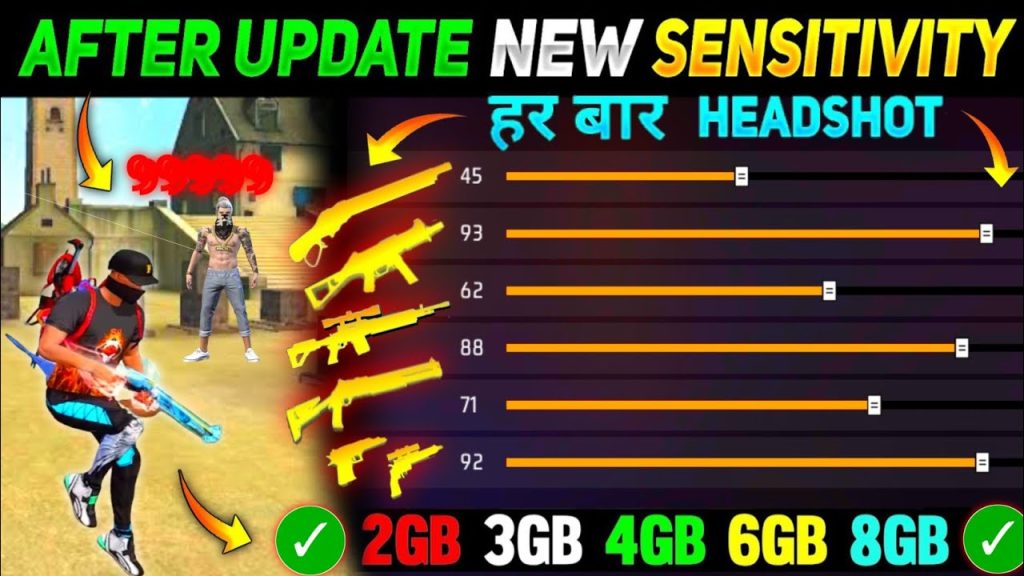
Now point it at the ground and try a 180° turn. Too jerky? Lower by 2 points. Too slow? Increase. Most pros settle at 93-97. Record your number.
Step 3: Dial In Red Dot and Scope Sensitivities
Red Dot is your best friend for AR fights. Set it 5-10 points below General. Example: if General is 95, Red Dot goes to 85-90. This prevents overshooting when you ADS. For 2x Scope, drop another 5 points. For 4x Scope, go down to around 70-75. Sniper Scope? Keep it at 60-65 – you want micro-adjustments, not wild swings.
Test with an AWM in Practice Mode: aim at a static target, then try to track a moving one. If you pass through it, sensitivity is too high. If you lag behind, too low. Fine-tune each scope independently.
Step 4: Practice Mode – The Real Tuning Ground
Go to Practice Mode > Shooting Range. Pick an AR (M4A1 or AK) and the target board. Do three drills: (1) Stationary headshots – aim slowly and fire. (2) Drag shot – aim at the head, drag down in one motion, fire. (3) 180° flick – turn and lock onto a new target. If your crosshair wobbles or overcorrects, drop sensitivity by 1-2 points. If you feel like you have to fight the screen, raise it.
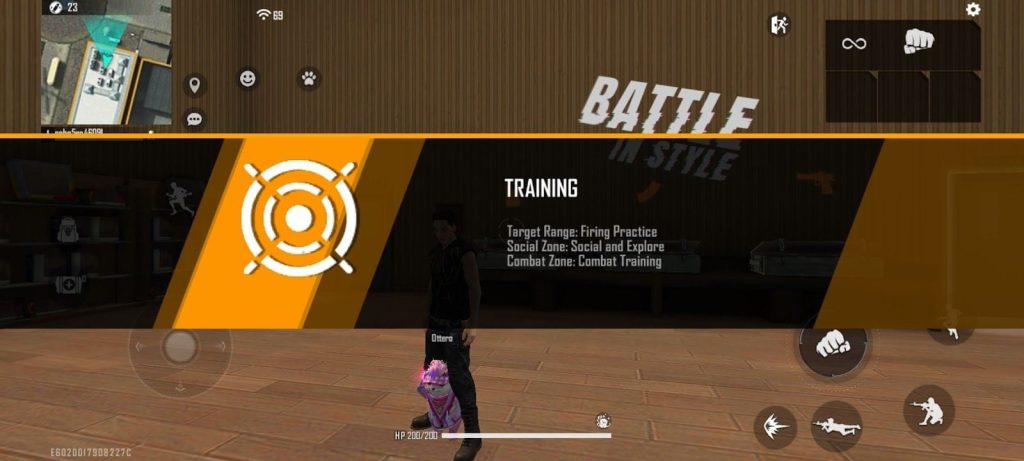
After each adjustment, do the drill again. Don’t change more than 2 points at a time. The goal is muscle memory, not a perfect number. Once you hit 8/10 headshots on stationary targets, move to moving bots.
Step 5: Validate in Live Matches (Clash Squad)
Practice mode doesn’t have adrenaline. Play 3-5 Clash Squad rounds – they’re fast, low risk, and give real pressure. Pay attention to clutch moments: are you over-aiming in close quarters? Struggling to track at range? Make micro-adjustments (1-2 points) between matches. Grandmasters tweak until their aim feels automatic.
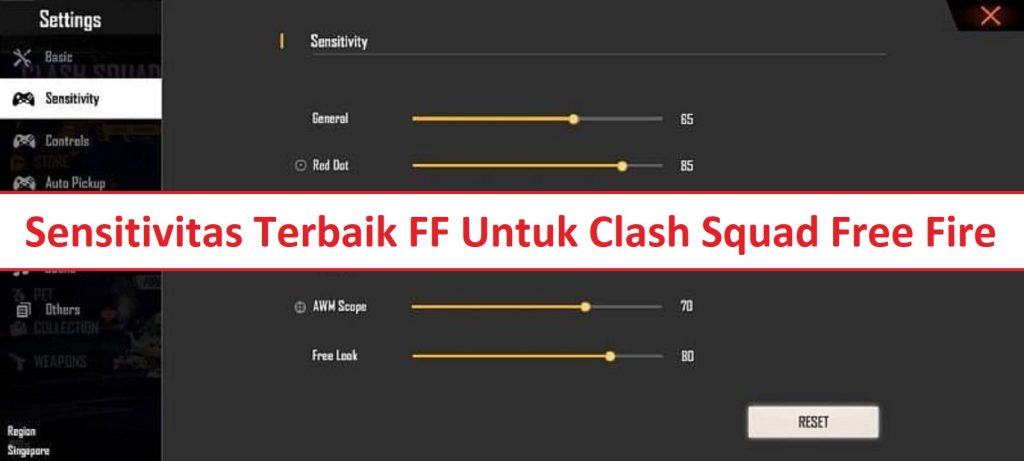
If you want a complete baseline, check out the top free fire sensitivity settings guide – it has values from actual grandmaster players. For a softer, more controlled feel, the smooth free fire sensitivity settings page is gold.
Common Pitfalls
- Copy-pasting grandmaster codes blindly: Those settings were tuned for specific DPI and device size. Yours might be faster or slower. Always start 10-15% lower and work up.
- Ignoring device performance: If your phone drops frames, high sensitivity feels like ice skating. Lock your FPS to 60, lower graphics to Smooth + High/Ultra FPS, and consider a game booster. For budget phones, the beginner free fire sensitivity settings article has tamer values.
- Changing too many settings at once: You can’t know what’s working if you change General, Red Dot, and 4x in one session. Adjust one setting, play 2-3 matches, then change the next. Patience pays.
Where to Next
Sensitivity is just one piece of the puzzle. Next, work on your crosshair placement and movement. The free fire sensitivity settings for accurate aim guide dives deeper into tracking. If you want a no-fuss setup that just works, grab the easy free fire sensitivity settings – they’re beginner-friendly but work up to Grandmaster. Also, don’t forget to check the free fire sensitivity settings current season page for any meta updates. See you in the lobby.