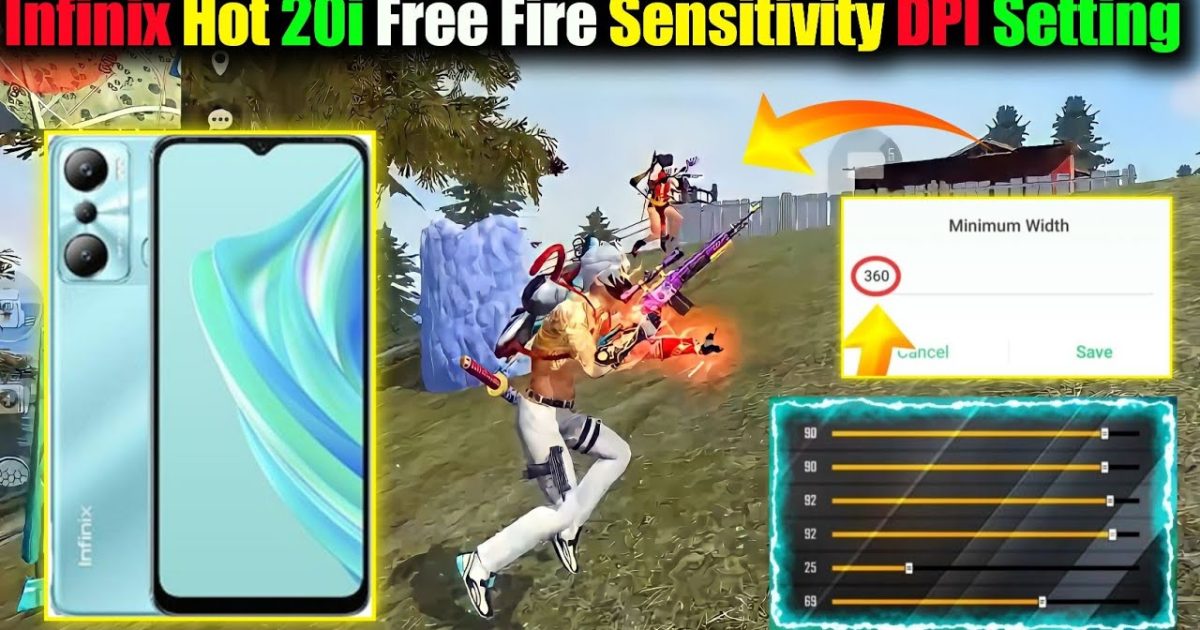
If you’re rocking an Infinix phone and want to take your Free Fire game to the next level, you’ve come to the right place. This guide is for players who feel their aim is off, or who just got a new Infinix and need to dial in the perfect sensitivity. By the end, you’ll have a set of sensitivity numbers that work with your phone’s display and touch response, helping you land more shots and win more fights.
We’ll walk through the settings step by step, from opening the game menu to testing your new sensitivity. No fluff – just practical numbers and tips you can apply right now. Whether you use two thumbs or a four-finger claw, these settings will give you a solid baseline. Let’s get started.
What You’ll Need
- An Infinix phone with Free Fire installed (any model: Hot, Note, Zero, etc.)
- Free Fire app updated to the latest version
- A stable internet connection (Wi-Fi or 4G/5G)
- At least 10 minutes of free time to test and adjust
- (Optional) A friend in training room to help you test aim
Step 1: Open Free Fire and Go to Settings
Launch Free Fire on your Infinix. On the main lobby, look for the gear icon in the top-right corner. Tap it to open the Settings menu. Then select the “Sensitivity” tab. This is where all the magic happens. If you’ve never changed sensitivity before, don’t worry – we’ll set everything from scratch.
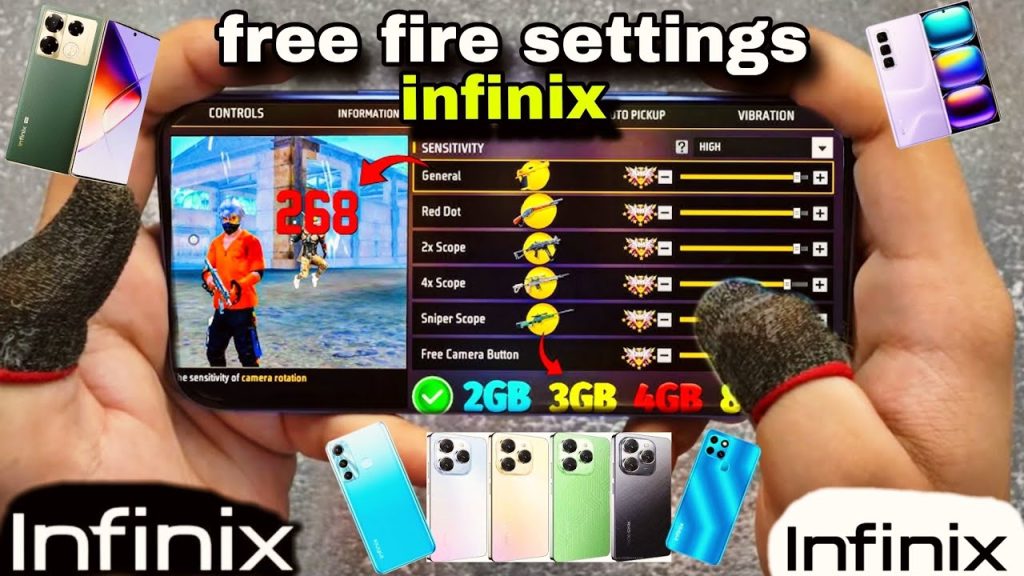
Take a screenshot of your current settings (just in case you want to revert). Now tap “Reset” to clear any custom values and start fresh. You’ll see sliders for General, Red Dot, 2x Scope, 4x Scope, Sniper Scope, and Free Look.
Step 2: Set Your General Sensitivity
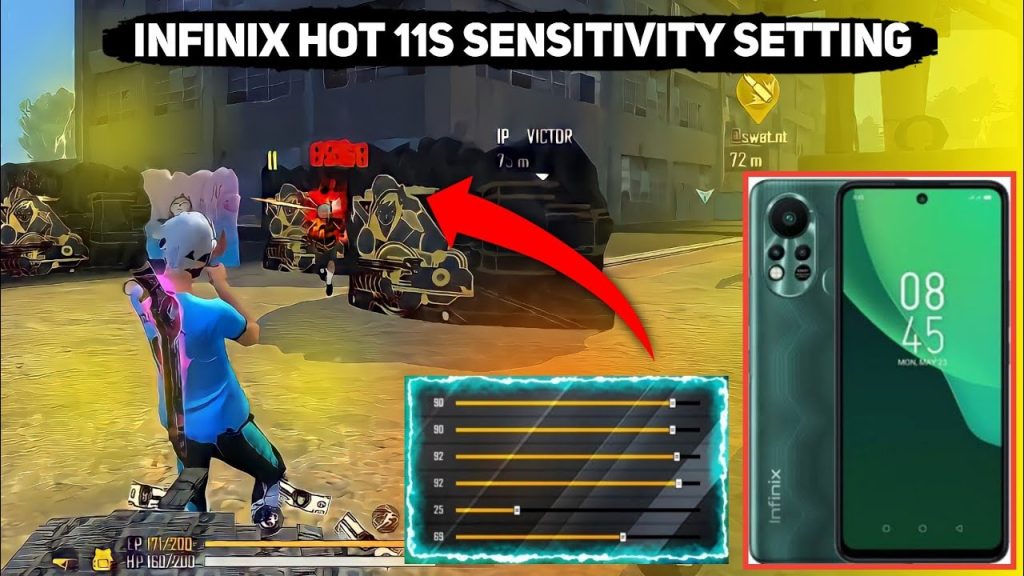
General sensitivity controls your aim when not using a scope. Start at 90 for most Infinix phones, especially if you have a 60Hz or 90Hz display. This lets you turn quickly without overshooting. If you use a four-finger claw, you might want 95-100 for faster reaction. For thumb players, 85-90 is a safe range.
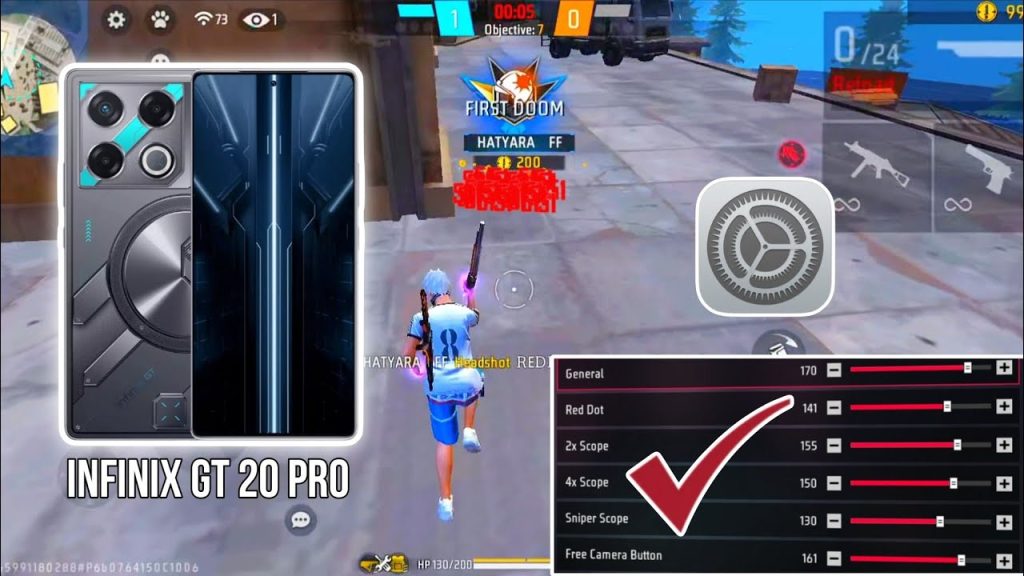
Move the slider to your chosen number, then tap “Apply” at the bottom. Don’t exit yet – we’ll adjust the rest.
Step 3: Set Red Dot and Scope Sensitivities
Red Dot sight: set to 80-85. This gives enough speed for close to medium fights. 2x Scope: 75-80. 4x Scope: 60-65. Sniper Scope: 40-45. These numbers work well on Infinix’s touch response. If you feel the aim is too twitchy, lower by 5 points. For more control, increase slightly.
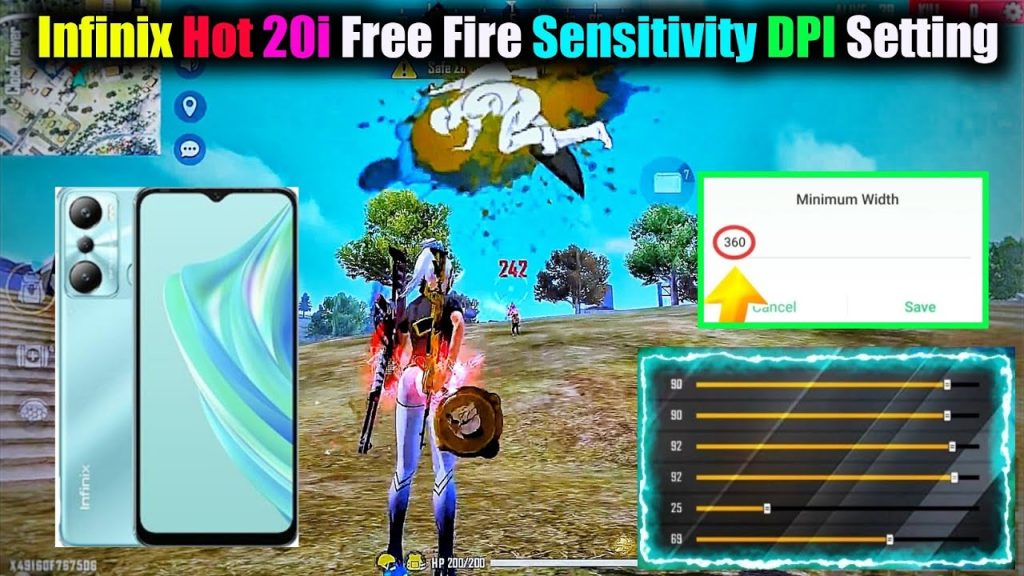
Free Look (camera while running) set to 70-75. This helps you scan the map without slowing down.
Step 4: Adjust Your Aim Down Sight (ADS) Settings
ADS sensitivity is when you tap the scope button. Keep it the same as your general sensitivity for consistency, or slightly lower if you want more stability. Most Infinix players stick with 90 for general and 85 for ADS. Go to the “Controls” tab and check your ADS settings – usually it’s a toggle. We recommend turning on “Aim Assist” for easier tracking.
Step 5: Test Your Settings in Training Room
Go to the Training Room (or Classic mode with bots). Practice aiming at moving targets. If you’re overshooting (crosshair goes past target), lower your general and scope sensitivities by 5. If you’re undershooting (can’t follow the target), increase by 5. Spend at least 5 minutes refining.
Common Pitfalls
- Copy-pasting settings from online without adjusting: Every Infinix model has a different display and touch latency. Use this guide as a baseline, but always fine-tune to your feel.
- Ignoring your grip style: Two-finger players need lower sensitivity than claw players. Adjust accordingly – if you can’t control the recoil, reduce sensitivity.
- Not updating your game: Free Fire patches can change sensitivity behavior. Always check for updates and re-test after major updates.
Where to Next
Now that you have a solid sensitivity for your Infinix, you can explore more advanced tweaks. Check out our simple free fire sensitivity settings for a quick baseline, or dive into free fire sensitivity settings gaming phone for pro-level setups. If you use a four-finger claw, our free fire sensitivity settings with 4 finger claw guide will help you optimize further. You can also save your config using a free fire sensitivity settings profile code to share with friends. And if you want even faster turns, our free fire sensitivity settings for fast turning has you covered.



