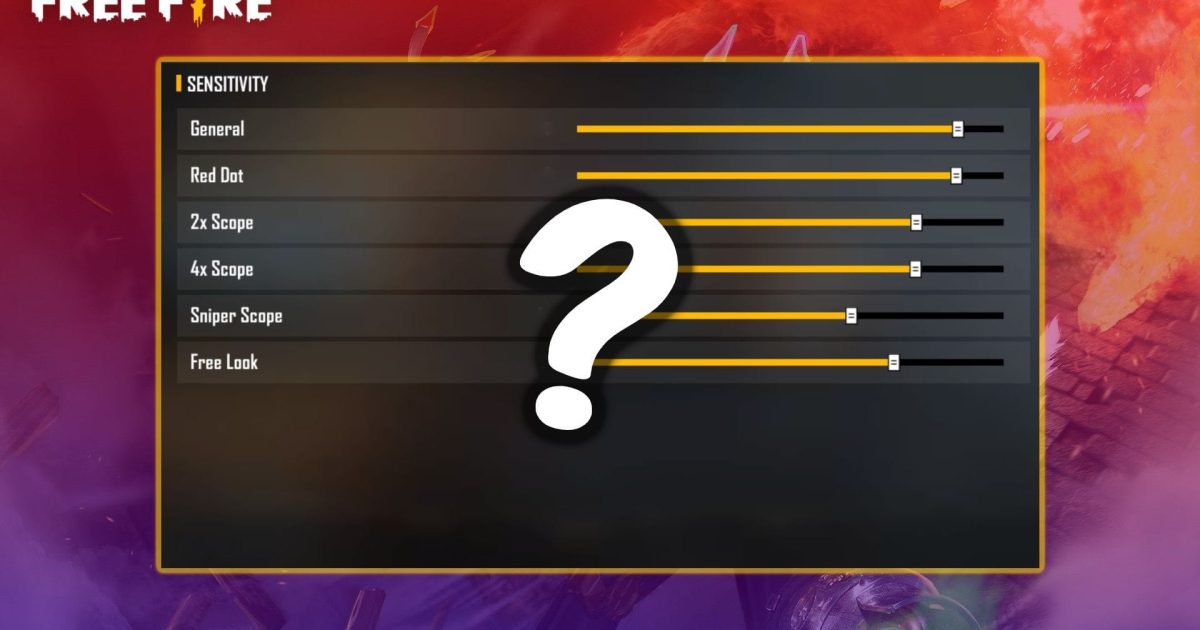
Tired of tweaking your Free Fire sensitivity settings over and over? You’re not alone. Whether you’re a beginner trying to land your first headshot or a competitive player looking for that extra edge, finding the perfect sensitivity can take hours. But now, there’s a shortcut: sensitivity profile codes. With a simple code, you can copy the exact settings used by pros, streamers, or your friends — no more guessing. By the end of this guide, you’ll know how to find, paste, and use a sensitivity profile code to instantly upgrade your aim.
This guide is for anyone who plays Free Fire on mobile. We’ll cover everything from where to get reliable codes to how to import them and tweak them to fit your playstyle. We’ll also point you to related guides like instant headshot sensitivity and close combat sensitivity so you can dive deeper. Ready to stop fiddling and start fragging? Let’s go.
What You’ll Need
- Free Fire installed on your phone (latest version recommended)
- A stable internet connection
- A sensitivity profile code (we’ll show you where to find one)
- Optional: a notepad or screen recording to save your current settings before overwriting
Step 1: Find a Reliable Sensitivity Profile Code
Sensitivity codes are shared everywhere: on YouTube, in Discord servers, on Reddit, and even in game communities. Start by searching for codes from trusted sources like top streamers or our own guides. For example, our streamer-tested settings page has codes that have been verified. You can also ask a friend who plays well to share their code. Just make sure the code is recent — Free Fire updates sometimes reset or change how sensitivities work.
Step 2: Open the Sensitivity Settings Menu
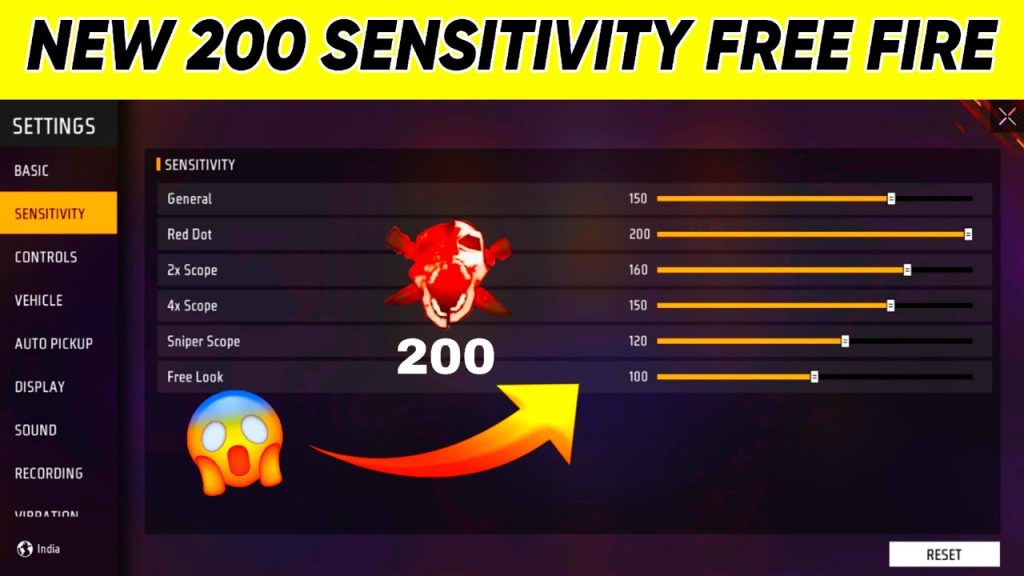
Launch Free Fire and tap the gear icon on the home screen to open Settings. Then navigate to the “Sensitivity” tab. You’ll see sliders for General, Red Dot, 2x Scope, 4x Scope, and more. At the top or bottom of this screen, look for a button labeled “Code” or “Profile Code” — it might look like a barcode icon.
Step 3: Tap the Profile Code Button
Once you find the profile code button, tap it. A dialog will appear with two options: “Import” and “Export”. To use a code, select “Import”. A text field will pop up asking you to paste the code. Make sure you have the code copied to your clipboard — it’s usually a string of letters and numbers, like “FFS7kL9m”.
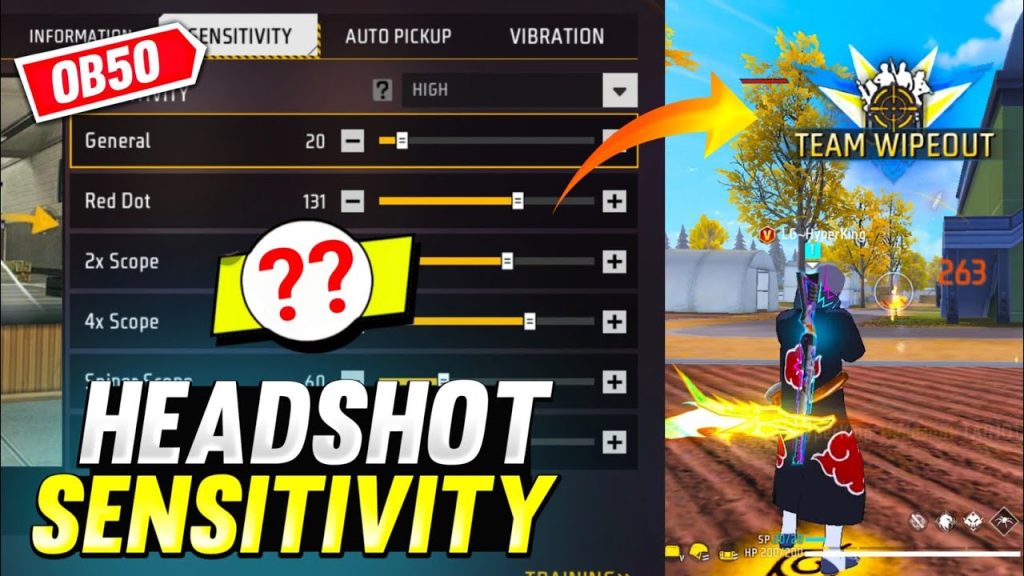
Step 4: Paste and Apply the Code
Press and hold in the text field, then tap “Paste”. Double-check that there are no extra spaces. Hit “Apply” or “Import”. Free Fire will instantly overwrite your current sensitivity settings with the ones from the code. You’ll see a confirmation message — tap OK. If you get an error, the code might be expired or incorrectly typed. Try another code or re-copy it carefully.
Step 5: Test and Fine-Tune
Head to the Training Ground to test your new sensitivity. Try shooting at moving targets, practice drag headshots, and check how it feels in close range. If something feels off, don’t worry — you can always adjust individual sliders (like General or Red Dot) without changing the whole profile. For specific weapon tweaks, check our AK47 sensitivity guide. For a different grip style, see our 4 finger claw settings.
Common Pitfalls
- Using an outdated code: Game updates can change sensitivity scaling. Always check the date or source of the code.
- Mistyping the code: Codes are case-sensitive and must be entered exactly. Copy directly from the source, don’t retype.
- Forgetting to backup your original settings: If you dislike the new settings, you might have trouble going back. Always backup your sensitivity first.
Where to Next
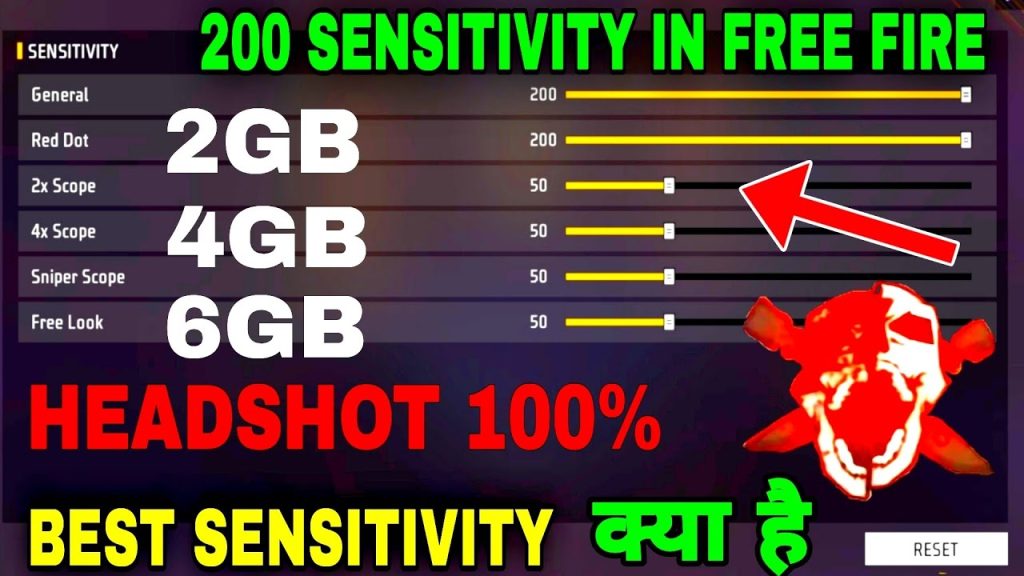
Now that you’ve imported a profile code, you can explore even more tailored settings. If you want to dominate in quick scrims, check out our instant headshot sensitivity guide. For chaotic drops, our close combat sensitivity has you covered. And if you ever want to share your own setup, remember you can export your code and give it to friends. Keep tweaking, keep improving, and see you on the battlefield!



