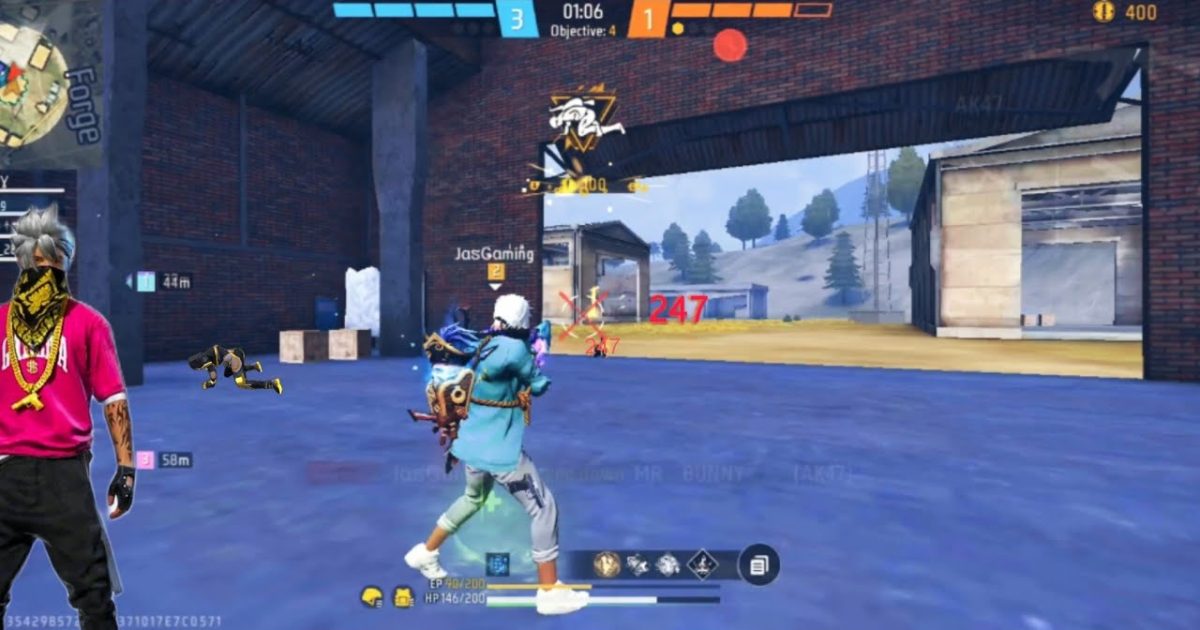
If you’re tired of the AK47’s wild recoil and want to turn it into a laser beam, you’re in the right place. This guide is built for Free Fire players who struggle with controlling the AK47—whether you’re a beginner trying to hit your shots or a veteran looking to fine-tune your aim. By the end, you’ll have a custom sensitivity setup that minimizes recoil, improves accuracy at all ranges, and gives you a serious edge in both close combat and long-range fights. No guesswork, just tested values that work.
We’ll walk through each sensitivity slider, explain why it matters for the AK47, and give you a solid starting point. From there, you can tweak to match your playstyle—whether you prefer a fast drag headshot or controlled tap fire. We’ll also cover common mistakes and how to save your perfect settings so you never lose them. Let’s get that AK47 feeling smooth.
What You’ll Need
- A Free Fire account (obviously)
- Access to the in-game sensitivity settings (gear icon → Sensitivity)
- 5-10 minutes in the Training Grounds to test your settings
- A stable internet connection to avoid lag interfering with your aim
- Optional: a claw grip or custom HUD if you’re serious about dragging shots
Step 1: Understand AK47 Recoil Pattern
Before touching any sliders, hop into Training Grounds and fire the AK47 at a wall from medium range. Notice how it climbs vertically and pulls slightly to the right? That’s the recoil pattern. The AK47 has high vertical recoil and moderate horizontal drift. Your sensitivity needs to counteract that—too high and you’ll overshoot, too low and you can’t track. Keep this pattern in mind as we adjust settings.
Step 2: Set General Sensitivity
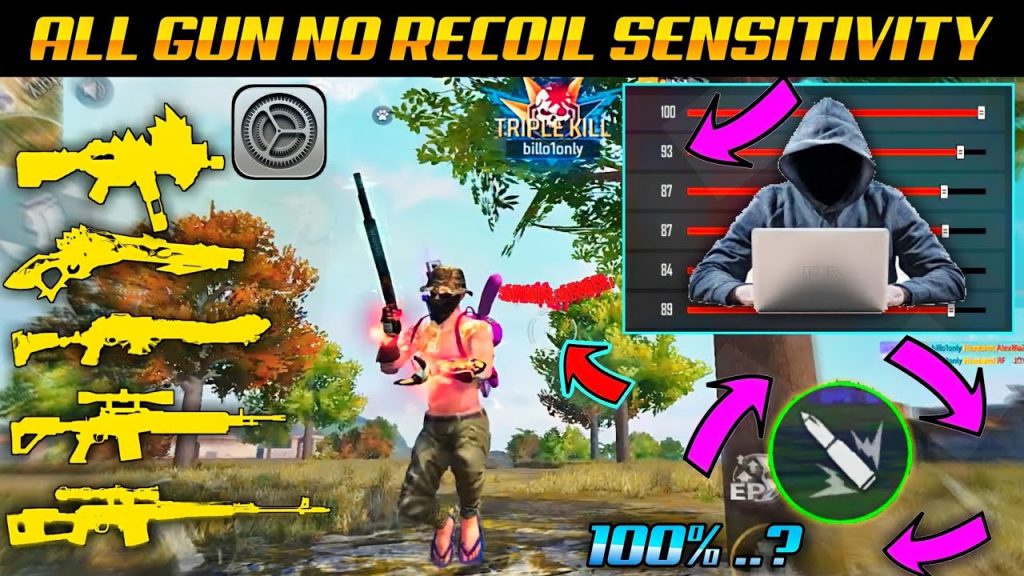
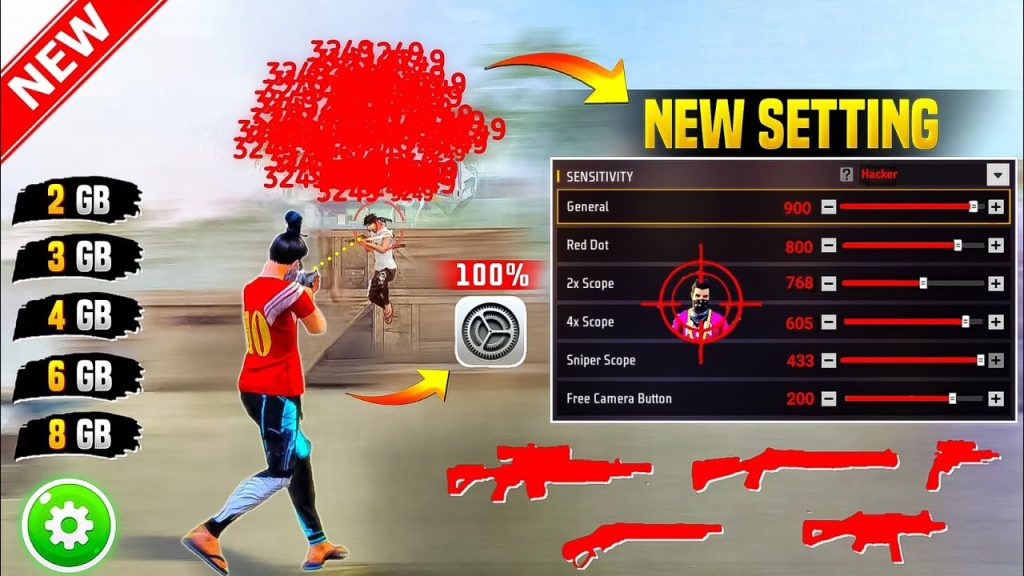
The General sensitivity affects your default look speed. For the AK47, a mid-high range works best because you need fast flick shots but still need control. Start with these values, then adjust by 5 points up or down based on your comfort: General = 90, Red Dot = 85, 2x Scope = 75, 4x Scope = 60, AWM Scope = 50. These are ballpark numbers—if you prefer one-tap shots, lean toward lower General with higher Red Dot. Check out our detailed guide on one-tap sensitivity for more precision.
Step 3: Adjust Fire Button Sensitivity
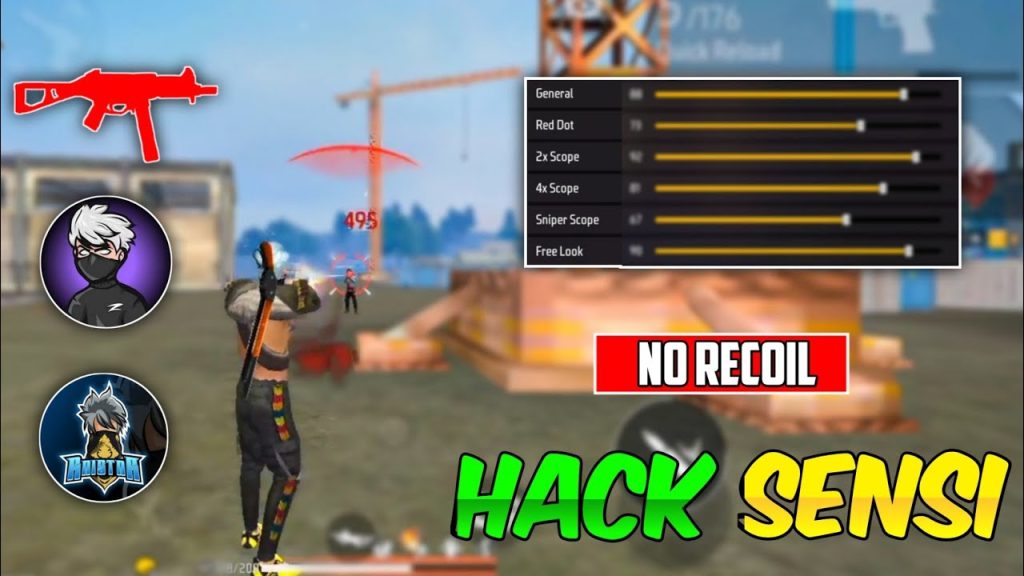
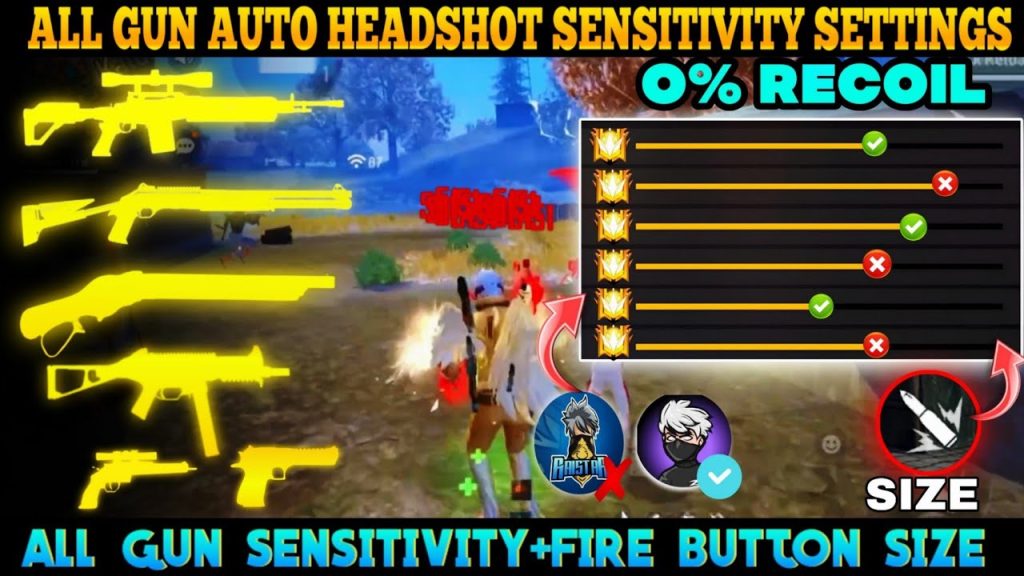
The Fire Button sensitivity controls how much your aim moves while shooting. For the AK47, you want a value that lets you drag down to counter recoil without snapping wildly. Start at 95 and test in Training Grounds. If your crosshair jumps too much, lower it by 5. If you can’t pull down fast enough, raise it. This is also where your grip matters—thumb players often prefer slightly lower fire button sensitivity, while claw players can handle higher values. Pair this with our drag headshot settings for mid-range laser beams.
Step 4: Fine-Tune ADS Sensitivity
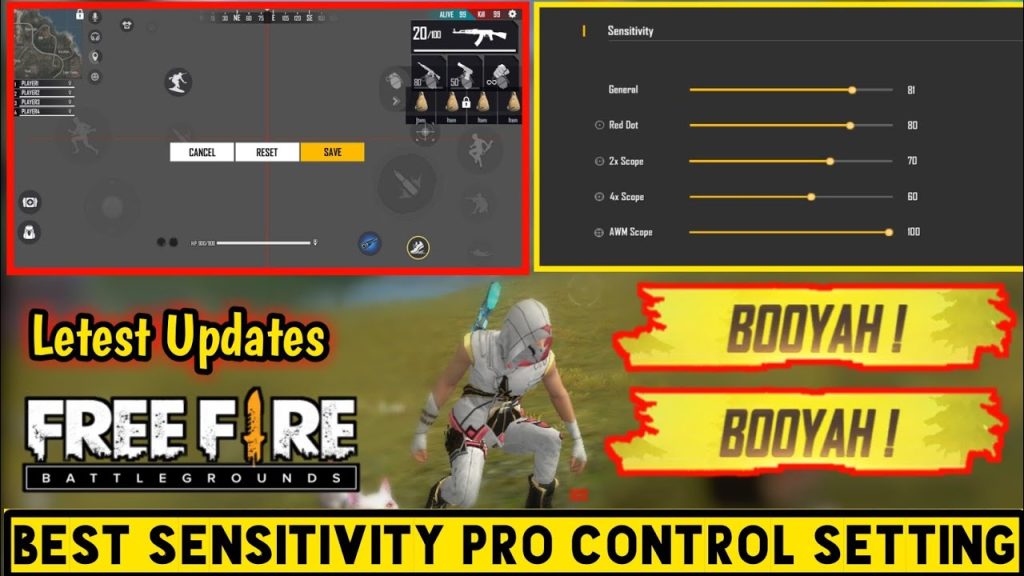
ADS (Aim Down Sight) sensitivity kicks in when you scope. For the AK47, which is often used with a Red Dot or 2x scope, the ADS sensitivity determines your tracking smoothness. Start with Red Dot ADS at 85 and 2x ADS at 75. Lower values give better precision for headshots, while higher values help you track moving targets. If you play on the Asia server, you might need slightly lower values due to higher ping—check our Asia server sensitivity guide for specific recommendations.
Step 5: Test in Training Grounds
Now it’s time to put it all together. Go to the Training Grounds and fire full magazines at static targets and moving bots. Focus on keeping your crosshair on center-mass—if you overcompensate, lower your fire button sensitivity. If you can’t control the climb, raise general or fire button. Repeat until you consistently land 70-80% of shots in a tight group. Also test jiggle-peeking and fast flicks. Many streamers use similar settings—see our settings tested by streamers article for pro configurations.
Common Pitfalls
- Copying settings blindly: Everyone’s smartphone specs and finger size are different. What works for a streamer on a gaming phone might feel too fast on a budget device. Always start from our recommended values and tweak. For gaming phones, refer to our gaming phone sensitivity guide.
- Ignoring DPI: If you use a high DPI in your phone settings (e.g., 800+), your in-game sensitivity will feel faster. Lower DPI = lower sensitivity. Adjust accordingly. Most players stick to default DPI.
- Not saving your settings: You finally find the sweet spot, then you reset your phone or reinstall Free Fire and lose it all. Save your sensitivity as a preset and use our backup method to keep it safe.
Where to Next
Now that your AK47 sensitivity is dialed in, it’s time to dominate. Practice the drag and spray patterns in ranked matches. For more advanced techniques, check out our guides on one-tap sensitivity and drag headshot settings. And don’t forget to backup your sensitivity settings so your laser aim is permanent. Happy hunting!



