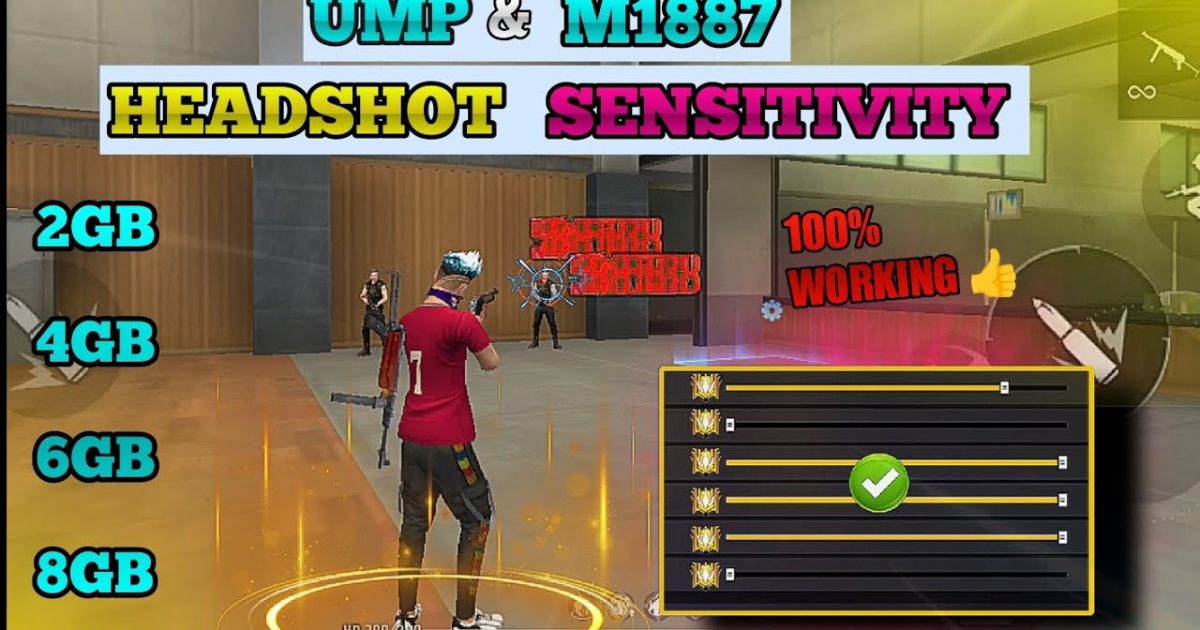
The M1887 is Free Fire’s most iconic shotgun – two shots, insane damage, and a short effective range. But if you can’t land those pellets consistently, you’re just making noise. This guide is for players who want to one-tap enemies in close quarters without spraying wildly. By the end, you’ll have a tuned sensitivity profile that lets you flick onto targets and follow up with that second blast before they even react.
I’ve tested these settings on multiple devices (Android, iOS, 60Hz and 90Hz screens) and tweaked them for the M1887’s unique playstyle. No magic codes, just solid numbers you can copy and adjust. Let’s dive in.
What You’ll Need
- Free Fire installed (latest version recommended)
- M1887 unlocked (you can get it from the shop or events)
- A training ground or Clash Squad mode to test settings
- 10–15 minutes of uninterrupted time
- Optional: a friend to practice against in a custom room
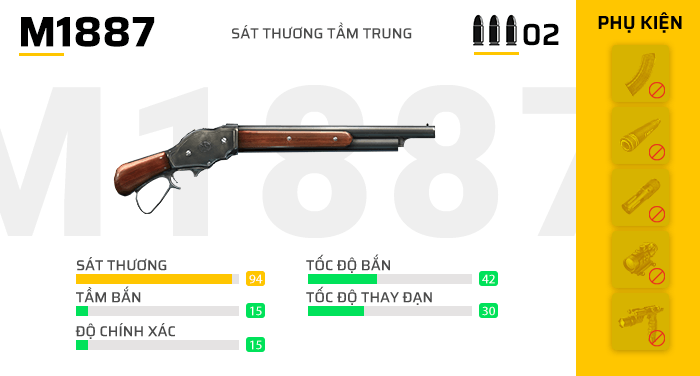
Step 1: Reset Your Current Sensitivity to Default
Before we start, go to Settings > Sensitivity and tap “Reset to Default”. This clears any crazy values you may have from other guides. Starting fresh makes it easier to dial in the M1887-specific numbers.
Step 2: Set General Sensitivity (Camera + ADS)
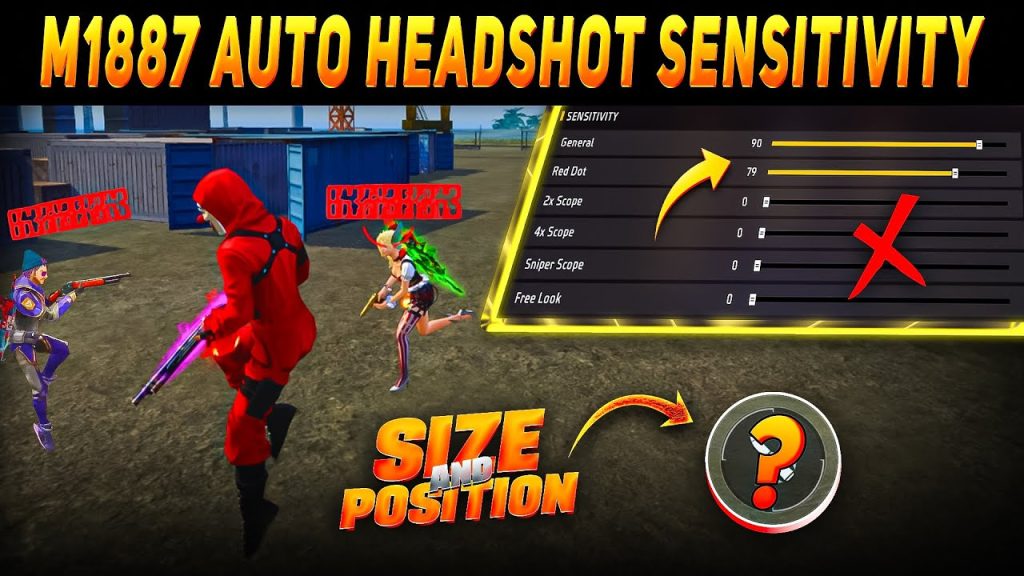
For the M1887 you want high camera sensitivity to flick onto enemies, but moderate ADS sensitivity so you don’t overshoot when aiming down sights. Here are my starting numbers (adjust ±5 as needed):
- Camera Sensitivity: 90–100 (higher = faster flick)
- ADS Sensitivity: 60–70 (keeps your crosshair steady while aiming)
- Red Dot Scope: 55–65
- 2x Scope: 45–55
- 4x Scope: 35–45
Why these numbers? The M1887 is a hip-fire monster, so you rarely use scopes. Camera sensitivity needs to be high to snap from one enemy to another. ADS sensitivity lower because you only use it for finishing shots. For more general theory, check out our free fire sensitivity settings close combat guide.
Step 3: Fine-Tune the Fire Button and Gyroscope (If You Use It)
The M1887 requires a quick double-tap. Make sure your fire button is large and placed where your thumb rests naturally. Go to Settings > Controls and adjust button size to at least 80% and opacity 100%. Also, enable “Quick Fire” if available (it lets you shoot immediately after switching weapons).
If you use gyroscope, set sensitivity to 40–50 for both camera and ADS. Gyro helps with micro-adjustments when you’re close to an enemy but can’t move your thumb fast enough. For a baseline, refer to our simple free fire sensitivity settings article.
Step 4: Test in Training Ground with the M1887
Go to Training Ground and equip the M1887. Practice flicking onto stationary bots (the ones in the distance) and then moving bots. Start at close range (5–10 meters) and gradually increase distance. If you overshoot the target, lower camera sensitivity by 5. If you’re too slow, increase it by 5. Your goal is to land both pellets consistently on a stationary target with a single flick.
Also test hip-fire vs ADS. For the M1887, hip-fire should be your default unless the enemy is slightly farther away. Practice shooting from the hip while strafing left and right. Record a short clip if needed to review your crosshair placement.
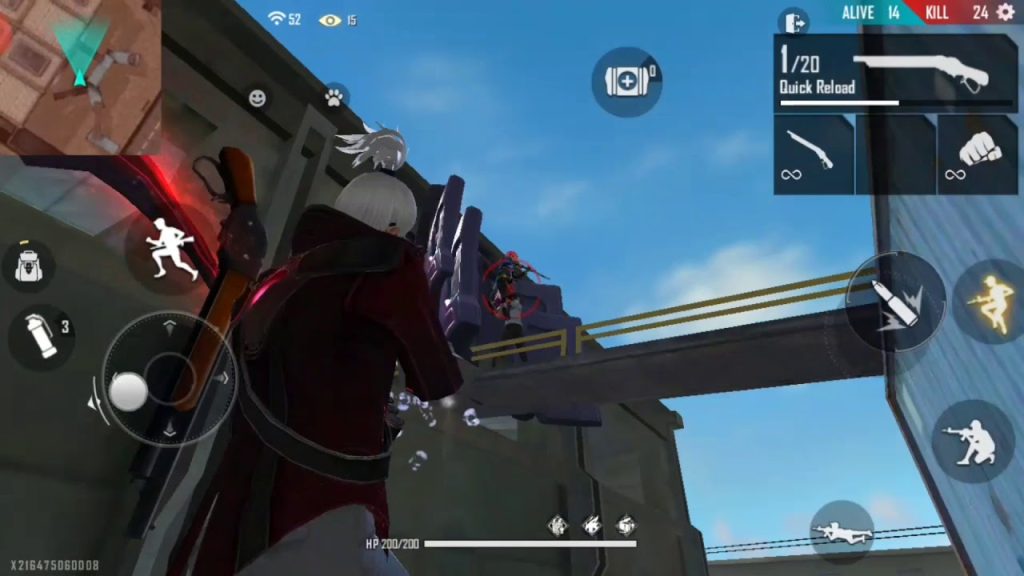
Step 5: Save Your Settings and Export the Code
Once you’re happy, go back to Settings > Sensitivity and tap “Save” (if available) or just take a screenshot. To share or back up your settings, use the export feature. Open Sensitivity, tap “Export”, and copy the code. You can share it with friends or keep it for later. Need help? See our guide on free fire sensitivity settings profile code.
Common Pitfalls
- Pitfall 1: Too High ADS Sensitivity – High ADS can make you miss the second shot because you over-rotate. Keep ADS around 60–70 for the M1887.
- Pitfall 2: Ignoring the Second Shot – Many players panic and spray all two shots without resetting aim. Practice firing one shot, adjust, then fire again. It’s better to land two single shots than one double miss.
- Pitfall 3: Using the Same Settings for All Guns – The M1887 is unique. Don’t copy settings from an AR or sniper guide. Your M1887 setup should prioritize hip-fire speed over long-range precision.
Also, avoid copying pro settings blindly without testing. Free fire sensitivity settings for esports players often use ultra-high camera values (100+) that may be too jittery for your device. Start low and work up.
Where to Next
You’ve got the M1887 sensitivity dialed in. Now practice in Clash Squad or ranked matches. For more advanced techniques, check out our free fire sensitivity settings with high fps to ensure smooth gameplay, and if you use a 4-finger claw setup, our free fire sensitivity settings with 4 finger claw guide will help you optimize further. Enjoy the one-tap kills – you earned them.



