Hey Indian Free Fire battlers! If you’ve ever felt like your shots are going everywhere except the enemy’s head, you’re not alone. Sensitivity settings can make or break your game, especially on the variety of phones we use here — from budget Androids to gaming beasts. This guide is for you, whether you’re a newbie or a seasoned player wanting to fine-tune your aim. By the end, you’ll have a custom sensitivity setup that works for your device and playstyle, plus tips to adapt for high ping and low FPS.
We’ll walk through the best starting points for Indian players, then show you how to test and adjust in Training Mode until your crosshair sticks like glue. No more random sprays or missed headshots — just pure, controlled pew-pew. Ready to dominate the Clash Squad? Let’s jump in.
What You’ll Need
- A smartphone running Free Fire (Android or iOS) with at least 2GB RAM (for smooth play)
- Good internet connection — Jio, Airtel, or Vi with stable ping (below 80ms ideal)
- 10–20 minutes of free time in the Training Mode
- A recording app or a friend to help note down your current settings (optional but helpful)
- Patience — finding your perfect sensitivity takes a few rounds
Step 1: Reset Your Sensitivity to Default
First things first, go into Settings > Sensitivity and hit ‘Reset’. This clears any weird tweaks you might have made. We’ll build from a clean slate, which is way easier than guessing what’s broken. Starting fresh also helps you compare your results with the free fire sensitivity settings for beginners guide.
Step 2: Set General Sensitivity – The 80/40 Rule for India
For most Indian phones (especially ones with 3GB RAM or less), we recommend starting with General Sensitivity around 80% and Red Dot / Scope at 40%. This gives a good balance for quick turns without making your aim shaky. If your phone’s display is smaller (say a 5.5-inch screen), bump it up 5 points. If it’s a 6.5-inch beast, drop it a bit. Try this baseline and you’ll immediately feel more control. Check out our recommended free fire sensitivity settings for 3gb ram for more tailored numbers.
Step 3: Fine-Tune Aim Precision & Recoil Control
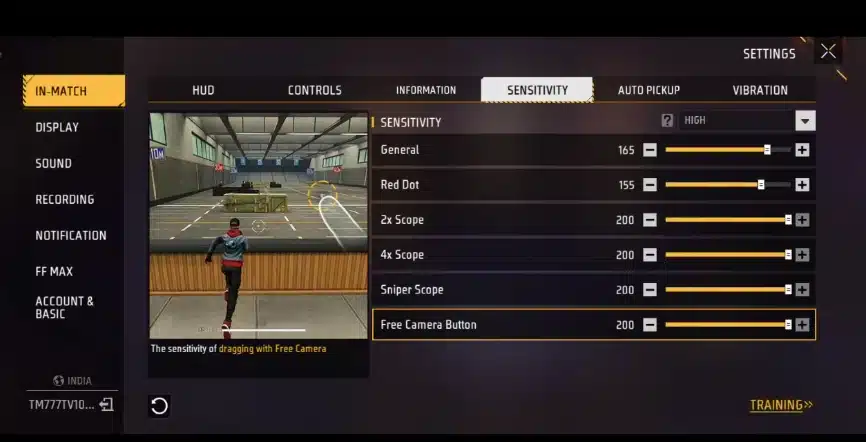
Go to the ‘Precision’ tab: Set Camera Sensitivity to 70%, Red Dot to 35%, and 2X Scope to 28%. For recoil control, keep Gyroscope Sensitivity (if your phone supports gyro) at 40% and tweak from there. Swipe down to test recoil: your crosshair should stay on a single spot when you fire. If it jumps too high, reduce Precision sensitivity. If it feels sluggish, increase it. We have a dedicated free fire sensitivity settings for recoil control guide if you need more depth.
Step 4: Adjust for Your Playstyle – Aggressive vs Passive
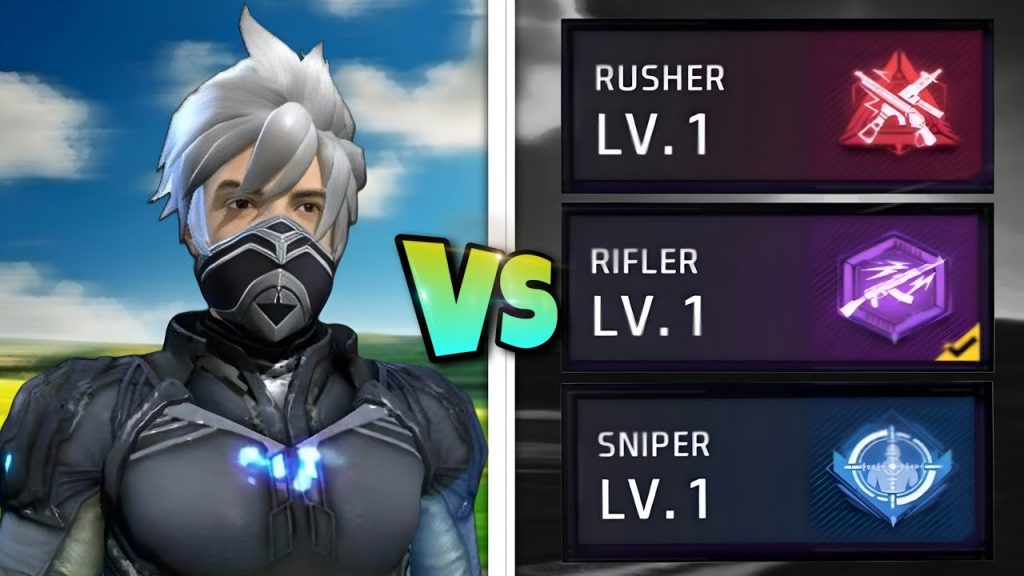
Rush players: Increase Camera Sensitivity to 85–90% for quick 180 flicks. Anchor players: Keep it around 70% for steady long-range sprays. For snipers, set Sniper Scope Sensitivity to 8–10% — super low for pinpoint aim. Remember, you can always compare different styles with our free fire sensitivity settings comparison chart.
Step 5: Test in Training Mode – The Real Adjustment
Hop into Training Mode and practice with your new settings. Use the running dummy and try to keep your crosshair on its head while running. If you’re overcorrecting, reduce General sensitivity. If you can’t track, increase it. Spend at least 10 minutes here — and don’t forget to use the ‘training mode free fire sensitivity settings‘ method to log your changes.
Common Pitfalls
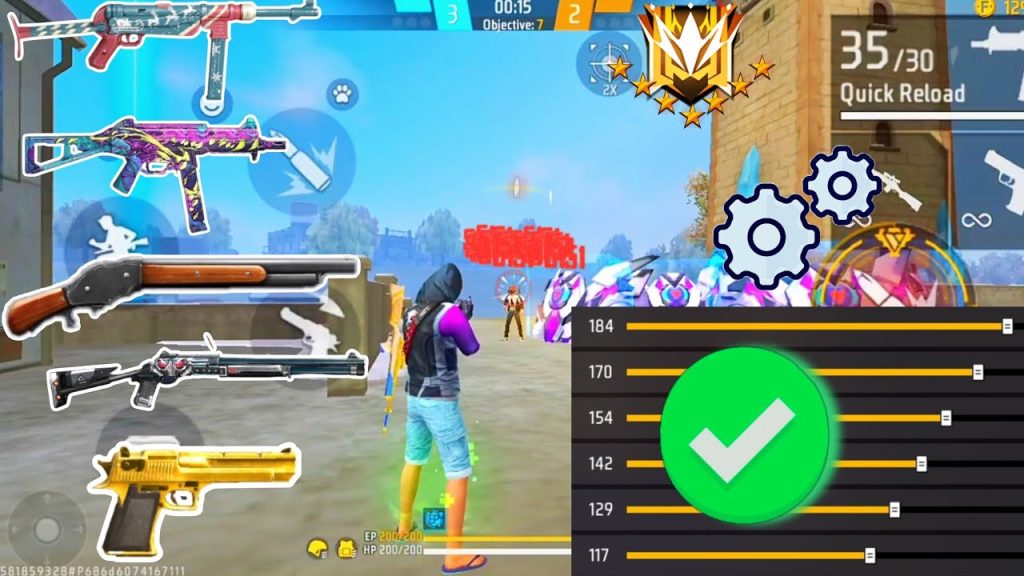
- Copying pros blindly – Their settings are optimized for high-end phones and low ping. Yours will be different. Always start from defaults and tweak yourself.
- Ignoring phone temperature – On hot days, your phone may throttle and reduce touch response. Lower sensitivity by 5–10% if you notice input lag.
- Not testing with real opponents – Training Mode is great, but bullets fly differently in a real match. Play a few Casual matches after tweaking to confirm consistency.
Where to Next?
You’ve got a solid sensitivity base tailored for Indian conditions. Now take it further: master your movement, learn advanced peek skills, or check out our guide on how to master free fire sensitivity settings for pro-level control. Keep experimenting, and remember — consistency beats crazy high numbers every time. Drop a comment below with your final settings and let’s help each other out. Clutch on!



