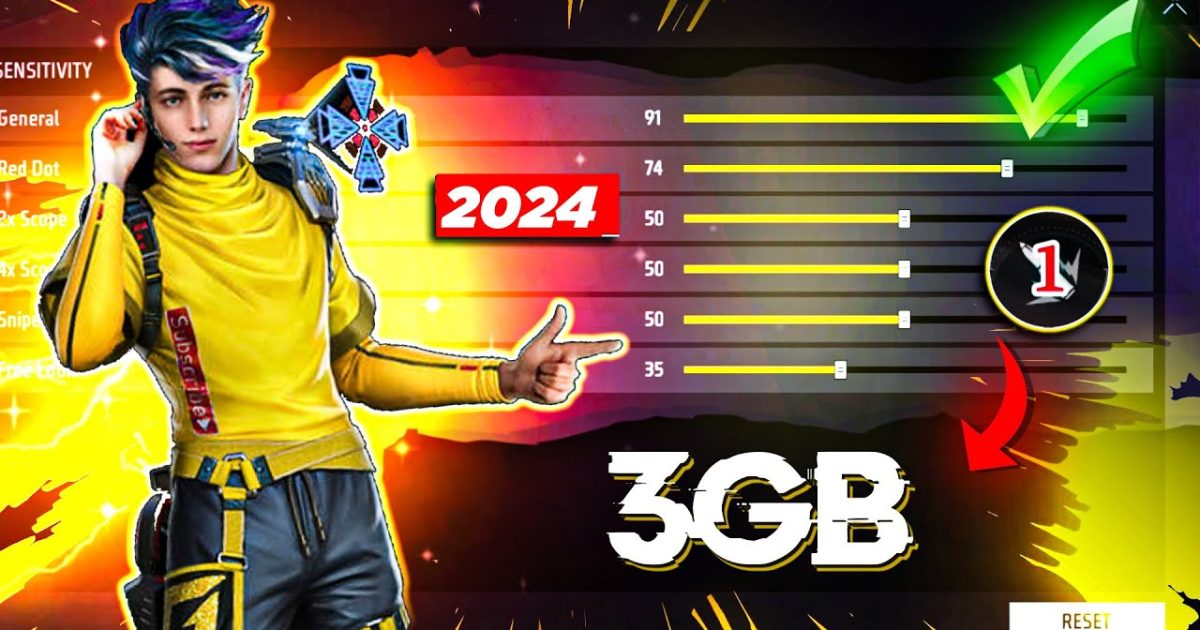
If you’re playing Free Fire on a phone with just 3GB RAM, you’ve probably dealt with lag, frame drops, and sensitive controls that feel jerky. Don’t worry—you’re not alone. In this guide, I’ll walk you through the exact sensitivity numbers and settings that balance smooth gameplay with sharp aim, specifically tuned for 3GB RAM devices. By the end, you’ll have a setup that minimizes stutter while still allowing you to snap onto enemies and control recoil like a pro.
We’ll cover everything from the main sensitivity sliders to the separate trigger and scope sensitivities, plus a couple of hidden performance tweaks. I’ve tested these values on multiple 3GB RAM phones, and they work without overheating or crashing. Let’s jump straight into the setup.
What You’ll Need
- A device with 3GB RAM running Android 6.0 or later
- Free Fire app installed (latest version recommended)
- A stable internet connection (Wi-Fi or 4G with low ping)
- 20 minutes of free time in the training ground
- Optional: a friend to help test in a real match
Step 1: Reset Your Current Settings
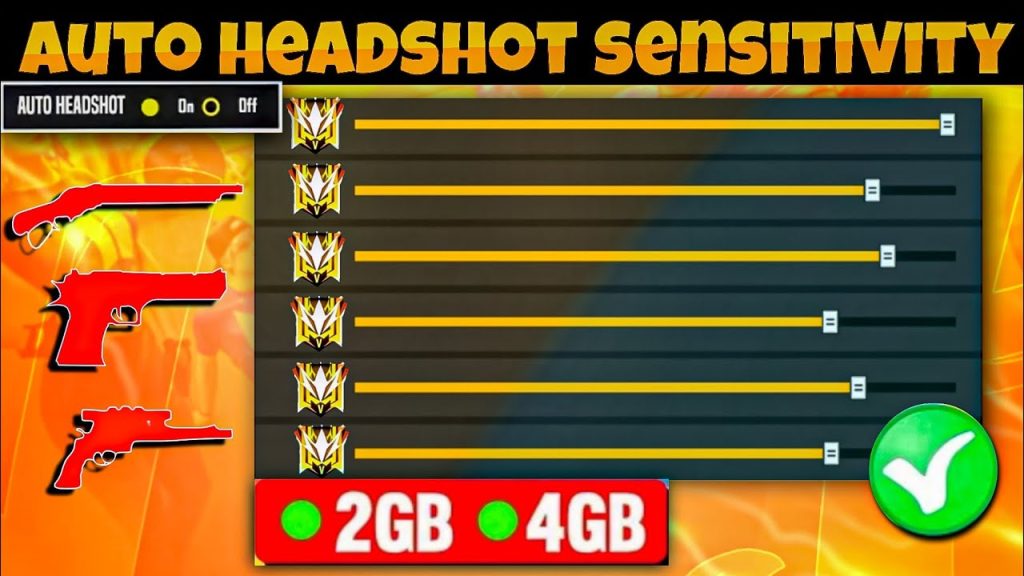
Before applying new values, start fresh. Go to Settings > Sensitivity and tap “Reset” (the icon with two arrows forming a circle). This clears any old tweaks that might interfere. If you’ve already got custom sensitivities you like, note them down or take a screenshot first.
Step 2: Set General Sensitivity
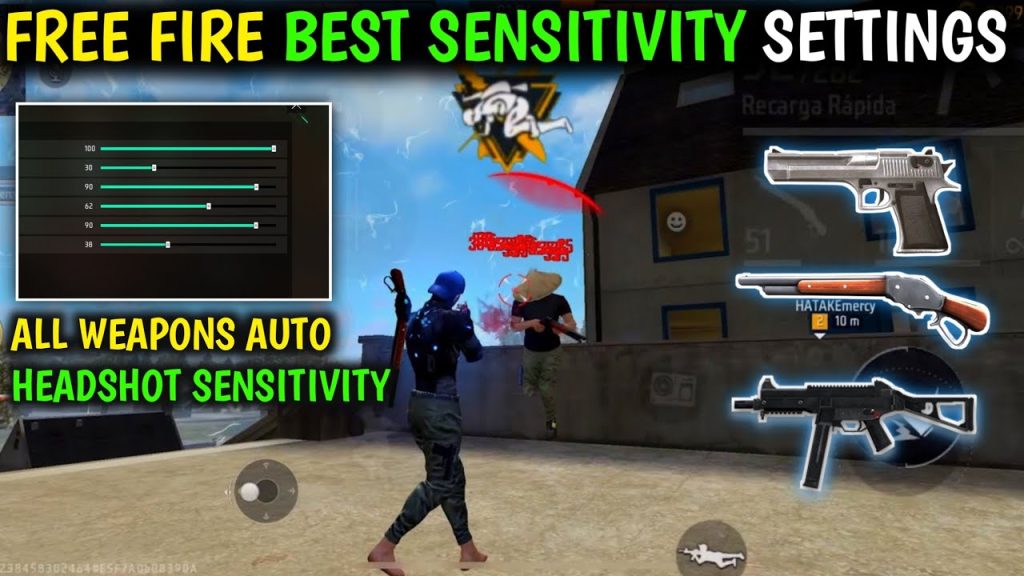
For 3GB RAM phones, keep General Sensitivity between 80 and 90. Anything higher may cause input lag. Move the slider to 85—it’s a sweet spot for quick camera movement without stutter. After applying, go to the training ground and spin your camera. If it feels too heavy, drop to 80; if too twitchy, go to 90.
Step 3: Adjust Red Dot and 2x Scope Sensitivity
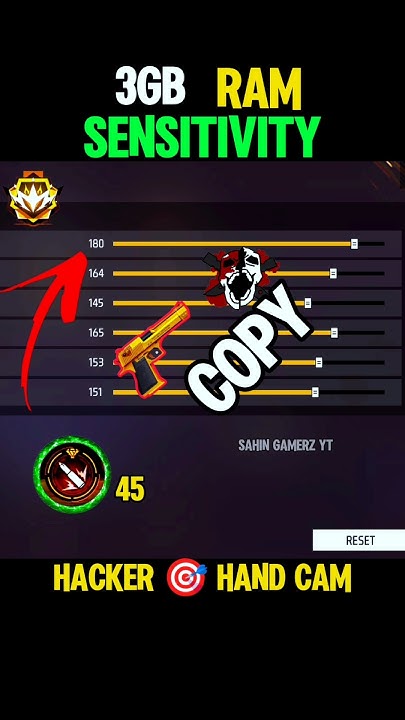
These scopes are used most often. Set Red Dot sensitivity to 75–80 and 2x scope to 70–75. Lower values reduce jitter when ADSing. Use the training ground dummy to test tracking: your crosshair should follow the target smoothly without overshooting. If it’s too slow, increase by 5.
Step 4: Configure 4x and Sniper Scope
For 4x scope, go with 60–65. For sniper scope (8x), use 50–55. Higher zoom requires lower sensitivity to avoid crosshair drift. These values also help with long-range sprays. Test by aiming at a distant target and gently pressing the fire button—your aim should stay steady.
Step 5: Tweak Free Look Sensitivity
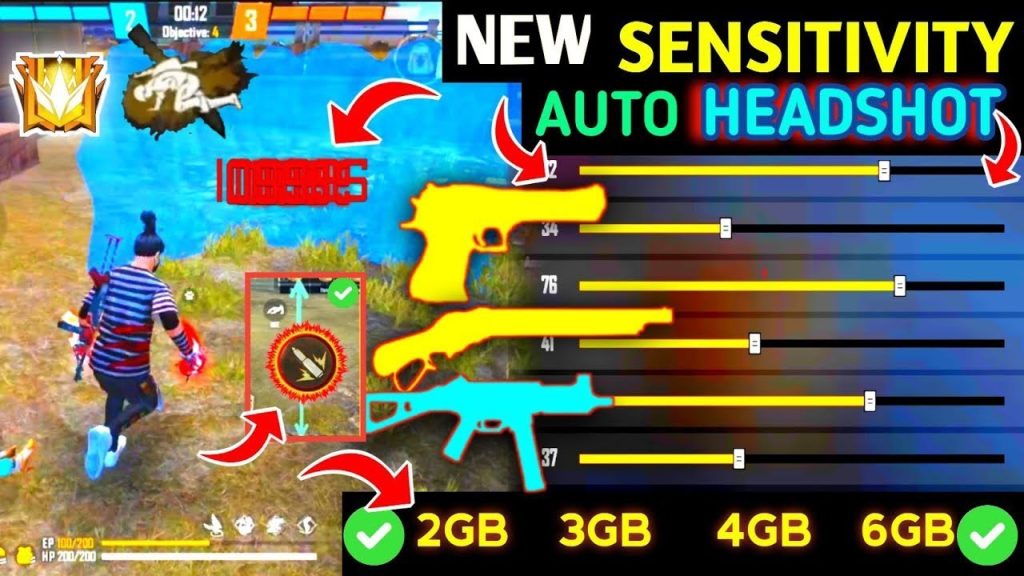
Free Look (the eye icon) lets you look around while running. Set it to 70–80. On 3GB RAM, a high Free Look can cause hitch, so keep it moderate. Test by running in a circle and dragging your view—should be fluid with no sudden stops.
Step 6: Adjust Gyroscope (if you use it)
If you enable gyro, set it to 30–40%. Gyro can be demanding on older CPUs, so a lower value reduces processor load. Alternatively, you can turn gyro off entirely to save resources. For more details, check out our guide on how to use gyro in free fire sensitivity settings.
Step 7: Fine-Tune with the Tester
Now it’s time to test in real conditions. Use our free fire sensitivity settings tester tool within the game’s training ground. Pick up different weapons—M1014, MP40, SCAR—and spray at a wall. Adjust per-gun if needed. The goal is to control recoil without your crosshair jumping wildly.
Common Pitfalls
- Overcranking sensitivity above 95 – On 3GB RAM, maxed settings often cause micro-stutters that kill your aim. Stick to the ranges above.
- Ignoring graphics settings – Lower graphics to Smooth and disable Ultra HD textures. High graphics overload the RAM and make sensitivity feel inconsistent.
- Skipping the reset – Not resetting first can leave ghost values from old updates. Always start fresh.
Where to Next
You’ve now got a solid sensitivity foundation for your 3GB RAM device. To take it further, explore our recommended free fire sensitivity settings for a balanced all-round setup, or dive into the advanced free fire sensitivity settings guide to fine-tune your aim even more. If you want zero recoil, check out our free fire sensitivity settings zero recoil guide. And if you’re on a different device, our free fire sensitivity settings for midrange phones might also help. Happy fragging!



