If you’re jumping into Free Fire in 2026, you’ve probably noticed that getting the right sensitivity settings can make or break your game. A setup that feels too slow or too twitchy will have you missing shots, losing close-range fights, and wondering why everyone else seems to snap onto you so fast. This guide is built for beginners – people who just hit level 10 or are tired of getting clapped in Clash Squad. By the end of these steps, you’ll have a solid baseline sensitivity that you can tweak as you improve. No pro-level magic, just practical numbers that work on most devices.
We’re focusing on the core sliders: general sensitivity, red dot, 2x scope, 4x scope, and sniper scope. We’ll also touch on aim precision and how to test your setup in the training ground. The goal is consistency – you want your crosshair to move exactly as much as your finger swipes, every time. Let’s get your settings dialed in so you can start winning more gunfights.
What You’ll Need
- Free Fire or Free Fire Max installed (latest 2026 update)
- A phone or tablet with a decent touch response (any device with 60 Hz or higher refresh rate works)
- Stable internet connection (ping under 100 ms ideal)
- 10-15 minutes of free time
- Access to the in-game Training Ground or a practice match
Step 1: Reset to Default Sensitivity
Before making any changes, you need a clean slate. Open Free Fire, go to Settings > Sensitivity, and tap the ‘Reset’ button (usually at the bottom). This clears any tweaks you or your friend might have experimented with. Starting from the default ensures everyone follows the same baseline. If you’ve already changed things, don’t worry – resetting only takes one tap.
Step 2: Set General Sensitivity (70-80)
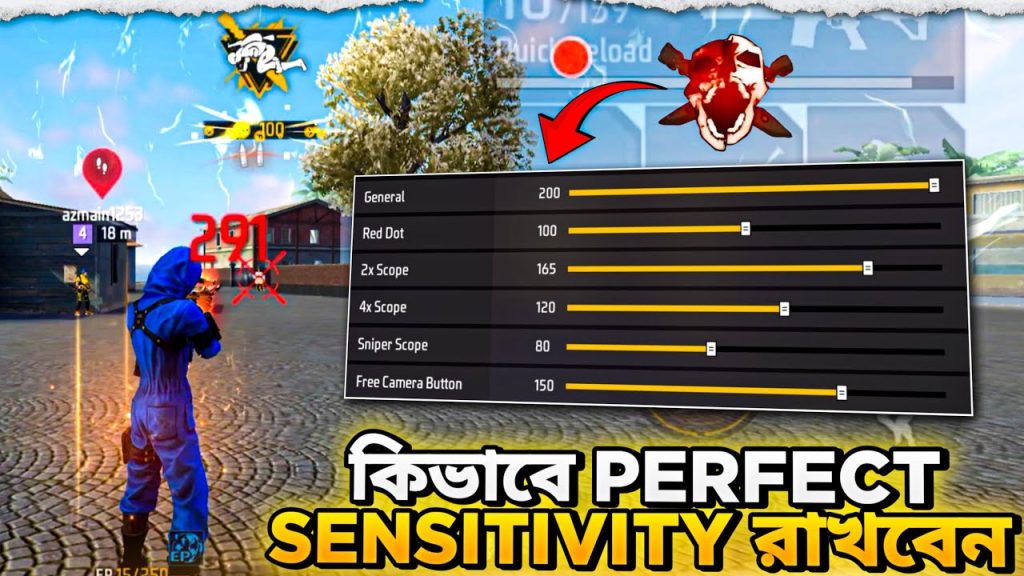
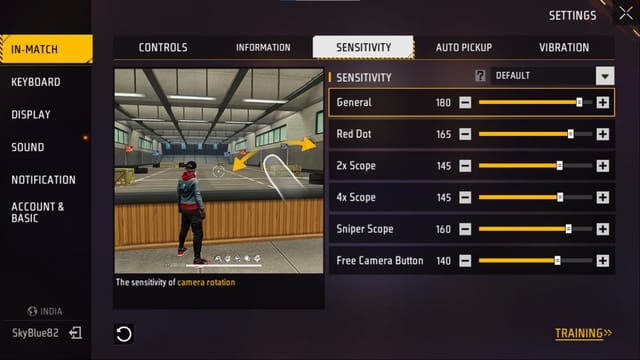
The general sensitivity slider controls how fast your view turns when you swipe anywhere on the screen (outside of scope buttons). For beginners, a value between 70 and 80 is a sweet spot – fast enough to flick to enemies but not so fast that you overshoot. If you’re using a phone with a smaller screen, lean toward 75-80; on a tablet, 70 is safer. Move the slider to 75 for now – you’ll adjust later.
Step 3: Adjust Red Dot and 2x Scope
These scopes are used for medium-range fights (15-30 meters). Set your red dot sensitivity to 60 and your 2x scope sensitivity to 55. Why lower than general? Because scopes magnify movement – a tiny swipe with a 2x covers more distance. Slowing them down gives you finer control when aiming for headshots. If you’re using the MP40 or another close-range gun, you can bump red dot up to 65 for faster tracking.
Step 4: Set 4x Scope and Sniper Scope
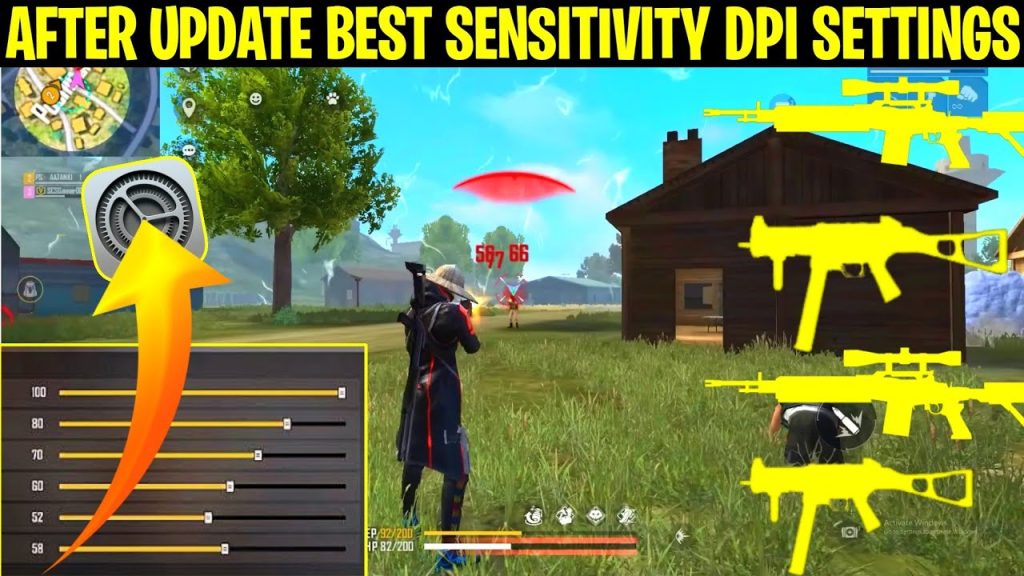
For long-range engagements with an AWM or SVD, you want even lower sensitivity. Set your 4x scope to 40 and your sniper scope (when using a 6x or 8x) to 30. This prevents you from overshooting targets at a distance. If you’re sniping a lot, consider dropping the sniper scope to 25. You can check out our dedicated 4x scope sensitivity guide for more advanced tweaks.
Step 5: Fine-Tune Aim Precision
Go to the Training Ground (you can access it from the main menu under ‘Practice’). Grab a weapon like the M4A1 or AK and shoot at a stationary target. If your crosshair wobbles or you struggle to keep it on the target, adjust the ‘Aim Precision’ slider (if available on your device) – usually found in the same sensitivity menu. Set it to 0 for raw input, or 50 if you want a bit of smoothing. Most beginners prefer 0 for consistency.
Step 6: Save and Test in Real Match
Once you’re happy with the Training Ground feel, exit settings and play a Classic or Clash Squad match. Don’t judge immediately – give it 3-4 games to build muscle memory. After each match, make small adjustments (increase or decrease by 5 points) if you feel you’re over- or under-aiming. For reference, the beginner sensitivity settings we’ve shared here are a great starting point used by many new players.
Common Pitfalls
- Setting sensitivity too high: It might feel cool to spin 360° with one tap, but you’ll miss every shot. If you’re constantly overshooting, lower general sensitivity by 10 points.
- Ignoring your device’s DPI or touch settings: Some phones have native touch acceleration. Go to your phone’s developer options and disable ‘Pointer location’ or ‘Show touches’ to reduce lag. Also, turn off any game booster that messes with touch sensitivity (except for dedicated game boosters that you tune manually).
- Not practicing: Even perfect settings won’t help if you don’t spend time in Training Ground or Clash Squad. Muscle memory is built over hours, not minutes. Combine your new settings with daily aim drills.
Where to Next
You’ve got a solid foundation. Now it’s time to specialize. If you’re using a specific device like an Infinix or Realme, check out the best Free Fire sensitivity settings for Infinix for device-specific tweaks. Want to climb to Legendary rank? Our sensitivity settings for Legendary rank guide has advanced adjustments. Struggling with AR recoil? The AR recoil sensitivity settings article will help you control spray patterns. For snipers, don’t miss the 4x scope sensitivity guide. And if you’re feeling confident, compare your setup with grandmaster Free Fire sensitivity settings to see what the pros use. Good luck, and see you on the battlefield!



