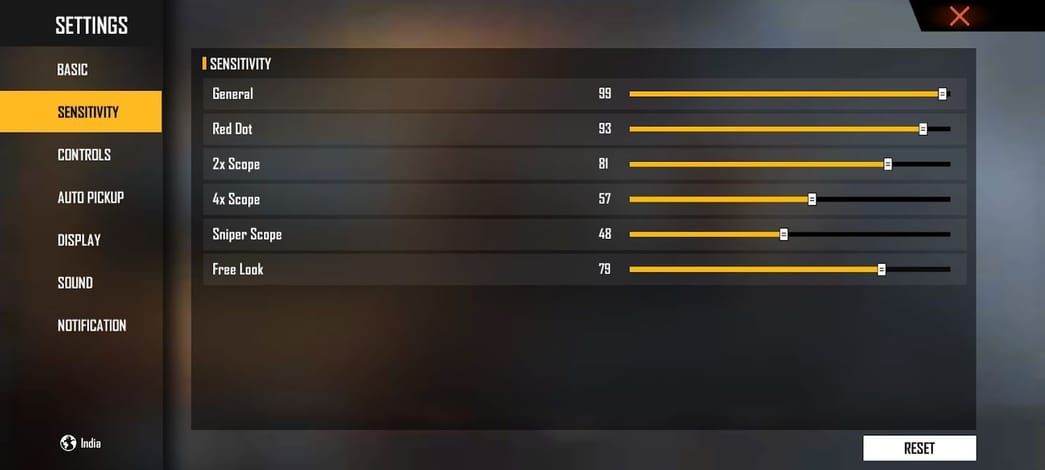
Kumusta, mga ka‑Free Fire! If you’re a Pinoy player struggling with your aim—whether you’re on a low‑end Infinix, a mid‑range Realme, or a flagship Samsung—this guide is for you. We’ll walk you through the best sensitivity settings tailored for Philippine conditions: high ping, varied devices, and the current meta. By the end, you’ll have a custom config that reduces recoil, improves tracking, and helps you win more gunfights.
Sensitivity is personal, but starting from a proven base saves you hours of trial and error. We’ve tested several configs in the Philippine server (including those from pro players and top rankers) and combined them into a step‑by‑step process. Whether you’re a beginner or a veteran aiming for Legendary, these settings will level up your game. Let’s dive in!
What You’ll Need
- Free Fire or Free Fire Max installed on your phone
- A stable internet connection (PLDT, Globe, or any PH ISP)
- Access to the Training Ground (in‑game)
- At least 15 minutes of uninterrupted practice
- Optional: a friend for Clash Squad testing
Step 1: Reset to Default Sensitivity
Before copying any config, start fresh. Go to Settings > Sensitivity and tap ‘Reset to Default.’ This clears any previous tweaks that might conflict. Take a screenshot of your old settings if you want to go back.
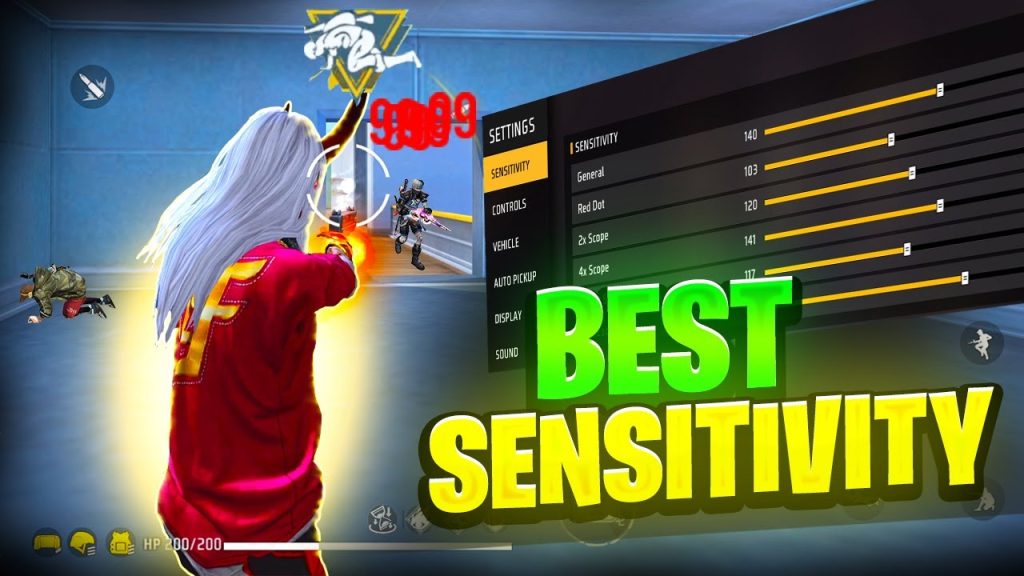
Step 2: Set General and Red Dot Sensitivity
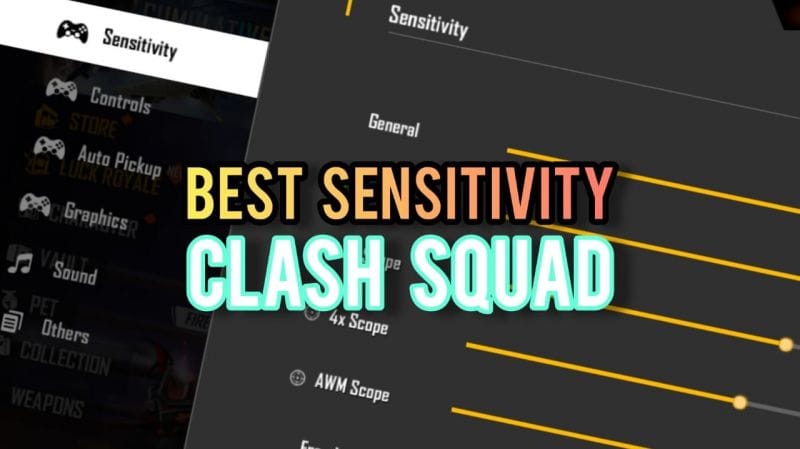
These are your most used sensitivities for hip fire and ARs without scope. Use these numbers as a baseline (adjust later):
- General: 85–90 (helps with quick 360s)
- Red Dot: 75–80 (keeps recoil manageable)
- 2x Scope: 60–65
- 4x Scope: 45–50
- Sniper Scope: 30–35
- Free Look: 70 (for checking surroundings)
If you’re on a low‑end device like an Infinix Hot series, consider the best Free Fire sensitivity for Infinix that we’ve optimized for lower FPS.
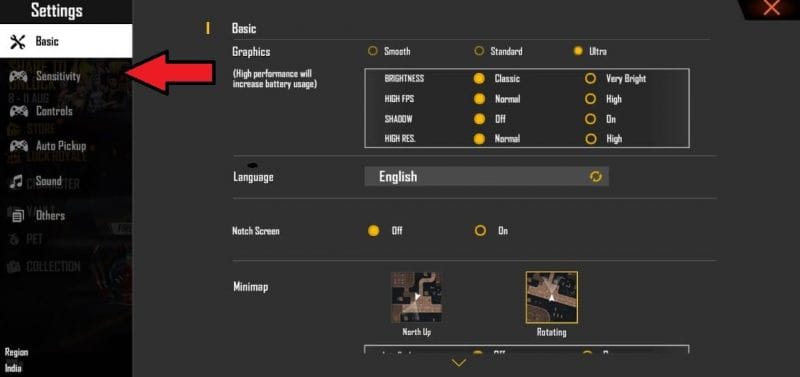
Step 3: Configure Scope Sensitivities
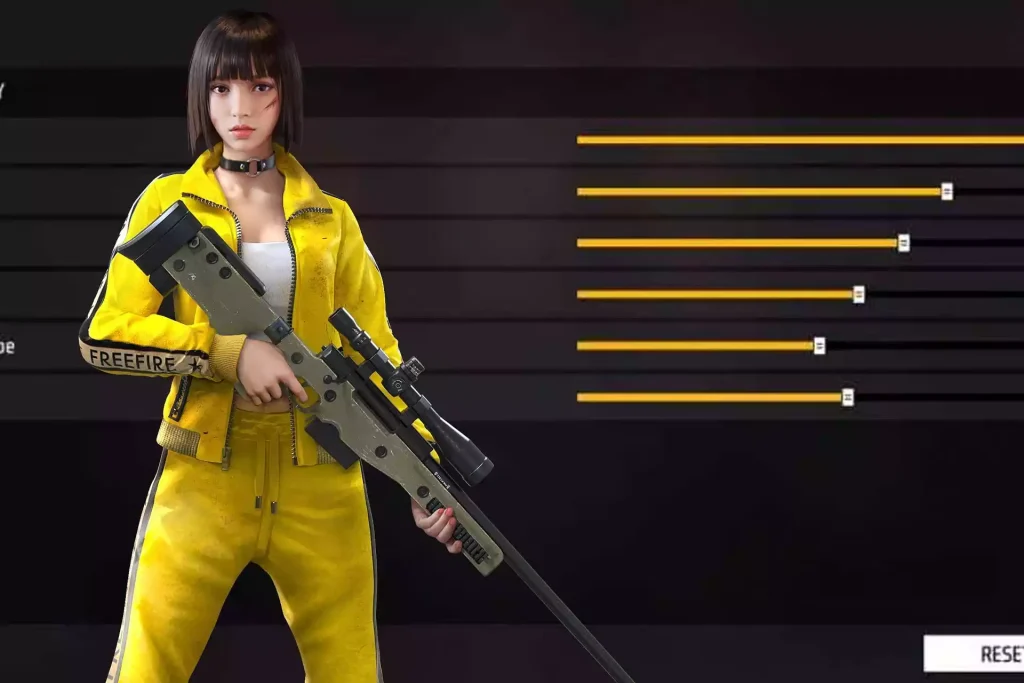
Scope sensitivities are crucial for mid‑ to long‑range fights. Start with our recommended numbers and fine‑tune. For the current season, we’ve updated these based on the latest meta; check our current season sensitivity configs if you want exact numbers.
Step 4: Fine‑Tune in Training Ground
Head to the Training Ground. Pick an AR like the M4 or AK. Shoot at the moving target boards (not the stationary ones) to test your recoil control. If your crosshair jumps too much, reduce general and red dot sensitivity by 5. If it feels sluggish, increase by 5. Spend at least 10 minutes adjusting until you can land consistent headshots. For beginners, our beginner sensitivity settings are a great starting point.
Step 5: Test in Real Matches
Once you’re comfortable, jump into a Clash Squad or Classic match. Focus on aim and notice if you’re over‑flicking or under‑tracking. Make small adjustments (+/‑3) after each match. Professional players often use pro‑tested sensitivity settings as a baseline and tweak from there.
Common Pitfalls
- 1. Copying pro settings blindly: Pro players have different device specs and muscle memory. Always start from a baseline and adjust to your own feel.
- 2. Ignoring your device performance: High sensitivity can cause frame drops on low‑end phones. If you experience lag, lower your graphics and sensitivity settings.
- 3. Not practicing enough: Changing sensitivity every day makes it impossible to build muscle memory. Stick to a setting for at least a week before changing.
Where to Next
You now have a solid sensitivity setup for Free Fire in the Philippines. If you want to go further, check out our legendary rank sensitivity for advanced fine‑tuning, or revisit the sensitivity settings for beginners 2026 if you’re still starting out. Also, don’t forget to practice regularly and adjust as the game updates. Gl hf, mga ka‑PH server!



