
Hey Free Fire players! If you’re tired of missing your shots or losing close-range fights, this guide is for you. I’ll walk you through the best Free Fire sensitivity settings for 2026, whether you’re a beginner or a veteran. By the end, you’ll have a custom sensitivity that feels natural and helps you hit headshots consistently. No more guessing – just clear steps to find your perfect aim.
This guide covers everything: from DPI and general sensitivity to red dot, 2x scope, and sniper recoil control. We’ll also look at how to test and tweak your settings, plus common mistakes to avoid. Ready? Let’s dive in.
What You’ll Need
- A smartphone or tablet running Free Fire
- Stable internet connection (ping under 100ms recommended)
- Patience – finding the right sensitivity takes time
- Optional: a sensitivity generator or optimizer tool (like the ones we’ll mention)
- Optional: a friend to help test in a custom room
Step 1: Understand the Sensitivity Basics
Before tweaking, know what each setting does. Free Fire has General, Red Dot, 2x Scope, 4x Scope, Sniper Scope, and Free Look sensitivities. General affects hip-fire and all unscoped aiming. The others are for specific scopes. Also, your device’s DPI (dots per inch) plays a role – higher DPI means more sensitivity. Check your phone’s DPI settings if available.

Step 2: Reset to Default or Use a Starting Point
If you’re lost, reset your settings to default. Then use a proven baseline: set General to 70, Red Dot to 65, 2x Scope to 45, 4x Scope to 35, Sniper Scope to 25, and Free Look to 55. This works for most mid-range devices. If you have a 2GB RAM device, try our free fire sensitivity settings for 2gb ram for smoother performance.

Step 3: Adjust DPI for Your Device
DPI affects how fast your crosshair moves when you swipe. For 2026, most pros use DPI between 400 and 800. If your phone allows, set DPI to 500. If not, use the in-game sensitivity to compensate. You can also use a sensitivity generator to calculate optimal values based on your screen size and DPI.

Step 4: Fine-Tune General Sensitivity
Go to Training Ground or a custom room. Test your current General sensitivity by trying to track a moving target. If you overshoot, lower it by 5. If you undershoot, increase by 5. Keep adjusting until you can smoothly follow an enemy. Remember, this is your base – get it right before touching scopes.

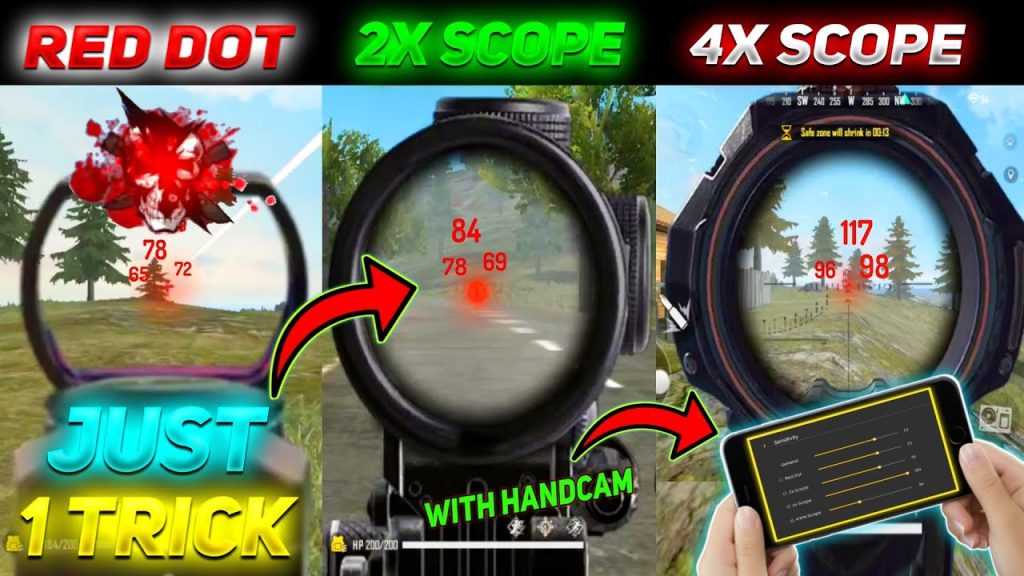
Step 5: Set Red Dot and Scope Sensitivities
For Red Dot, start 5 points below your General. For 2x scope, start 20 points below General. For 4x, 30 points below. Sniper scope should be 40-50 points below. Test each by shooting at static and moving bots. If you can’t control recoil, lower the scope sensitivity. If you feel sluggish, increase slightly. Use a headshot sensitivity guide to win more fights.
Step 6: Test and Optimize with Tools
Don’t guess – use a sensitivity optimizer to find your perfect numbers. These tools analyze your swipe speed and recommend values. Also, test your settings in real matches. Record your gameplay to see if you’re over- or under-aiming. You can also copy influencer settings and then adjust slightly for your style.
Step 7: Save and Export Your Settings
Once you’re happy, take a screenshot or note down your values. Better yet, use the export settings feature to save your setup. That way, if you reset or switch devices, you can import it back. Share your configuration with friends or save it for future updates.
Common Pitfalls
- Changing too many settings at once: Adjust one slider at a time, test, then move on. Changing everything confuses your muscle memory.
- Using pro settings without adjustment: Pro players have different devices and playstyles. Always start from a baseline and tweak for yourself.
- Ignoring DPI: Your phone’s DPI hugely affects sensitivity. Check if you can adjust it – if not, use the in-game sliders to compensate.
Where to Next
Now that you’ve dialled in your sensitivity, practice in Clash Squad and Battle Royale. For more advanced tips, check out our guides on tracking enemies and sniper recoil. Also, don’t forget to test sensitivity settings regularly as game updates change mechanics. Happy hunting!



