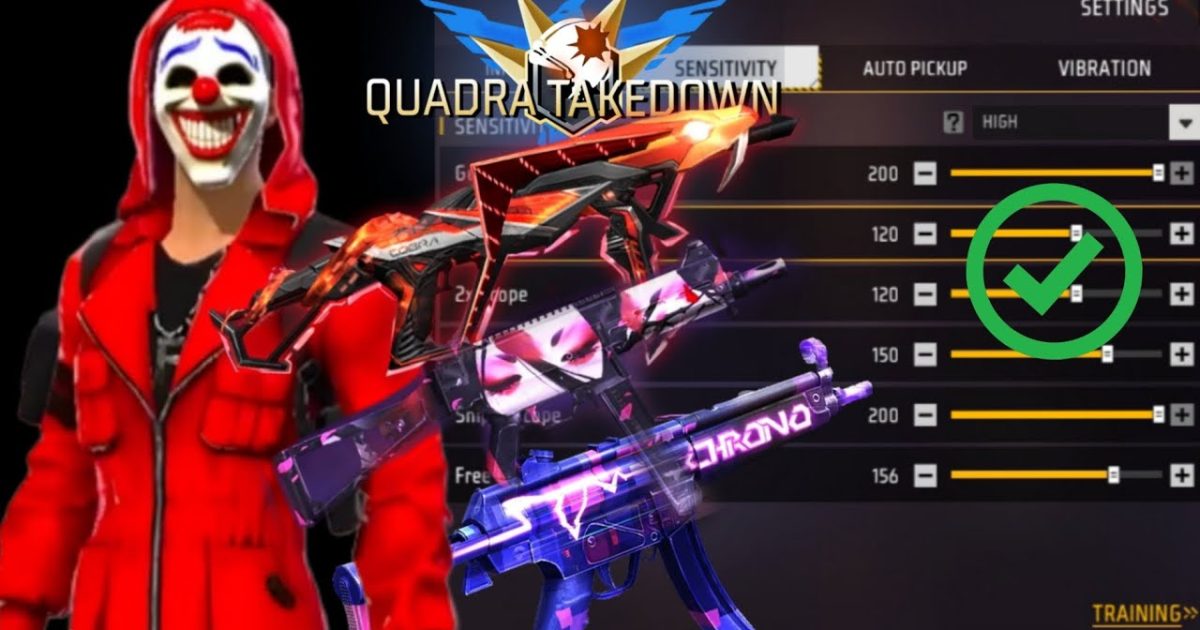
If you live for close-range chaos—dashing through buildings, sliding into enemies, and melting them with an SMG—you know sensitivity can make or break your game. SMGs like the MP40, Vector, and UMP have high fire rates and heavy recoil, so your aim needs to be snappy but under control. By the end of this guide, you’ll have a custom sensitivity setup that boosts your hip fire accuracy and spray stability, turning every SMG fight into a win.
This guide is for casual and ranked players who want to dominate close quarters. I’ll walk you through resetting your settings, tweaking each sensitivity slider specifically for SMGs, and testing in the practice range. You’ll also see common mistakes and how to avoid them. Let’s get your SMG dialed in.
What You’ll Need
- A smartphone with Free Fire or Free Fire Max installed (any device works, but higher FPS helps)
- About 15–20 minutes of uninterrupted practice time
- Patience to test and adjust – one size doesn’t fit all
- Optional: a gyroscope device if you want to try gyro aiming
Step 1: Reset to Default Sensitivity
Before we start, reset your current sensitivity to default. This gives you a clean slate. Go to Settings → Sensitivity → Reset to Default. Don’t worry, you can always come back. Resetting prevents old weird settings from messing with our tweaks.
Step 2: Set General Sensitivity Fundamentals
These are base values that affect all weapons. SMG users need a slightly higher look sensitivity for fast turns, but not so high you can’t track. For your own device, try: General Look Sensitivity: 85–90 (for 60 FPS) or 80–85 (for 30 FPS). Red Dot and 2x Scope: 50–55 – SMGs don’t often use scopes, but keep them balanced. Fire Button Size: 60–70 with 70% transparency. A bigger button helps you spam fire without missing taps.
Step 3: Tweak Hip Fire and Red Dot Sensitivity for SMG
This is the core. SMGs rely heavily on hip fire. Go to Sensitivity → Hip Fire. Set it between 90 and 100. The higher the better for fast strafing and flick shots, but if you overshoot, lower by 5. Then adjust Red Dot Scope (if you ever use it): 55–65 – this keeps recoil manageable. For gyro users, enable gyro and set hip fire gyro sensitivity to 30–40 – just for minor adjustments. If you want more precise gyro tuning, check out our dedicated gyro sensitivity settings.
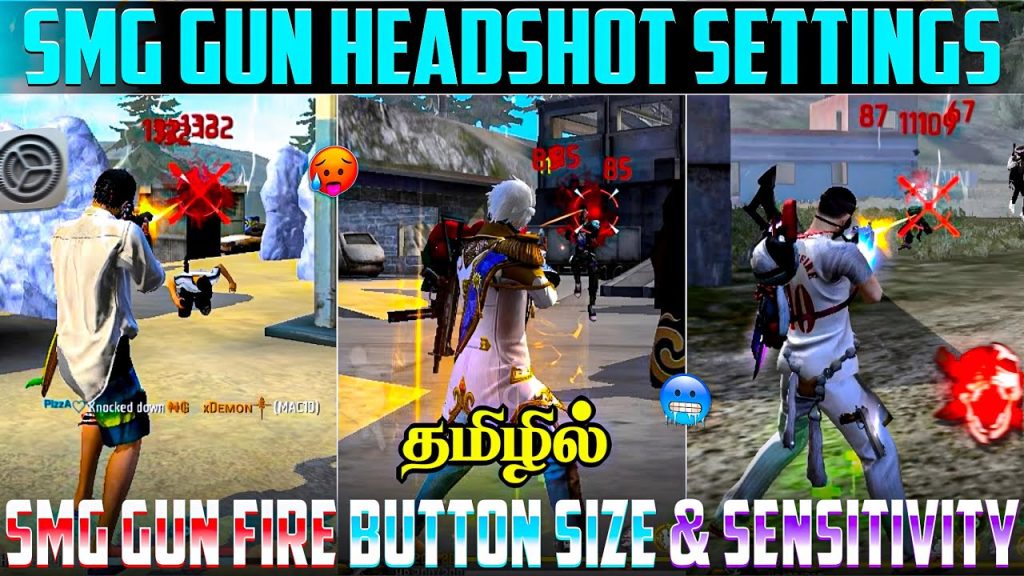
Step 4: Fine-Tune with Practice Mode
Load into Practice Mode (free from the main menu). Grab your favorite SMG – MP40 for burst damage, Vector for speed, UMP for stability. Spray at a wall from 10–15 meters and watch the bullet pattern. If the recoil climbs too fast and you can’t pull down, reduce hip fire sensitivity by 5. If the crosshair feels sluggish, increase by 5. Repeat until you can hold a tight cluster. Then practice moving targets – the dummies. Your goal is to track and kill in one mag. Spend at least 10 minutes here.
Step 5: Test in Real Matches and Adjust
Now hop into a Clash Squad or Ranked match. Play at least 3–5 games and pay attention to how your aim feels in close fights. If you keep losing hip fire duels, your sensitivity might be too high or too low. Adjust in increments of 3–5. Also, consider your fire button placement – it should be where your thumb naturally rests. If you need a complete foundation, revisit the complete free fire sensitivity settings guide. For seasonal meta changes, the free fire sensitivity settings this season can help.
Common Pitfalls
- Copying pro settings blindly: Pro players often use high sensitivity with impeccable control. You need to build up gradually. Start lower and increase until you feel comfortable.
- Ignoring fire button size: A tiny fire button leads to missed taps in hectic fights. Increase button size and adjust transparency so you can spam without looking.
- Not testing after every change: Even a 1% change can feel different. Always test in practice mode or a casual match before going ranked.
Where to Next
Your SMG sensitivity is now optimized for close quarters. Next, you might want to explore our smooth recoil sensitivity guide for ARs, or check out gaming mode settings to reduce input lag. If you’re on Android, our Android sensitivity settings can help you squeeze more performance. For competitive play, see our competitive sensitivity settings. Keep practicing and tweaking – muscle memory will build over time. Good luck out there!



