
If you’re tired of getting wiped in squad mode because your aim can’t keep up with the chaos of team fights, this guide is for you. Squad mode is a different beast — you’re not just fighting one enemy, you’re managing angles, revives, and gloo walls all at once. By the end of this tutorial, you’ll have a sensitivity setup that keeps your crosshair steady during intense close-range battles and helps you snap onto enemies peeking from cover.
We’re going to cover general sensitivity, weapon-specific tweaks for ARs, SMGs, and shotguns, and how to adjust your settings for Clash Squad or classic squad play. No fluff — just tested numbers that work on most devices. Let’s get your squad to the winner’s circle.
What You’ll Need
- A smartphone running Free Fire (Android or iOS) with at least 4GB RAM for smooth gameplay
- Stable internet connection (preferably 4G or Wi-Fi with <50ms ping)
- Access to the Free Fire Practice mode or Clash Squad to test settings
- Optional: a squad of friends to run real matches and fine-tune together
If your device has lower RAM, check our guide on free fire sensitivity settings for 4gb ram for optimized setups.
Step 1: Set Your Global Sensitivity Values
First, open Free Fire and go to Settings > Sensitivity. These base values create a smooth balance for squad play. Start with: General (90), Red Dot (85), 2x Scope (70), 4x Scope (60), Sniper Scope (35), Free Look (70). This gives you fast turning for scanning teammates while maintaining control for accurate shots.
These numbers assume you’re using a standard claw or thumbs grip. If you prefer a more precise approach, you can use the free fire sensitivity settings checker to fine-tune later.
Step 2: Tune for Squad Specifics – Gloo Wall and Close Range
Squad mode means you’ll be spamming gloo walls and fighting at very close range. Increase your Scope Sensitivity by 5% for 2x and 4x to help track multiple enemies. Also, enable the gyroscope if your device supports it — using free fire sensitivity settings with gyro gives you micro-adjustments for snapping to targets while strafing.

If you’re a peek shot specialist, combine this setup with free fire sensitivity settings for peek shots to jiggle-peek like a pro.
Step 3: Weapon-Specific Adjustments
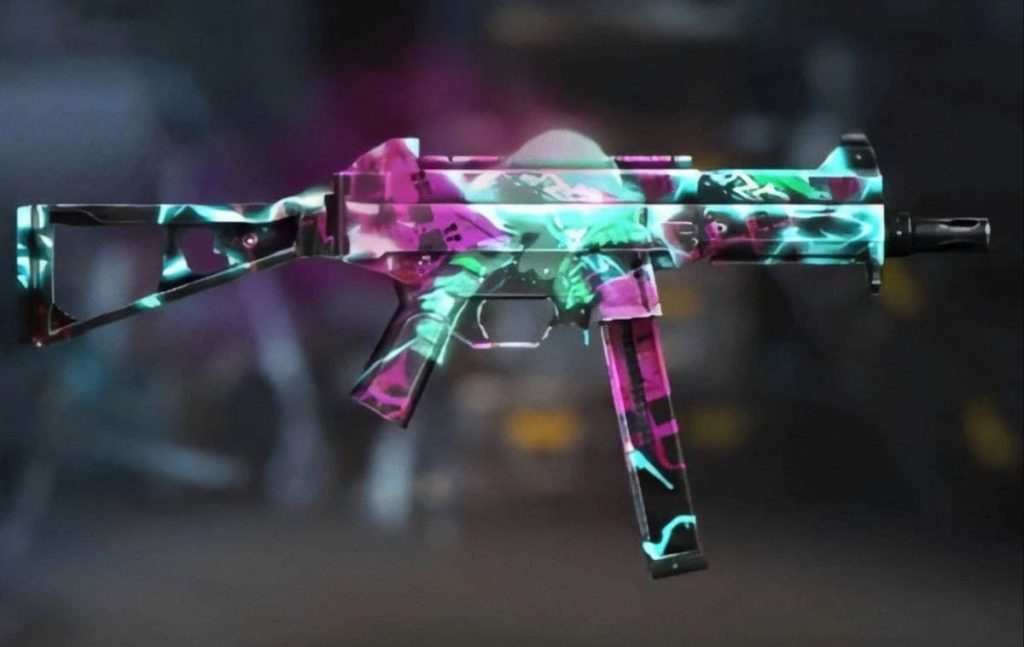
Different weapons need different sensitivity. For ARs like the M4 or AK, keep your Red Dot at 85. For SMGs (UMP, MP40), bump it to 90 for faster tracking. Shotguns like the M1014 need extra control — try Red Dot at 80 and use the free fire sensitivity settings for m1014 guide for exact numbers. For snipers, keep your Sniper Scope at 35 so you don’t overscope during revives.
If you want a one-size-fits-all pro setup, refer to the pro free fire sensitivity settings article for tournament-tested values.
Step 4: Test in Clash Squad or Ranked Squad Mode
Go into Clash Squad mode (or classic squad with friends) and play 5-10 matches. Focus on close-range, gloo wall fights, and reviving teammates. Adjust your general sensitivity by ±5 if you feel too slow or too fast. Practice peeking and swapping weapons quickly. For headshot practice, incorporate free fire sensitivity settings for quick headshots.
While testing, also consider your DPI settings. Matching DPI with sensitivity gives cleaner aim — check out free fire dpi 700 sensitivity settings for a perfect alignment.
Common Pitfalls
- Setting sensitivity too high: High sensitivity makes you over-aim during revives and gloo wall spams. Always start lower and increase gradually.
- Ignoring squad roles: If you’re the rusher, you need higher sensitivity than a support player. Adjust per your role, not just personal preference.
- Copying exact numbers without testing: Your device’s touch response and screen size matter. Always test in practice before taking it to ranked.
I spent weeks tweaking my settings for squad mode. The biggest change was lowering my general sensitivity by 10 points — suddenly I was winning more 1v3s.
Pro player from the Free Fire Tips community
Where to Next
You’ve got your squad settings dialed in — now master the gloo wall combos and team rotations. Check out our other guides on battle royale positioning and custom server tactics to dominate every match. Happy grinding!



