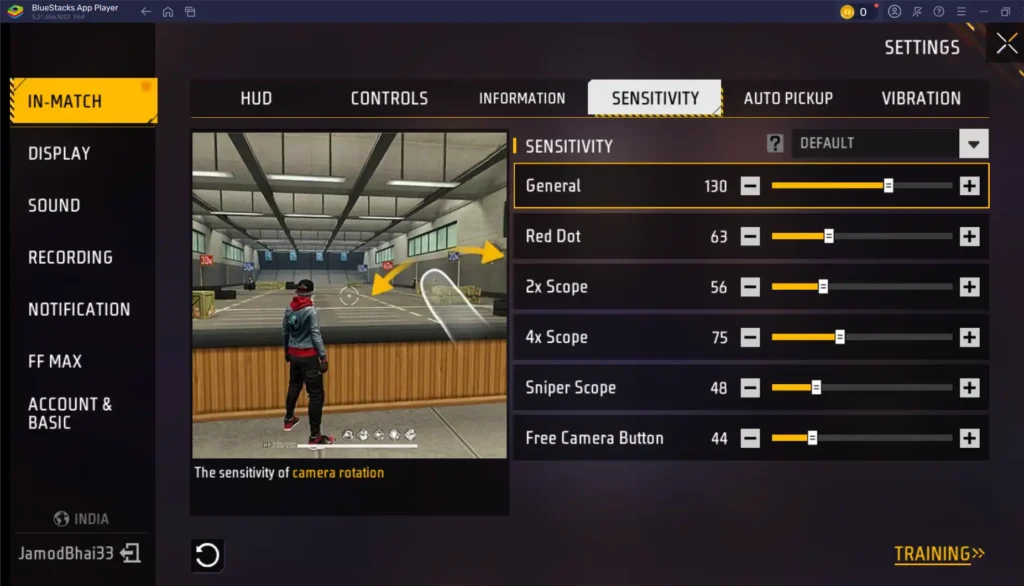
Are you tired of getting shot in the back because you can’t turn around fast enough? If you’re a Free Fire player who struggles with slow turning in close-range fights, this guide is for you. By the end of these steps, you’ll have a sensitivity setup that lets you snap 180 degrees in an instant, giving you the edge in every hip-fire duel.
We’ll cover the essential adjustments: general sensitivity, red dot and scope settings, and gyroscope tweaks (if your device supports it). These are the same principles used by pros to react faster. Let’s get your turning speed up.
What You’ll Need
- Free Fire installed and updated
- A device with at least a 60Hz display (90Hz or higher recommended)
- Access to the Training Ground (free to enter)
- 10 minutes of uninterrupted time
- Optional: a device with a gyroscope sensor
Step 1: Reset Your Sensitivity to Default
Before we start tweaking, let’s clear any existing custom settings. Go to Settings > Sensitivity and tap ‘Reset’ at the bottom. This gives us a clean baseline so you don’t carry over any weird values.
Step 2: Increase Your General Sensitivity
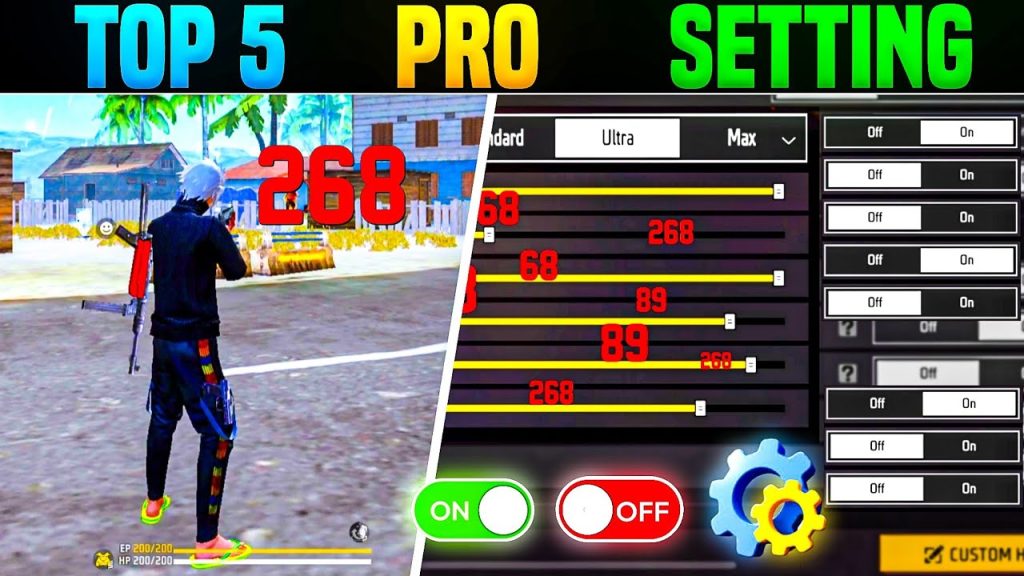
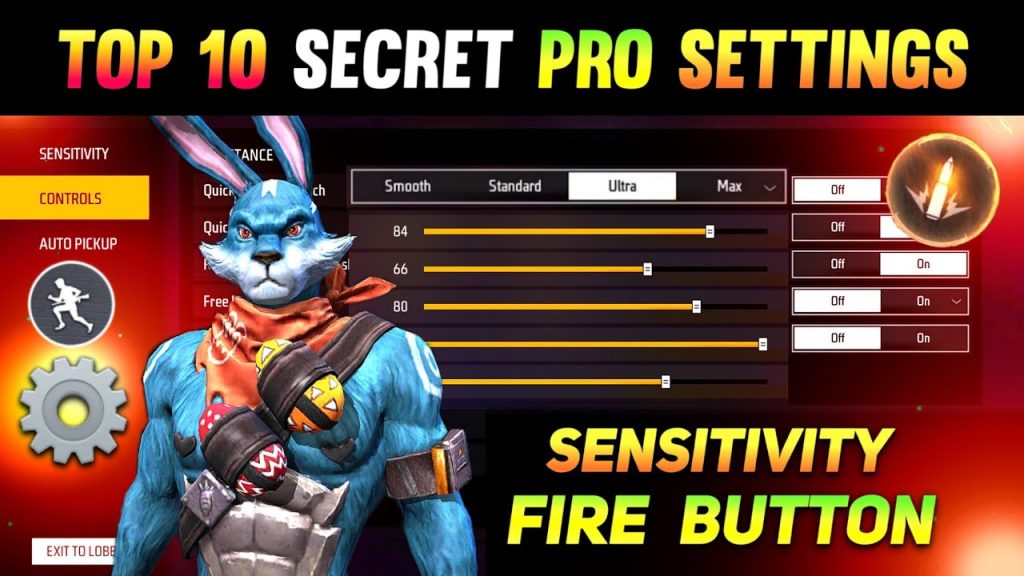
General sensitivity controls how fast your view moves when you drag your finger. For fast turning, set it between 85 and 95. I recommend starting at 90. This will let you spin 180° with a shorter swipe. If it feels too jerky, try lowering by 5. For a solid baseline, check out our simple baseline settings.
Step 3: Tweak Red Dot and 2x Scope Sensitivity
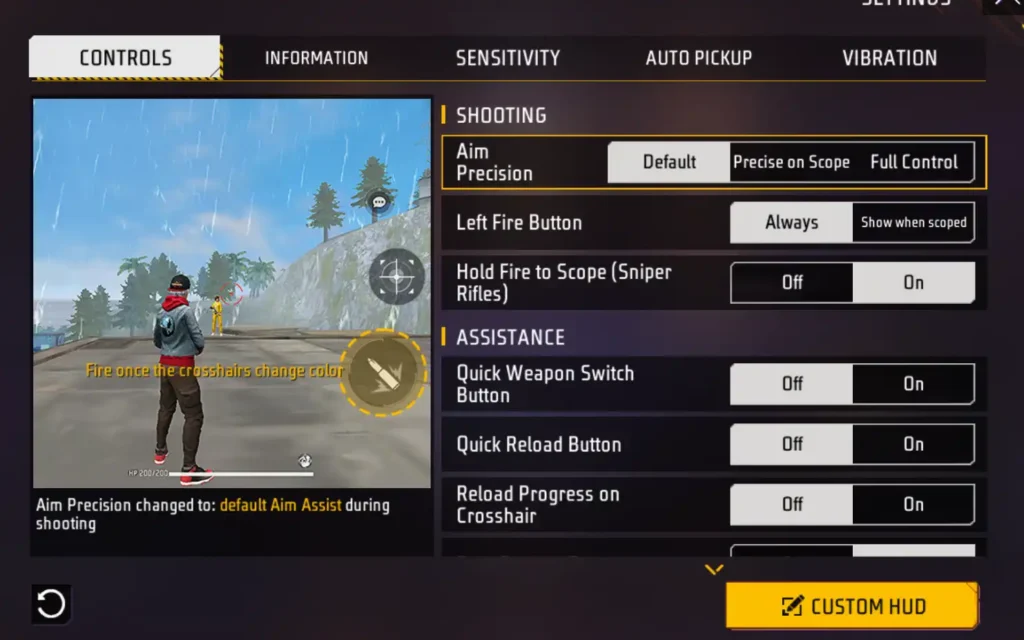
For close-quarter fights, you’ll mostly use red dot or no scope. Set red dot sensitivity to 80-90 and 2x scope to 70-80. This ensures your turning stays fast even when aiming down sights. If you use a 4-finger claw, you may want even higher values. Our 4-finger claw sensitivity guide has specific numbers.
Step 4: Enable and Configure Gyroscope (Optional)
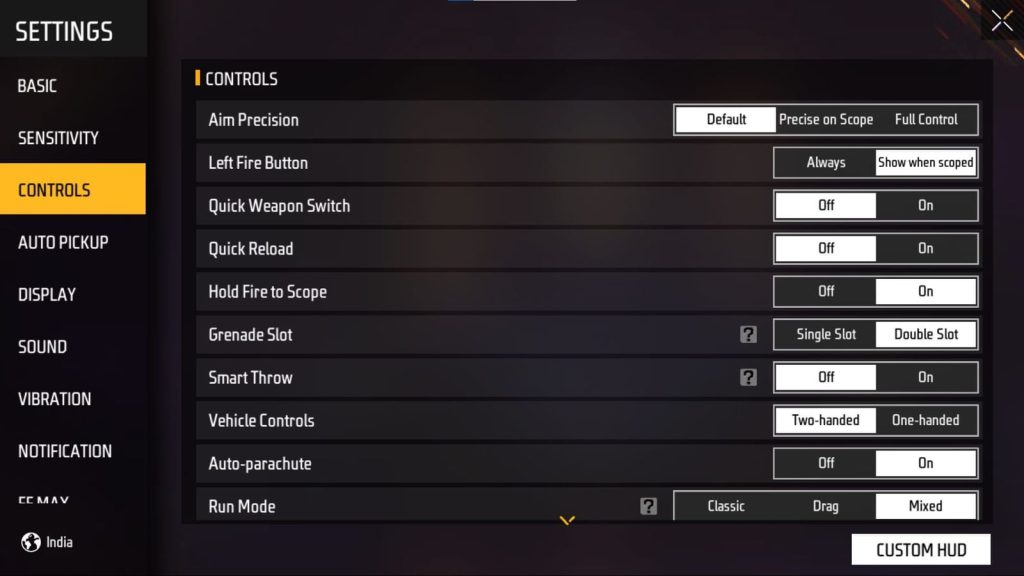
If your phone has a gyroscope, turn it on in settings and set it to 150-200. This allows you to tilt your phone to turn, which is often faster than swiping. It takes some getting used to, but it’s a game-changer for quick 180s. For more on advanced settings, see our elite gameplay sensitivity guide.
Step 5: Test in Training Ground and Adjust
Enter Training Ground and practice doing 180° turns repeatedly. If you overshoot, lower your general sensitivity by 2-3. If you can’t turn fast enough, increase it. Also test with a red dot on an enemy target. Remember to apply the same logic to your scope sensitivities. For a more fine-tuned approach, check out our close combat sensitivity guide.
Common Pitfalls
- Setting sensitivity too high: You’ll shake uncontrollably and miss shots. Keep it under 95 for general.
- Using the same sensitivity for all scopes: Each scope needs its own value. Low scopes (red dot) should be higher than high scopes.
- Ignoring gyroscope: It’s a huge advantage for turning speed. If your device supports it, experiment with it.
Where to Next?
Now that you’ve got fast turning down, optimize other aspects of your gameplay. Check out our guides on 60Hz screen sensitivity for smoother performance, or dive into 4-finger claw sensitivity for even faster reactions. Keep practicing and dominate the battlefield!



