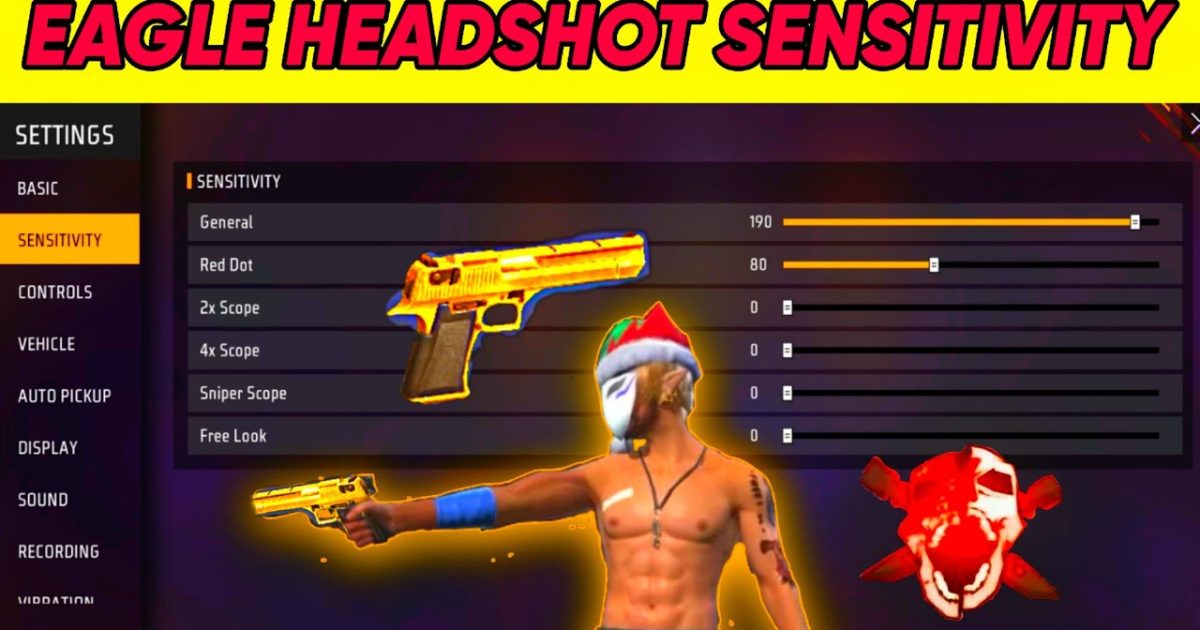
If you’re rocking the Desert Eagle in Free Fire, you know it’s a beast. One shot to the head and your opponent is done. But that power comes with a catch: the Deagle kicks like a mule, and without the right sensitivity, you’ll be spraying bullets into the sky. This guide is for anyone who wants to master the one-tap potential of the Desert Eagle, whether you’re a beginner or a veteran looking to tighten your aim. By the end, you’ll have a sensitivity setup that makes headshots feel effortless.
We’ll walk through the exact sensitivity settings for the Desert Eagle, from general sensitivity to scope adjustments, plus practice drills in the training ground. You’ll learn how to control recoil, track moving targets, and land consistent headshots. And if you want even more precision, check out our free fire sensitivity settings for auto headshot guide for additional tips.
What You’ll Need
- Free Fire or Free Fire Max installed on your device (Android or iOS).
- A stable internet connection (ping under 100ms recommended).
- At least 30 minutes of uninterrupted practice time in Training Ground.
- Optional: a gaming phone or tablet with high refresh rate for smoother aim.
Step 1: Adjust General Sensitivity
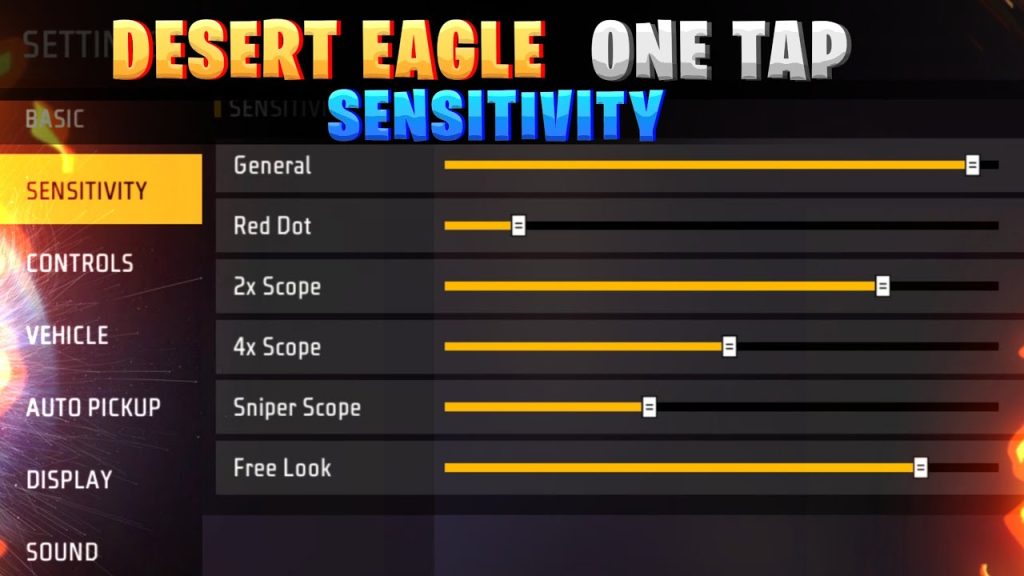
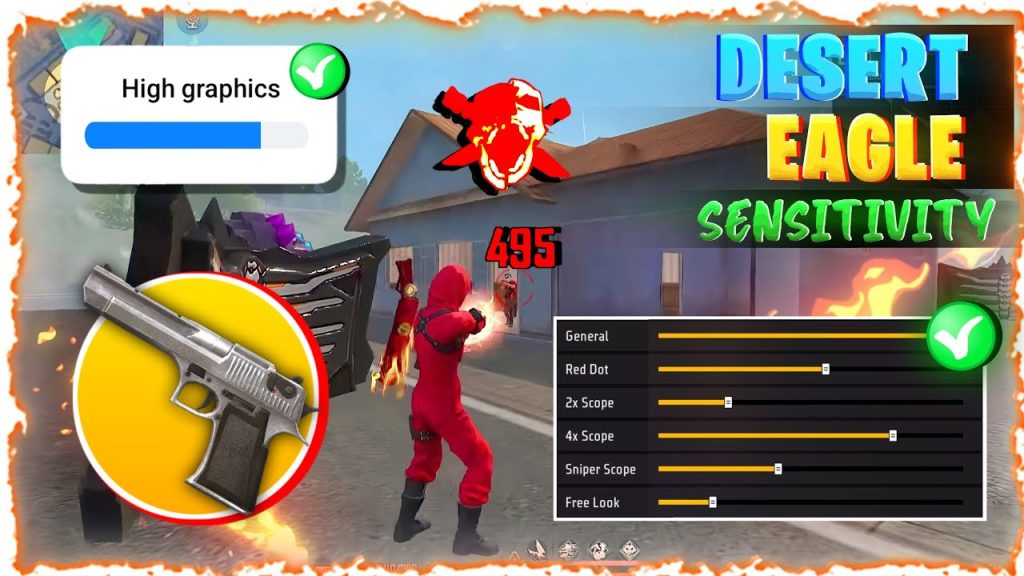
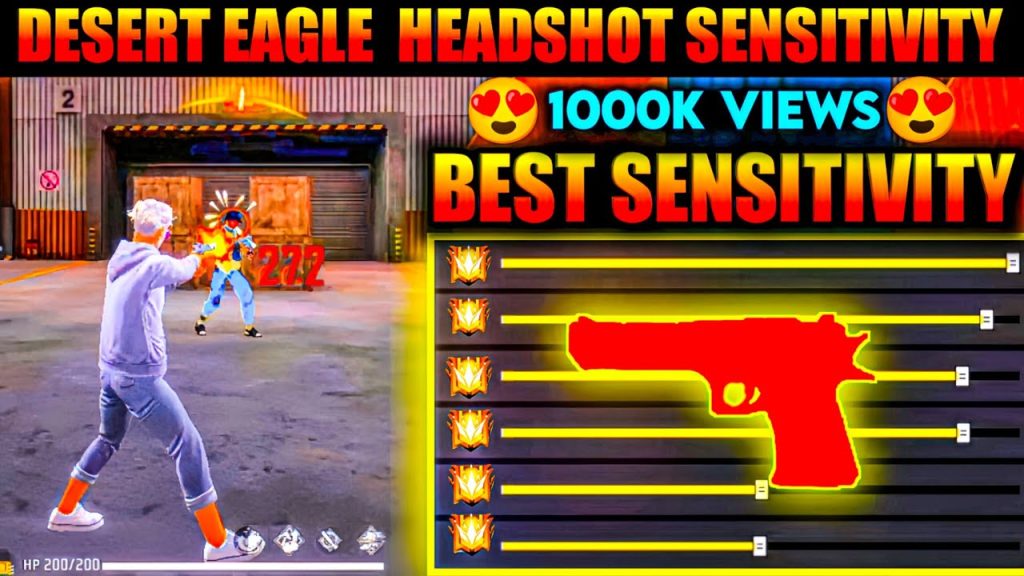
Open Free Fire’s settings by tapping the gear icon on the main lobby. Go to the ‘Sensitivity’ tab. We’ll start with the General section. For the Desert Eagle, you need a balance between flick speed and control. Set your General sensitivity to between 70-85, depending on your device. Higher values let you turn faster but make micro-adjustments harder. If your screen is small, go lower. This is your base – we’ll fine-tune later.
Next, adjust the Red Dot and 2x scope sensitivity. The Desert Eagle doesn’t use scopes, but these affect the aim down sight (ADS) speed. Set both Red Dot and 2x to around 50-60. This ensures your crosshair moves smoothly when you ADS. For a more balanced approach, refer to our stable free fire sensitivity settings for a all-around setup.
Step 2: Fine-Tune Aim and Scope Settings
Now go to the ‘Aim’ section. Turn on ‘Aim Assist’ – it helps track enemies slightly. Set ‘Aim Precision’ to medium. For ‘Scope Sensitivity’ (4x and above), keep them low since you won’t use them often with the Deagle. But if you pair the Desert Eagle with a sniper, use our free fire sensitivity settings for medium range for scoped combat.
A key setting is ‘Camera Sensitivity’ while prone or crouching. Reduce it to 60-70% of your general sensitivity. This prevents over-aiming when you’re stationary. For players who prefer a more methodical playstyle, our free fire sensitivity settings for tactical players can help refine your movement.
Step 3: Practice in Training Ground
Head to the Training Ground and pick the Desert Eagle. Start by shooting at stationary targets at various distances. Focus on one-tapping the head. If you’re overshooting, lower your sensitivity by 2-3 points. If you’re undershooting, increase it. Move on to moving targets – the dummies that run side to side. This trains your flick aim. Spend at least 15 minutes here.
Once you’re comfortable, practice with the ‘Glitch’ movement pattern – strafing while firing. The Desert Eagle’s recoil resets quickly, so you can fire at max rate if you aim well. For close-quarters battles, check out our free fire sensitivity settings for close range to dominate in tight spots.
Step 4: In-Game Adjustments
After training, play a few classic or ranked matches. Pay attention to how your aim feels in real fights. If you miss headshots frequently due to recoil, reduce sensitivity by 2-3 points. If you feel sluggish when turning, increase it slightly. Note: The Desert Eagle has a slow fire rate, so each shot must count. Keep tweaking until you hit consistent one-taps.
Remember, sensitivity is personal. Don’t copy someone else’s settings blindly – use them as a starting point. For a comprehensive baseline, see our guide on competitive free fire sensitivity settings.
Common Pitfalls
- Too high sensitivity: You’ll overshoot targets and miss critical headshots. Stick to 70-85 general, 50-60 ADS.
- Ignoring scope sensitivity: Even without a scope, low scope sens can make your aim sluggish when using the Desert Eagle in ADS. Keep it balanced.
- Skipping training: Jumping into ranked without practice leads to frustration. Always warm up in Training Ground for 10 minutes.
Where to Next
Now you’ve got the Desert Eagle dialed in. Want to improve your overall game? Check out our guides on free fire sensitivity settings for auto headshot and free fire sensitivity settings for medium range to cover all combat scenarios. Keep practicing, and soon you’ll be the one-tap king in every match.



