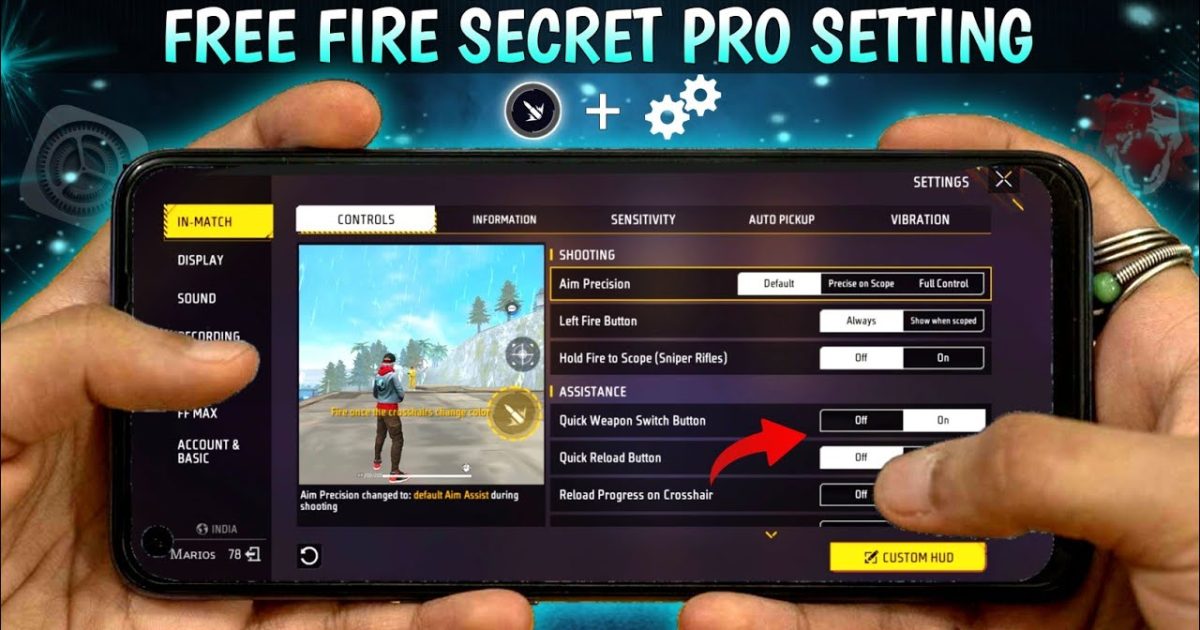
If you’re tired of getting outgunned in Free Fire despite having good game sense, your sensitivity settings might be the missing piece. This guide is for players who have the basics down but want to compete at a higher level. By the end, you’ll have a custom sensitivity profile that feels natural and helps you hit shots consistently, whether you’re using a rifle or a sniper.
We’ll walk through each sensitivity category, share baseline numbers used by pro players, and show you how to test and tweak them for your playstyle. You don’t need any special tools — just your phone and a few minutes in the training ground. Let’s turn you into a laser.
What You’ll Need
- Free Fire installed (any version, including Free Fire Max)
- A stable internet connection
- A device with decent touch response (avoiding laggy screens helps)
- Access to the in-game settings menu
- A willingness to test and adjust (patience pays off)
Step 1: Understand Sensitivity Categories
Free Fire’s sensitivity settings are split into multiple categories: General, Red Dot, 2x Scope, 4x Scope, Sniper Scope, and Free Look. Each affects how much your crosshair moves when you swipe. General controls hip-fire and close-range movement. Red Dot is for your 1x scope (common on ARs). The scope settings are for mid-to-long range fights. Understanding these is crucial before tweaking.
Step 2: Set Your Base Sensitivity
Start with these pro-recommended base values, then adjust later. For General, try 90-100 (max). Red Dot: 80-85. 2x Scope: 70-75. 4x Scope: 60-65. Sniper Scope: 40-50. Free Look: 80. These numbers work well for most devices and allow quick aiming while maintaining control. If you have a higher DPI setting, you might want slightly lower values — check our guide on free fire sensitivity settings high dpi for details.
Step 3: Fine-Tune for Weapons and Playstyle
Once you have a baseline, hop into the training ground. Grab your favorite weapons: an AR (like M4A1 or AK), an SMG (UMP or MP40), and a sniper (AWM or Kar98k). Practice dragging aim (learn the drag aim technique) and tracking targets. Increase sensitivity if you feel you can’t turn fast enough; decrease if your aim is shaky. For aggressive players, higher general and red dot sensitivity helps — consider the aggressive rushing settings from our dedicated post. For Clash Squad, you may want a slightly different setup — we have a separate Clash Squad setup guide.
Step 4: Use Sharing Codes from Pros
If you don’t want to start from scratch, you can copy sensitivity settings from top players using sharing codes. Many pros publish their codes online. You can import them directly in-game. This gives you a proven base to work from. Check our article on sharing codes to see how to find and import them. Remember, even pro settings need personal adjustments — your phone model and grip style matter. For example, Xiaomi users often prefer different values; see our Xiaomi-specific settings guide.
Step 5: Test in Real Matches and Iterate
Training ground is great, but real matches reveal true weaknesses. Play a few Clash Squad or Battle Royale games and focus on your aim. If you notice consistent over-flicking or under-tracking, note which scope or situation caused it. After each match, tweak the relevant sensitivity by 2-5 points. Keep a small log on your phone. Within a week, you’ll have a setup that feels like second nature. For a deeper dive, refer to our beginner guide for a step-by-step walkthrough.
Common Pitfalls
- Setting sensitivity too high: Causes shaky aim and missed shots. Start conservative and increase gradually.
- Ignoring scope settings: Players often leave snipers at default, ruining long-range accuracy. Always fine-tune each scope.
- Not testing in real matches: The training ground doesn’t simulate pressure. Always validate in live games.
Where to Next
You now have a solid sensitivity foundation. To keep improving, explore our other guides: the optimized free fire sensitivity settings for a refined approach, or the top global settings used by the best players. Also, check out the free fire dpi 400 sensitivity settings if you’re using a gaming phone. Practice regularly and you’ll see your K/D climb. Game on!



