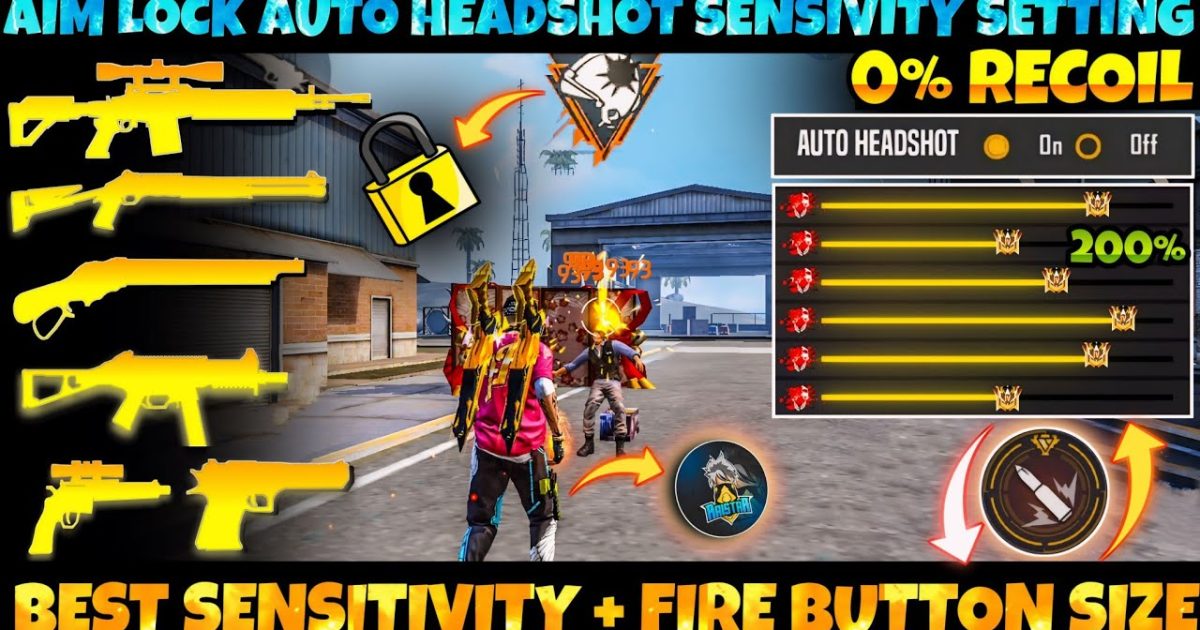
Hey Free Fire fam! If you’ve ever watched a pro player and wondered how they snap onto enemies with those lightning-fast drag shots, you’re in the right place. Drag aiming is all about combining smooth finger movement with the right sensitivity settings. By the end of this guide, you’ll have a custom sensitivity setup that makes your drag aim feel buttery smooth and deadly accurate.
This tutorial is for anyone tired of missing shots because of jerky crosshair movement. Whether you’re a thumb player or use claw, we’ll break down exactly what numbers to tweak and how to test them in-game. No fluff—just real steps to level up your aim.
What you’ll need
- A device running Free Fire (or Free Fire Max) with at least 4GB RAM for smooth performance
- The game installed and updated to the latest version
- Access to the in-game sensitivity settings (gear icon → Sensitivity)
- 5–10 minutes in the Training Ground to test your adjustments
- A steady internet connection (ping below 100ms is ideal)
Step 1: Access Sensitivity Settings
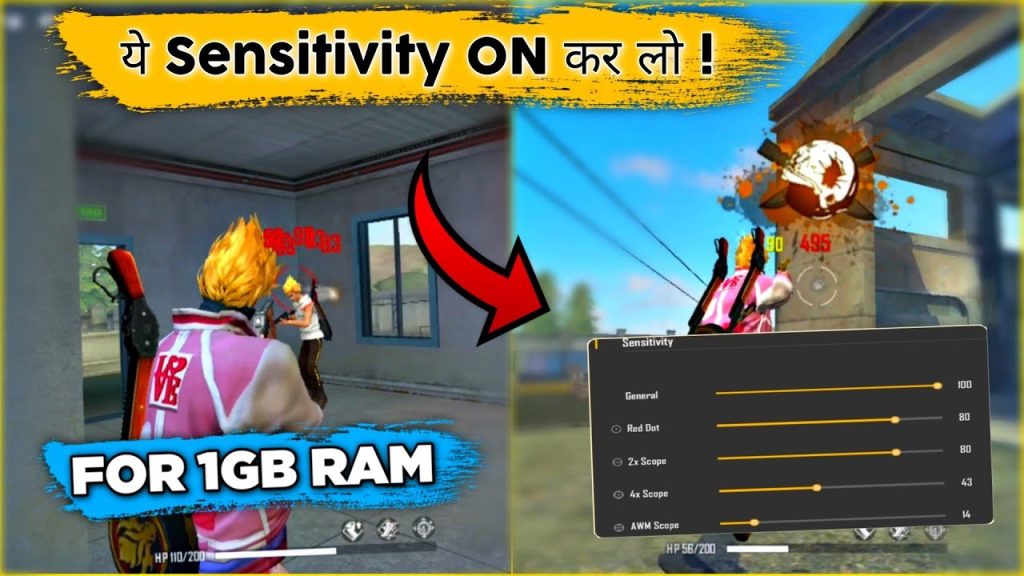
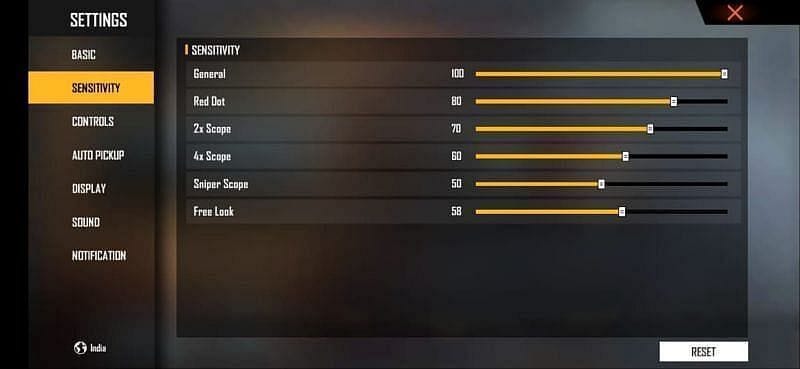
Open Free Fire and tap the gear icon on the main lobby screen. Then select “Sensitivity” from the left menu. You’ll see sliders for General, Red Dot, 2x Scope, 4x Scope, Sniper Scope, and Free Look. We’ll focus on General and Red Dot first, as those matter most for drag aiming.
Step 2: Understand Drag Aim Mechanism
Drag aiming uses a quick swipe across the screen to move your crosshair to a target. The sensitivity determines how far your crosshair moves per inch of swipe. Higher sensitivity = more movement with less swipe, but can be harder to control. Lower sensitivity gives precision but requires bigger swipes. Your goal is a balance where you can flick accurately without overshooting.
Step 3: Adjust General Sensitivity
Start with a General sensitivity between 85 and 95. This is your baseline for hip-fire drags. If you’re a thumb player, check out our free fire sensitivity settings for thumb players guide for thumb-specific tweaks. For most devices, a value of 90 works great. Move the slider to 90, then go to the Training Ground to test.
Step 4: Fine-Tune Red Dot and 2x Scope
For drag aiming with scopes, set Red Dot sensitivity 5–10 points lower than General (e.g., 80–85). 2x Scope should be 5 points lower than Red Dot. This prevents over-flicking when zoomed in. A good starting point: General 90, Red Dot 85, 2x Scope 80. Tweak by 2–3 points based on your feel. For device-specific numbers, see our best free fire sensitivity settings guide.
Step 5: Practice in Training Ground
Head to the Training Ground and pick a weapon like M1014 or M1887 (great for drag practice). Stand 5–10 meters from a target dummy. Practice fast flicks from left to right, then top to bottom. Your crosshair should land on the dummy with minimal adjustment. If you overshoot, lower your sensitivity by 3 points. If you undershoot, increase by 3. Repeat until you hit consistently.
Step 6: Adjust Based on Device
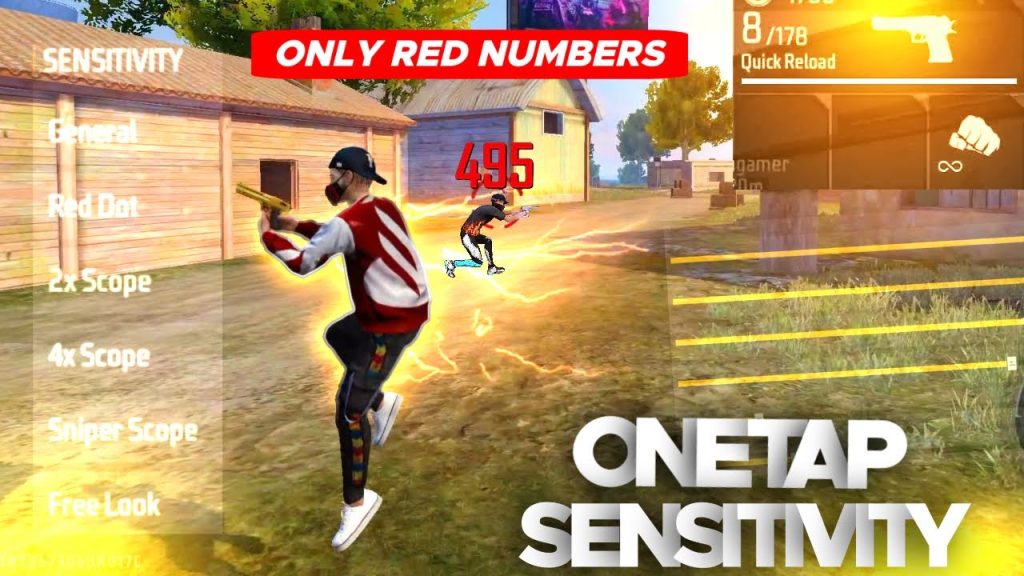
Different devices have different touch response and screen sizes. If you experience lag or jittery aim, try our free fire sensitivity settings less lag guide to optimize performance. On high-refresh-rate phones (90Hz+), you may need slightly lower sensitivity (85–88 General) because the screen registers swipes faster. On older devices, stick to 90–95.
Common pitfalls
- Setting sensitivity too high: Makes drag aim jittery and hard to control. Always lower in small increments if you overshoot.
- Ignoring device performance: Lag or low FPS can make your aim feel off. Enable graphics settings that keep a steady 60 FPS.
- Skipping the Training Ground: Jumping into ranked matches with untested settings will cost you. Always warm up and test for at least 10 minutes.
Where to next
Now that you’ve dialed in your drag aim sensitivity, the next step is mastering different weapons. Check out our free fire max sensitivity settings for android guide if you’re on Android, or explore the best free fire sensitivity settings for other specific guns. Keep practicing, and soon those drag shots will feel like second nature. See you in the lobby!



